Alex Guyot

70 posts on MacStories since January 2014

Alex has been writing for MacStories since 2013. As a MacStories contributor he covers Apple and related technology on the site and for [Club MacStories](https://staging.macstories.net/club/). Alex also keeps the site running smoothly and works on new technology as MacStories' senior software engineer. Mastodon: [@alex@macstories.net](https://mastodon.macstories.net/@alex)

This Week's Sponsor:

SoundSource

New Year, New Audio Setup: SoundSource 6 from Rogue Amoeba


watchOS 9: The MacStories Preview

After watching this year’s WWDC keynote in June, my initial impression of the watchOS 9 announcement was that Apple had prepared one of the largest Apple Watch updates in years. While writing my watchOS 9 overview later that day though, it felt like the scope of the changes were less than I originally thought. I needed some hands-on time with the update to know for sure.

I’ve had bad luck installing early watchOS betas in the past, so I’ve been waiting for the public beta to arrive before loading it onto my daily-driver Apple Watch. That said, I installed the developer beta right away onto an extra Apple Watch Series 4 that I’ve kept around, and have been using it as much as possible throughout the past month. I’ve ascertained a good feel for this year’s update, and can confirm that we’re looking at another mild-mannered year for the Apple Watch.

I don’t mean this as an insult at all. Rather, it’s another year of the relentless incremental refinement that Apple has long been known for, but which the company has practically turned into a science for watchOS. The formula looks something like this:

  • A handful of improvements to the Workout app
  • One or two new features targeted at health
  • A handful of new watch faces
  • One or two brand-new first-party apps
  • One or two redesigned first-party apps
  • A system-level feature or improvement

This year’s changes to the Workout app may be more significant than usual, but otherwise watchOS 9 fits this formula quite snugly. While it may not make for the most glamorous year-over-year updates, the strategy has cemented the Apple Watch as the most popular smartwatch in the world — by far. It’s no surprise that Apple sees no need to alter it.

While the formula may have stayed the same, there are still plenty of specifics to dig into. Let’s start with Workout, the app whose changes single-handedly led me to believe that we were getting a bigger-than-usual watchOS update this year.

Read more


M2 MacBook Air and MacBook Pro: The MacStories Overview

Yesterday during their WWDC keynote event, Apple unveiled the updated M2 Apple Silicon chip. While the M2 might not be quite as revolutionary of an upgrade as the M1 was over previous Intel chips, it’s still a very solid year-over-year improvement which continues to boost Apple ahead of the competition.

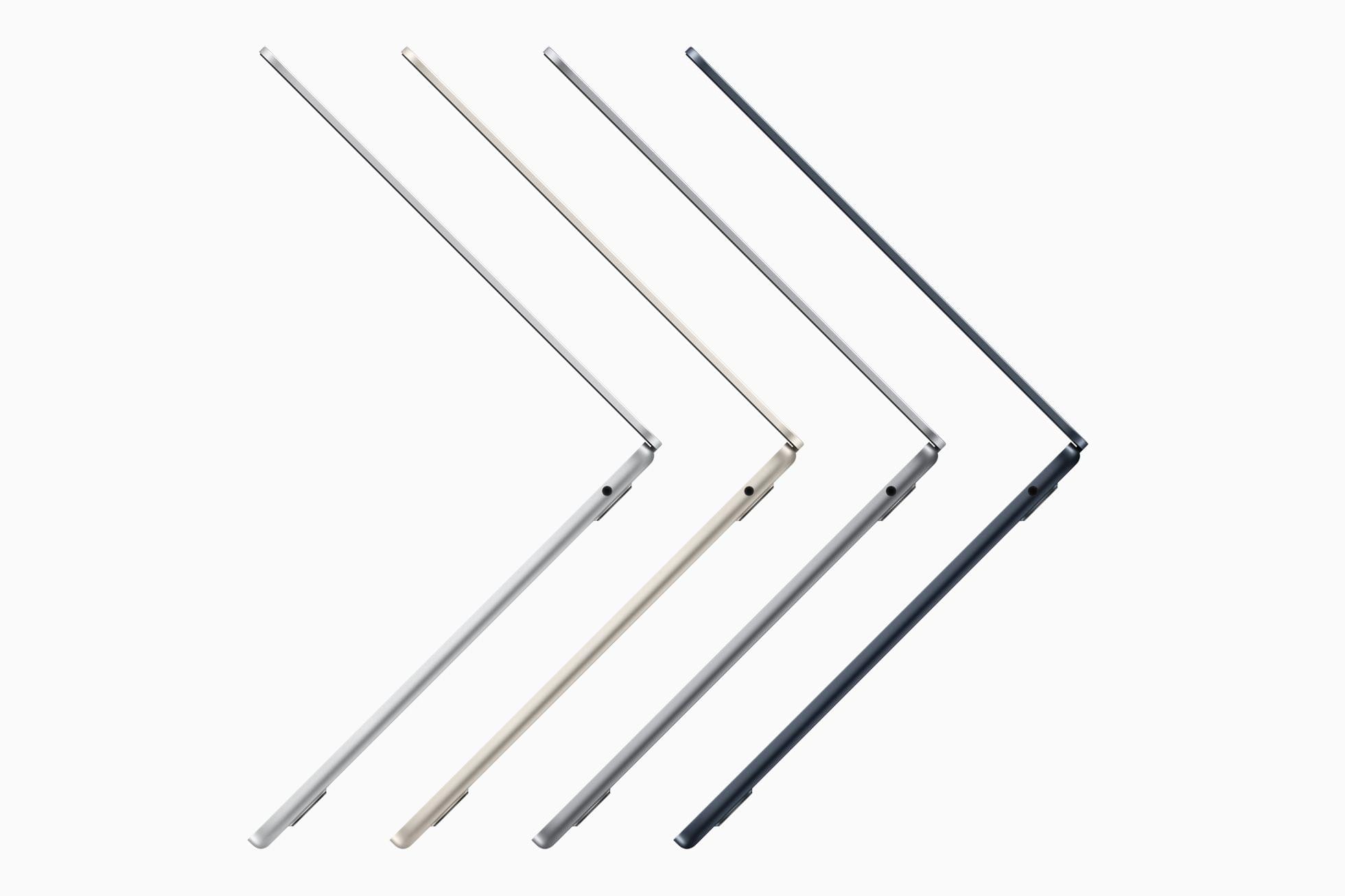
Debuting with the M2 inside are the all-new MacBook Air and the upgraded 13” MacBook Pro. While the MacBook Pro has very few changes other than the new processor, the MacBook Air sports a completely new industrial design. Let’s take a look at Apple’s latest entires into the Mac lineup.

Read more


watchOS 9: The MacStories Overview

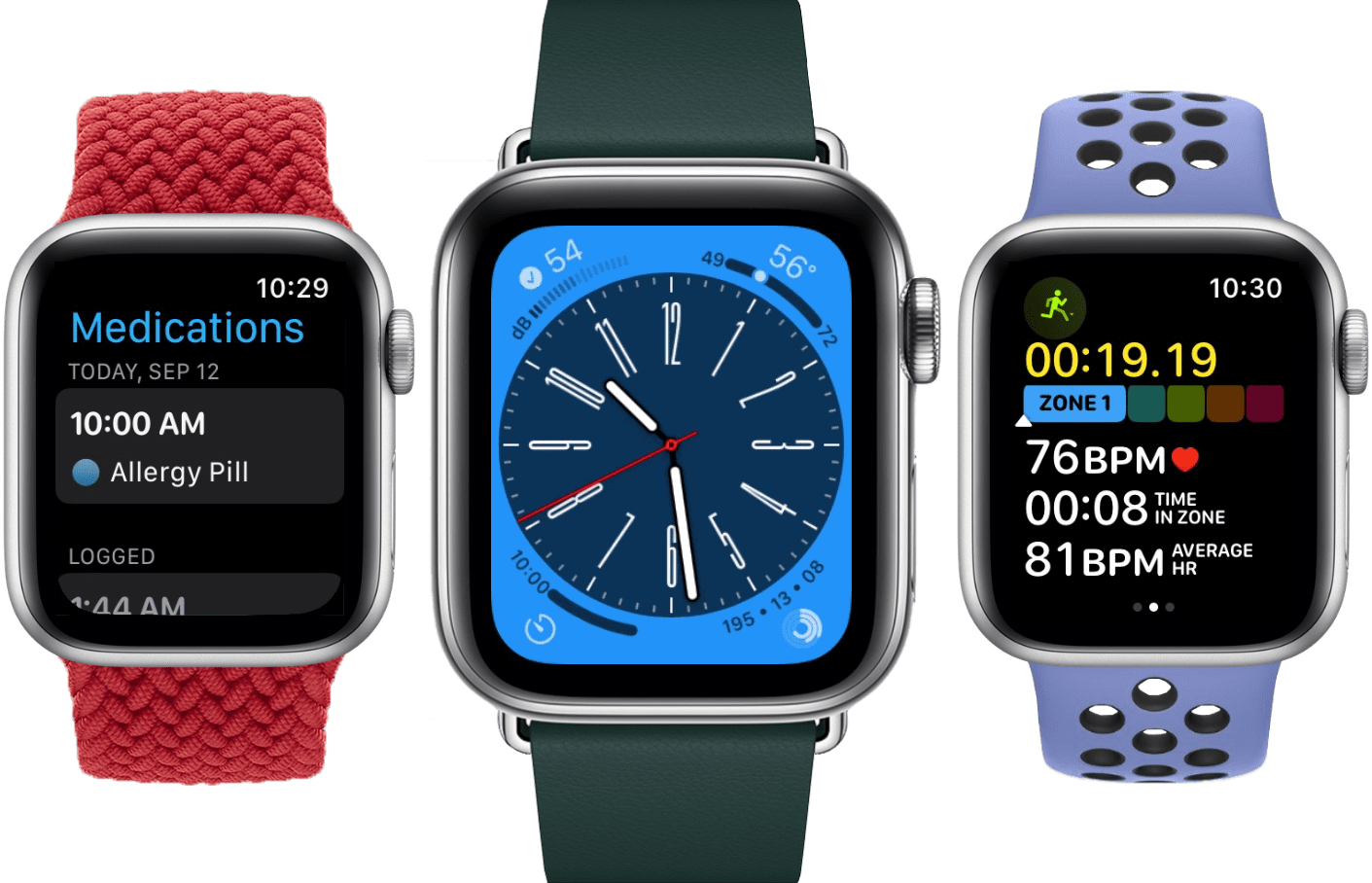
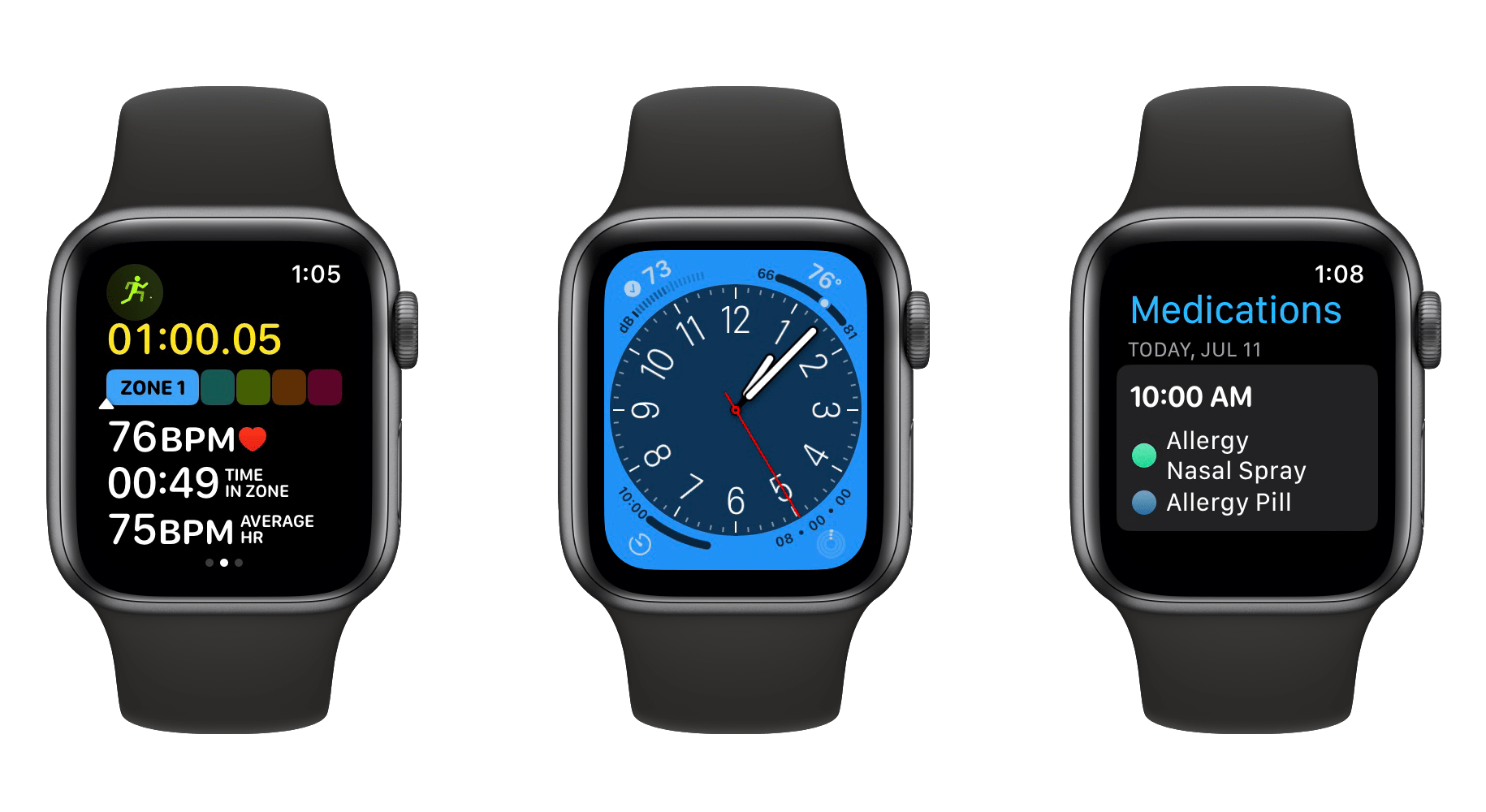
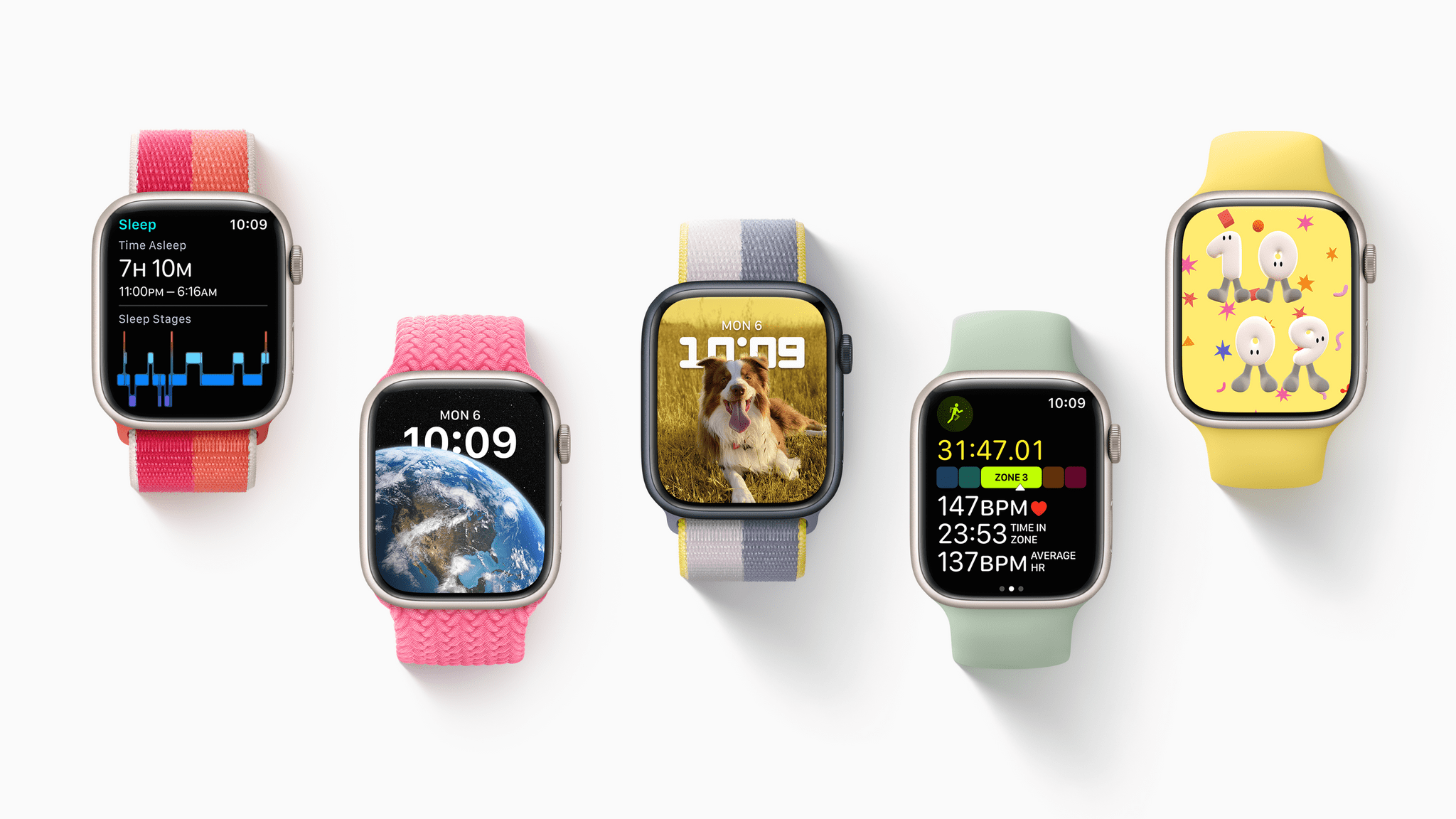
During yesterday’s WWDC keynote event, Apple announced watchOS 9. As usual, health and fitness are the core areas of focus in the update, with the Workout app in particular getting packed with new features and metric views. The Sleep app will now track in-depth sleep stage data, and an all-new Medications app is making its debut as well. Throw in some minor quality-of-life system changes, a handful of new watch faces, and some nice accessibility improvements, and we’re looking at a fairly standard watchOS update this year.

Read more


macOS Ventura: The MacStories Overview

At this morning’s WWDC keynote presentation, SVP of Software Engineering Craig Federighi took the stage to announce the latest update to Apple’s desktop operating system: macOS Ventura. Ventura introduces a host of improvements, with many going hand-in-hand with their iOS and iPadOS 16 counterparts. A new windowing mode is perhaps the most intriguing addition, but the clearest wins come in the form of smaller app-specific features such as scheduling outgoing emails in Mail or marking conversations as unread in Messages. Altogether, Ventura looks like a very solid year-over-year upgrade for macOS.

Read more


Mac Studio, M1 Ultra, and Apple Studio Display: The MacStories Overview

Yesterday during their Peek Performance keynote event, Apple unveiled the Mac Studio and Apple Studio Display. The former is an all-new computer joining the Mac lineup, with specs that are blowing away Apple’s previous offerings due to the introduction of a new top-of-the-line M-series chip: the M1 Ultra. The Apple Studio Display marks Apple’s true return to the consumer display market after a near decade-long hiatus.

Read more


Apple Watch Series 7: The MacStories Overview

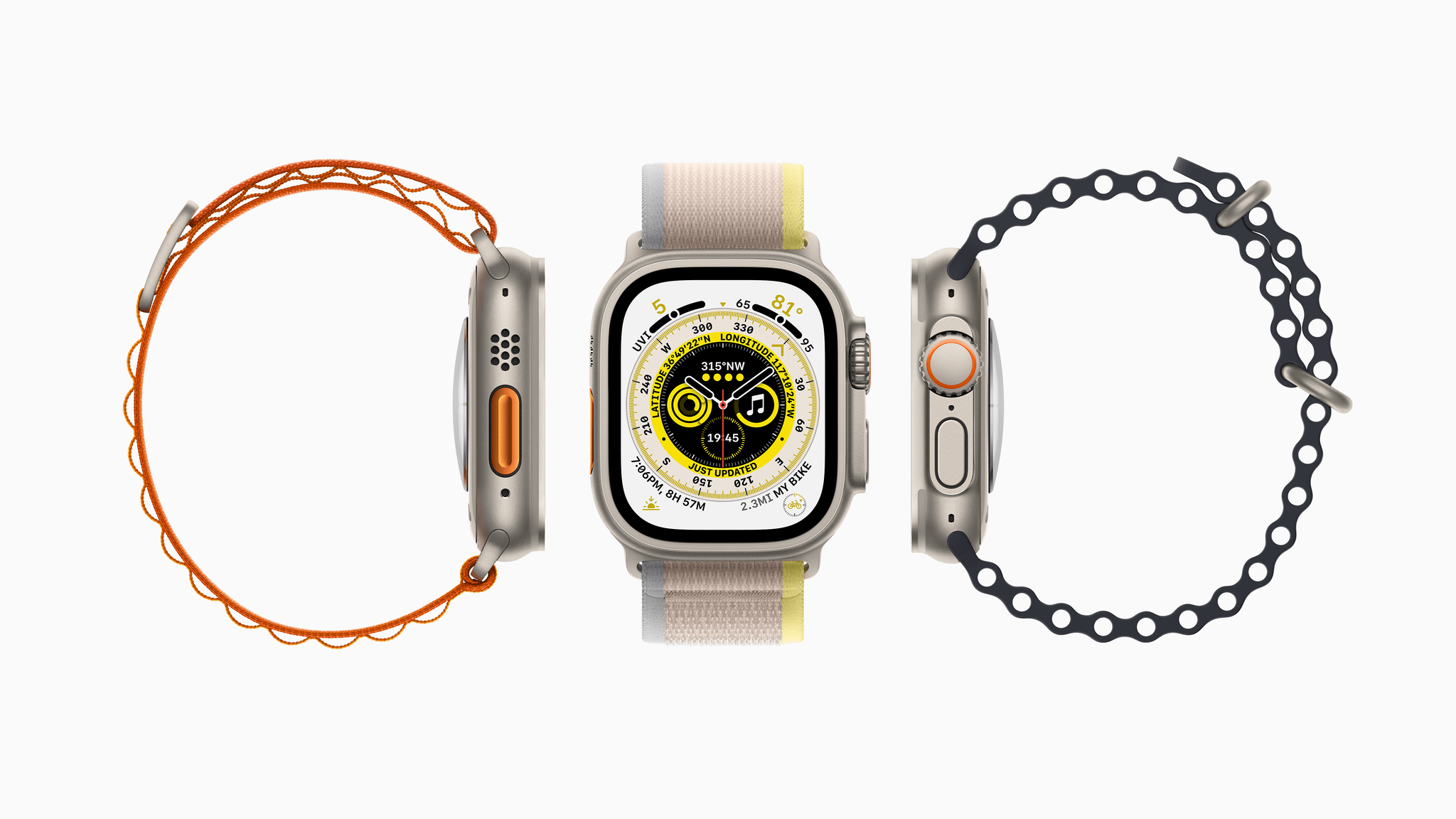
At this morning’s virtual keynote event, Apple’s Chief Operating Officer Jeff Williams announced the Apple Watch Series 7. Packing a brand-new display, a more rounded case design, faster charging, and greater resistance to cracking and dust, the Series 7 is a very nice iterative update.

Display and Durability

By far the biggest feature of the Series 7 is its gorgeous new display. Apple has reduced the bezels on all sides of the device by 40%, resulting in just 1.7mm borders around the screen. The screen itself has been stretched to fill this new area, and is 20% bigger than the screen on last year’s Series 6. To fit the new screen, case sizes have been increased to 41mm and 45mm — a fairly subtle change from the 40mm and 44mm sizes of the Series 5 and 6 Apple Watches. Thankfully, compatibility has been maintained with existing Apple Watch bands.

Read more


Building Calliope: A Technical Journey Through MacStories’ Big Software Project

Last week the MacStories team launched Project Calliope, an enormous new software project that we’ve been working on tirelessly for the last year. If you’ve been following along, you’ve heard us describe Calliope as a CMS; but from a software-engineering perspective, it’s actually a whole lot more. While we introduced Calliope as the foundation of our all-new Club MacStories and AppStories websites, we have much bigger plans for the new platform going forward. This is the foundation for the next generation of MacStories, from the website itself to many special projects in the future.

We’re extremely proud of what we’ve created here, and as the sole developer of Calliope, this post will be my deep dive into the more technical side of the project. Fair warning: this will be easier to follow if you’re a software developer (particularly a web or back-end developer), but I’ll be doing my best to give understandable explanations of the technologies involved. I also just want to talk about the journey we took to get here, the challenges we faced along the way, and the factors that drove us to this particular set of solutions.

Read more


watchOS 8: The MacStories Overview

At yesterday’s WWDC keynote event, Apple’s VP of Technology Kevin Lynch announced watchOS 8. The latest iteration of the Apple Watch operating system includes advancements in health features, a refreshed take on photos, improved text input, and more. Apple didn’t spend much time on watchOS during the event, but there are many quiet, new features sneaking into this release. Let’s take a look at everything Apple has in store for Apple Watch users this fall.

Health and Fitness

No watchOS update is complete without health and fitness changes. This year, Apple has revamped the Breathe app (and renamed it to Mindfulness), added more sleep tracking features, and provided new workout types.

Read more


Craig Federighi Provides Deeper Insight Into iCloud Private Relay

Fast Company’s Michael Grothaus interviewed Craig Federighi this week regarding the suite of new privacy features which Apple unveiled at WWDC. The article includes some notable technical details on how iCloud Private Relay works under the hood. One of the most interesting — and somewhat unfortunate — revelations is that iCloud Private Relay will only work from Safari. Users of other browsers are out of luck here.

The reason for this restriction has to do with Apple’s commitment to unassailable privacy, which happens by ensuring that no party can ever access both your IP address and your destination URL. From what I can gauge, this is actually a three-step process which looks something like this:

  • From Safari, you navigate to a particular URL. Safari encrypts this destination URL locally and then forwards your request to Apple’s iCloud Private Relay servers.
  • Apple’s servers anonymize your IP address so that it can’t be traced back to you, then forward the request to a trusted third-party’s servers.
  • The third-party decrypts the destination URL, then forwards the final request (decrypted URL plus anonymized IP address) to the destination.

Read more