Don Southard

13 posts on MacStories since September 2011

Former MacStories contributor.

This Week's Sponsor:

SoundSource

New Year, New Audio Setup: SoundSource 6 from Rogue Amoeba


Implementing iOS 8 Document Pickers

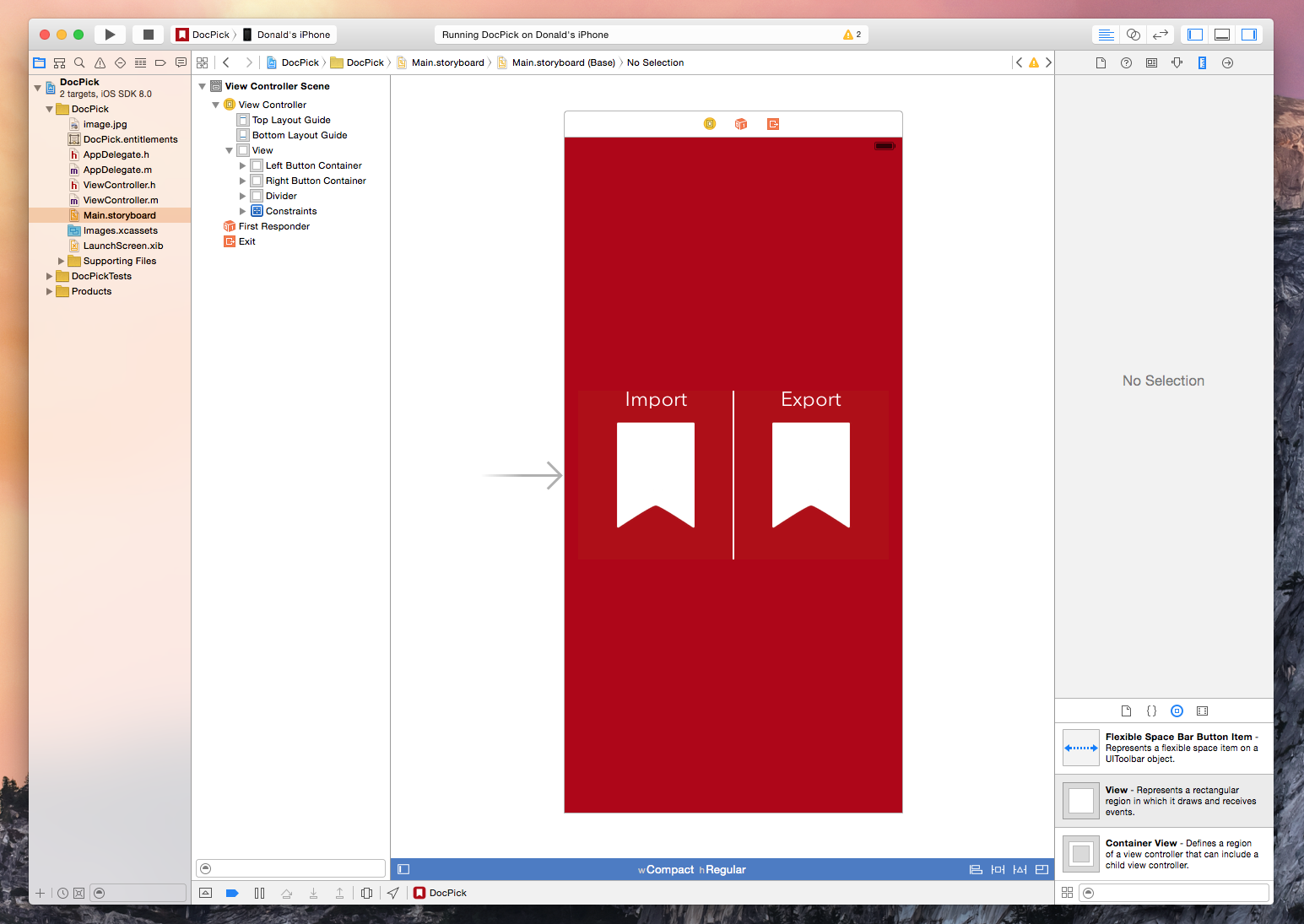
The new document picker and provider functionality in iOS 8 is exciting technology because it expands on the possibilities of what we are capable of doing with our devices. We are already seeing a flood of great apps integrating document pickers and extensions from developers like Dropbox, Panic, and Readdle. I recently had the need for the new UIDocumentPicker functionality so I decided to dive in and see what it takes to implement the feature. As it turns out, getting a basic implementation is extremely easy and only requires a few lines of code. Of course, this is well documented by Apple and seasoned developers will have no problems implementing a picker but for us noobs it helps to see the process laid out – so here is a brief walkthrough.

Read more


Xcode 6: Live Rendering, Visual View Debugging, and Swift
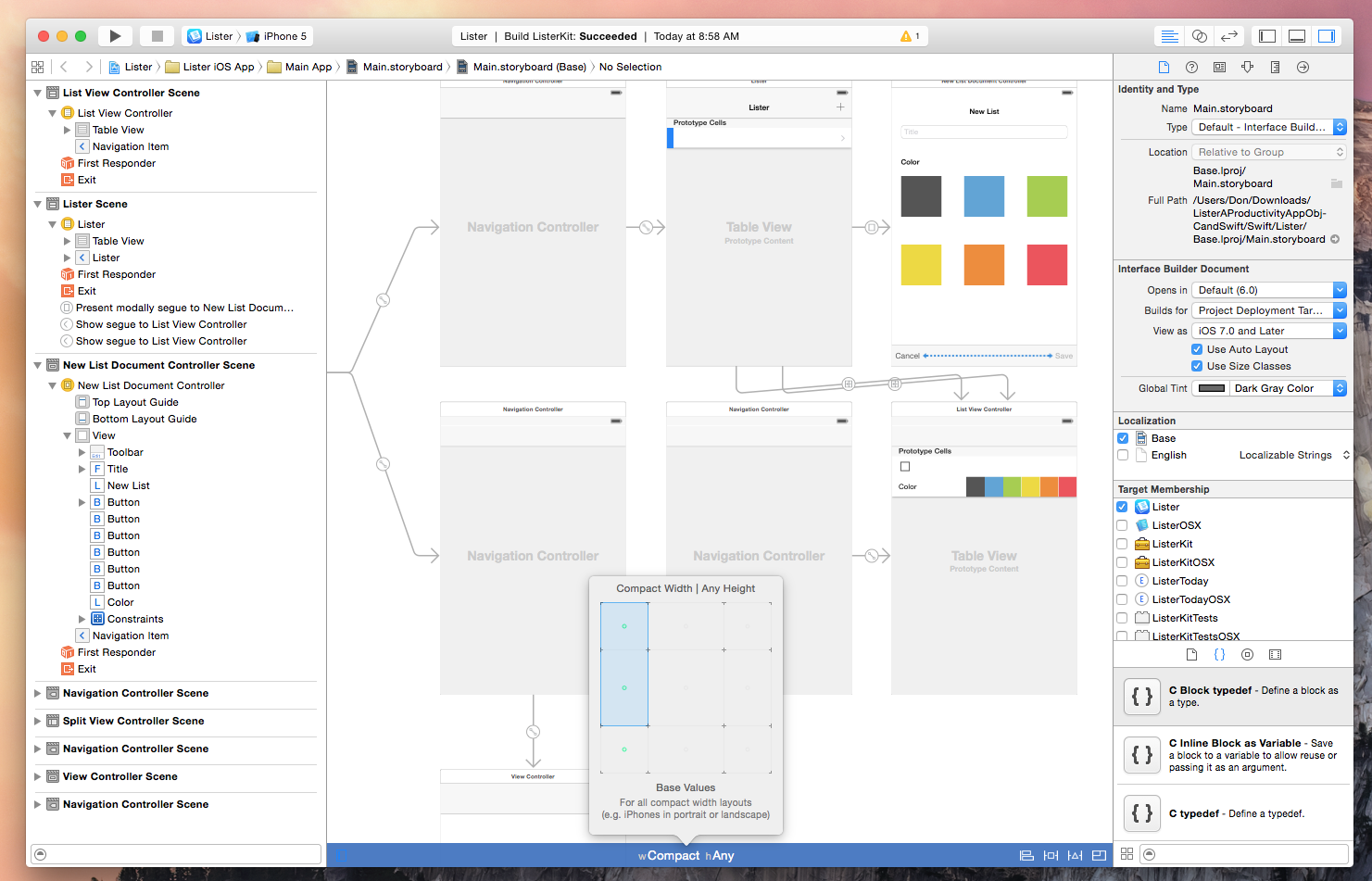
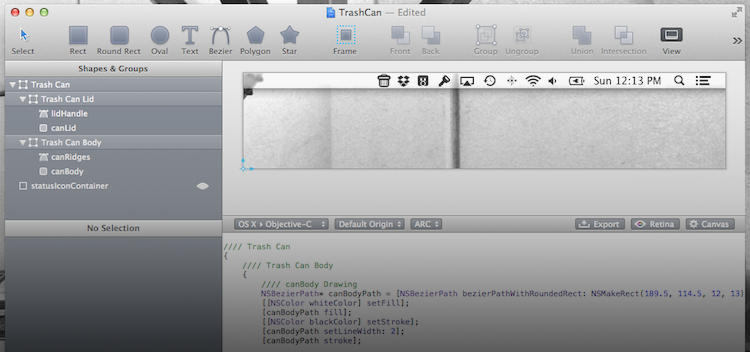
Xcode is the development environment that Apple supplies to the community for creating Mac and iOS apps. Those familiar with the tool will likely agree that working with previous versions have been nothing short of a love/hate relationship. After any update, Xcode’s quirks and crashes are never far behind, however it is one utility that Mac and iOS developers simply could not live without.

Xcode 6 brings exciting new features and enhancements including support for an entirely new programming language, improved view debugging, live view rendering, extensions, playgrounds, and more.

Read more


Apple Introduces More Competitive iCloud Pricing

As noted by 512 Pixels, Apple confirmed new iCloud pricing in the official iOS 8 press release today. These new pricing tiers are a substantial drop from Apple’s previous annual storage upgrade pricing model.

The new pricing is as follows:

  • 5GB for free
  • 20GB at $0.99/month
  • 200GB at $3.99/month
  • 500GB at $9.99/month
  • 1TB at $19.99/month

As interesting as these slashed price tags are, Apple is still competing with companies like Dropbox, who are currently giving away a terabyte of space for only $10 a month. Apple’s edge in this market is definitely going to be their deep integration with the many upcoming features in iOS 8 that rely so heavily on cloud storage, such as the upcoming iCloud Drive.

You can read more about iCloud’s new plans on Apple.com.

For more coverage, check out our September 9 news hub and follow @macstoriesnet on Twitter.


iPhone 6 and iPhone 6 Plus: Our Complete Overview
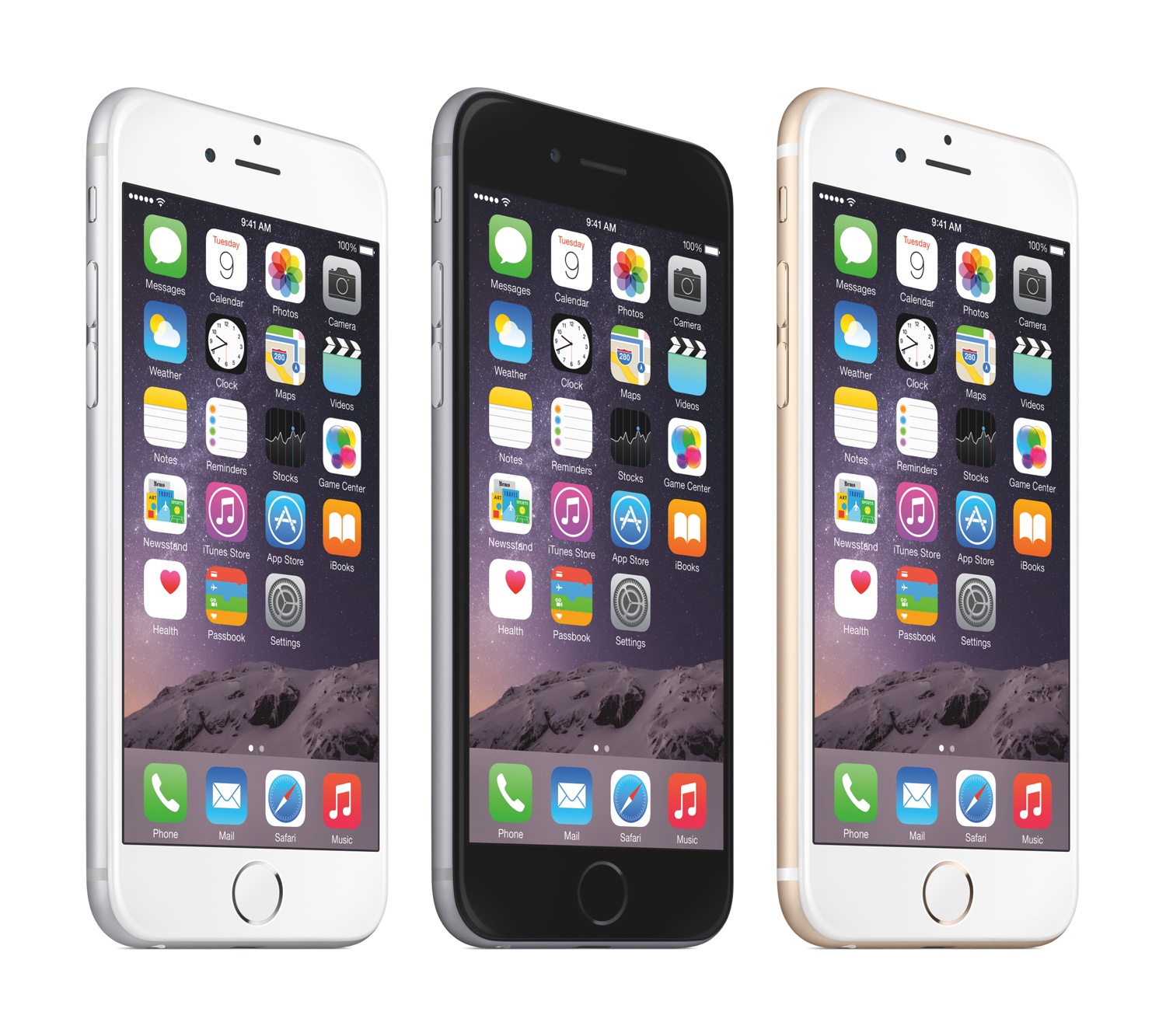
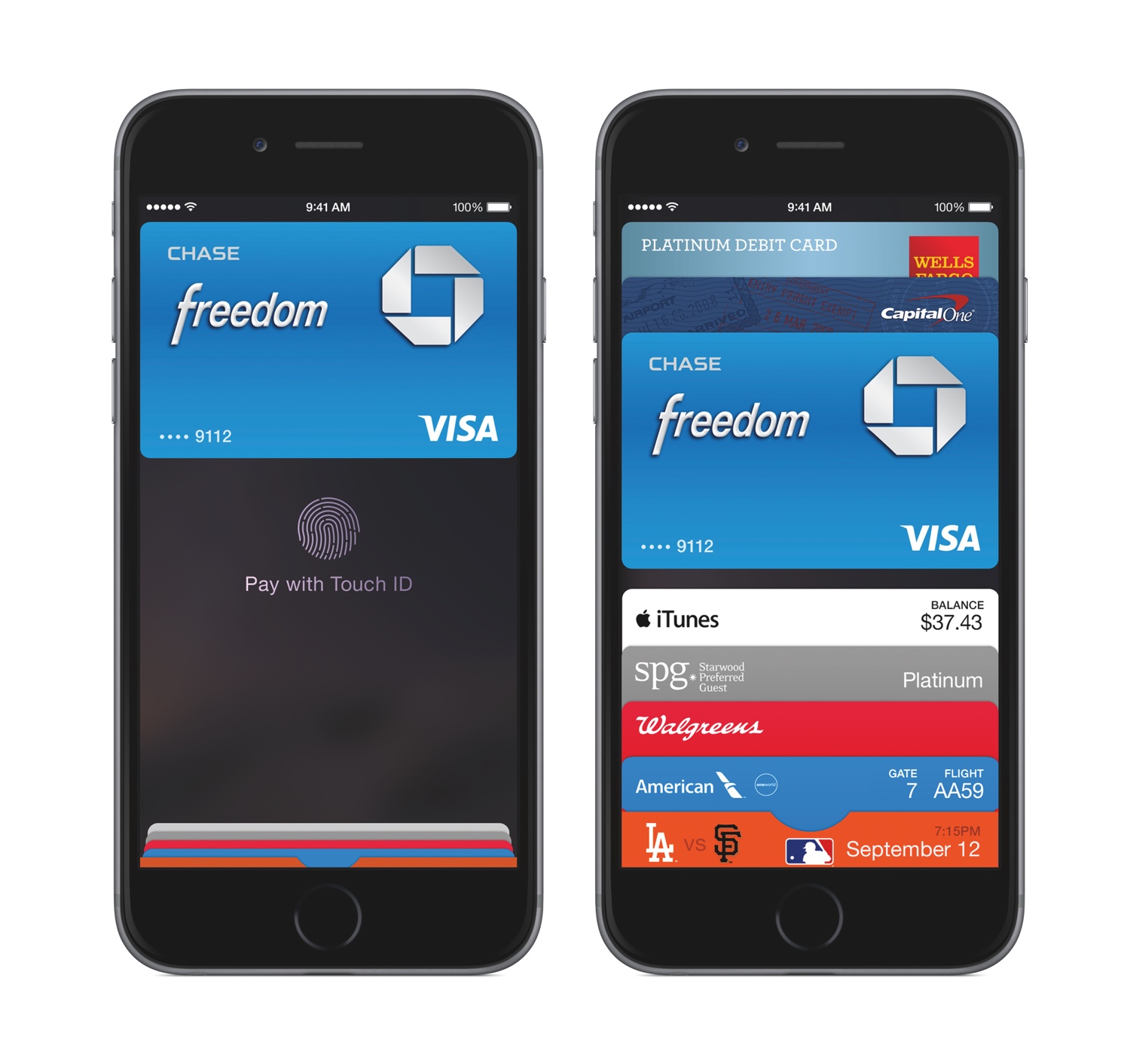
Today’s Apple event at the Flint Center in Cupertino was a whirlwind of powerful announcements surrounding the company’s line of iPhone products. After walking up on stage, Apple’s CEO Tim Cook announced the brand new iPhone 6 and iPhone 6 Plus.

“iPhone 6 and iPhone 6 Plus are the biggest advancements in iPhone history,” said Tim Cook, Apple’s CEO. “The iPhone is the most loved smartphone in the world with the highest customer satisfaction in the industry and we are making it much better in every way. Only Apple can combine the best hardware, software and services at this unprecedented level and we think customers are going to love it.”

Senior Vice President Phil Schiller then took the stage to run through the iPhone 6 enhancements at a swift pace. For the first time, Apple is simultaneously releasing multiple screen sizes – the iPhone will be available in a 4.7” and a 5.5” version. These phones will be technologically similar, varying only in screen resolution and slight camera model differences. They will sport a more powerful A8 64bit processor, larger Retina HD screen, and NFC technology for using the brand new Apple Pay service.
Read more


Alfred 2: Rewritten From The Ground Up, Workflows, Themes, and More

Alfred is one of the few apps that I can honestly say have changed the way I use my Mac. I remember the first time I downloaded Alfred back in 2010, the 0.4.1 beta had just been released. I was frustrated with the complexities of Quicksilver and wanted to try something different so I downloaded that early version of Alfred. I remember thinking it was nice, had a small handful of useful features, but ultimately I got bored and deleted it. I hadn’t even given the app another thought until Apple launched the Mac App Store and Alfred was one of the apps to be initially available in the store. I downloaded the free version and not even a week later I had purchased the PowerPack. I lost countless hours of my life scripting extensions to do anything and everything. Over the next 2 years the app received incremental upgrades adding new features with each release. This led to an overwhelming and hard to navigate labyrinth of settings and preferences.

Alfred 2 doesn’t feel like an incremental upgrade to the original app. I think it could be better described as a fresh start. Rebuilt from the ground up, Alfred 2 sports a more logical preference structure that has been simplified for easy navigation without losing any features from version 1. Most notably, the developers replaced extensions with more powerful workflows. The user interface is larger, cleaner, and has new Retina-ready icons.

Read more


Alfred 1.2 Adds 1Password Support, New Themes, Improved Matching Algorithm

Alfred – the productivity tool for Mac OS X that started off as a simple application launcher – has now evolved in to a tool that has literally changed the way so many people now use their computers. The team at Running With Crayons has been hard at work preparing the next release of Alfred, and today they are happy to make version 1.2 available to everyone. It has taken months of hard work, but their software development team has managed to integrate some outstanding new features and general improvements in both the free Mac App Store version as well as the Powerpack version available on their website.

Without a doubt, the single greatest feature added to the latest version of Alfred is one reserved exclusively for paid Powerpack customers which gives users access to the their 1Password 1Click Bookmarks. There has already been a lot of buzz around the web after the developer preview of this feature rolled out, but to see it in action is truly amazing. There is very little to configure and Alfred will attempt to find your 1Password keychain, then store your bookmarks automatically. I was quite impressed because my 1Password keychain is in an obscure spot in my Dropbox folder; however, Alfred had no troubles finding it and accessing my bookmarks. From there, it is a simple command ‘1p’ to begin searching the 1Click bookmarks. In typical Alfred fashion, it searches as much of the criteria as possible including the name and URL of the bookmark to ensure it finds the right one.

I am certain that this feature was a popular request among users, and I love when developers take the time to not only listen to what their customers have to say, but actually deliver updates that reflect that actual desires of those using the software.

In both the paid and the free MAS version, Alfred 1.2 has brought tremendous improvements to the matching algorithm it uses to find files as the developer noted on his blog last week. Sometimes these performance enhancements are hard to visualize when you actually get your hands on the software, but I am confident you will see improved search results in this latest version.

Let me tell you a quick story to illustrate just how great the matching algorithm is in version 1.2. One of my fellow MacStories writers had sent me an iMessage consisting of only a quote that, judging by his continued conversation, it was one he expected me to be familiar with, yet I had no idea. I copied the text from Messages and pasted it in to Alfred intending to search Google in hopes of finding out whom he was quoting. Before I could hit enter, Alfred had found that quote inside a PDF that my fellow constituent had dropped in our shared Dropbox folder. I had no idea this file was even on my computer let alone the quote he had sent was apart of its contents. In the time it took me to type Command+V and hit Enter, Alfred had found the file and opened it for me. Expecting Safari to open with a Google search completed, it took a few seconds for my brain to comprehend what had just happened. Alfred knew exactly what I was searching for despite the fact I had no idea. That is great software.

Other new features in both the paid and free versions of Alfred include two new themes as well as large type support. The two new themes called “Dark and Smooth” and “Pistachio” are a couple of great looking themes that were created by actual Alfred users and then voted on for a the opportunity to become default themes in the application. There are more details about these new themes available on the Alfred website.

Now, not every new feature is going to appeal to everyone. This Large Type support was apparently highly requested among users but I have yet to find a reasonable use for it in my day to day workflow. The basics of this feature are as such – you type any bit of text in to Alfred and then hit Command+L. Alfred will then fill the screen with that text in an extremely large font. According to the release notes, this is great for phone numbers and email address; I have only found it useful for showing dirty words to my wife from across the living room.

I also wanted to briefly mention some of the improvements on Global Hotkeys because it was partly a request of mine. Powerpack users will find a new check box option under Global Hotkey extensions that will allow any selected text to be passed to an extension when the Global Hotkey is triggered. It is hard to comprehend the usability added by this one small feature through simply reading about it so be sure to also check out David Ferguson’s video on how to use the new feature as he also demonstrates his “Drop in Pocket” extension.

Also added to Global Hotkeys was the option to paste the latest history item as plain text and the ability to assign a Global Hotkey to a text snippet. I have already started using the latter to manage my different email signatures with single keystrokes.

As with most general releases of Alfred, these are not the only new features and improvements, but they are some of my favorites. The release notes are quite exhaustive and contain all the additions in great detail. If you have the Mac App Store version then there is an update waiting you in the App Store so go ahead and grab it. If you have the Powerpack version then be even more excited because you also have an update waiting, but with even more awesome features!


Interview: The Omni Group’s Ken Case

I had the pleasure of enjoying a casual talk with The Omni Group CEO Ken Case and took the opportunity to ask him some questions on their upcoming release, OmniPlan for iPad. We also had some time to talk about potential updates to other Omni products, as well as projects Ken would like to work on, given more time and resources.

Don: First off, what where some of the challenges you had porting the OmniPlan for Mac experience to the iPad?

Ken: One of the challenges we have had with all of our apps is that the Mac has more screen real-estate available, or at least the design we have used for our apps use a lot more screen real-estate than we have available on the iPad. We had already started noticing that some of our apps were starting to feel a bit squished on laptops – we have typically designed them to work with large desktop displays. When we watched people try to struggle through using some of our apps on the nice new MacBook Airs like the ones we’re starting to use here we found it just felt too cramped. So starting with OmniGraffle we had to re-picture what is the focus of the activity and how can we get rid of the physical controls without burying them so deep that they are no longer accessible. We faced this challenge even more so in OmniPlan for iPad because OmniPlan typically uses more screen real-estate due to its task outline on the left and the large visual GANTT chart timeline on the right. So we decided that the most relevant part of using OmniPlan is not the outline which may be of interest for structuring your plan data, but what people are most interested in is the GANTT chart timeline; so, for Omniplan for the iPad we just focused on that being the entire contents of the screen and working with that and trying to create the content in the visual timeline in ways we would normally rely on the outline for doing. If you wanted to have a task and break it down into subtasks, on the Mac we’d have you go over to the outline and create new rows and indent them underneaths as they were subtasks. If we’re only using the GANTT chart, we want to be adding subtasks – be able to show containment of subtasks under the parent task right there in that live timeline. I’m not saying we’re going to be giving up the outline, we’re not done yet, that’s the struggle we’re trying to work with and maybe the real ultimate answer is to flip back and forth between the two but there’s definitely not room to have both at the same time. Screen real-estate is a real challenge.

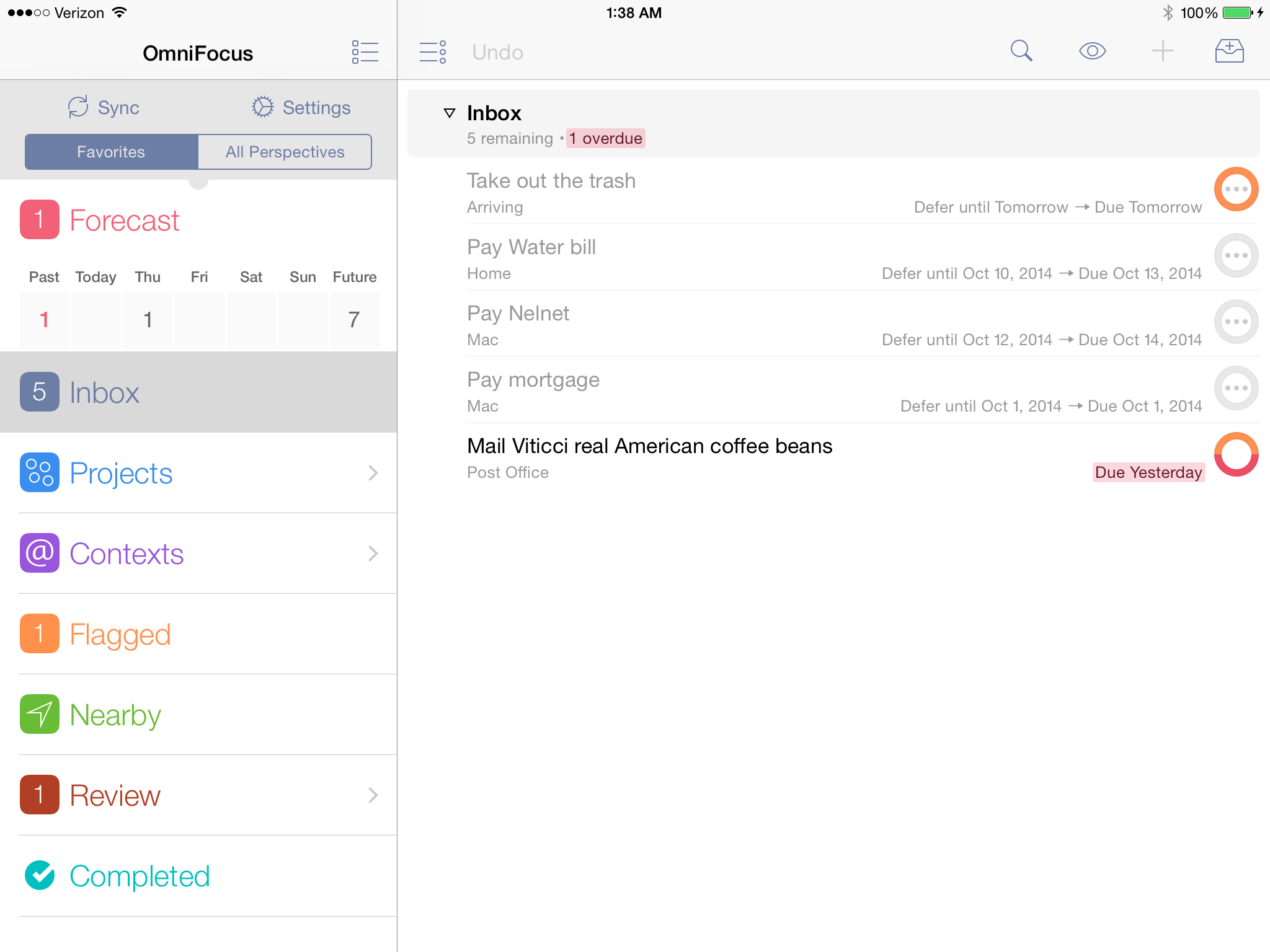
Don: Now when you guys released OmniFocus for the iPad, there were some things that a lot people thought the iPad did better than the Mac version. Is there anything in OmniPlan you guys feel is better suited for the iPad?

Ken: There is, but not quite as strongly as there was with OmniFocus. The biggest benefit of OmniPlan on the iPad is that it’s mobile, so you can bring it around with you and have it everywhere. But there isn’t – there aren’t any big features like the forecast and review modes we added to OmniFocus on the iPad where we could say “Oh no, now you can use the app in a whole other way that you couldn’t use it before”

Don: I read on your blog around the release of OmniOutliner for iPad that you wanted to offer 90% of the functionality that people wanted with about 10% of the effort. Do you think that also applies to OmniPlan, were you able to fit as much in without sacrificing the usability?

Ken: I think we were able to get a lot of the info in we wanted – it was a little bit harder, this was a specific challenge to OmniPlan – with OmniGraffle or OmniFocus it was easier to find parts of the application you could live without on the iPad on Day 1 or maybe forever, and just leave that out altogether and maybe bring back in later or maybe not, but you have a useable, cohesive, coherent application you can sit down and work with. With OmniPlan, you’re talking about an audience of project managers who really need to have all the same project details they’re used to typically. If we left out some piece, like, say, cost accounting, then people who are trying to do cost accounting will be stuck, and they can’t do it at all anymore. They can’t partially use it and then go up to their desktop later. If you have that then you probably want to bring all those details to a meeting that you are bringing your mobile device to. That was another challenge with OmniPlan – it was harder to find things we could cut out. We couldn’t cut out any of the data model, which we had done with all the other apps. With OmniFocus we left out time estimates altogether on the iPad – most people didn’t use it and it was more cluttered to try and fit in there. With OmniPlan we have all those fields, all those details, and the change tracking, mechanisms and so on. We did find some areas we could cut out and leave out, like printing. Our hope is, part of the reason you’re bringing this around with you on a mobile device is so you don’t have to bring paper around with you. Showing people the plan right there, live and making changes – you couldn’t do that with a printed document.

Don: So it sounds like it could be a great addition to the current OmniPlan for Mac product.

Ken: Yes, we really wanted it to be as complete as the Mac version and try to leave as little out as possible, but we did have to in some situations. For example, in version 1.0 we are not providing printing because we are not trying to make it do everything the Mac version can do. We do want it to be a standalone tool so if all you’re using is OmniPlan on the iPad, you’re still able to do the complete project management and planning you would’ve done on the Mac including collaborative editing. Plus, change-tracking is there, so you can review other people’s changes, accept and reject them and so on.

Don: Is there anything you can tell me about the tentative release or pricing for OmniPlan iPad app?

Ken: We haven’t announced pricing yet because we like to finish what we’re building, and then decide how much it costs, but if you look at our pricing to date it has been remarkably consistent. The iPad app – every single one – is half the price of the corresponding Mac app. Read more


Screen Sharing For Alfred Brings VNC To Your Fingertips

Screen Sharing is a feature built into Mac OS X for remotely controlling another computer through the use of virtual network computing (VNC). Apple’s native screen sharing client is buried in the operating system making it nearly impossible to find the app when you actually need it. On top of that, it really lacks basic features like being able to store a connection for future use. Due to these shortcomings, most people turn to third party applications for managing their VNC connections. A quick search in the Mac App Store will turn up some pretty great options including Edovia’s Screens. Although apps like these work extremely well, not everyone wants to spend that much to easily connect to a remote computer. This is why I created the Screen Sharing for Alfred extension. I wanted Alfred to be able to function as my VNC client and really extend the functionality of the Apple’s native Screen Sharing app.

Screen Sharing for Alfred adds the ability to store information about VNC connections and quickly access them with a simple keyboard command. It is written in a beautiful fusion of shell scripting and AppleScript so it is fast, efficient, and capable of interacting with the user through AppleScript’s GUI prompts. It also incorporates David Ferguson’s genius Extension Updater system in case any new features are added in the future. For those unfamiliar with Updater, it is an extension for Alfred that allows developers to make bug fixes and add new features to released extensions – then when users run Updater, it will download the latest version of any extensions that have updates available. Read more