

MacStories was a big part of my life for over five years, from January 2011 through November 2016. I only vaguely recall emailing Federico about the possibility of writing for MacStories, though I do remember sending him two sample articles – one of which was about the iPad (naturally!). Federico was happy to give me a go and I started pretty much straight away.
 Workflows and Shortcuts Starter Pack, Vol. 1
...
Selectively Lock Notes
...
A Note from Graham
...
Calculators for Every Task
...
Craig Federighi on Why There Is No Touchscreen Mac→
CNET spoke with Craig Federighi after last week’s keynote, and one of the questions they ask him is whether there will be a touchscreen Mac (around 2:30 in the video):
Craig Federighi: At Apple we build prototypes around all sorts of ideas. So we certainly explored the topic deeply many years ago and had working models, but we decided it really was a compromise. For a device you hold in your hand like a phone or tablet it is very natural to rest your hand on the tablet and work that way. We think touch is at its best and we wanted to build, and have built, a really deep experience around a multi-touch first user interface. Grafting touch onto something that was fundamentally designed around a precise pointer really compromises the experience.
Those were carefully chosen words by Federighi. He does not say that there won’t be a touchscreen Mac, instead he notes that the simple addition or “grafting” on of a touchscreen to the Mac would be a compromise. Importantly, the compromise that he refers to is not one related to ergonomics, but rather the fact that macOS is currently designed around an interaction model driven by a precise pointer.
I agree with Federighi. I certainly wouldn’t want to see a Mac with a touchscreen bolted on, with no adjustments to the UI of macOS. But as someone who regularly uses the iPad Pro in a laptop-esque configuration with the Smart Keyboard, I see the value in having a touchscreen on a Mac, provided that there are also UI changes to macOS. I don’t expect this any time soon, but I do think it will happen.
MacStories Guide: Design and Launch Your Own iMessage Sticker Pack on the App Store
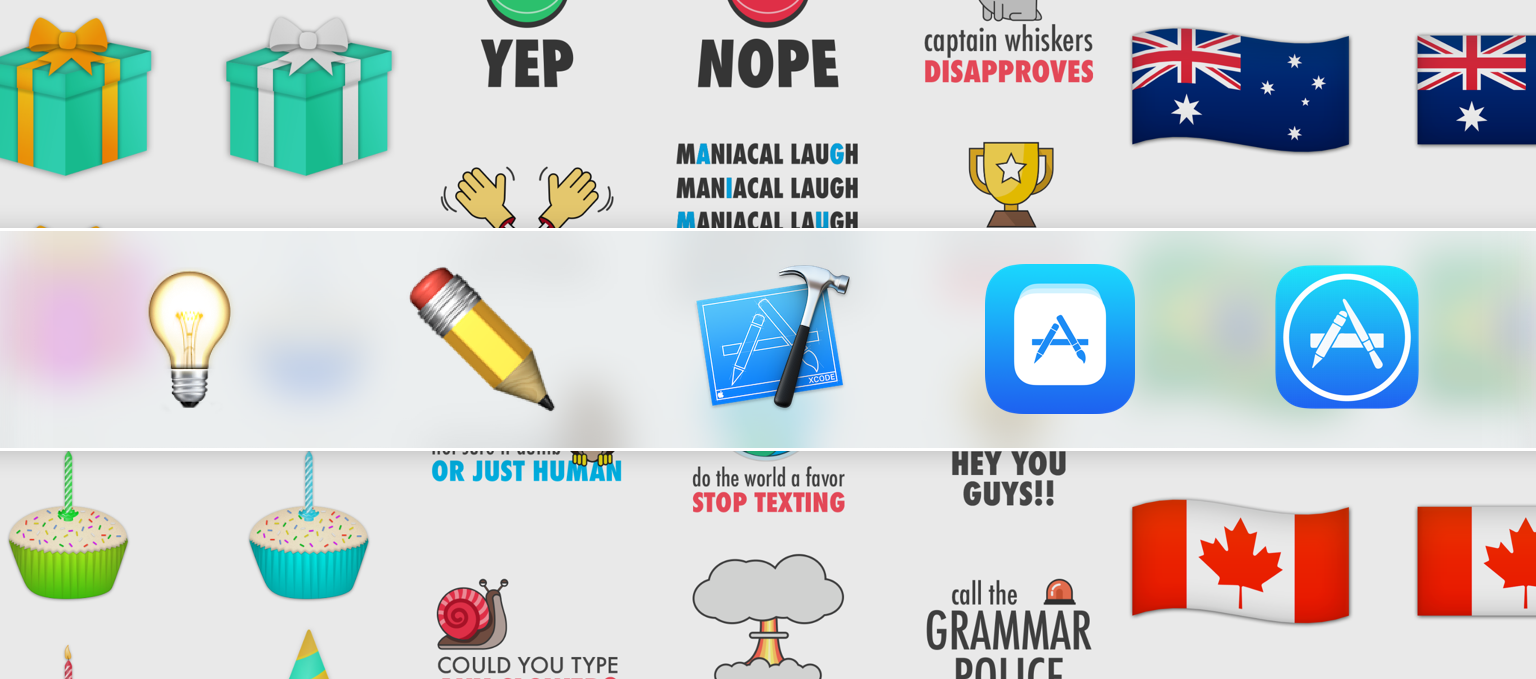
The barrier to entry onto the App Store was already quite low, but with the launch of sticker packs in iOS 10, that barrier was substantially lowered. Now you don’t even have to type a line of code in order to launch a product on the App Store. This has been an exciting development and has enabled a whole new wave of creators to make products and launch them on the App Store.
I was one of them. I don’t know how to code, but I do have some design skills, and I wanted to see what it was like to create something for iOS and launch it on the App Store. So a few months ago I decided that I would make some sticker packs for iOS 10 – and that’s what I did. I brainstormed possible ideas, started designing some stickers and ultimately ended up publishing Birthday Celebration Stickers and an app bundle which included World Flag Stickers and a few other country-specific flag stickers.
The process of making and publishing these sticker packs was fairly straightforward, but I also encountered some unexpected hurdles. To help others who are excited about making their own sticker packs, I’ve written this guide, which I hope can make the process a little smoother.
Apple TV: One Year Later
...
Relax, It’s the Weekend
...