
Among the highlights on the Club MacStories+ Discord: Nicolas found an Anthropic server in the wild. (Link) There was plenty of debate about Liquid Glass in the #summer-betas channel, including this post from member rar, who was prompted to revisit old versions of iOS going back as far as iOS 5 to see the progression...
 A Retro 3D-Printed Case, Feelings About the Tech Space, and More
Among the highlights on the Club MacStories+ Discord: Member rar was working through some thoughts about the era of the tech space we’re in, which prompted some great conversation about current levels of enthusiasm. (Link) Jonathan (no, the other one) wondered why more iOS and iPadOS apps don’t feature full file system integration. (Link) Members...
Object of Desire: The Native Union (Re)Classic Power Bank
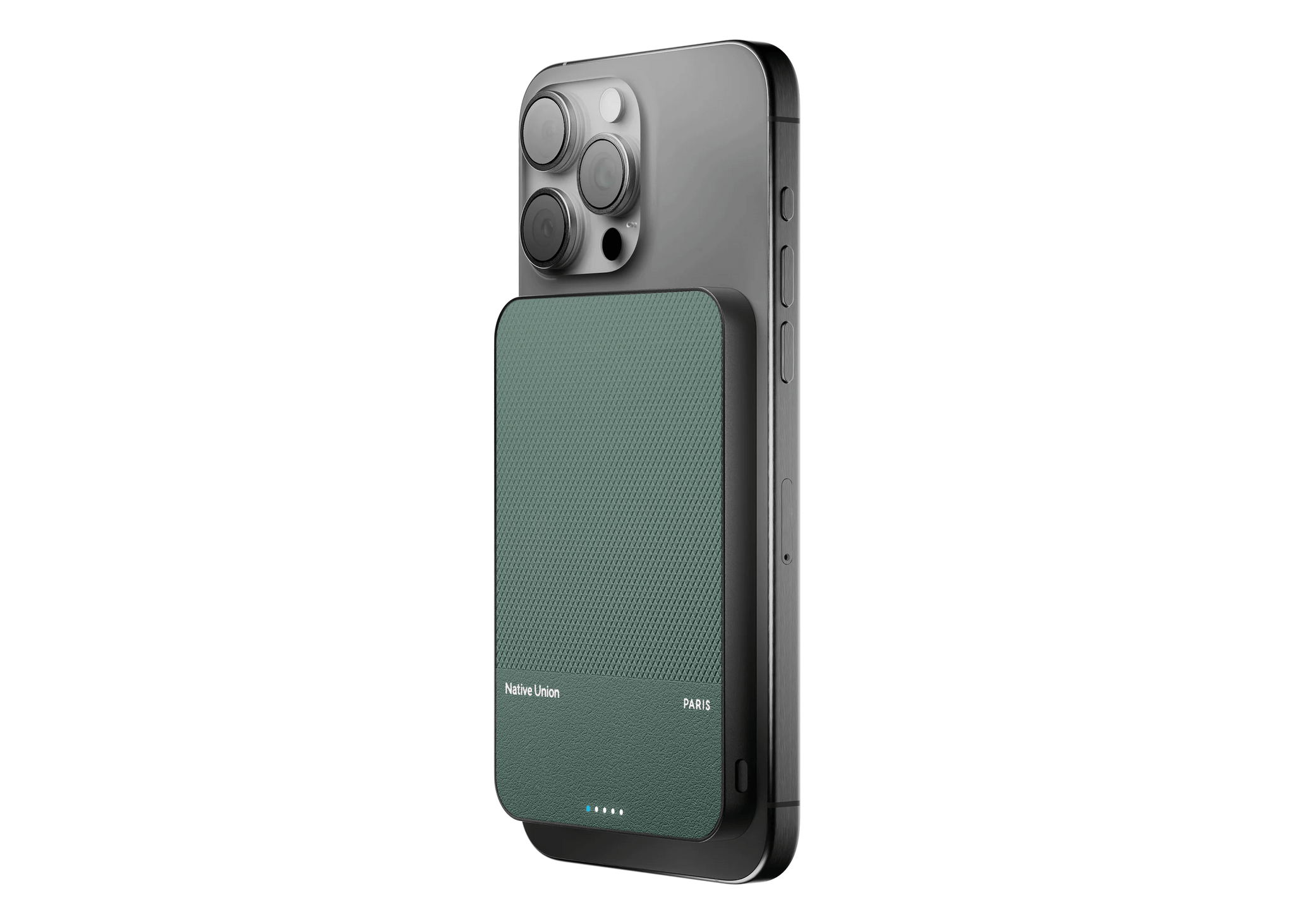
I love accessories. Batteries, travel cases, AirTags, charging cables, iPhone stands, MagSafe wallets – you name it, I’ve owned or tried many versions of it. The number one determining factor for whether I keep a product or return it is always how well it does the job; however, almost equally important is how it looks....
New Betas, Home Assistant Displays, and More
Among the highlights on the Club MacStories+ Discord: With new versions of all the OS 26 developer betas released this week, members were busy discussing what’s changed. (Link) Jezza linked to an excellent article about “second brains” and why it might be good to change your approach to personal knowledge management apps. (Link) In response...
Poolsuite
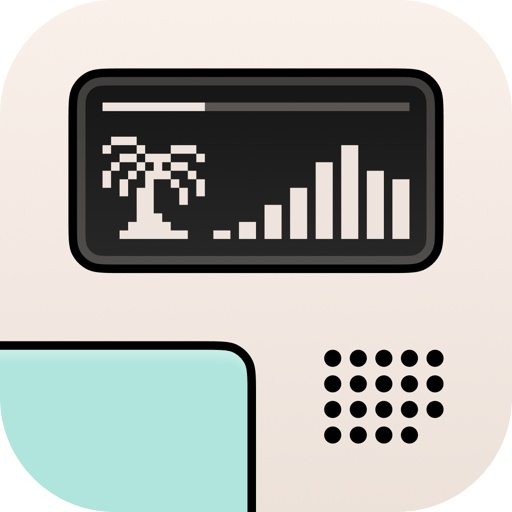
I’ve shared my affinity for lofi music before in MacStories Weekly, suggesting some of my favorite sources for ambient beats. One of the services I mentioned, Poolsuite, recently released a major update to its iOS app, and I’m very much in love. Poolsuite started out as a desktop experience on the web that later spawned...
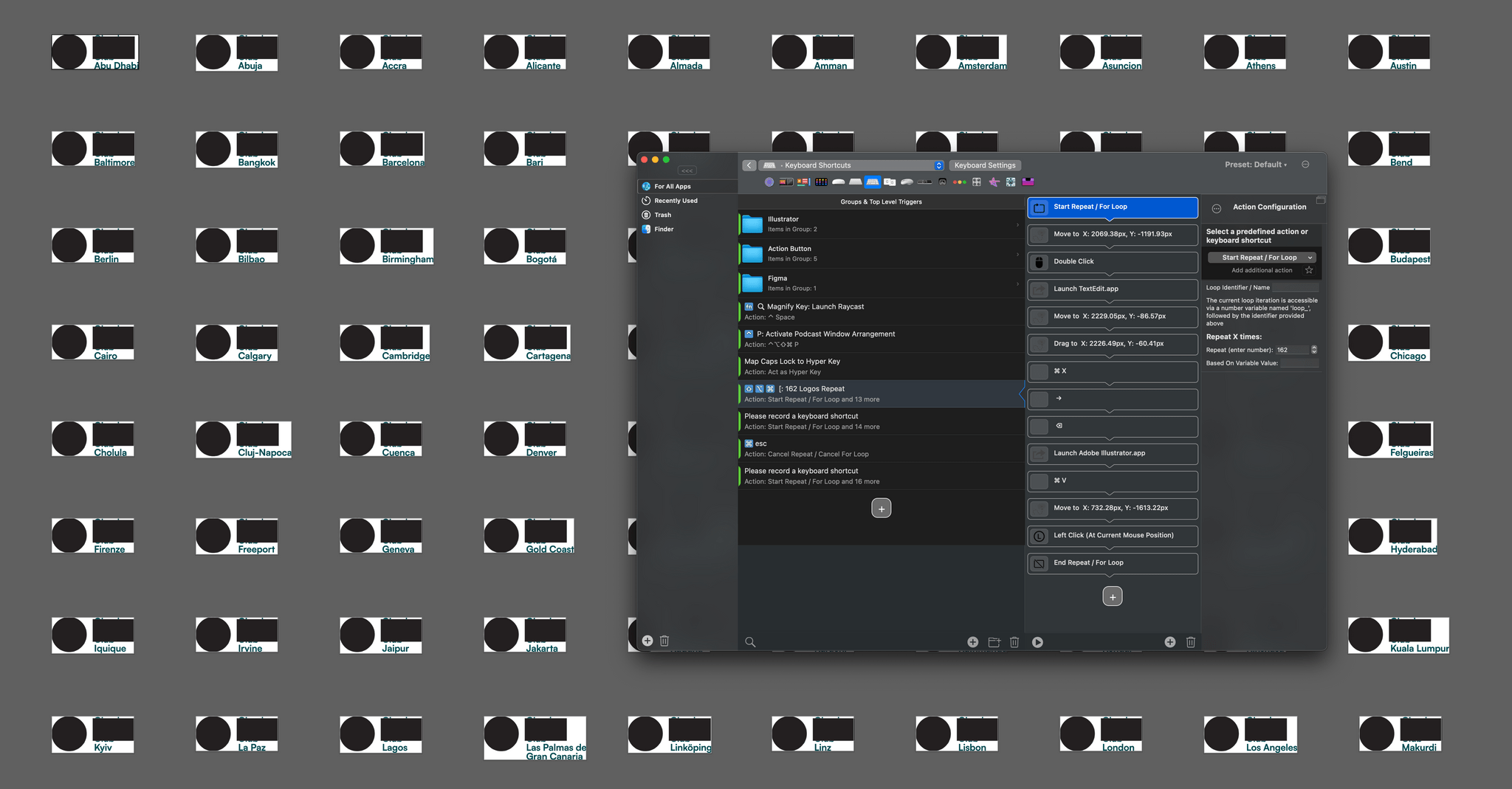
Don’t Sleep On BetterTouchTool’s Mouse Automations
Grammarly + Superhuman, Workout Buddy Quirks, and More
Among the highlights on the Club MacStories+ Discord: Members discussed Grammarly’s acquisition of Superhuman and how they’re using AI models to spell check their work. (Link) Member fastballspecial had an interesting theory about the possible A18 MacBook. (Link) Tony has been getting some pretty wild motivation from Workout Buddy, which raises questions about how the...
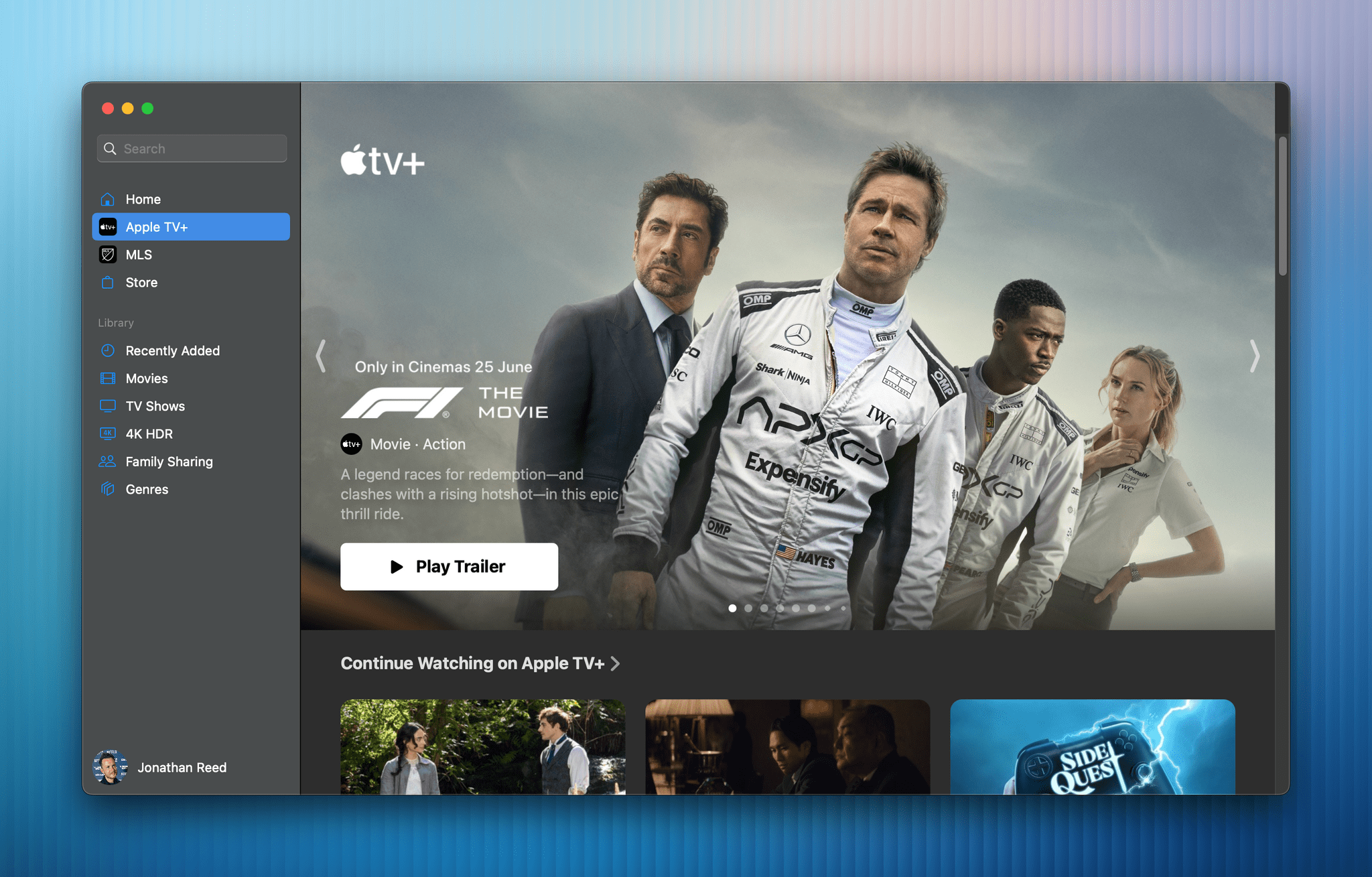
The Potential Success of F1 Further Confuses Apple’s Film Ambitions
The Summer Beta Season Continues
Among the highlights on the Club MacStories+ Discord: Just like the weather, the #summer-beta channel is heating up, with members discussing all the highs and lows of Apple’s new OS betas… (Link) …including Tony, who’s been playing around with the ‘Use Model’ Shortcuts action to get feedback on his writing. (Link) Niléane shared a side-by-side...