New Devices Day, Crazy iPhone Cases, and More
...

 New Devices Day, Crazy iPhone Cases, and More
 When CarPlay Ultra was announced… checks notes… three years ago, it was a bold vision for the future of in-car displays. There was as much drooling over the new designs as there was skepticism over whether any car manufacturer would agree to such an extensive display overhaul.
Underneath all that, there were also some concerns about where this left regular, vanilla CarPlay. The kind that many people had fallen in love with, and which was often a prerequisite when buying a new car. Was this going away, or would it just be left to wither on the vine?
Thankfully, with iOS 26, the answer seems to be a firm “no” as Apple brings much more customization to our in-car displays, mainly by letting the much heralded features of CarPlay Ultra trickle down to regular CarPlay. There’s more than you’d think, so let’s take a look.
 Michael Flarup, Designer and Founder of Northplay
 This time we’re talking with Michael Flarup. Michael is many things: the head of a game studio, a speaker at Adobe Max, an author, and more. But most of all, Michael is a designer. He’s most well-known for his decades of work as an icon designer on some of the most beloved apps on iOS and macOS under his Pixel Resort banner. He’s released two books on the history of the art form: first around iOS, then focusing on macOS. Now he runs a game studio, Northplay, where they’re hard at work on their next game, Dinolords!
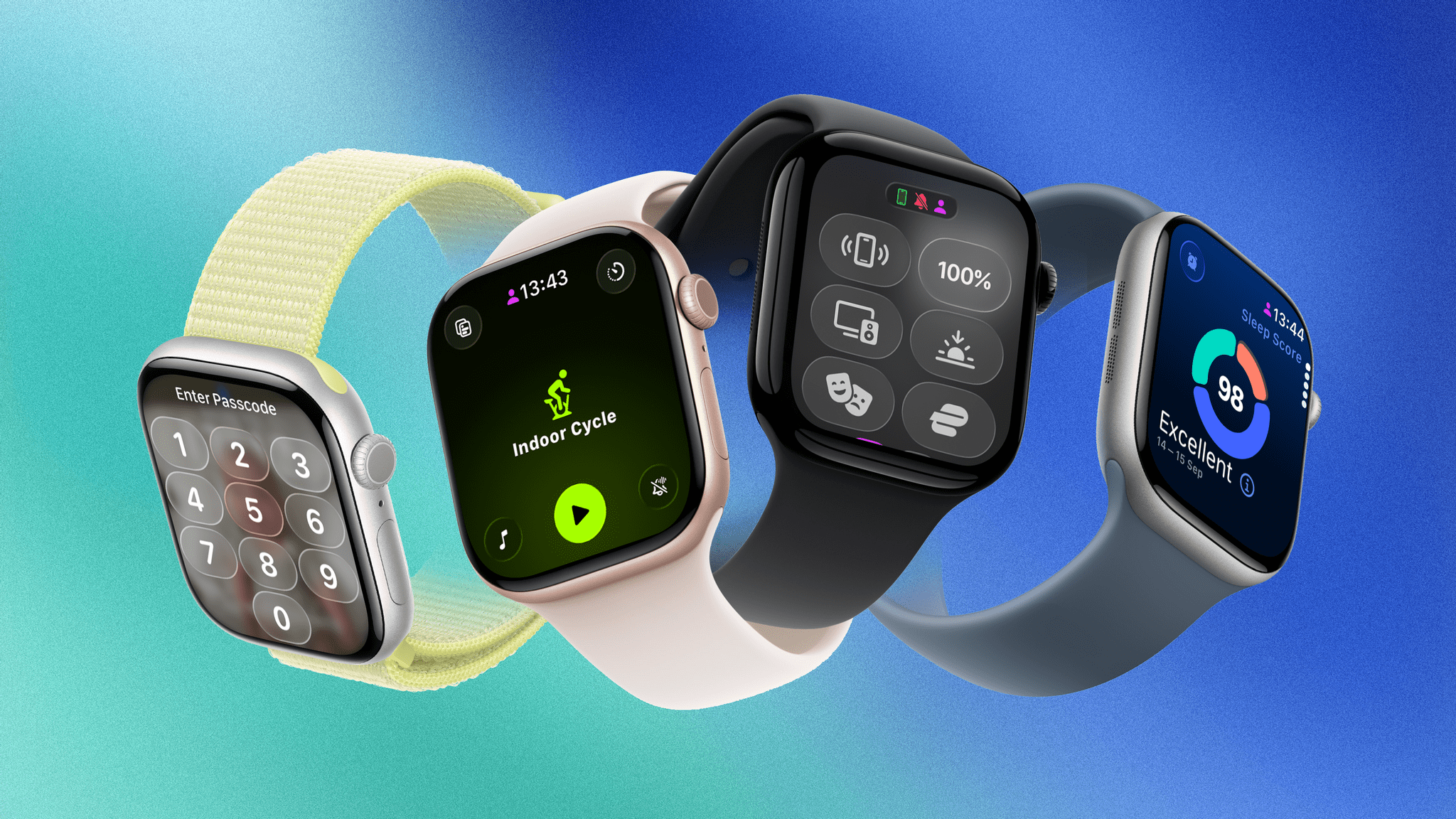
Last year was my first covering the watchOS beat with version 11. It turned out to be a trial by fire, with the annual software update for the world’s most popular smartwatch proving to be both sizable and significant.
While controversy reigned over iOS, iPadOS, and macOS regarding new Apple Intelligence features, watchOS took an exit off of that highway to a more peaceful, focused road that contained real, tangible updates. There were long-requested customizations to Activity Rings, as well as added power and functionality in the Smart Stack. Brand new features like Training Load and the Vitals app started to hint that Apple was maybe, finally, getting serious about, well, serious athletes.
If I’m being honest, I expected more of the same this year. The watchOS team seemed to be on a roll. Unfortunately, that hasn’t come to pass with watchOS 26, which – unlike watchOS 11 with Apple Intelligence – has been brought along for the ride with this year’s big controversy: Liquid Glass.
Can watchOS 26 handle this big UI overhaul and still deliver some tangible additions in this, the year of the Apple Watch’s tenth anniversary? Let’s take a look.
Liquid Golf, iPhone Purchases, and More
How I Made a Podcast .](https://cdn.macstories.net/dallas-taylor-1757510864489.png)
Source: Dallas Taylor.
While the highlights of Apple’s AirPods Pro 3 reveal seemed to be the addition of heart rate sensors, increased battery life, and improved Active Noise Cancellation, Dallas Taylor on YouTube went a bit deeper on the actual listening experience.
Taylor is a sound designer and the host of the excellent Twenty Thousand Hertz podcast. (I can highly recommend this episode about the famous sounds of Apple and this one about the iconic sound of HBO.) He also runs a YouTube channel and was invited to Apple Park yesterday to try out the new AirPods Pro for himself.
He came away very impressed with the improved ANC, but what stood out to me was the significant upgrade in sound quality he mentioned, especially the bass. You can watch Taylor give his thoughts below, but it’s interesting to hear about a notable improvement in what people use AirPods for the most: listening to music.
You can follow all of our September 2025 Apple event coverage through our September 2025 Apple event hub or subscribe to the dedicated September 2025 Apple event RSS feed.
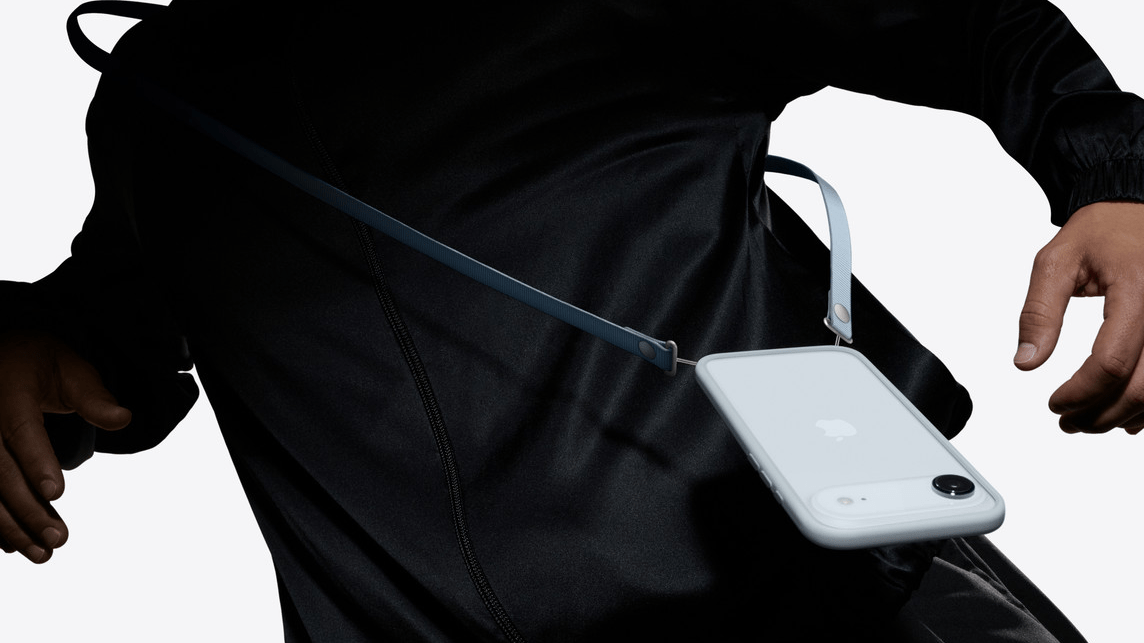
In the run-up to yesterday’s Apple Event, there were increasingly loud rumblings that Apple would introduce a crossbody strap or lanyard that could be attached to new iPhone cases.
What followed was a noticeable amount of confusion from those in the tech sphere as to why Apple was entering this market. Now that the Crossbody Strap has been released, Jess Weatherbed at The Verge has a great explainer on why crossbody straps are an increasingly popular trend and why Apple’s take on them is so good. (Spoiler: it’s magnets. It’s always magnets.)
This trend seems to be more popular in Europe and Asia, but it’s picking up steam in the United States, too. I personally see them all the time in London, both as fashion accessories and practical ways for people to carry their most important device. In fact, as a quick experiment, I counted almost 20 of them on my five-minute walk back from this morning’s school drop-off.
The Apple Crossbody Strap is available to order now and is only compatible with Apple’s cases for iPhone 17, Air, 17 Pro, and 17 Pro Max. For more on all the accessories Apple released this week, check out Niléane’s overview.
You can follow all of our September 2025 Apple event coverage through our September 2025 Apple event hub or subscribe to the dedicated September 2025 Apple event RSS feed.
Today, in tandem with new video recording capabilities and lenses in the iPhone 17 Pro line, Apple announced version 2.0 of Final Cut Camera, its pro video recording app for the iPhone.
The update introduces support for ProRes RAW and genlock, which the new iPhone 17 Pro and Pro Max are able to record in. ProRes RAW is an industry-standard way to record video, allowing the capture of RAW data, which unlocks incredible control of recorded video in post-production. In upcoming releases of Final Cut Pro for Mac and Final Cut Pro for iPad, exposure, color temperature, tint, and demosaicing can all be adjusted on ProRes RAW footage.
Genlock, a process of synchronizing multiple video sources by having them lock onto an external reference signal, will allow filmmakers to make frame-accurate edits in a fraction of the time it would take when doing so manually.
As part of the recording process, version 2.0 supports open gate recording, allowing the use of the whole camera sensor to capture video, instead of the current cropped version. This opens up possibilities for reframing shots, stabilizing footage, and setting final aspect ratios without reducing the quality of the image.
As well as these announcements, Final Cut Camera introduces the following new functionalities:
Final Cut Camera will be available later this month.