

Next week on AppStories, Federico and John cover ten innovations from third-party apps that they’d like to see Apple adopt in its system apps. This week on MacStories Unwind, Federico recommends two TV shows, Only Murders in the Building and Good Girls, and John covers Spoon’s 10th studio album, Lucifer on the Sofa....
AV Club Town Hall, The Matrix Movies
Club MacStories Town Halls are part of the monthly and other special live audio events we hold in the Club MacStories+ Discord community. The show is a recorded and lightly edited version of the Town Halls that we produce, so Club MacStories+ and Club Premier members who can’t attend the event live can listen later. To learn more about Club MacStories+ and Club Premier, visit our Club plans page.
For the latest AV Club selection, Federico, John, and Alex were joined by Club members Rod and Nicholas to discuss the Matrix trilogy of movies, plus The Matrix Resurrections.
TextSniper: Capture Any Uncopyable Text [Sponsor]
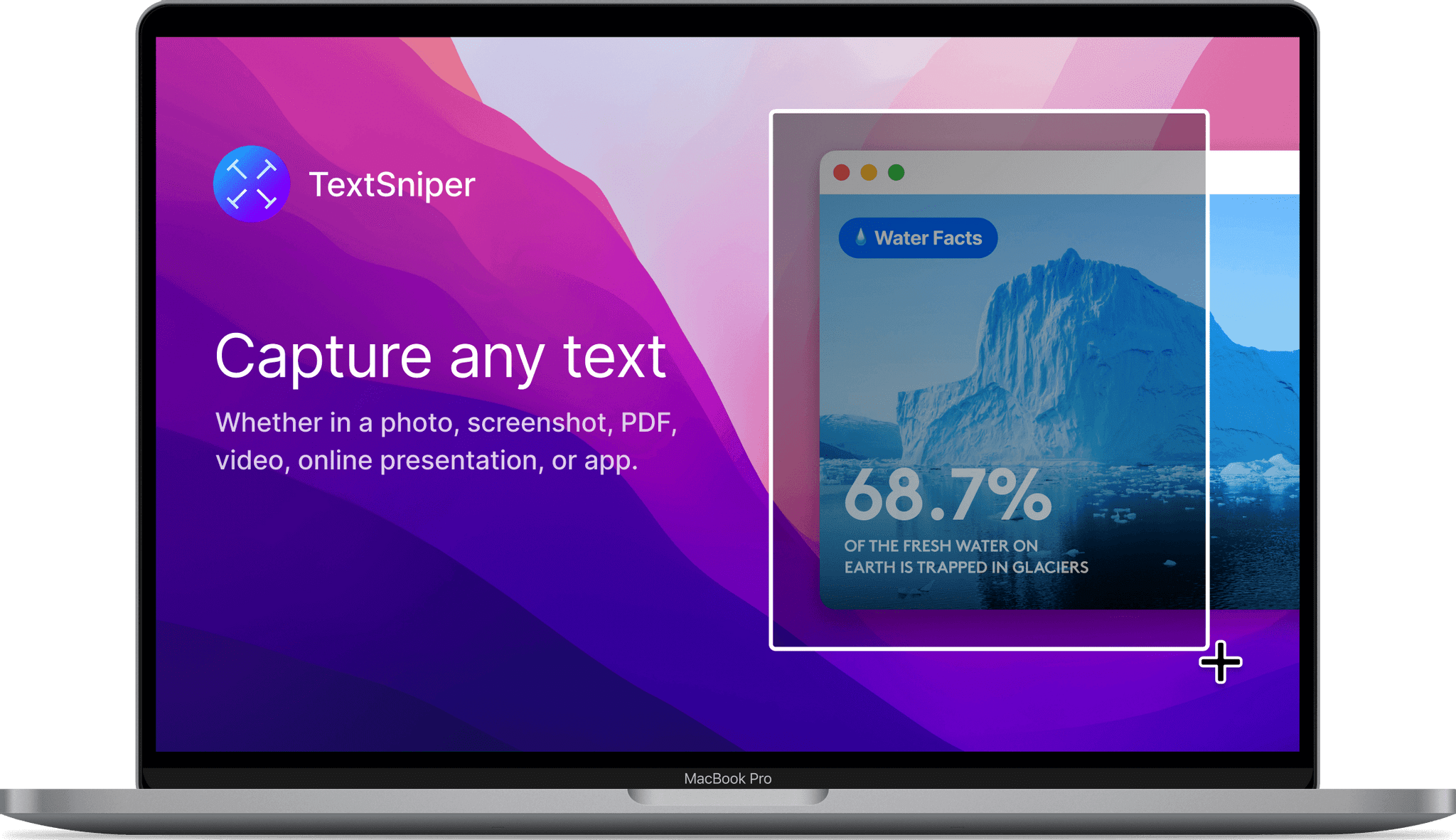
If you’ve ever been frustrated by text you come across that you can’t copy, you need TextSniper, the premier Mac utility for copying the uncopyable.
Whether you’re working with photos, screenshots, apps, videos, or materials from webinars or online meetings that include uncopyable text, TextSniper has you covered. The app is the fastest and easiest way to extract that text no matter where you come across it.
TextSniper runs in the background and can be summoned with a single keystroke, so you can select the area of your display from which you want to extract text. A friendly thumbs-up lets you know that the text has been copied and placed on your Mac’s clipboard, ready for pasting elsewhere. You can use an iPhone or iPad to capture text directly to your Mac too.
The app is fast, accurate, includes customizable keyboard shortcuts, and works with multiple languages, including English, French, Spanish, Italian, German, Portuguese, and Chinese. TexSniper also works with QR codes and barcodes, simplifying the process of accessing URLs, text, and numbers embedded in them. It can even read onscreen text aloud, a big plus for people who are visually impaired, have dyslexia, or prefer listening to reading.
Of course, TextSniper is privacy-focused too. The app doesn’t collect, store, or share any user data. Text recognition happens locally on your Mac and doesn’t require an Internet connection.
If you work with text – and who doesn’t really? – you owe it to yourself to download TextSniper today. The app requires macOS Catalina or later and is fully compatible with Apple silicon Macs.
Also, for a limited time, MacStories readers can purchase TextSniper for 25% off by using the code MACSTORIES at checkout. So, take advantage of this great deal today and start copying the uncopyable with TextSniper.
Our thanks to TextSniper for sponsoring MacStories this week.
 Previously, On MacStories
Stories Apple Releases a Statement on Its Efforts to Deter The Misuse of AirTag and the Find My Network Tweetbot 7 Adds Back the App’s Stats View and Includes New Themes Contactless Payments Are Coming to the iPhone Fantastical 3.6 Adds In-App Scheduling and Quarter View Play: A Fantastic Utility for Saving and Organizing YouTube...
In This Issue
A collection of apps that support system apps, more Safari keyboard shortcuts in Tips, Federico explains how to extract comments from shortcuts by parsing them as XML or JSON, interviews with developers about In-App Events, plus the usual Links, App Debuts, the latest happenings in the Club MacStories+ Discord community, a recap of MacStories articles,...
Interesting Links
Robb Knight dissected an old iSight camera, replacing its innards with a Raspberry Pi Zero and camera module to create a cool retro webcam for his MacBook Pro. (Link) Cameron Faulkner reviews the Elgato Key Light Mini for The Verge, which looks like a nice addition to a portable webcam setup. (Link) Apple has introduced...
Up Next, On MacStories’ Podcasts
Next week on AppStories, Federico and John revisit their 2021 wishes for Shortcuts to see which came true and which didn’t and share their new Shortcuts wishes for 2022. This week on MacStories Unwind, John recommends the Video Game History Hour podcast and Federico goes deep on his M1 Mac videogame emulation setup...
Genius Scan: A Scanner in Your Pocket [Sponsor]
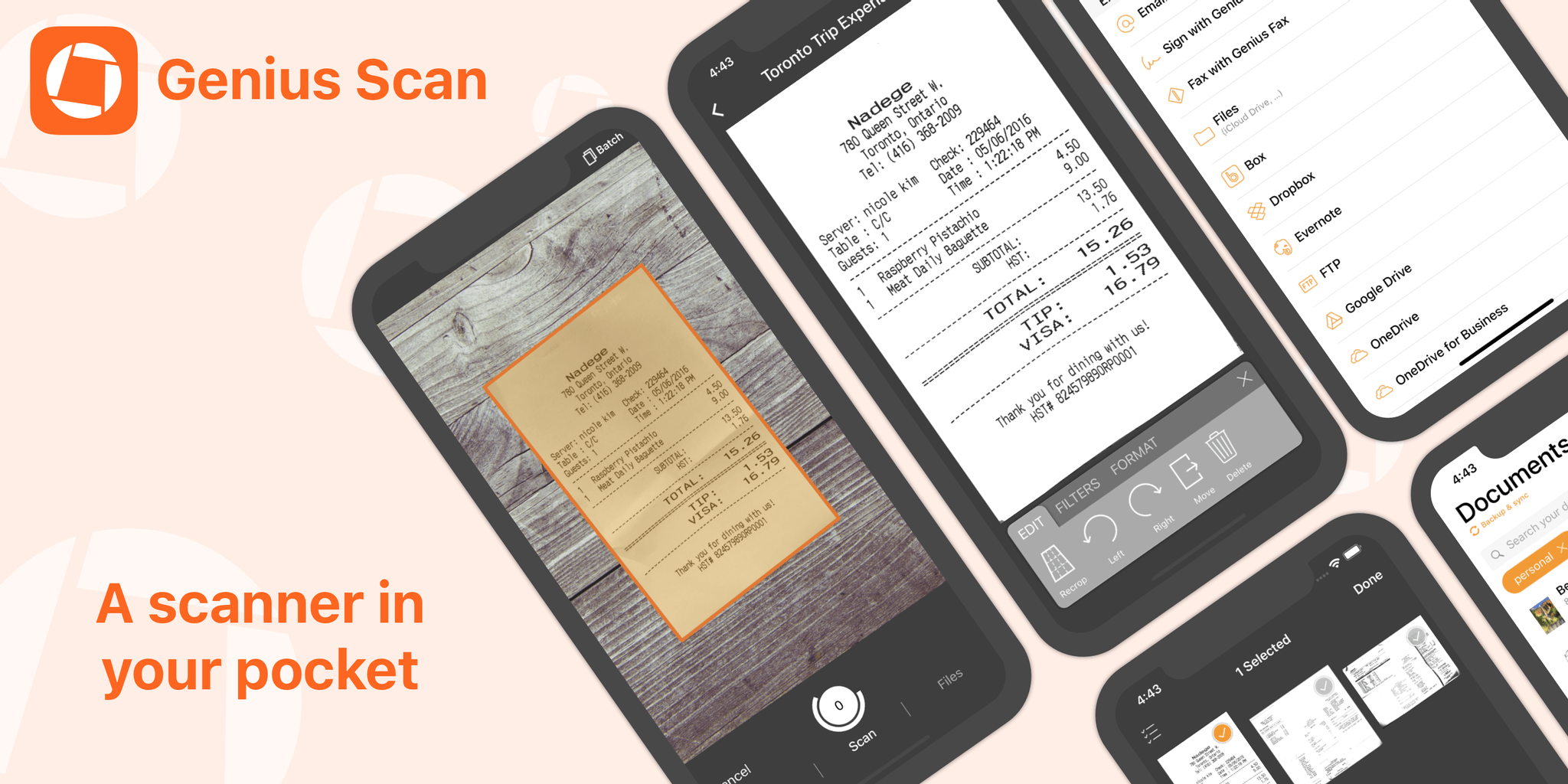
Genius Scan makes scanning and managing documents with an iPhone or iPad simple, fast, and efficient. The app works the way you do and includes a flexible set of powerful, modern tools that are always with you. Its scanning engine is fast and accurate, delivering crisp, clear scans on the go, using your device’s camera or by picking images from the app’s system file picker, your photo library, or as part of a custom shortcut.
Just place a document in front of your device’s camera. Genius Scan has advanced edge detection that quickly picks out the page against its background, using powerful AI and cropping multiple scans and gathering them into a single PDF for sharing or archiving. The app’s scanning algorithms also clean up artifacts, shadows, and unclean edges, to give you fantastic results every time.
Rescanning is easy too. There’s no need to rescan an entire document from scratch because Genius Scan lets you delete or replace individual pages with a few taps. It’s a workflow that’s as intuitive as it is efficient.
Genius Scan features highly accurate optical character recognition, enabling full-text searching of your scans and the ability to copy the text for use elsewhere. The app also supports machine learning-based file naming, Shortcuts, extensive sharing options, Split View and Slide Over on the iPad, and much more. There’s a big update coming soon too!
Used by everyone from students to doctors and pilots, Genius Scan offers pricing to fit all needs. Genius Scan Basic is free and fully functional with no watermarks, scanning limits, third-party ads, or tracking. Genius Scan+ unlocks background uploading support to cloud services like Dropbox and Google Drive, OCR, locking the app with Touch ID, PDF encryption, and smart document naming for just $7.99. Also, a Genius Cloud subscription adds document sync and backup for peace of mind for $2.99/month or $29.99/year.
So download Genius Scan today, to support these independent, honest, privacy-conscious developers and put the App Store’s best scanner in your pocket.
Our thanks to Genius Scan for sponsoring MacStories this week.
In This Issue
John shares a collection of obscure, but handy Mac keyboard shortcuts, Robby Burns’ desk setup, plus the usual Links, App Debuts, the latest happenings in the Club MacStories+ Discord community, a recap of MacStories articles, and a preview of upcoming MacStories podcast episodes....