MacStories Team

3462 posts on MacStories since July 2011

Articles by the MacStories team. Founded by Federico Viticci in April 2009, MacStories attracts millions of readers every month thanks to in-depth, personal, and informed coverage that offers a balanced mix of Apple news, app reviews, and opinion.

This Week's Sponsor:

LookAway

It helps you take regular breaks from your Mac to rest your eyes, without breaking your flow.


Concepts: Sketch, Note, Draw [Sponsor]

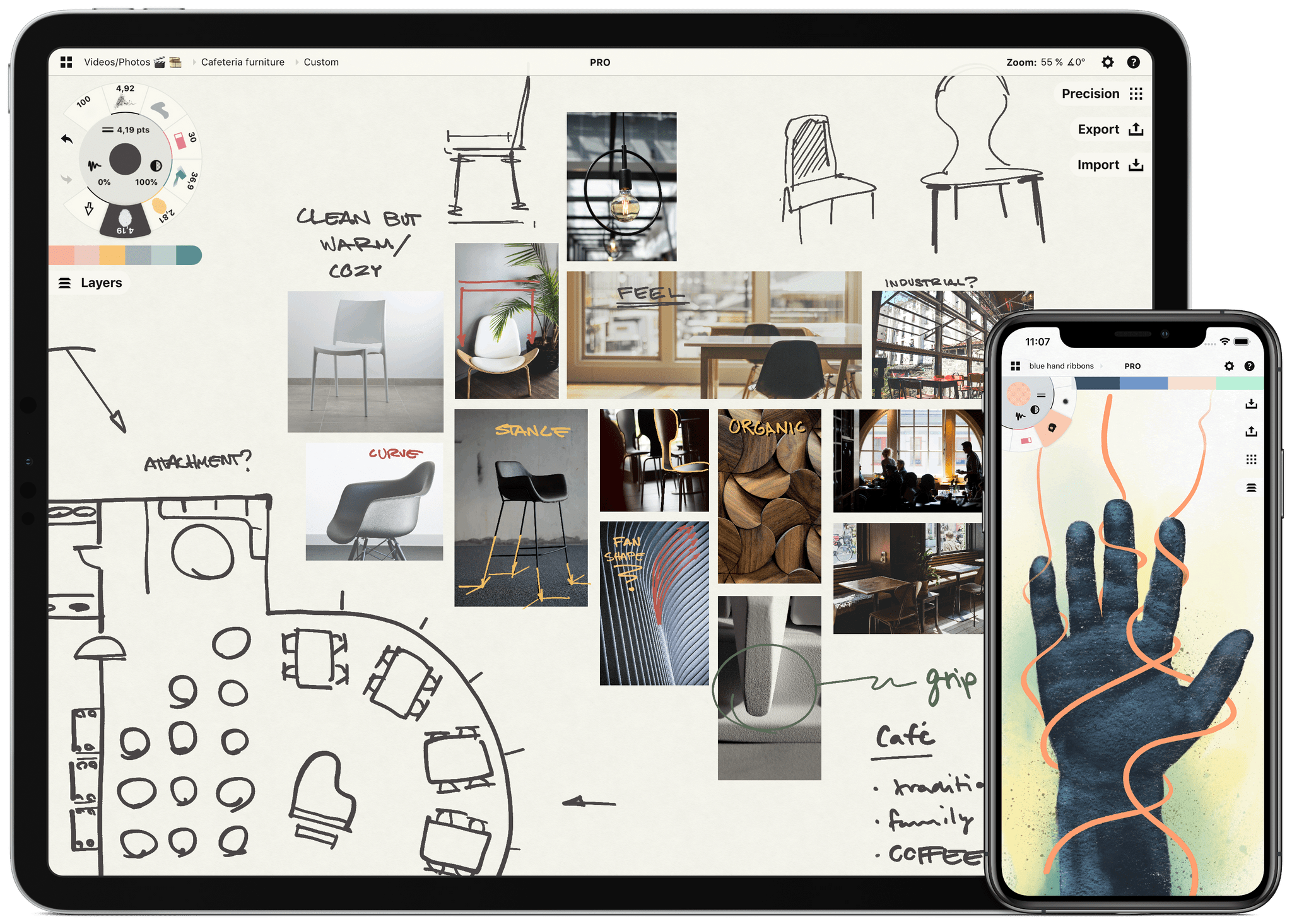
Sketch, note, and explore endless ideas with Concepts’ infinite canvas for iPad. Draw in designer COPIC colors with liquid pens and brushes, and organize images, text and sketches into visual mood boards. Used by creative professionals for visual thinking, note taking, team communication, storyboarding, product design and architectural planning, Concepts lets you sketch and share your ideas in the moment.

Everything you draw in Concepts is a flexible, editable vector. Nudge, edit and reorganize your ideas with natural finger gestures. Drag+drop images and objects onto the canvas for fast ideation and reference, use layers and grid layouts to organize your work, mark up PDF documents, and apply real-world scale for professional design projects. Export and share standard, high-res and vector file types for flexible work between teams and apps.

Concepts’ built-in Presentation Mode lets you connect with others for live sharing and graphic discussion. Whiteboard virtually with teams and clients using apps like Zoom, then instantly share your discussion.

The app comes free as a basic sketching tool, with the ability to unlock 200+ libraries of brushes, objects and services via subscription or one-time purchase. To learn more about Concepts visit their website today.

MacStories readers – Enjoy a special 1 month extended free trial when you sign up for an annual subscription. Get a month of infinite creativity before you are billed.

Our thanks to Concepts for sponsoring MacStories this week.


Perks

Remote Control & Mobile Mouse Exclusively for Club MacStories members, we have 25 coupon codes that unlock all of Remote Control & Mobile Mouse’s features. It’s a fantastic app for remotely controlling your Mac, using your iPhone or iPad as a mouse or trackpad, and a lot more. This is a first-come-first-serve giveaway, so be...


The Many Ways To Run Shortcuts in macOS Monterey

There are a lot of reasons to be excited about the debut of Shortcuts on the Mac this fall, and chief among them, is how well integrated the app is into macOS. Apple didn’t spend a lot of time on Shortcuts during the WWDC keynote, but the developer sessions, OS preview pages, and digging around...


Interesting Links

Using a combination of Kodex, Textastic, Working Copy, a-Shell, and Shortcuts, Nipun Batra explains how he uses the iPad to do development work. (Link) Logitech announced this week that its Combo Touch iPad Air case-keyboard-trackpad accessory is now available for sale. (Link) Josh Holtz has created an amazing shortcut that allows him to run other...


Up Next on MacStories’ Podcasts

Next week on AppStories, Federico and John dive into everything coming this fall in Shortcuts across all of Apple’s platforms. This week on MacStories Unwind, Federico and John cover the latest news, including the addition of Shortcuts support to Darkroom, what’s going on at Club MacStories and with AppStories, along with TV Show...


In This Issue

A comprehensive rundown on the many ways to run Shortcuts on the Mac, Federico rethinks his approach to shortcuts for starting saved Timery timers, A Remote Control & Mobile Mouse app giveaway, the results of last week’s WWDC 2021 straw poll, plus the usualLinks, App Debuts,arecap of MacStories articles, and a preview of upcoming podcast...


Straw Poll

Results of our WWDC 2021 Straw Poll Apple Design Award Responses In addition to the questions above, we asked Club members which apps they would have selected for an Apple Design Award. We received a long list of suggestions, but here are the apps that received the most mentions: Craft CARROT Weather Apollo Reeder Things...


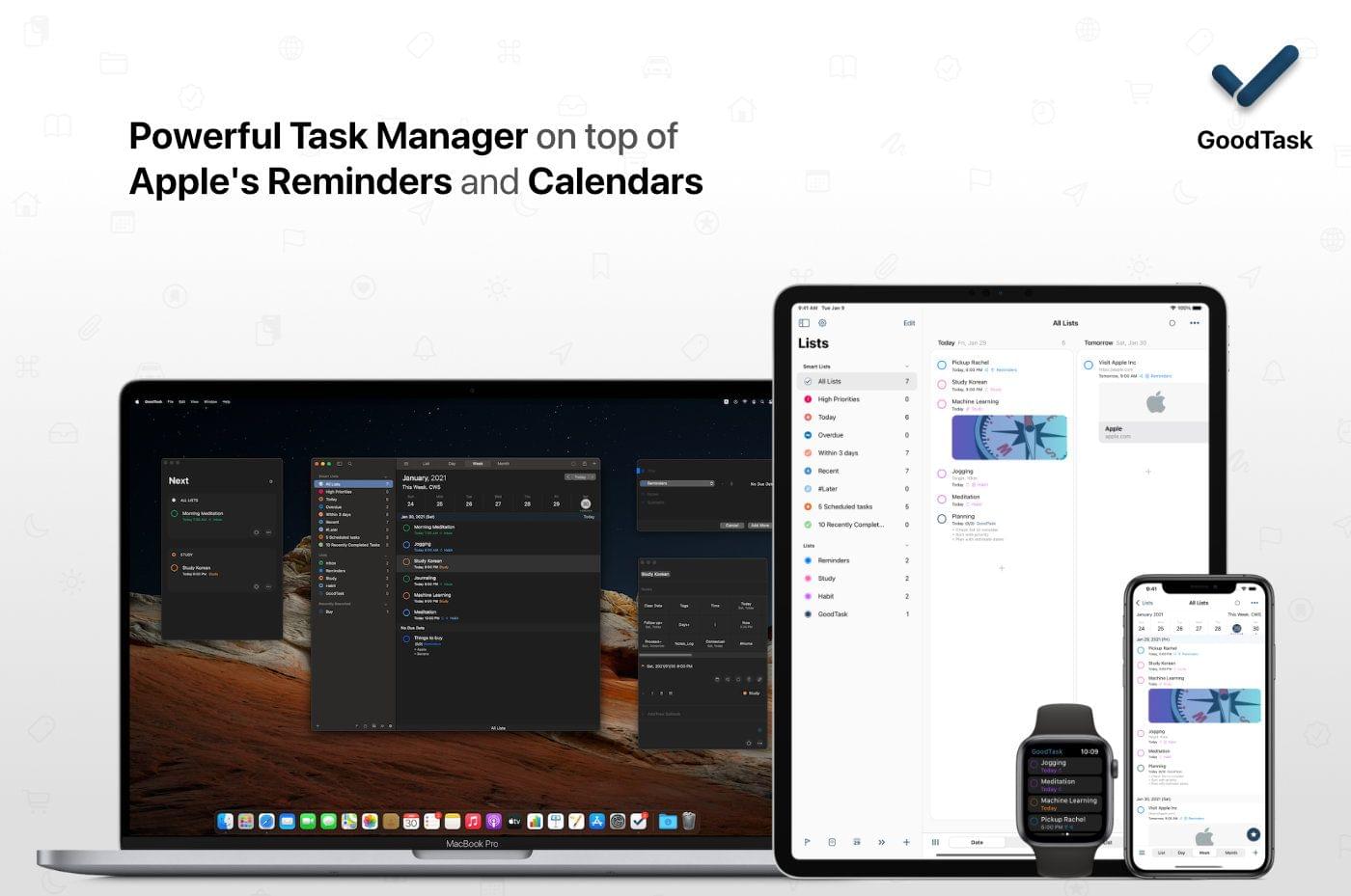
GoodTask: Get It Done With the Task Manager Based on Apple’s Reminders and Calendars [Sponsor]

GoodTask is the powerful, customizable task manager for getting things done on the iPhone, iPad, Mac, and Apple Watch. That’s because it’s built on top of Apple’s Reminders app and integrates with Calendars too. It’s a solid foundation that GoodTask extends with fast, reliable syncing, Siri and Shortcuts support, widgets, and much more.

GoodTask is highly customizable too. You can view tasks as lists or in Kanban-style boards, and filters allow you to create Smart Lists based on the criteria that are most important to you.

The app also offers Quick Actions for integrating multiple task options into a single tap or click and eliminating the need to repeatedly type common information. It’s a terrific way to streamline your workflow, so you can spend your time getting things done instead of creating new tasks.

The app also offers fully customizable widgets on the iPhone, iPad, Apple Watch, and Mac too, making it easy to see the tasks that are most important to you and your calendar at a glance. GoodTask has a theme system, too, offering built-in options as well as the ability to create and import themes to suit your personal tastes.

GoodTask extends beyond lists allowing you to set goals and review reports. The Today and Next Pages are designed to cut through the noise of your list and focus on what can be done now. It’s a fantastic way to avoid becoming overwhelmed by a long task list.

Start getting things done today by visiting GoodTask’s website to learn more about its Mac, iOS, iPadOS, and Watch apps and discover the power of the premier task manager based on Apple’s Reminders and Calendar apps.

Our thanks to GoodTask for sponsoring MacStories this week.