MacStories Team

3497 posts on MacStories since July 2011

Articles by the MacStories team. Founded by Federico Viticci in April 2009, MacStories attracts millions of readers every month thanks to in-depth, personal, and informed coverage that offers a balanced mix of Apple news, app reviews, and opinion.

Daylite: Do Big Things With Your Small Business [Sponsor]

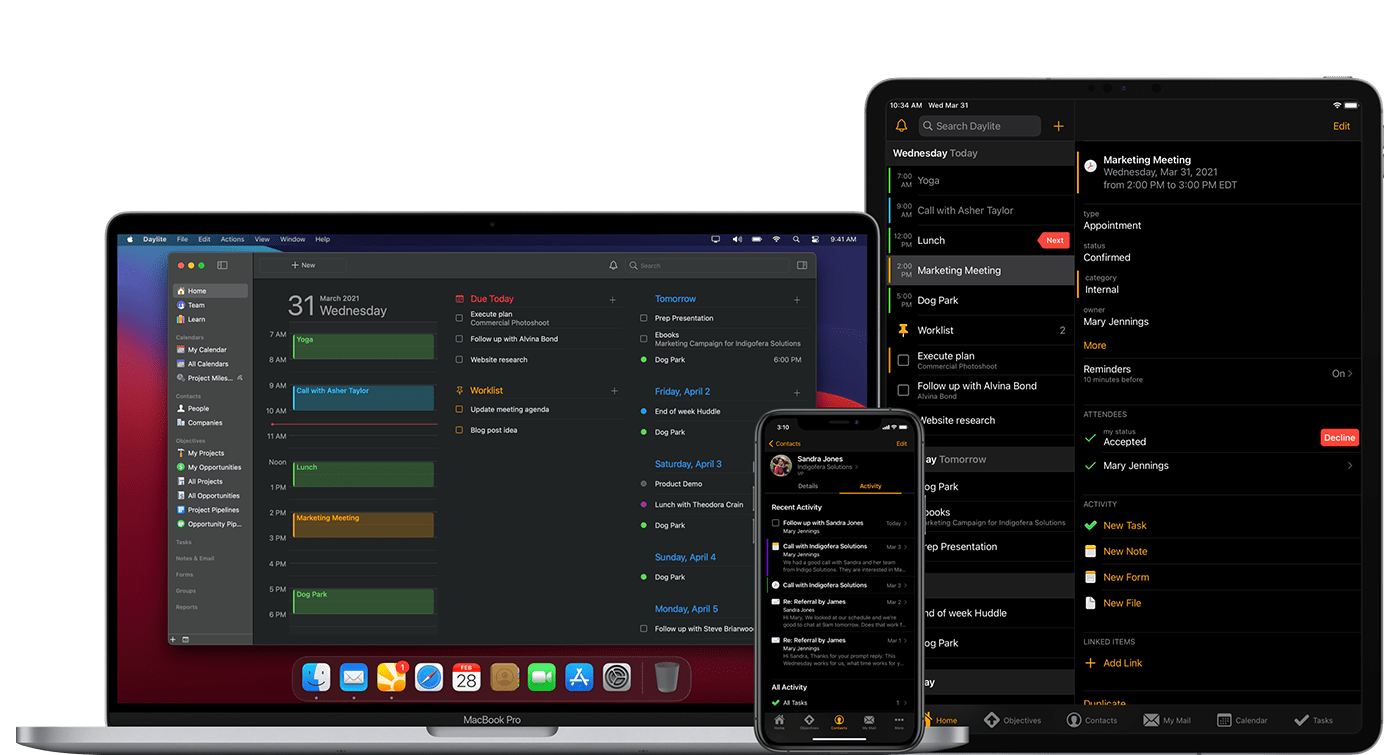
This week MacStories is sponsored by Daylite, a real Mac and iOS app that empowers you and your team to handle more clients, close more deals, and execute more projects than ever before. Built exclusively for Apple users, Daylite is a native Mac CRM and project management app for teams. You can keep track of communication with clients and the status of projects and deals all in one place, even when you don’t have an Internet connection.

Compatible with Big Sur and M1-powered Macs, Daylite is designed to work seamlessly with many of the Apple features you love:

  • Integrate with Apple Mail on Mac
  • Share your Apple Contacts and iCal
  • Leverage features like Siri & Caller ID on your iPhone
  • FaceID and TouchID support
  • Create contracts, and other documents by pulling data from Daylite into Pages, Numbers, and Keynote

Daylite offers complimentary onboarding support to help you get the most out of Daylite. Ready to grow your business? Start your free 30-day Daylite trial today!

Our thanks to Daylite for sponsoring MacStories this week.


Concepts: Sketch, Note, Draw [Sponsor]

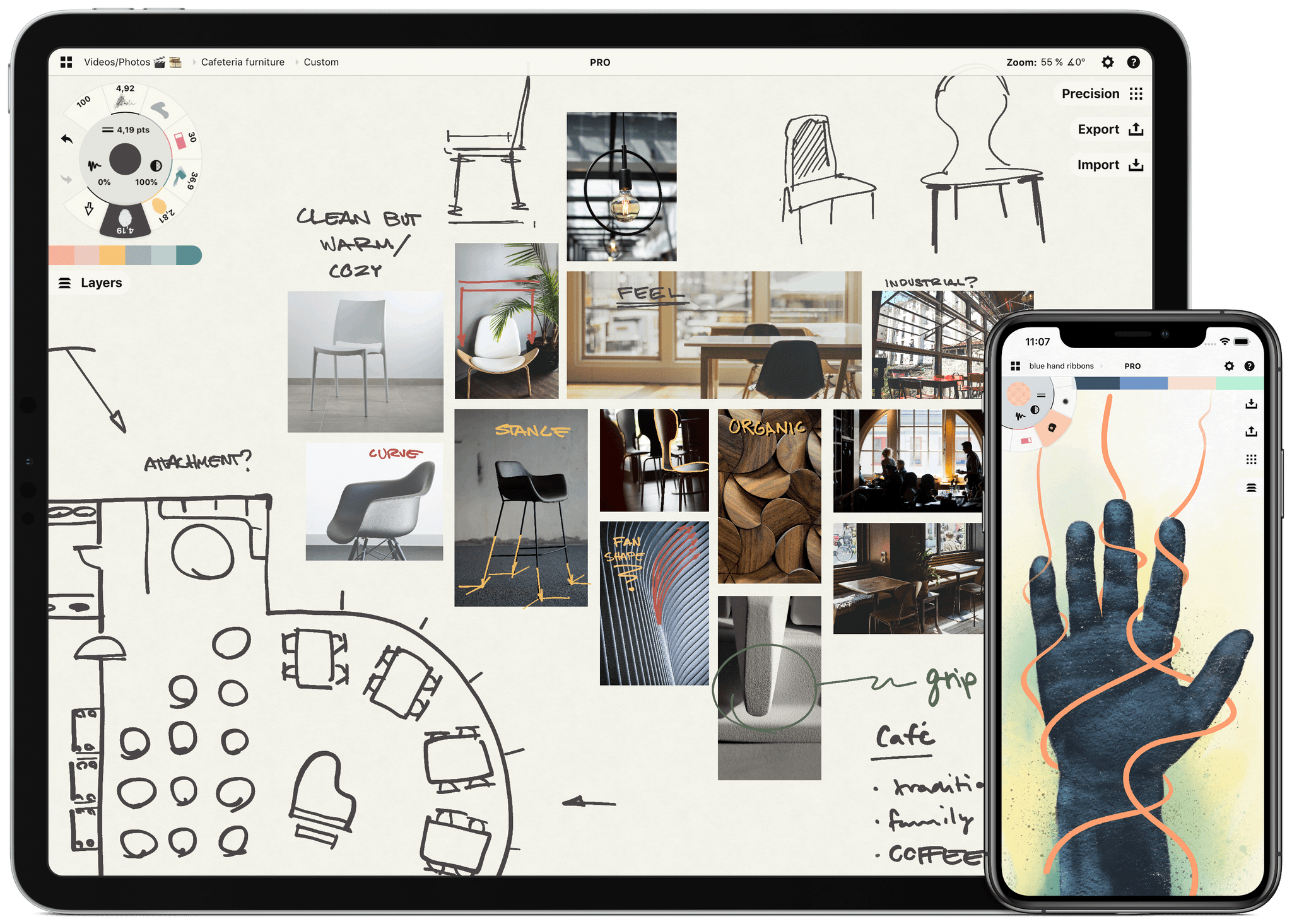
Sketch, note, and explore endless ideas with Concepts’ infinite canvas for iPad. Draw in designer COPIC colors with liquid pens and brushes, and organize images, text and sketches into visual moodboards. Used by creative professionals for visual thinking, note taking, team communication, storyboarding, product design and architectural planning, Concepts lets you sketch and share your ideas in the moment.

Everything you draw in Concepts is a flexible, editable vector. Nudge, edit and reorganize your ideas with natural finger gestures. Drag+drop images and objects onto the canvas for fast ideation and reference, use layers and grid layouts to organize your work, mark up PDF documents, and apply real-world scale for professional design projects. Export and share standard, high-res and vector file types for flexible work between teams and apps.

Concepts’ built-in Presentation Mode lets you connect with others for live sharing and graphic discussion. Whiteboard virtually with teams and clients using apps like Zoom, then instantly share your discussion.

The app comes free as a basic sketching tool, with the ability to unlock 200+ libraries of brushes, objects and services via subscription or one-time purchase. To learn more about Concepts visit their website today.

MacStories readers – Enjoy a special 1 month extended free trial when you sign up for an annual subscription. Get a month of infinite creativity before you are billed.

Our thanks to Concepts for sponsoring MacStories this week.