MacStories Team

3497 posts on MacStories since July 2011

Articles by the MacStories team. Founded by Federico Viticci in April 2009, MacStories attracts millions of readers every month thanks to in-depth, personal, and informed coverage that offers a balanced mix of Apple news, app reviews, and opinion.

Organize Your Inbox (and Never Waste Time on Email Again) With SaneBox [Sponsor]

SaneBox is your personal email assistant that automatically organizes your inbox, saving you valuable time. SaneBox works on top of your existing email service, making sure that only the most important messages reach your inbox. The rest of your messages are carefully tucked away in designated folders like SaneLater and SaneNews for reviewing later. You can snooze emails, too, setting them aside to deal with later.

Better yet, if there’s something you never want to see again, drag in into the SaneBlackHole folder. It’s far easier than the hit or miss process of unsubscribing from email lists.

SaneBox has a built-in reminders system too. SaneReminders are a great way to keep on top of tasks. Send yourself a reminder to do something later or get a reminder that someone hasn’t responded to a message. For example, bcc: 3days@sanebox.com and the message will show up back in your inbox only if the recipient doesn’t reply within three days. With SaneReminders, nothing falls through the cracks.

Also, because SaneBox works on top of your existing email setup, there’s no app to download or a new email account to set up. You can use any email client you want.

Sign up today for a free 14-day SaneBox trial to take back control of your email. You’ll see substantial benefits immediately as the message count in your inbox drops, and you’ll be able to maintain control going forward with SaneBox’s help. MacStories readers can receive a special $25 credit automatically by using this link to sign up.

Our thanks to SaneBox for sponsoring MacStories this week.


Re:Schedule: Meetings Made Easy [Sponsor]

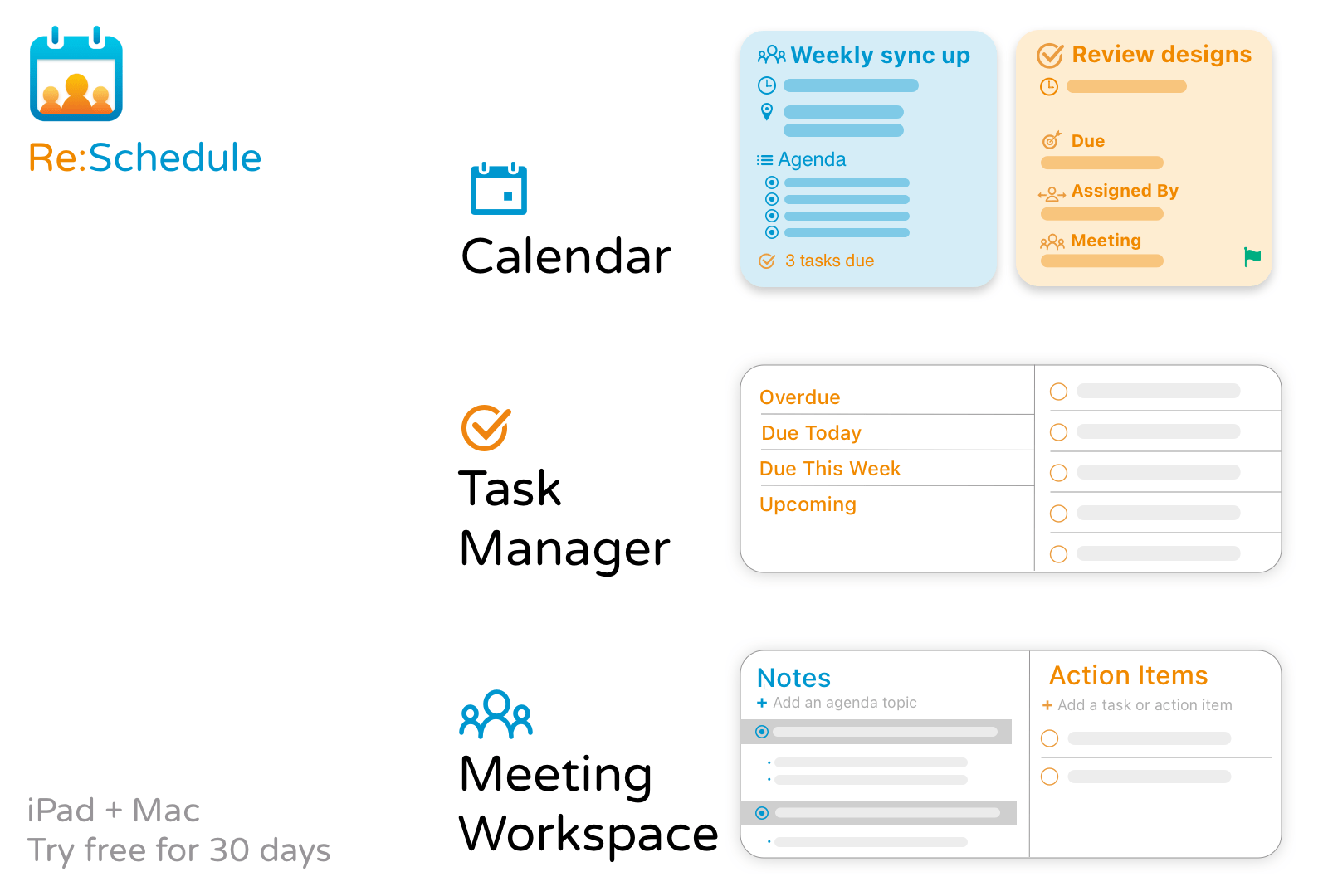
Re:Schedule is an iPad and Mac app that eliminates the frustration of organizing meetings. The trouble with meetings is that the information you need is spread across several apps:

  • Meeting logistics are in your calendar
  • Your agenda is probably in your email or a folder somewhere
  • Action items are in your task manager
  • Communications with your team are in your email client or Slack
  • Your notes are probably in yet another app.

As a result, you probably find yourself hunting for what you need in several apps before every meeting.

Re:Schedule solves all of these problems with a calendar that can sync with Google Calendar and makes it easy to plan and run productive meetings. Meetings are shared workspaces on Re:Schedule. A meeting workspace is your one-stop destination to plan your agenda, review recurring meetings’ history, take organized notes, assign tasks, and so much more.

The app is a more natural, fluid way of organizing and running meetings because everything is automatically shared with the meeting’s participants. The overhead of managing folders, projects, teams, and permissions is eliminated. Even your team members who don’t use Re:Schedule can benefit from it thanks to email notifications.

The app accomplishes all of this in a unique and elegant agenda view that shows you details of your day’s events and open tasks. Never go to a meeting unprepared again. Follow along with the agenda, take notes to share with the other participants, assign tasks, and when the meeting is over, block out time using Re:Schedule to ensure you don’t fall behind.

Transform the way you work now by signing up for Re:Schedule’s 30-day free trial today.

Our thanks to Re:Schedule for sponsoring MacStories this week.