MacStories Team

3497 posts on MacStories since July 2011

Articles by the MacStories team. Founded by Federico Viticci in April 2009, MacStories attracts millions of readers every month thanks to in-depth, personal, and informed coverage that offers a balanced mix of Apple news, app reviews, and opinion.

Agenda: Date-Focused Note Taking [Sponsor]

Agenda has had a great year. In May, Agenda 10 added note templates, a powerful sharing extension, and translations in 11 new languages. Just a few months later, Agenda 11 introduced Widgets and Scribble (handwriting recognition), as well as support for the new Apple Silicon Macs.

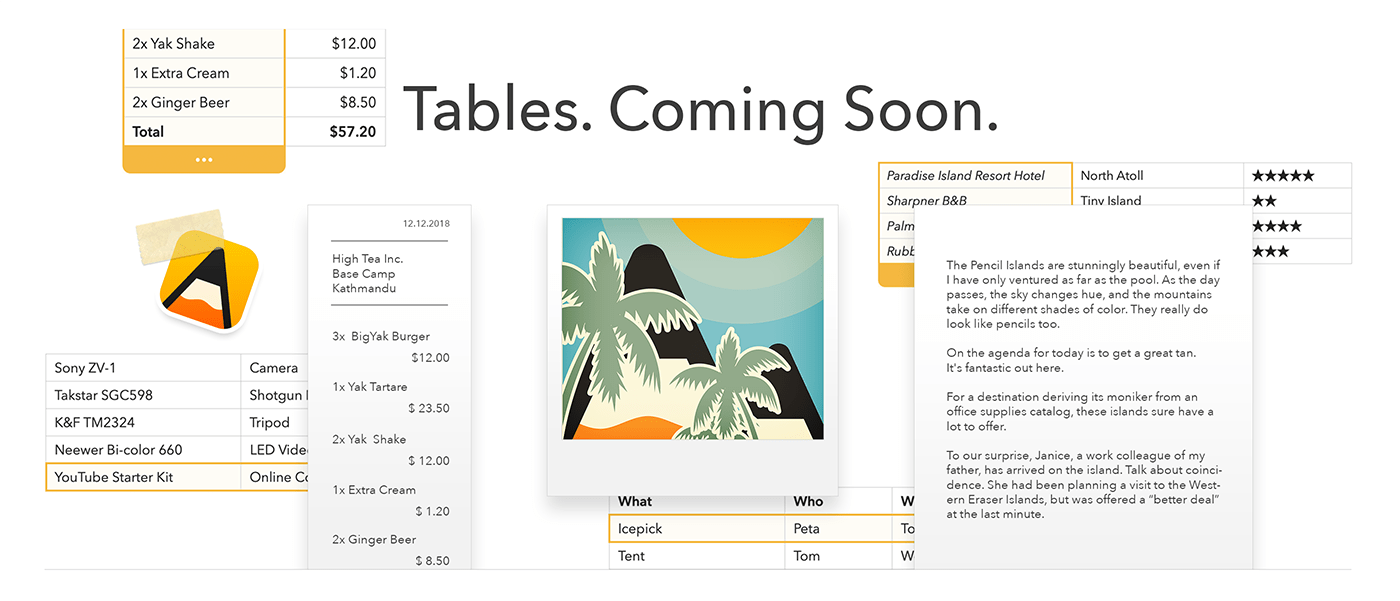
And the team at Agenda is not resting yet. They are currently working on one of the most requested features in the Agenda Community: Tables. Agenda 12 will allow you to embed tables directly into your notes, and take them with you on your iPhone, iPad, and Mac.

Tables are already being beta tested by the Agenda faithful and will be available in January 2021. Best of all, you will be able to use Agenda’s new tables for free.

If you aren’t familiar with Agenda, it’s a note-taking app with a twist — it focuses heavily on dates. You organize your notes into projects, sorted into a timeline. You can link notes to calendar events and reminders in Apple’s apps.

The tight integration of notes and dates is what makes it a unique note-taking experience. For example, by tying notes you’ve been taking in advance of a meeting to the event in your calendar, the notes are right there when you need them.

It sounds like a great idea, but we all know a great app is more than an idea. Agenda won an Apple Design Award in 2018 and was named MacStories’ Best New App the same year. It’s been featured countless times in Apple’s App Stores and is an Editors’ Choice. It’s not just a great idea — it’s a very polished app.

Agenda is free to download from the Mac App Store and iOS App Store.

Our thanks to Agenda for its support of MacStories this week.


Halide Mark II: The Best Pro Camera For iPhone [Sponsor]

Halide Mark II is the brand new camera app from the makers of Spectre, Apple’s iPhone App of the Year for 2019.

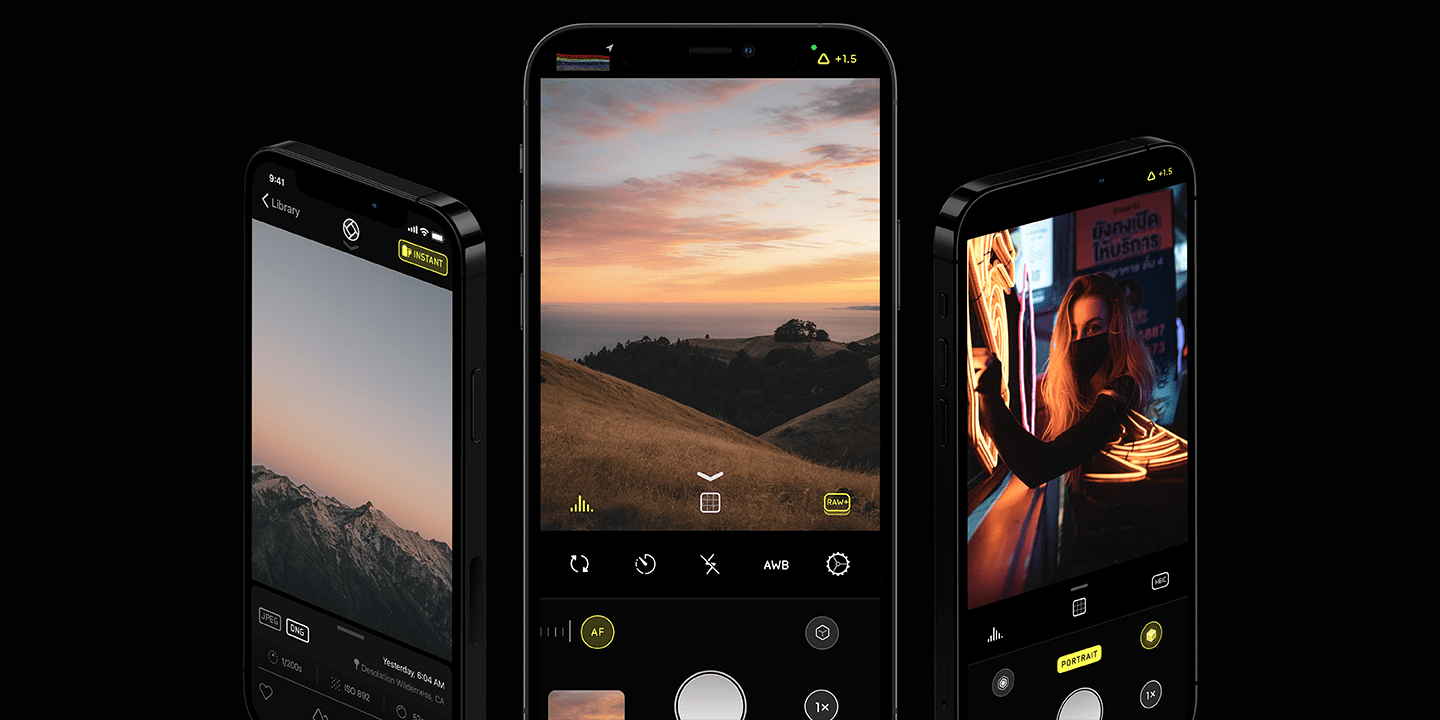
Halide is the sort of elegant, intuitive app casual photographers appreciate that also offers the sophisticated, advanced features that expert photographers demand. The app was created by three friends who share a passion for photography and believe that apps should be exceptionally well built and designed, simple to use, and free of any nonsense.

The makers of Halide understand that advanced features don’t have to come at the expense of usability. Halide’s beautiful interface relies on gestures that make using the app fast and efficient. All of the manual controls that pro users expect are available when you want them but are neatly tucked away out of sight when you don’t. It’s a carefully-crafted balance that sets Halide apart from other camera apps.

Halide supports the latest iPhone technologies like Apple’s new ProRAW format on the iPhone 12 Pro and live XDR (Extended Dynamic Range) exposure tools, ensuring that you’re always on the forefront of what’s new with iPhone photography. The Halide team also provides what you need to take advantage of those features by offering an easy 10-day set of photography lessons right inside the app to help you get the most out of it.

There are no ads, tracking, or anything else you don’t want in Halide – just an obsessive focus on helping you take the best possible photos every time. Halide offers a 7-day free trial for subscribers, or, if you prefer, you can take advantage of its one-time purchase option.

Either way, download Halide Mark II today to get ready for ProRAW and make the most of your iPhone’s camera.

Our thanks to Halide Mark II for its support of MacStories this week.