

A collection oftech-relatedgift suggestions for the holidays,Federico explains how he’s converting DRM’d eBooks into annotatable EPUBs and the app he’s using to save quotes and notes, Alex provides advice on handling family tech support over the holidays, John shares tips on using dictation on the Mac and unsticking a stuck Big Sur beta,plus the usual...
 MacStories Unplugged
[[unplugged_artwork]] The Year in Music, 2020 Edition In this episode, Federico and John share their Apple Music playlists, collecting their favorite songs of 2020, pick their albums of the year, second-guess the Grammy nominations, and each choose five bands that define their tastes in music. Show Notes Federico’s Best of 2020 playlist John’s 2020 Mix...
Permute: Quick Image, Audio, and Video Conversion [Sponsor]
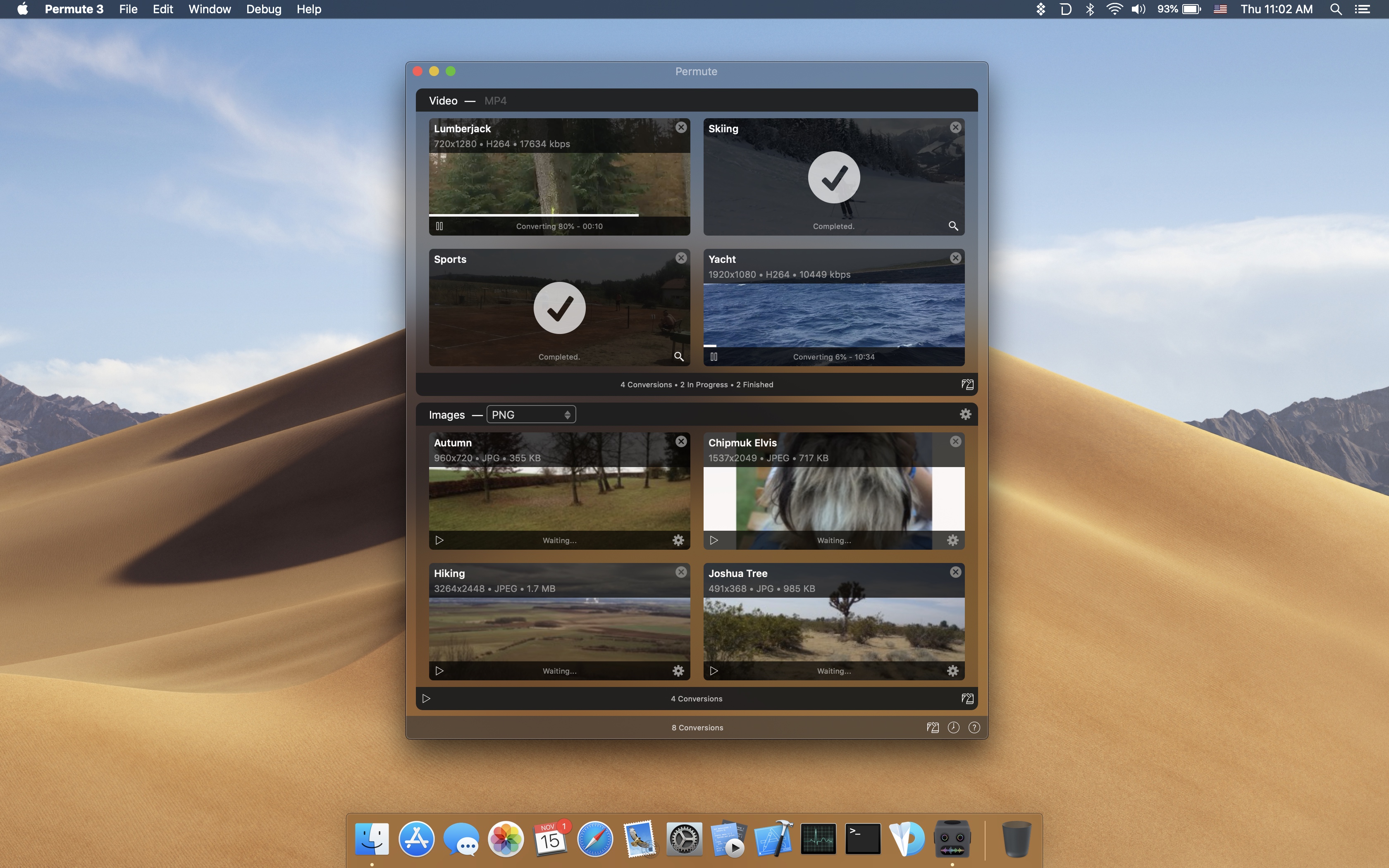
When you want to convert a photo, video, or audio file from one format to another, it’s far too easy to get bogged down in settings, unable to make heads or tails of technical jargon. Permute saves you from that trouble by taking care of the details and converting files incredibly fast.
To start a file conversion, drag a file into Permute’s main window or onto its dock icon, click Start, and you’re all set. Permute is faster than ever too. The app supports an incredibly long list of file formats and has hardware acceleration for MP4 and HEVC files. The app also has presets for a long list of Apple hardware so you can match your results to the devices you use. You can even modify images and videos, adjusting their size and rotating and flipping them.
But that’s not all. Permute 3 can also:
- Convert individual files or groups of files
- Stitch multiple images, videos, or audio files together
- Create DVDs
- Convert uncommon file formats like WebP and SVG
- Schedule conversions for later
- Add converted files to iTunes
Permute has a special limited-time deal just for MacStories readers. If you use this link, you can purchase Permute for 20% off. There’s a free trial available too if you want to try the app first.
Visit Permute’s website today to learn more and take advantage of the special 20%-off deal before it expires.
Our thanks to Permute for sponsoring MacStories this week.
Interesting Links
Everyday Experiments is a ‘Shot on iPhone’ YouTube video from Apple that combines fun at-home science projects with iPhone photography. (Link) Ars Technica has an in-depth review of the new M1 Mac mini, a powerhouse computer in a tiny form factor that hasn’t gotten a lot of attention from other reviewers. (Link) MacRumors reports on...
Up Next on MacStories’ Podcasts
Next week on AppStories, Federico and John cover the changes to the App Store, including the recent changes to commissions paid by small businesses. This week on MacStories Unwind, Federico and John cover the latest articles on MacStories, including stories on the changes to App Store fees that Apple announced, the Apple Music...
Previously, On MacStories
Apple Launches an Embeddable Web Players for Podcasts GitHub Reinstates youtube-dl, Commits to New Policies for Protecting Developers Apple M1 Mac Review Roundup: Big Performance and Battery Gains Apple Reduces App Store Commissions to 15% for Small Businesses Starting Next Year This Holiday Season, Give the Gift of Club MacStories Sebastiaan de With Reviews the...
In This Issue
Alex revisits Crossy Road, Federico updates his Today ReScheduler shortcut for iOS 14.3 beta 2, John considers what M1 Macs mean for web apps and shares some Mac widget tips,plus the usual Links, App Debuts, arecap of MacStories articles, and a preview of upcoming MacStories Podcasts....
Downie: Easily Download Videos From YouTube and Thousands of Different Sites [Sponsor]
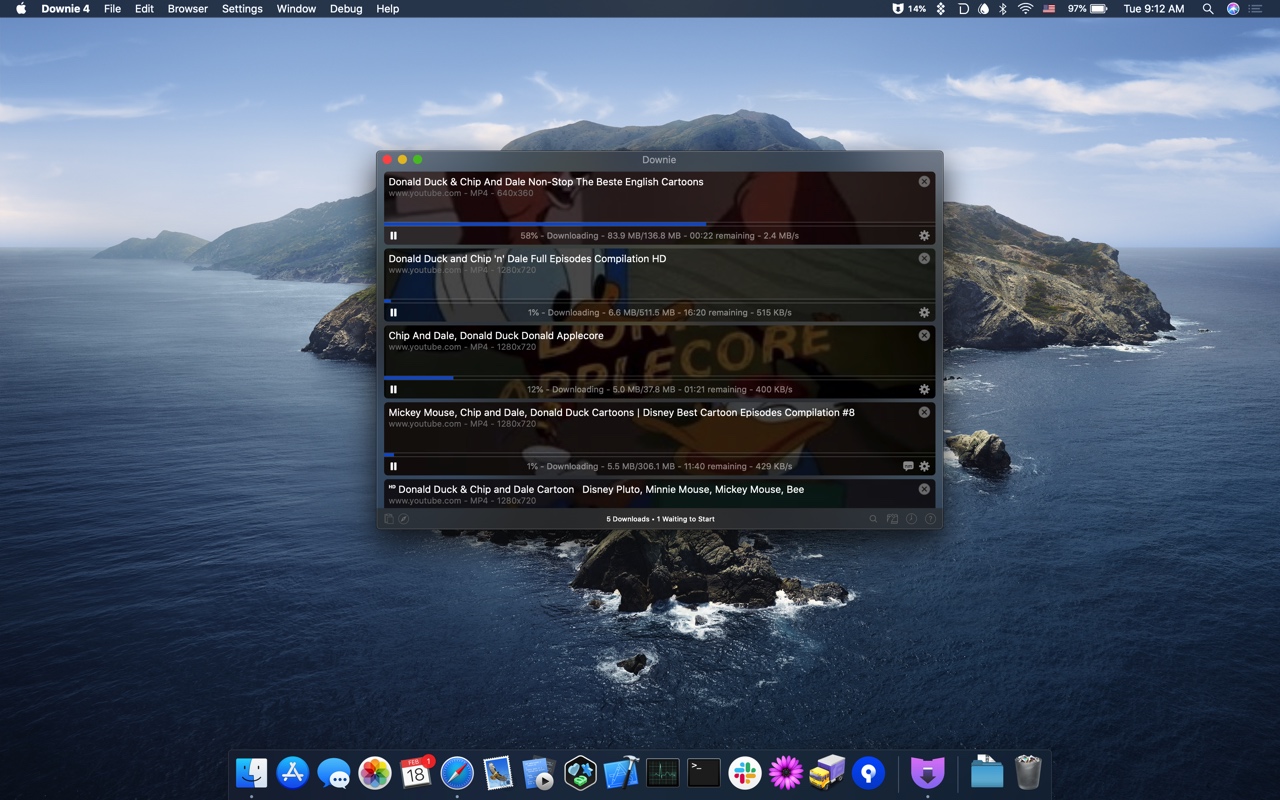
Downie for Mac simplifies the process of downloading videos from YouTube and over one thousand other sites. Just drag a URL from your browser into Downie or onto its dock icon from sites like YouTube, Youku, Bilibili, and Vimeo to immediately download a video. You can even copy text containing video URLs and paste it into Downie to start a download.
Downie is efficient and organized. Instead of downloading now, queue downloads for later. It’s a great way to process dozens of videos while you sleep and aren’t using your Internet connection for something else. Downloads can be organized automatically into folders too based on source and playlist, saving you the hassle of organizing them yourself.
When you use Downie, you also know you’re getting the best version of a video that’s available. For example, unlike many other download apps, Downie can download the 4K version of a video from YouTube if one is available. It’s that sort of attention to detail, combined with attentive support, frequent updates, and localization that makes Downie a great choice for video downloads.
Downie 4 was just released with a redesigned UI and great new features that make the app better than ever. Now, you can control Downie from the menu bar and hide the dock icon if you’d like. Downie is also up to six times faster than before, saving you a lot of time when downloading and processing large numbers of videos. Metadata is written to a JSON file now too, making it easy to process later.
For a limited time, Downie has a special 25% discount just for MacStories readers. All you need to do is use this link to purchase the app. You can use the coupon code D1B766ED at checkout to get the discount too.
Expand your video collection the easy way today, with Downie.
Our thanks to Downie for sponsoring MacStories this week.
Up Next on MacStories’ Podcasts
Next week on AppStories, Federico and John dig into John’s Big Sur review and what it means for the Mac and Mac apps. This week on MacStories Unwind, Federico and John recap a long list of stories and happenings on MacStories, including the announcement of M1-based Macs, Federico’s MusicBot 1.1 shortcut, review roundups...