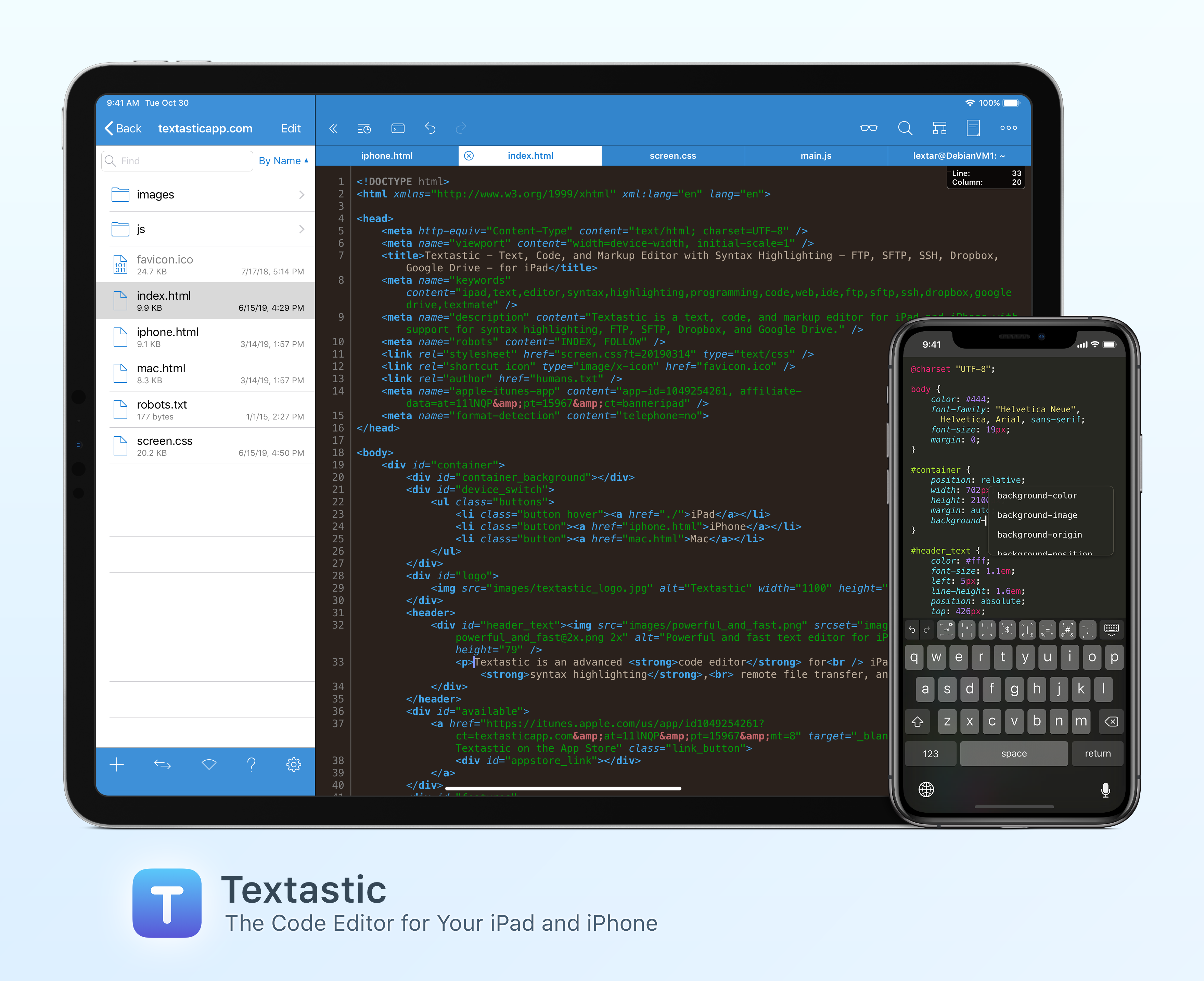
Textastic is the most complete and versatile code editor available for your iPad and iPhone. The app’s versatility starts with its extensive support of syntax highlighting for more than 80 programming and markup languages. Textastic handles highlighting for HTML, JavaScript, CSS, PHP, C, C++, Swift, Objective-C, Java, LaTeX, Python, Ruby, Perl, Lua, and dozens more.
Textastic is also a full-featured Markdown text editor that includes a built-in web server and Safari support for previewing your work. The app is compatible with Sublime Text and TextMate syntax definitions too.
Textastic goes well beyond the features of a classic text editor, though. You can manage remote file transfers with FTP, SFTP, WebDAV, Dropbox, and Google Drive and there’s a terrific, full-featured SSH terminal built right into the app. Because Textastic supports tabs, you can even have multiple files and SSH terminals open simultaneously.
With robust search and replace that supports regular expressions, keyboard shortcuts that are customizable, and support for Git repositories using Working Copy, it’s the most powerful code editor you’ll find anywhere with a long list of features, including support for the Files app, drag and drop, printing, iCloud Drive, Split View, multiwindowing, context menus, and a whole lot more.
The app is regularly updated and maintained too. With the release of version 9.3 in June, Textastic gained new keyboard shortcuts for code comments, a setting for automatically inserting a matching closing character for parentheses, square brackets, and curly brackets, code awareness that allows for automatic indentation based on syntax context, an adjustable line height setting, and a setting for displaying the selected line indicator in a document’s gutter. Dark mode has been improved too, allowing users to select a separate code editor theme and keyboard appearance and preview Markdown using a dark color scheme.
To learn more about Textastic and what it can do for your code editing needs on the iPhone and iPad, visit textasticapp.com, to download a copy today. You’re going to love it.
Our thanks to Textastic for sponsoring MacStories this week.