

This month, Stephen highlights apps he recommends for working from home, Ryan discovers the shortcomings of video conferencing apps while stuck at home in New York, and John reviews two portable stands for iPads of all sizes from Twelve South....
Concepts: Where Ideas Take Shape [Sponsor]
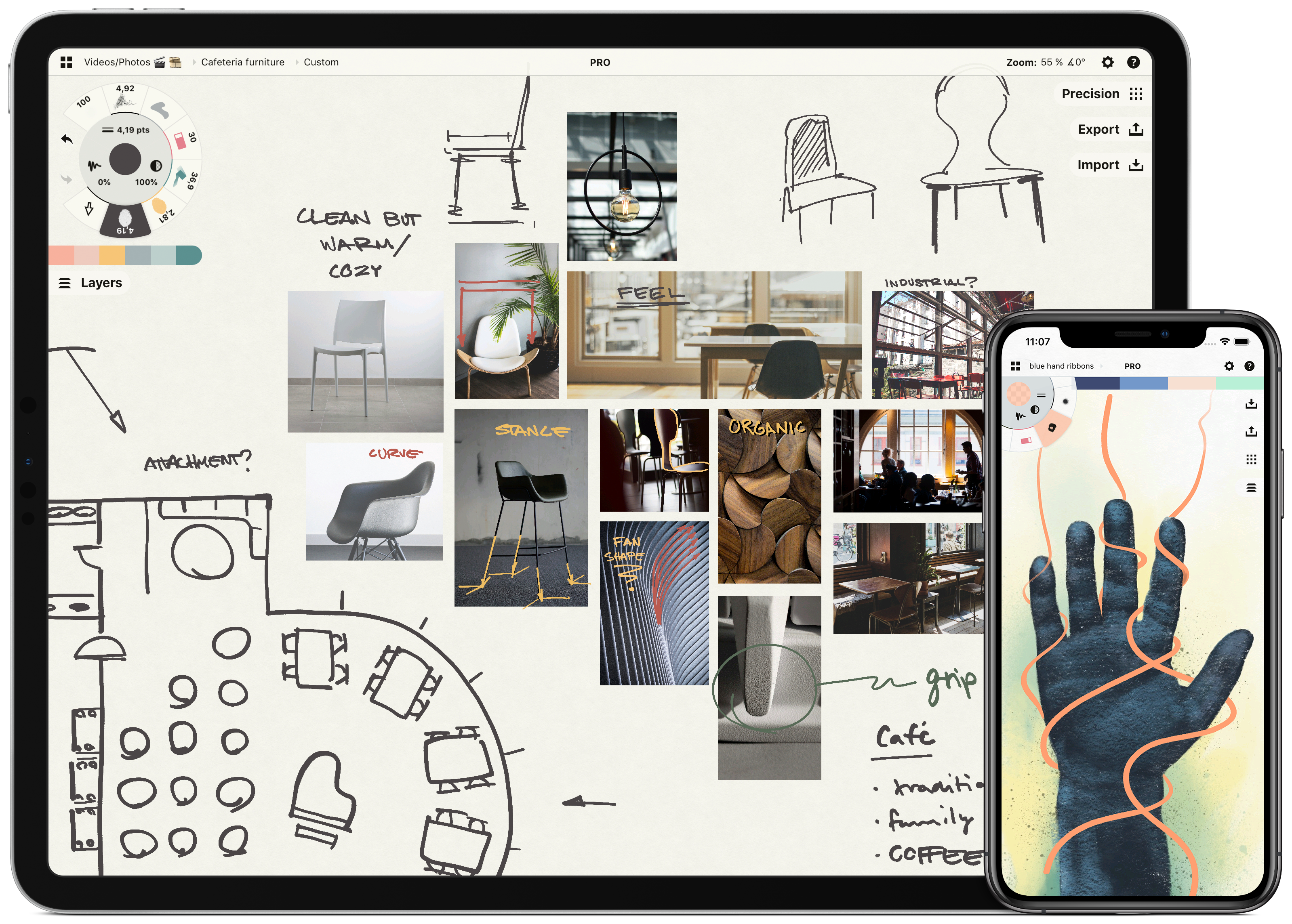
Concepts is a powerful creative ally to help you think, explore, and sketch your ideas. Stretch your mind past the limits on an infinite canvas, using fluid pens and brushes in designer COPIC colors. Used by creative professionals for note-taking, mind mapping, drawing, storyboarding, graphic design, product iteration, and architectural planning, Concepts lets you sketch, communicate and present your ideas with a flexible, customizable workflow.
Built from the ground up for iPad’s touch sensitivity, Concepts combines vectors with natural finger gestures to maximize your creativity. Everything you draw can be edited, moved, and reorganized, allowing you to interact with your ideas at a deeper level. Drag+drop images and objects for fast ideating and mood boards, use layers, and grid layouts to organize your work and apply shape guides, measurement, and scale features for more precision drawing.
Concepts comes with a free, built-in presentation mode that lets you connect via AirPlay or cable to a large display for graphic discussion and sharing during events. It works with apps like Zoom or Reflector for instant virtual whiteboarding. Once final, export and share multiple file types (JPG, PNG, SVG, PDF, DXF, PSD) for flexible work between teams and apps.
The app comes free as a basic sketching tool, with the ability to unlock 200+ libraries of brushes, objects, and services via subscription or one-time purchase. Sketch, explore, and share your ideas infinitely with Concepts.
Download Concepts today for free and give it a try. To learn more about how Concepts can help you explore your ideas, visit concepts.app.
Our thanks to Concepts for sponsoring MacStories and the iPad at 10 series this week.
 Up Next on MacStories’ Podcasts
Next week on AppStories, Federico and John kick off MacStories’ celebration of the 10th anniversary of the iPad’s launch with an episode of AppStories that reflects on the device’s history, place in Apple’s product lineup, and the apps that have shaped the platform....
In This Issue
Timery for Toggl, Photoshop for iPad tips, using apps and online services to shop for groceries from home, lots of App Debuts, a teaser for our upcoming iPad event, plus Links, a recap of MacStories articles, and a preview of the next episode of AppStories....
Interesting Links
Bandsintown, which tracks live concerts for your favorite bands, has added live-streamed concerts to the list of events it tracks. (Link) The Verge reports that Amazon Prime now supports up to six profiles per account so your viewing history, progress, and recommendations can be separated from those of others in your household. (Link) CNET interviews...
Previously, On MacStories
Apple Podcasts Adds Curated Collections to Help Listeners Stay Informed, Calm, and Entertained During the Coronavirus Pandemic HeartWatch 4: A Streamlined Dashboard for Your Health New MacBook Air Review Roundup Universal Purchases for Mac Apps Are Now Available to Developers Apple Music Debuts New ‘Get Up! Mix’ Algorithmic Playlist 2020 iPad Pro Review Roundup Apple...
AppStories, Episode 155 – Stuck at Home
This week on AppStories, we talk about how the global COVID-19 pandemic has changed the way we relax, work, and approach their days.
Sponsored by:
- Linode – Cloud Hosting & Linux Servers. Get a $20 credit.
- Metrical – Build habits, stay productive, be in charge! Use the code APPSTORIES in the app to try Metrical’s pro features free for 30 days.
https://staging.macstories.net/podcasts/appstories/episodes/155/embed/






Pushcut: The Powerful Companion for Shortcuts and Home Automation [Sponsor]
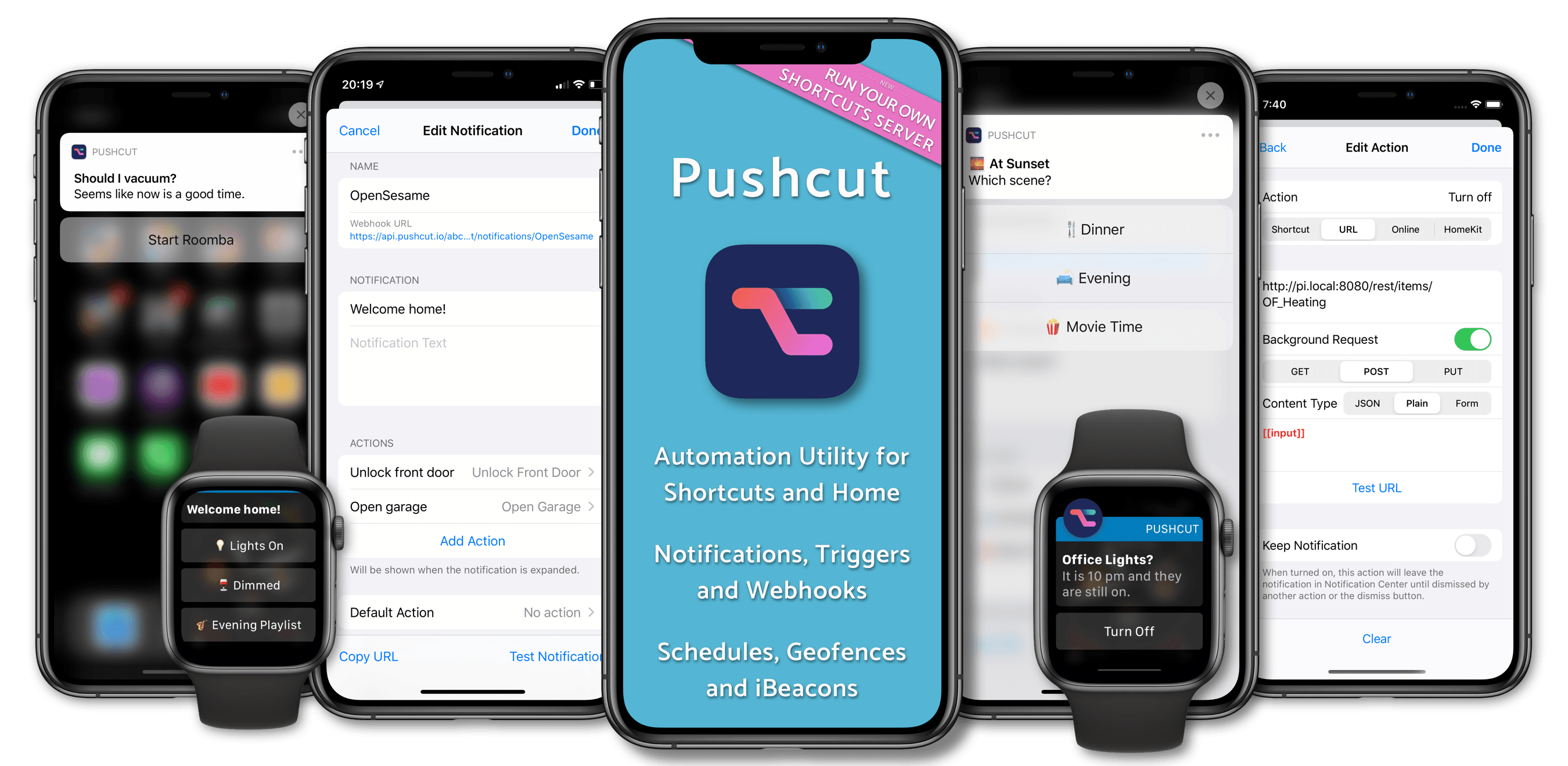
Pushcut is a one-of-a-kind utility that extends the power of Apple’s Shortcuts app with a smart notification system that supercharges your shortcuts and home automations.
Pushcut includes an easy-to-use but sophisticated notification editor that lets users set up push notifications based on factors like location and time. The notifications are feature-rich allowing users to pick from multiple choices and perform several actions from a single notification.
The app includes a powerful web API too, which allows you to extend the functionality of Apple’s Home app, for example. Home includes an automation component, but it’s limited. However, with Pushcut, controlling a HomeKit device can trigger a notification on your iOS device that prompts you to run a shortcut that couldn’t be run in Home.
Pushcut is being updated all the time and just added a feature that lets users run a personal Automation Server on an iOS device they keep at home. Trigger your shortcuts from IFTTT, Zapier, Integromat, or HomeKit automations, run Home scenes automatically when leaving from or arriving at a location, and even run shortcuts on a schedule without user interaction. It’s a powerful way to take Shortcuts to an all-new level.
If you’ve ever been frustrated by some of the limitations of Shortcuts, you need to try Pushcut today. Whether you want to extend Home’s automations, enhance how location and iBeacons integrate with Shortcuts, schedule shortcuts, or kick off shortcuts from your Apple Watch, Pushcut is the powerful companion you need.
Download Pushcut from the App Store now and give it a try. You won’t believe how much you can accomplish with the help of Pushcuts.
Our thanks to Pushcut for sponsoring MacStories this week.
Interesting Links
Looking for a way to pass the time stuck at home? Engadget reports that Moog’s Minimoog Model D and Korg’s Kaossilator iOS synthesizer apps are currently free. (Link) The world of social media influencers is big business, and now, you can even take a course in Influencer Relations if you’re a communications major at the...