

MacStories Team

3497 posts on MacStories since July 2011

Articles by the MacStories team. Founded by Federico Viticci in April 2009, MacStories attracts millions of readers every month thanks to in-depth, personal, and informed coverage that offers a balanced mix of Apple news, app reviews, and opinion.

PowerPhotos: The Ultimate Toolbox for Photos on the Mac [Sponsor]

PowerPhotos is the perfect Mac utility to help you manage multiple photo libraries. As technology marches forward, digital cameras produce larger and larger image files, which makes it easy to create huge, unmanageable Photos libraries of tens of thousands of images that quickly fill valuable storage space on your Mac.

PowerPhotos allows you to create and manage multiple libraries, so you can break up your massive library into multiple manageable libraries. You can store photo libraries on external or networked drives and copy photos while maintaining and preserving albums, edits, and related metadata like keywords, titles, dates, locations, and descriptions. PowerPhotos also makes it easy to track down duplicate images and can even merge libraries together.

One of the app’s most powerful features is the ability to search across multiple libraries simultaneously. It’s a great feature that allows you to search as though all you photos were in one library. PowerPhotos can help with migrating multiple iPhoto or Aperture libraries to Photos too.

The holiday season is a great time to rethink the way your photos are organized, especially because for a limited time Fat Cat Software is offering a special discount on PowerPhotos just for MacStories readers. Use the coupon code MACSTORIES19 at checkout for 20% off. This is a limited-time deal, so don’t delay, download the free trial of PowerPhotos today and then take advantage of this special 20% discount to make wrangling the thousands of photos on your Mac a breeze.

Our thanks to PowerPhotos for sponsoring MacStories this week.
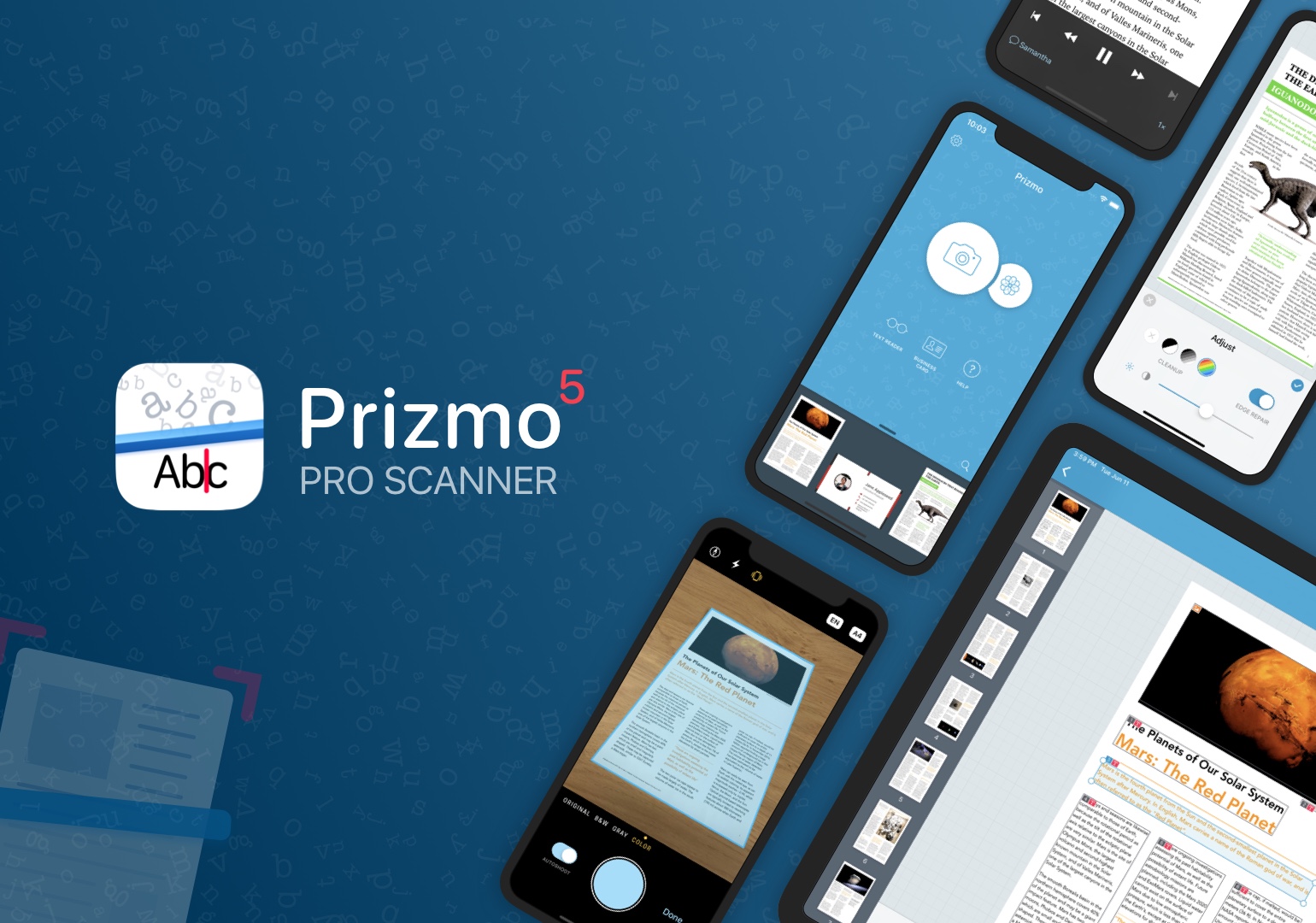


Prizmo 5: The Pro Scanner with Powerful Editing Tools for the iPhone and iPad [Sponsor]

Prizmo 5 is the premier solution for fast, streamlined scanning and powerful, accurate OCR on the iPhone and iPad. The app’s hallmark is the efficiency of its capture workflow, which is driven by an elegant and intuitive UI coupled with the latest iOS and iPadOS features.

Creaceed, the maker of Prizmo 5, has been refining the capture process for years, and with the latest update, they introduced auto-shoot, which detects pages as they are come into view of your iPhone or iPad’s camera and captures them automatically. Once scanned, the images, which use highly-efficient compression formats, can be quickly cleaned up with Prizmo’s suite of built-in tools to rotate, crop, and flatten a scan and adjust its brightness, color, and edges.

Prizmo offers both cloud-based and on-device OCR, turning the text of scanned documents into editable text that can be exported as a text-searchable PDF or even an editable Microsoft Word file. The app also supports business card scanning and processing, so you’ll never lose track of those new contacts you meet again.

Of course, Prizmo supports all the latest iOS and iPadOS technologies, too, including Shortcuts, iCloud, and iPad multitasking, plus exhaustive VoiceOver support with spoken guidance while scanning. There’s even a text reader that can read your scan aloud and batch editing support.

Prizmo 5 is free to download and try and is available through Apple’s Volume Purchasing Program for schools and enterprises. Best of all, for this week only, Prizmo 5’s Premium Pack is 20% off, making now a great time to get started with building a paper-free workflow.

Our thanks to Prizmo 5 for sponsoring MacStories this week.