


Twitter: @viditb. Designer of LookUp and co-founder of Squircle Apps. When you first heard about Catalyst, what were your hopes for how you could use it to bring LookUp to the Mac? When I first heard about Catalyst, what I was really hoping for was a system that would take the iOS UI elements such...
iOS and iPadOS 13 App Roundup: Multiwindow, Dark Mode, Shortcuts, and More
iOS and iPadOS 13 have been in users’ hands for several weeks now, and with the abundance of new capabilities those releases brought has come a wealth of third-party app updates. System dark mode has been adopted not just by indie developers, but also major social media apps; multiwindow has empowered users to work more flexibly on the iPad; context menus have introduced a new layer of functionality to both iPhone and iPad; and of course, Shortcuts is now simultaneously more powerful and more user friendly in iOS 13, unlocking possibilities that are only beginning to be explored.
We’ve covered a lot of the best app updates for iOS and iPadOS 13 in individual articles and through our Club MacStories newsletter, but today the MacStories team has a roundup to share of several other noteworthy app debuts and updates of late.
TickTick: Your Lightweight All-In-One Task Manager [Sponsor]
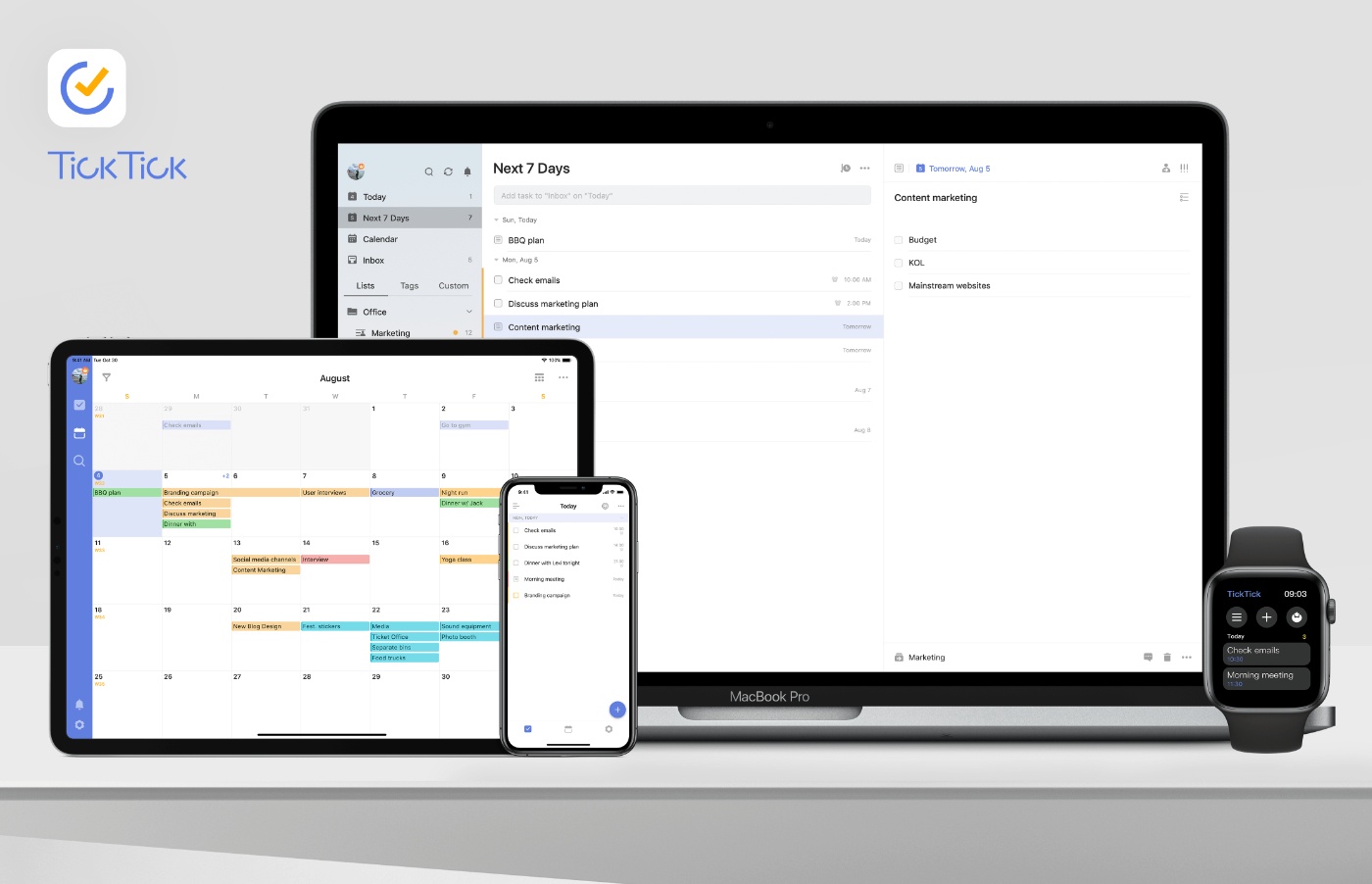
TickTick is an all-in-one task management tool with a focus on simplicity. The app is available for more than ten platforms, including iOS, Mac, and Apple Watch.
Time is at the heart of TickTick. The app includes everything from a Pomodoro timer and habit tracker, to calendar views. It’s a to-do list, planner, reminder, as well as a calendar, which eliminates switching between apps, saving you time and effort.
At the same time though, TickTick is lightweight. The app’s workflows are carefully designed and optimized. For example, you can start by adding tasks and setting reminders. Later, you could use the Pomodoro timer to help you stay focused as you work on those same tasks, or you could punch in daily to develop a task into a habit. TickTick puts you in full control letting you choose to show or hide each of these features in the Tab Bar so you always have exactly what you need, no more, no less.
Another essential part of the app is TickTick’s simple clean-cut design. From List to Subtask, each interface is clean and tidy. Unlike to-do apps that are littered with checkboxes, TickTick makes managing tasks a breeze that feels as natural as note-taking.
All-in-one is not only about features, but also the seamless sync across multiple platforms, including iOS, Mac and Apple Watch. TickTick’s R&D team develops each and every application to fit its many platforms. There are even web and Windows versions of the app, which users love. Getting things done on every platform you work on has never been so easy.
TickTick free version for iOS (Apple Watch included) and Mac is perfect for daily use and includes Siri, Shortcuts, and URL scheme support. Premium features, like Custom Smart Lists, Reminders for Sub-tasks, and adding up to 299 lists, 999 tasks per list, and 199 sub-tasks per task, are available for just $2.99 monthly or $27.99 annually.
Visit the TickTick website today to learn more.
Our thanks to TickTick for sponsoring MacStories this week.
 Interesting Links
Timac has an interesting analysis of the rapid use of Swift in apps by Apple itself. (Link) 9to5Mac reports on the seven new macOS Catalina wallpapers coming when the update launches later this month, including downloadable high-resolution versions you can use regardless of whether you’re running Catalina. (Link) Zac Hall has a terrific review of...
Up Next on MacStories’ Podcasts
Next week on AppStories, Federico and John explore apps to turn John’s iPod touch into a media companion for movies, TV, and music....
Previously, On MacStories
Shortcuts Corner: Search YouTube, Preview Folder Contents, and Play Recent Music Albums tvOS 13: The MacStories Review Ulysses Adopts Multiwindow, iOS 13 Design Updates, and Modern Shortcuts Agenda Gains Drawing and Handwriting Features, Plus Document Scanning and Dark Mode Enhancements Halide 1.14 Adds New Lens Switching Interface and Guides Hands-On with iWork’s Multiwindow, External Drive,...
In This Issue
Dark Noise,Multiwindow Apps on iPadOS(Vol. 2), twoconversational time zoneshortcuts, John on the breakup of iTunes,plus the usualWeekly Q&A, App Debuts, Links, a recap of MacStories articles, and a preview of next week’s episode of AppStories....
In This Issue
This month, Ryan discovers that Apple Arcade is the perfect fit for him, John tries the dual-Watch lifestyle for sleep tracking, and Stephen stalks Myke Hurley using NFC tags....
NotePlan: The All-in-One Calendar, To-Dos and Notes App [Sponsor]
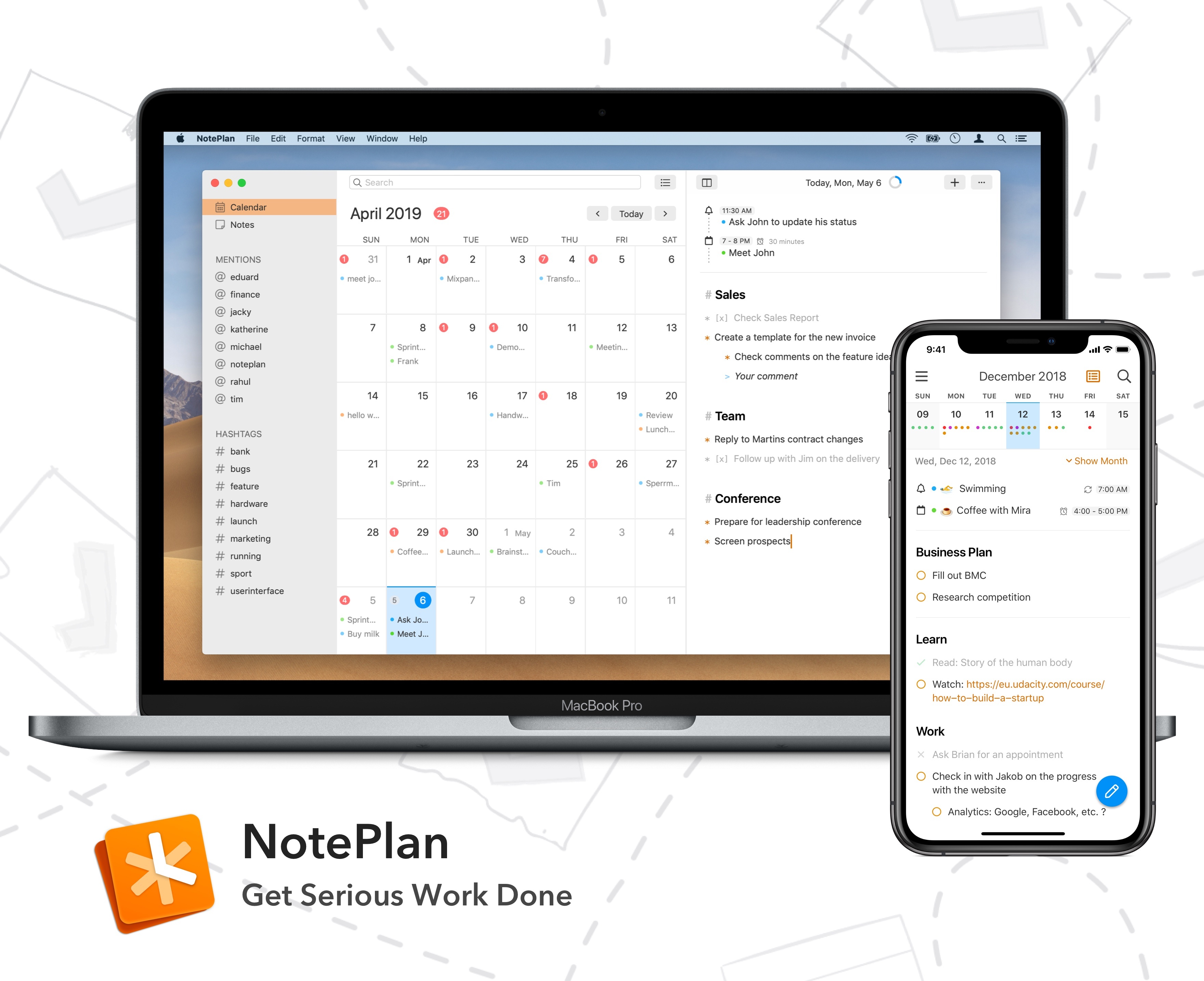
Every day is full of appointments, tasks, and meetings. Managing it all is hard, but it doesn’t have to be. With NotePlan for the Mac and iOS, you can manage your calendar, to-dos, and notes in one place so you can concentrate on getting your work done instead.
NotePlan helps you effortlessly capture all the bits of data that inundate you every day: dates, times, phone calls, meetings, follow-up tasks, and more. Nobody wants to spend their day on managing those things. By focusing on getting the information out of your head and into NotePlan in plain text, NotePlan helps you recapture your time and focus on being creative.
The app integrates with Apple’s Calendar and Reminders app, which handles keeping all your devices in sync via iCloud. There are weekly and monthly calendars to give you a bird’s eye view of your workload, which will help prevent you from becoming overwhelmed. Reviewing and managing open tasks and deadlines is trivially easy with NotePlan too. On top of that, notes are perfect for brainstorming, saving links, taking meeting notes, or storing reference materials. NotePlan is highly-customizable too with handsome light and dark themes as well as tagging for organizing and wiki-style linking between notes.
Visit NotePlan’s website today to learn more and start getting serious work done. NotePlan has a special deal just for MacStories readers too. Use this link for 10% off when you purchase NotePlan for Mac directly.
Our thanks to NotePlan for sponsoring MacStories this week.