

A collection of iOS and Apple TV cooking apps, Federico shares podcast shortcuts from his upcoming iOS 13 review, Ryan on how Apple may approach the iPhone’s cameras this fall, Alexander Mervar’s Home screen, plus lots of App Debuts, Links, a recap of MacStories articles, and a preview of next week’s episode of AppStories....
 Home Screen: Alexander Mervar

Twitter: @Its_The_Anorak. Student, jazz drummer, and Club MacStories member. My Home screen is unique because I’ve filled it entirely with shortcuts. Most of the reasoning behind this was to force a design preference and aesthetic on all of my applications. First, I wanted all of my apps to have the same visual appeal and theme....
Previously, On MacStories
Disney+ Will Launch with iOS and tvOS Apps and Integration with TV App Swapping Dongles for a Dock: The OWC Thunderbolt 3 Dock Porsche to Include Apple Music App in Its Electric Taycan Electric Sports Car Apple Card Now Available for All US Customers, Adds New 3% Daily Cash Partners Sign In with Apple: Goodbye...
Interesting Links
Naim announced an audiophile compact speaker coming in early September that has AirPlay 2, Spotify, Tidal, Bluetooth, Roon, and other support that makes the HomePod look like a bargain at $899. (Link) OWC released a new version of its USB-C Travel Dock that Federico previously wrote about which adds 100W power delivery and cable storage....
Pocket Lists: The Friendliest To-Do List App for Families [Sponsor]
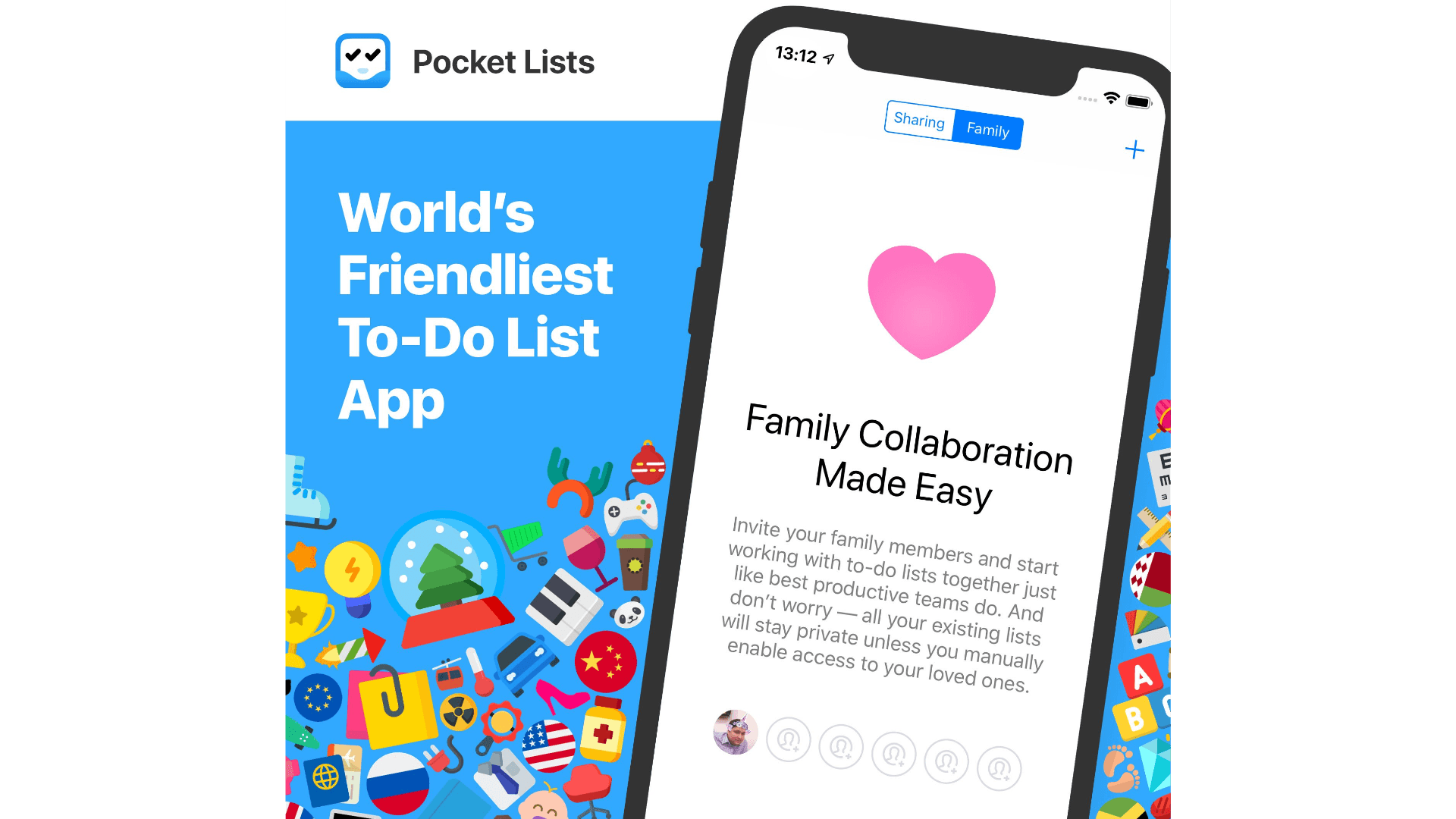
Earlier this month, Pocket Lists got a massive update, which made it the first to-do list app designed specifically for family collaboration. That’s a big deal because far too many to-do apps are designed for your work life, but completely ignore the needs of you and your family.
Pocket Lists includes a brand new ‘Family’ tab that integrates real-time collaboration and to-do list sharing, so up to 6 family members can work together efficiently and productively. The new Family tab makes it super easy to share to-do lists with everyone in your family, view your family’s activity log, and assign tasks to one another.
By focusing on families instead of businesses, Pocket Lists makes the collaboration process truly friendly and easy to understand. The app is designed from the ground up to seamlessly combine all of the new family collaboration features with the ability to keep some lists and tasks private too.
Pocket Lists also looks great. There are over 400 icons to make your lists stand out, over 70 built-in and custom cover images, and color-coding. The app has all the other features you’d expect from a top-notch task manager too like natural language support for setting due dates and times in all ten languages that the app supports. Reminders can be set based on dates, times, and locations and can repeat. There is even support for hashtags, subtasks, an Apple Watch app, an iMessage app, and dark mode. On top of that, Pocket Lists integrates with Apple’s Reminders and Calendar apps.
If you’re looking to get your household tasks in order for your whole family, check out Pocket Lists today on their website and download it the App Store. It’s the friendliest to-do list app for families.
Our thanks to Pocket Lists for sponsoring MacStories this week.
MacStadium: Private Clouds and Dedicated Macs for Developers and Teams Building iOS and Mac Apps [Sponsor]

Tomorrow, MacStadium is announcing something big, but we’ve got a sneak peek just for MacStories readers. MacStadium is releasing Orka, their new virtualization platform. Orka (Orchestration with Kubernetes on Apple) is a new build infrastructure based on Docker and Kubernetes technology. It’s the very first solution for orchestrating macOS in a cloud environment using Kubernetes on Mac hardware.
MacStadium developed Orka to provide Mac and iOS developers with the ability to use container technology features the same way they can on other platforms. With Orka, MacStadium’s customers will now have a more software-driven, self-service capable experience using MacStadium’s infrastructure that’s similar to what they may have used with AWS, Azure, or GCP.
At launch, Orka will ship with plugins for Jenkins. Additional Plugins for Buildkite, Bamboo, and TeamCity will be released soon. Orka has already been adopted by Homebrew, the popular package manager for macOS. Aso, if any readers plan to be at DevOps World | Jenkins World, be sure to catch MacStadium’s live Orka demo on Wednesday, August 14th or visit MacStadium.com to learn more about Orka.
Of course, MacStadium is also the premier Mac hosting company that provides dedicated Mac hardware and private cloud services, and it has a special deal just for MacStories readers. Just use the coupon code MACSTORIES at checkout and MacStadium will take 50% off the first two months of a hosted Mac mini server.
Our thanks to MacStadium for sponsoring MacStories this week.
Milanote: The Tool for Organizing Creative Projects [Sponsor]
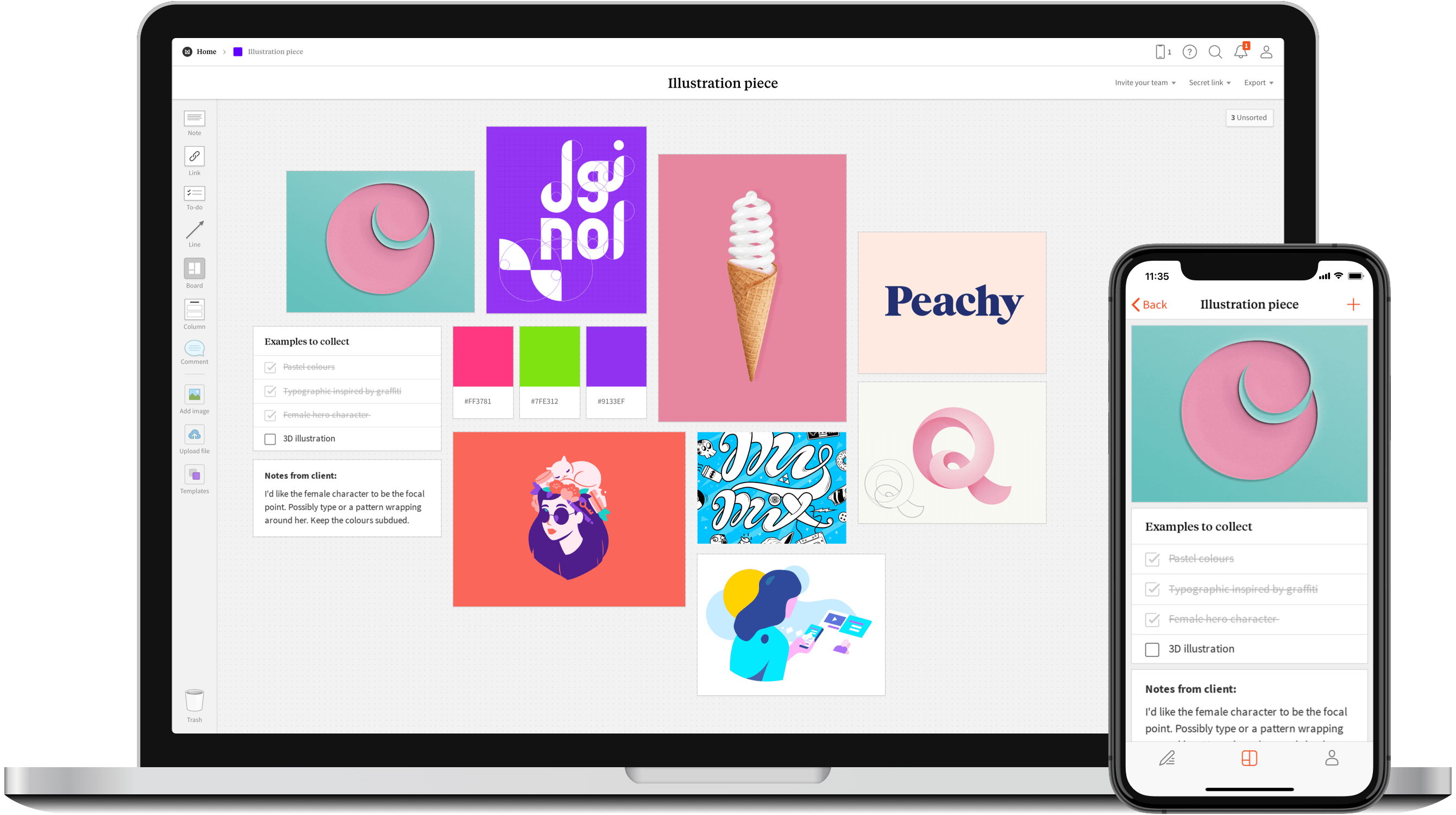
Milanote is the perfect tool for organizing your next creative project. The Mac and web app, which also has a companion iPhone app, is an incredibly easy way to create beautiful visual boards of ideas and inspiration that you can organize any way you’d like.
Conceived initially to fulfill the needs of the cofounders’ design agency, Milanote has grown to over 250,000 users that include teams at companies like Apple, Nike, Netflix, and Uber. The strength of Milanote is its flexibility. You can combine notes, images, files, and links all in one place and then connect them using drag and drop. Because Milanote uses a freeform canvas, the app makes it simple to find connections between ideas that you’d miss in a traditional notes app. The Milanote boards you create are private by default, but they can be shared with colleagues allowing you to work collaboratively with team members too.
The latest addition to Milanote is its iPhone companion app that lets you gather photos, notes, to-dos, and links on the go. You can then organize everything when you return to your Mac. It’s a great way to ensure that you can capture ideas even when you’re away from your Mac.
Milanote has a special offer just for MacStories readers. For a lifetime 20% off on a Milanote Pro account, which adds unlimited notes, links, images, and file uploads as well as powerful board and content search to Milanote’s free plan, use the coupon code ‘macstories20’ at checkout. So don’t delay, head over to Milanote’s website to learn more and sign up for a Milanote Pro account.
Our thanks to Milanote for supporting MacStories this week.
Previously, On MacStories
Apple Now Selling LG UltraFine 5K Display with iPad Pro Compatibility Apple Q3 2019 Results – $53.8 Billion Revenue The Omni Group Adopting Standard iOS Document Browser Apple Maps in iOS 13: Sights Set on Google How I Edit Podcasts on the iPad Using Ferrite...
Home Screen: Stephen Hackett

Twitter: @ismh. Co-founder of Relay FMandfounder of 512 Pixels. When John asked me to share my Home screen in the newsletter, I went looking for images of my Home screen over time, and I have to say, things haven’t changed all that much. I’ve changed out some apps over time, like Notes for Evernote or...