

Vote in Straw Poll #25 Apple Watch Series 4 Vote in Straw Poll #25...
 Interesting Links
NSHipster examines the new Dynamic Desktop feature of macOS Mojave to discover how everything works behind the scenes. Fascinating explanation. (Link) AnandTech has an in-depth review of the technical details of the iPhone XS and XS Max complete with performance tests. (Link) The Verge has a fantastic look at Telltale Games, the maker of The...
iMazing 2: Manage Your iPhone Your Way [Sponsor]
Migration to New iPhones
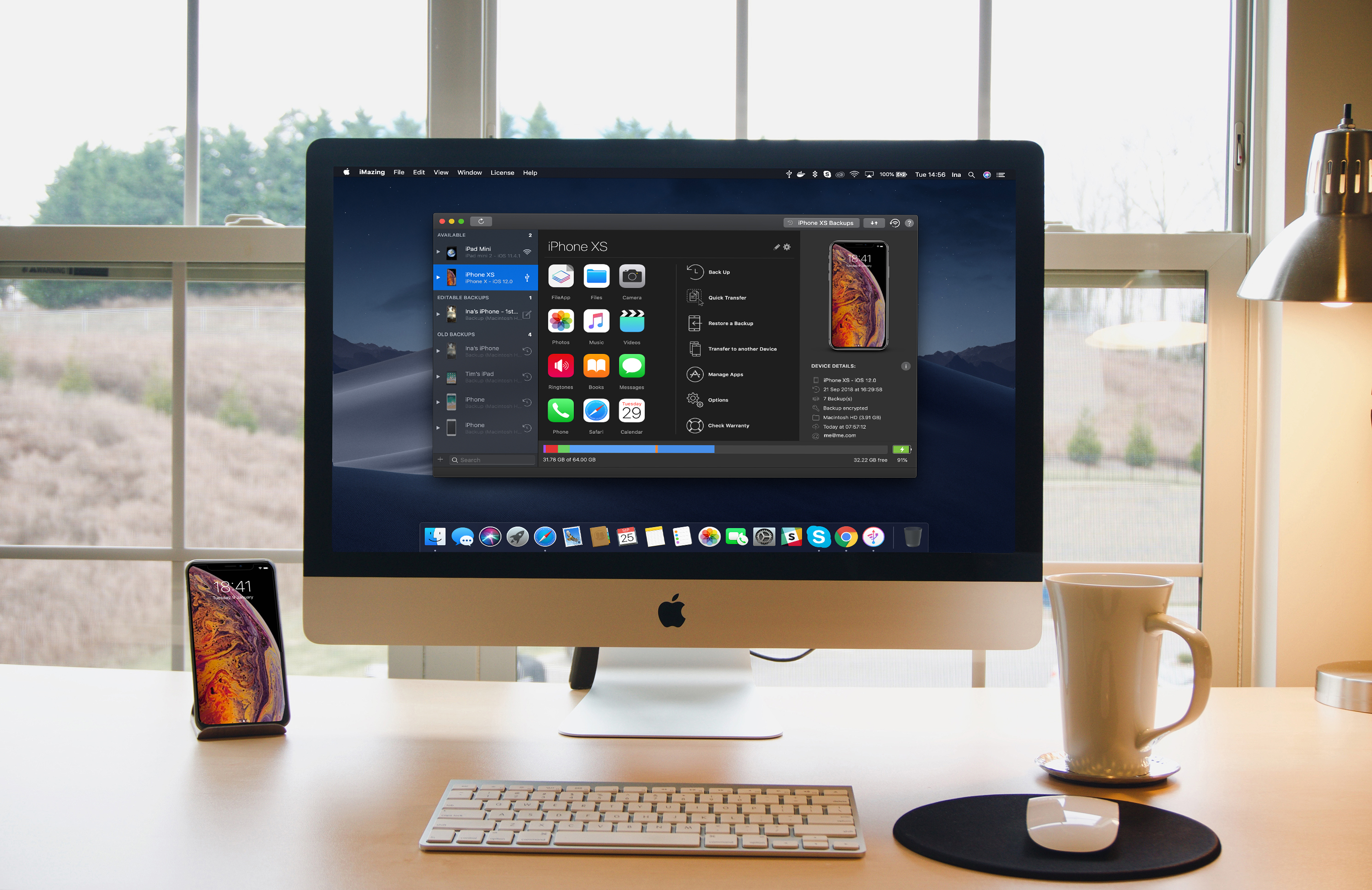
iMazing 2 provides safe and fast migration to any iOS device. Transferring data from your old iPhone to your new iPhone XS, XS Max, or XR is easy and convenient thanks to iMazing’s step by step wizard. You can even pre-load apps in iMazing’s App Library, so they’re immediately available once the transfer is done – no need to wait for your favorite apps to download after restoring an iTunes or iCloud backup.
Ready For The Future: macOS Mojave and iOS 12 Are Fully Supported
iMazing is made by Mac lovers, for Mac lovers. It features polished support for Mojave’s gorgeous Dark Mode, and handles the new security features gracefully. On iOS, iMazing works perfectly with iOS 12. If you haven’t updated already, backing up first with iMazing is a great idea: if anything goes wrong, you’ll have all your data at hand. Oh, and of course you can also update to iOS 12 from iMazing itself - in that case, iMazing will perform a security backup for you, just in case.
New Features Galore
iMazing is constantly updated with new features, quite a few of them resulting from user feedback. Calendars, Safari data, and ringtones management were added in June this year. The latest update has Dark Mode and a new drop zone called ‘Quick Transfer’: drop anything from your desktop to iMazing, and iMazing will display compatible apps installed on your device. You just need to pick the one you want your photos, media, or documents to go to.
Visit iMazing today to learn more and take advantage of a 30% off discount just for MacStories readers using the coupon code MACSTORIES30OFF2018.
Our thanks to iMazing for sponsoring MacStories this week.
In This Issue
This month, Ryan discusses the apps he uses that withstood the busiest time of the year at MacStories, Stephen is frustrated by the lack of flexibility of the new Apple Watch faces, and John shares how he approached writing this year’smacOS review....
In This Issue
Textor,Our Favorite Watch Apps (Vol. 4), a custom save menu shortcut for Keep It, an interview with LookUpdesignerVidit Bhargava, plus the usual Weekly Q&A, Tip, Links, App Debuts, arecap of MacStories articles, and a preview of next week’s episode of AppStories....
Interesting Links
Android is 10 years old, and Dieter Bohn at The Verge takes a look at what has become the world’s largest computing platform. (Link) There have been many attempts to dislodge traditional banks with technology, but the highly-regulated industry has proven to be a tough nut to crack, until recently, thanks to the rise of...
Previously, On MacStories
A Roundup of Apps Updated for iOS 12 and watchOS 5 How Apple Made Its New Apple Watch Faces iOS 12 on the iPhone 5S, iPhone 6 Plus, and iPad mini 2 macOS Mojave: The MacStories Review OmniFocus 3 for Mac: Multiple Tags, Enhanced Forecast, Powerful Perspectives Apple Completes Acquisition of Shazam Waze Adds CarPlay...
Interview: Vidit Bhargava

Twitter: @viditb. UI and graphic design for LookUp. LookUp recently added a rich set of Siri shortcuts in iOS 12. When it came time to choose which shortcuts to add, then work to implement them in your app, what was that overall process like? For me Siri has always been about quickly accessing information that...
Up Next on MacStories’ Podcasts
Next week on AppStories, Federico and John consider what the new Marzipan apps in Mojave may mean for the future of apps on all of Apple’s hardware platforms....