Previously, On MacStories
...

 Previously, On MacStories
 In a perfect world, end users would only work on managed devices with IT-approved apps. But every day, employees use personal devices and unapproved apps that aren’t protected by MDM, IAM, or any other security tool.
There’s a giant gap between the security tools we have and the way we actually work. 1Password calls it the Access-Trust Gap, and they’ve also created the first ever solution to fill it.
1Password Extended Access Management secures every sign-in for every app on every device. It includes the password manager you know and love, and the device trust solution you’ve probably heard of on this podcast, back when it was called Kolide.
1Password Extended Access Management cares about user experience and privacy, which means it can go places other tools can’t–like personal and contractor devices. It ensures that every device is known and healthy, and every login is protected. So stop trying to ban BYOD or Shadow IT, and start protecting them with 1Password Extended Access Management.
Our thanks to 1Password for sponsoring our WWDC coverage this week.
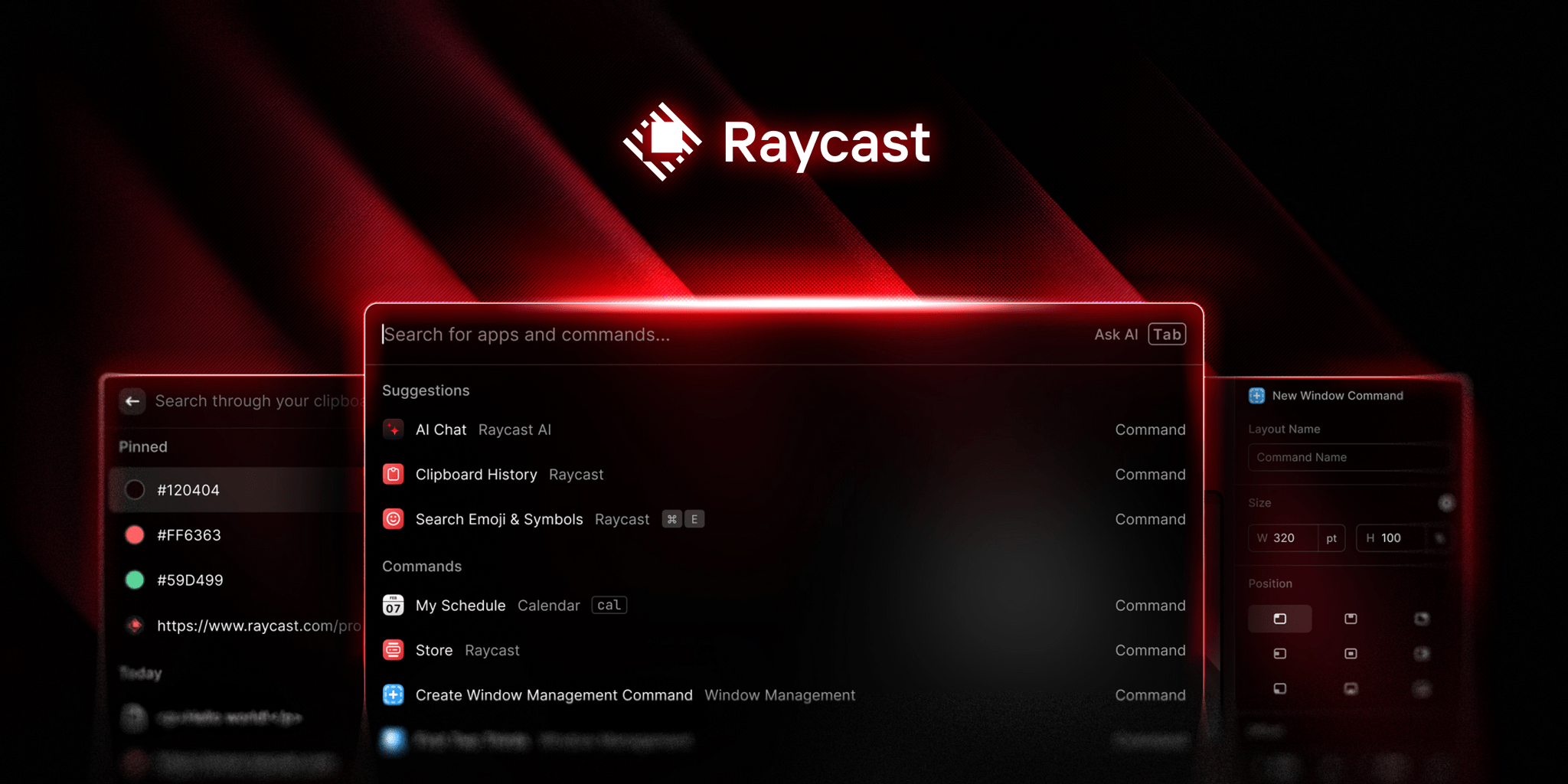
Raycast makes your Mac better because it’s fast, ergonomic, and reliable. Best of all, though, Raycast comes with powerful tools your Mac should have but didn’t. Plus, it’s extensible, with a rich catalog of extensions built by developers around the world that solve every productivity need you can imagine.
With Raycast, everything is at your fingertips. The app’s searchable clipboard means always having what you need a few keystrokes away. With emoji and gif search tools, Raycast makes it easy to express yourself. Plus, there are tools to perform quick calculations, currency and unit conversions, and a lot more.
And with broad developer support, there are extensions available to:
With Raycast, all of this and more can be accomplished quickly and easily without switching contexts, reducing distractions and speeding up every interaction with your Mac.
Raycast is also the best way to interact with AI. It’s an always-on window into ChatGPT that helps you code, write email messages, automate repetitive tasks, and more.
Raycast is free to download and use, but with annual plans that start at what works out to just $8/month, you can go pro with its AI features, theming, and setup sync across multiple Macs.
Visit Raycast’s website today to learn more, download Raycast for free, and see how its Pro accounts can take your Raycast experience to the next level.
Our thanks to Raycast for sponsoring MacStories this week.
In This Issue
Previously, On MacStories
Up Next on MacStories Podcasts Raycast makes your Mac better because it’s fast, ergonomic, and reliable. Best of all, though, Raycast comes with powerful tools your Mac should have but didn’t. Plus, it’s extensible, with a rich catalog of extensions built by developers around the world that solve every productivity need you can imagine.
With Raycast, everything is at your fingertips. The app’s searchable clipboard means always having what you need a few keystrokes away. With emoji and gif search tools, Raycast makes it easy to express yourself. Plus, there are tools to perform quick calculations, currency and unit conversions, and a lot more.
And with broad developer support, there are extensions available to:
With Raycast, all of this and more can be accomplished quickly and easily without switching contexts, reducing distractions and speeding up every interaction with your Mac.
Raycast is also the best way to interact with AI. It’s an always-on window into ChatGPT that helps you code, write email messages, automate repetitive tasks, and more.
Raycast is free to download and use, but with annual plans that start at what works out to just $8/month, you can go pro with its AI features, theming, and setup sync across multiple Macs.
Visit Raycast’s website today to learn more, download Raycast for free, and see how its Pro accounts can take your Raycast experience to the next level.
Our thanks to Raycast for sponsoring MacStories this week.
Previously, On MacStories
Up Next on MacStories Podcasts