Previously, On MacStories
...

 Previously, On MacStories
In This Issue
Up Next On AppStories
Previously, On MacStories
In This Issue
Up Next On AppStories Ulysses is an exceptional text editor for the Mac, iPad, and iPhone with an unrivaled set of advanced features and a beautiful design that is always being refined and improved. The winner of an Apple Design Award, Ulysses features a distinctive balance of power-user features that writers appreciate in a simple, elegant, distraction-free UI that makes the app a pleasure to use.
A terrific example of the power available in Ulysses is its publishing tools. Users can publish to the most popular blogging platforms from right inside Ulysses. The app includes deep integration with WordPress, Ghost, Medium, and Micro.blog, allowing you to publish directly to them, complete with images, tags, and excerpts. Most recently, Ulysses added the ability to copy and paste tables from Excel and Numbers with row sorting and sketching on the iPhone and iPad versions of the app. The Mac gained PDF and image annotation too.
Ulysses has built-in grammar and style checking for over 20 languages and a special dashboard in the sidebar that includes statistics, keywords, and footnotes. An outline of the headings in your writing provides a handy bird’s-eye view of your work and a way to navigate your document.
The app’s Library sidebar helps order your writing into groups that can be nested. Along with features like sync, powerful search and filtering options, keyword support, in-line images that can be stored locally or remotely on a server, and new customization options, Ulysses is as flexible as it is powerful. Ulysses includes support for Projects now too, allowing you to show only what’s most relevant to your current task and hiding everything else.
You can also set character, word, and other types of writing goals that can be attached to a single document or entire group, which, combined with deadlines, is a fantastic way to form good writing habits. Then, when you’re finished writing, Ulysses has abundant export options, including plain text, Markdown, TextBundle, rich text, DOCX, ePub, HTML, and PDF. To learn more about Ulysses, visit ulysses.app.
Ulysses is free to try before deciding whether to subscribe for $5.99/month or $39.99/year. MacStories readers can take advantage of a special extended one-month free trial for a limited time. It’s a terrific way to discover the app’s full capabilities, so be sure to check out Ulysses’ new features right away.
Our thanks to Ulysses for sponsoring MacStories this week.
In This Issue
Perk
Previously, On MacStories
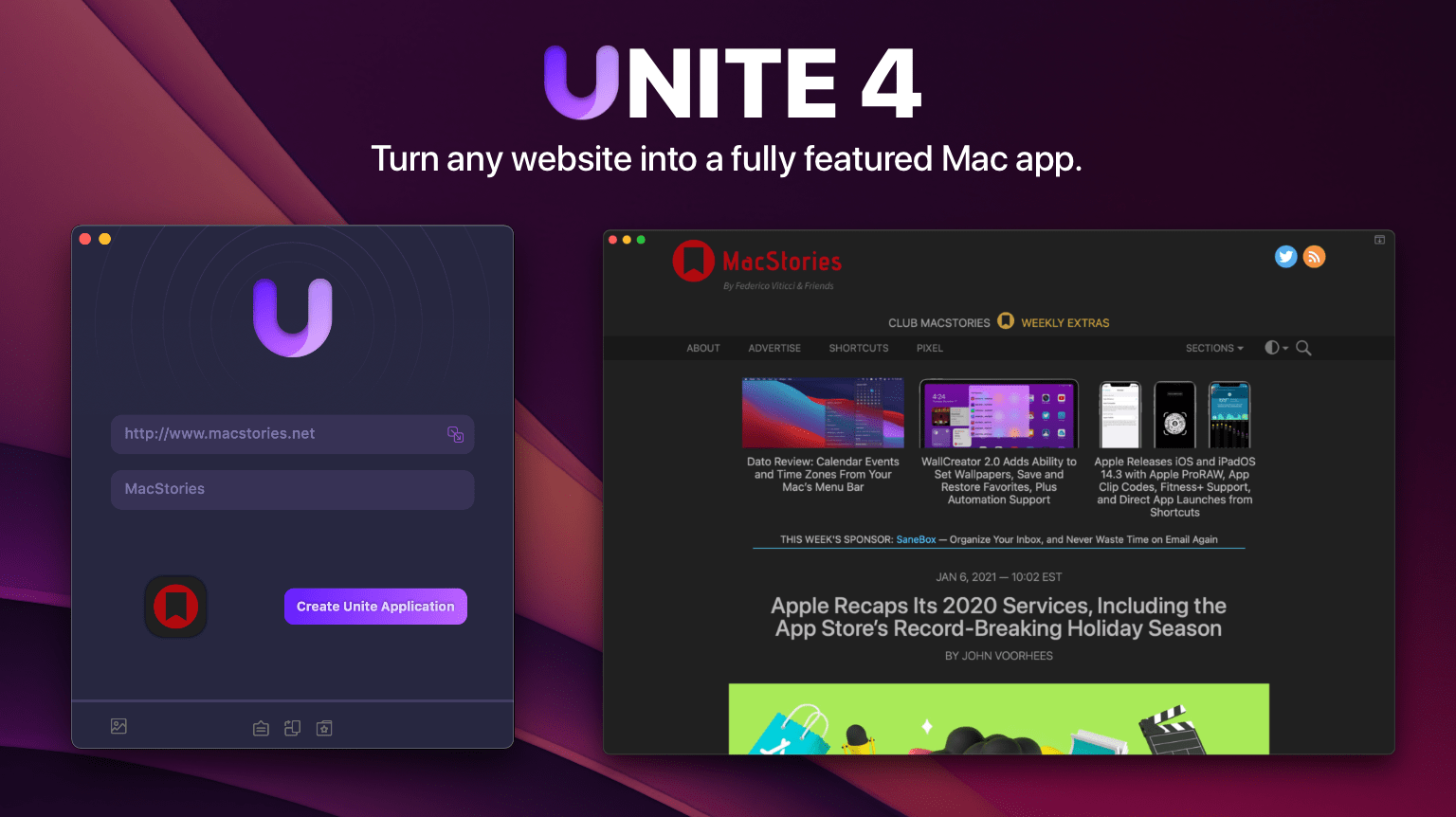
Up Next on MacStories’ Podcasts Are you tired of juggling multiple browser tabs while working on your Mac? Unite 4 for macOS revolutionizes your browsing experience by allowing you to transform any website into a tailor-made app for your Mac. Leveraging a lightweight, WebKit-powered browser as a backend, Unite 4 enables you to effortlessly create isolated, customizable apps from any site.
Unite 4 offers a multitude of features and customization options, making it a fantastic alternative to resource-intensive Electron apps or lackluster Mac Catalyst implementations. The apps you create are simple to set up, fast, isolated from your other browsing activity, and only limited by your imagination.
This week only, MacStories readers can enjoy a 20% discount on Unite 4 by visiting bzgapps.com/macstories or using the promo code ‘MacStories’ at checkout.
Unite offers a 14-day free trial and is also available as part of a Setapp subscription.
Download Unite 4 today and transform your favorite websites into your favorite apps.
Our thanks to Unite 4 for sponsoring MacStories this week.