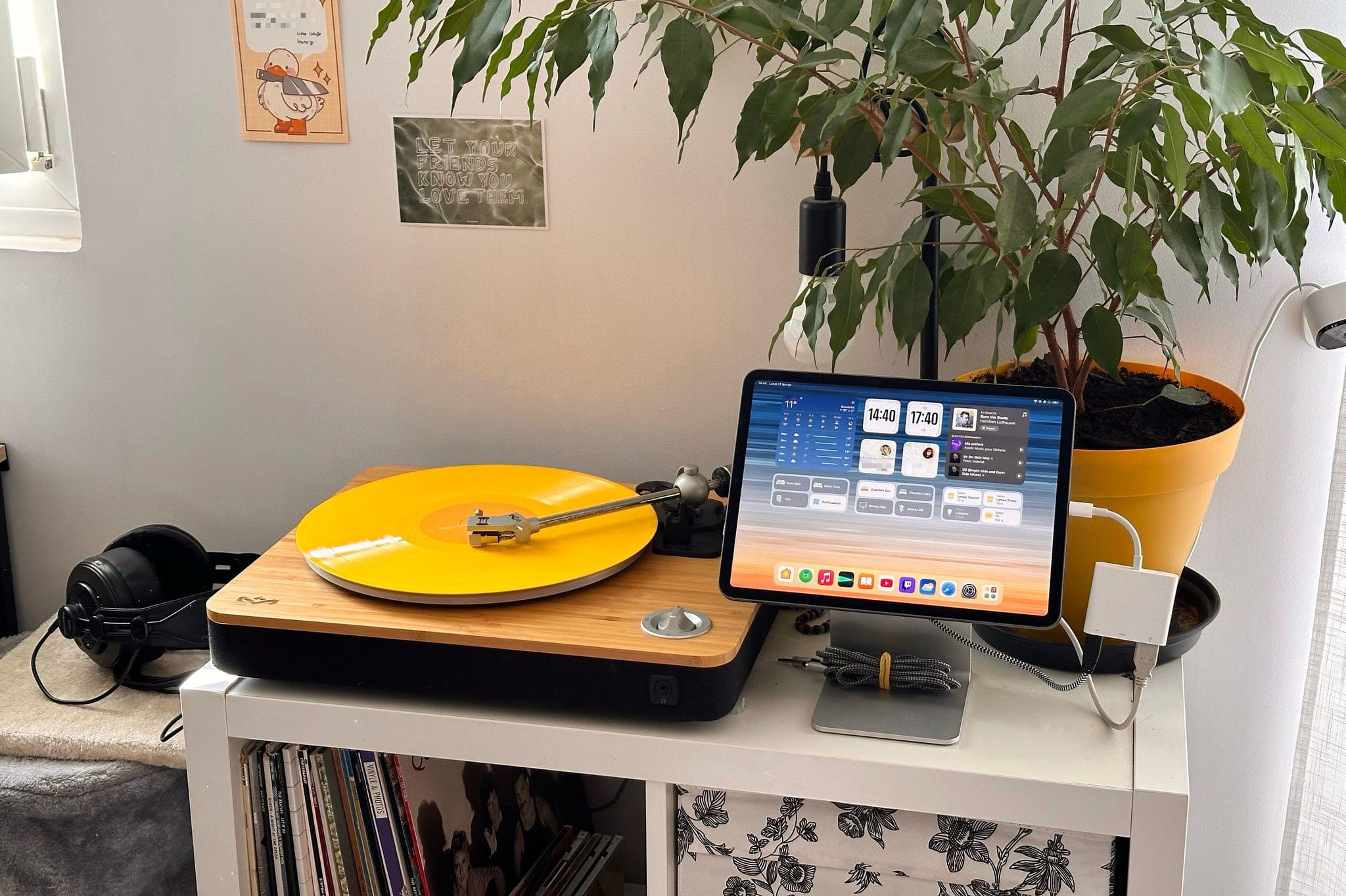
This month, amidst the increasingly chaotic rumblings of the world in the news, I found myself looking for a new distraction. Since Civilization VII wasn’t out just yet, my eyes quickly turned to the vinyl record player that my partner and I had been storing in its cardboard box for months without ever taking the time to set it up. It’s not even ours; we’ve been keeping it safe, along with a sizable vinyl collection, for a close friend who unfortunately doesn’t have enough space for it in their current home.
This turntable is definitely not fancy – it’s even quite affordable compared to similar models – but it looks pretty, and our friend gracefully gave us permission to set it up for ourselves in the living room. While I’m sure they only pitied my desperate need for a new distraction, I took them up on this offer and opened the turntable’s box for the first time.
At the risk of sounding like a total youngster, I must disclose that until three weeks ago, I had never interacted with vinyl before. All I had were some presumptuous preconceptions. ”Doesn’t music sound worse on vinyl? Also, why should I bother with large, fragile music discs and a whole record player when I already have Apple Music in my pocket with lossless audio and Dolby Atmos?”
Still, I was not only intrigued, but also motivated to solve the main problem that setting up this record player posed: how can I make it work when our audio gear at home consists only of a handful of HomePod minis, one pair of wired headphones, and several pairs of Bluetooth headphones? While some turntables ship with built-in Bluetooth connectivity, ours can only output audio over USB or RCA with the help of a sound amplifier, and it definitely can’t broadcast audio to AirPlay devices like our HomePod minis.
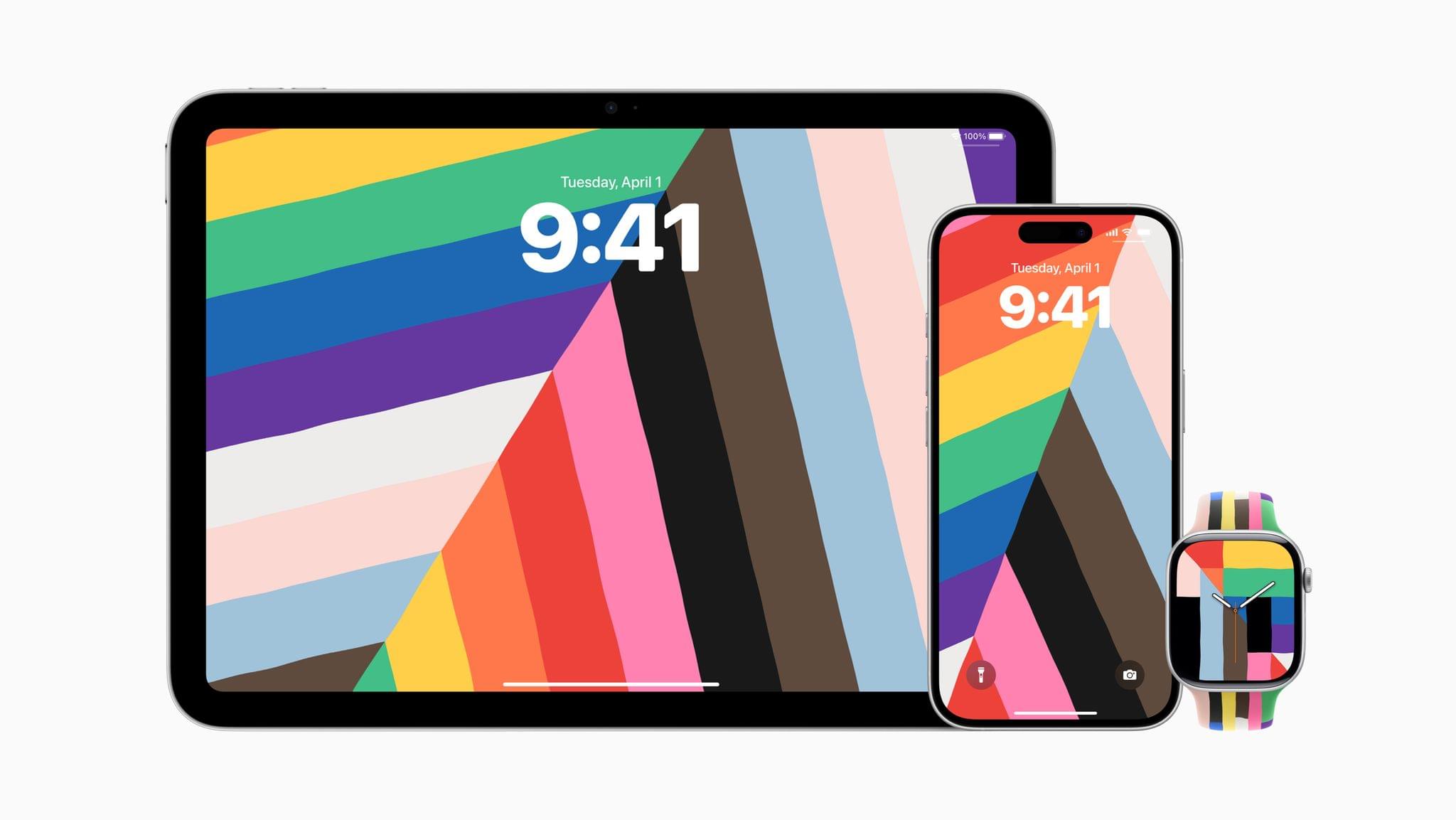
Allow me to spoil the ending of this story for you: in the end, unboxing this turntable escalated into a legitimately awesome tech upgrade to our living room. It’s now equipped with a docked 11“ iPad Pro that acts as a shared dashboard for controlling our HomeKit devices, performing everyday tasks like consulting the weather and setting up timers, and of course, broadcasting our vinyls to any HomePod mini or Bluetooth device in the apartment. This setup is amazing, and it works perfectly; however, getting there was a tedious process that drastically reinforced my long-standing frustrations with Apple’s self-imposed software limitations.
Let me tell you how it all went.
Read more