Niléane Dorffer

27 posts on MacStories since October 2023

Niléane is a French-Réunionnese podcaster and activist, working and advocating for the advancement of trans rights. She is passionate about technology and always likes to experiment with Apple products and software to improve her workflows and everyday life.

This Week's Sponsor:

SoundSource

New Year, New Audio Setup: SoundSource 6 from Rogue Amoeba


Three Tips to Combine BetterTouchTool and Raycast for Simpler Keyboard Shortcuts

Raycast is one of my favorite Mac utilities of all time. When I recommend Raycast to someone, I usually like to say that it’s a Swiss Army knife for your Mac. It is an app launcher, a shortcut launcher, a clipboard manager, an emoji picker, and more, all in one single app.

I am also a huge fan of BetterTouchTool on my Mac to fill those interaction gaps that I feel are missing in macOS. I previously wrote on MacStories about how I use BetterTouchTool to manage my windows with the Magic Trackpad and keyboard shortcuts.

Lately, I’ve been exploring the idea of using Raycast and BetterTouchTool together. I found that I can combine the two to create some really simple keyboard shortcuts that would otherwise be impossible to make because they leverage Apple’s special keys on the Magic Keyboard.

I have selected three of these simple keyboard shortcuts to share with you today. Let’s check them out.

Read more


Apple Releases iOS and iPadOS 17.4 with Major Safari and App Store Changes in the EU, Transcripts for Podcasts, New Emoji, and More

Today, Apple released iOS and iPadOS 17.4, the fourth major updates to the operating systems that launched in September and Federico reviewed on MacStories.

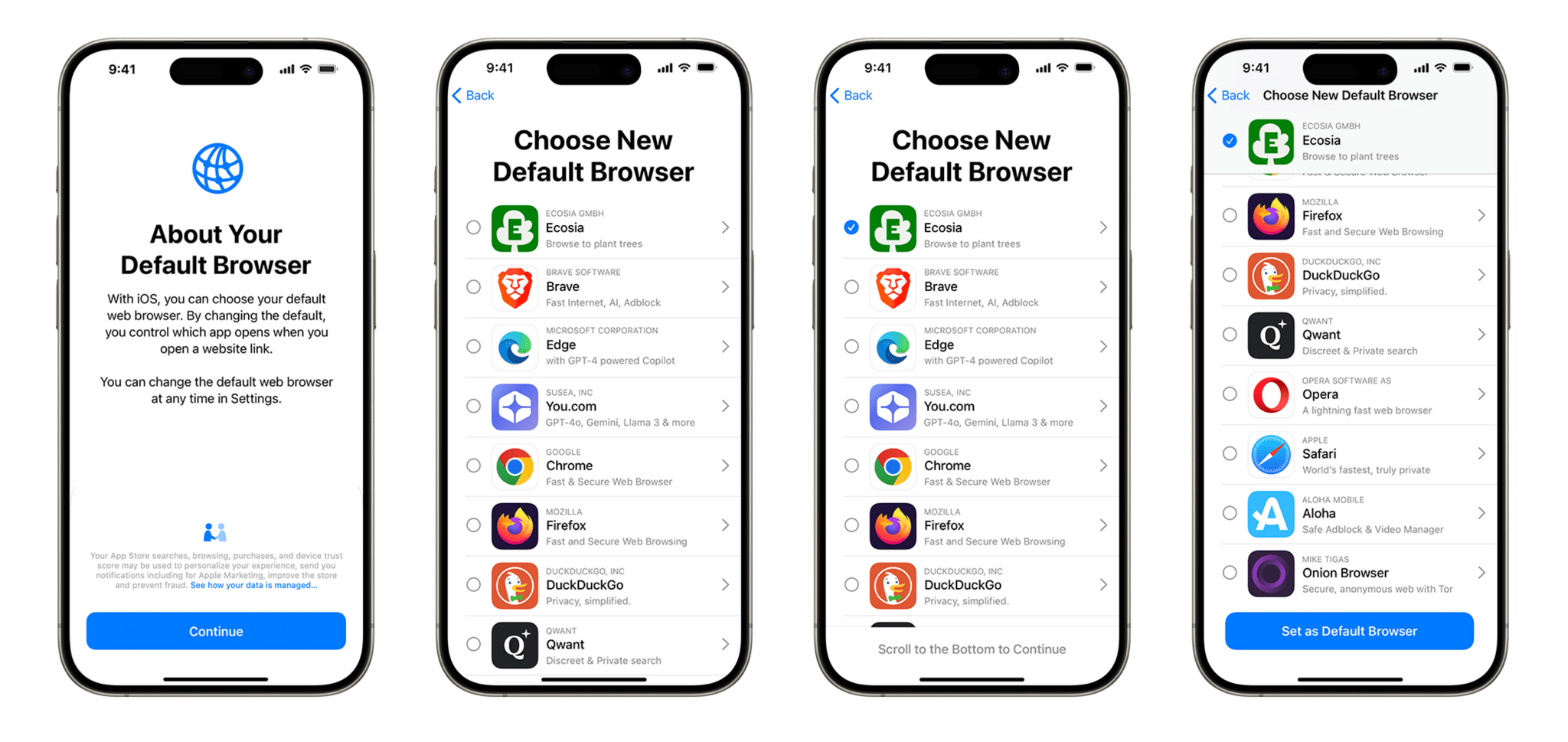
iOS 17.4 is a significant release, bringing major platform changes to iOS in Europe as part of Apple’s response to the European Union’s Digital Markets Act (DMA), as well as a handful of new features, including transcripts in Apple’s Podcasts app, new emoji, multilingual updates to Siri, and more.

Let’s dive in, starting with the main changes for iPhone owners in the EU.

Read more


Apple Releases iOS and iPadOS 17.3 with Collaborative Playlists, Stolen Device Protection, New Black Unity Wallpaper, and More

Update: This story previously listed paying with Apple Pay as one of the actions protected with Stolen Device Protection on. Apple has since clarified in a Support document that paying with Apple Pay can still be performed using the iPhone passcode.

Today, Apple released iOS and iPadOS 17.3, the third major updates to the operating systems that launched in September and Federico reviewed on MacStories.

iOS and iPadOS 17.3 bring only a couple of major new features, including one that was previously expected to be released in iOS and iPadOS 17.2 (but was then delayed), a welcome new layer of protection and security for your Apple ID, and a set of new dynamic wallpapers.

Let’s jump in.

Read more


Apple’s Journal App: Journaling for All?

I’ve been keeping a journal in Day One since at least 2015, and I’ve got to say, the practice has become very engrained in my otherwise chaotic daily routine. Whenever I get asked about journaling, I always say that it’s a habit that can take any form you like. It can take place in a paper journal, in an app as written entries, as voice notes, or even as captioned photos in a photo diary. The reason I stuck with Day One over the years is because the app is incredibly flexible. It kept up with me during periods of my life when it was harder to write down my daily thoughts, and easier to type a couple of bullet points every day instead. I believe the best journaling tools are those that can adapt to you, not the other way around. But still, when Apple announced they were building their own Journal app, built right into iOS 17, I was excited by the prospect of switching things up in this little habit of mine.

This week, Apple released the Journal app as part of iOS 17.2. As expected, the app is unfortunately only available on the iPhone. Nevertheless, Apple’s first entry in this category is very interesting, to say the least, as it revolves almost entirely around a system of smart journaling suggestions and prompts. I’ve been using it alongside Day One for a couple of weeks now, to both get an idea of what Apple’s approach to journaling is like, and to see how it intends to bring journaling to a wider audience.

Let’s jump in.

Read more


Quiche Browser Is a Beautiful and Modular Web Browser for iOS

As part of my ongoing experiment with third-party web browsers for the iPhone, I recently stumbled upon a new indie browser for iOS, which I was instantly drawn to thanks to its adorable name. Quiche Browser is a beautiful browser developed by Greg de J that focuses on UI modularity and small quality-of-life enhancements. The app has surprised me with its great design, and one unexpected use case.

In Quiche Browser, every button can be moved and customized. If you are not the kind of person who likes to tweak the placement of every interface element, this may sound overwhelming. Fortunately, Quiche Browser lets you pick from the ‘Toolbar Gallery’, a collection of toolbar presets that you can customize and adjust. This is an excellent way to quickly get started with your preferred preset, and also to learn how you can customize Quiche’s look, whether you want a fully-featured toolbar or a minimalistic look.

Read more


Using Shortcuts to Display the Temperature from My Outdoor Sensor in the Menu Bar

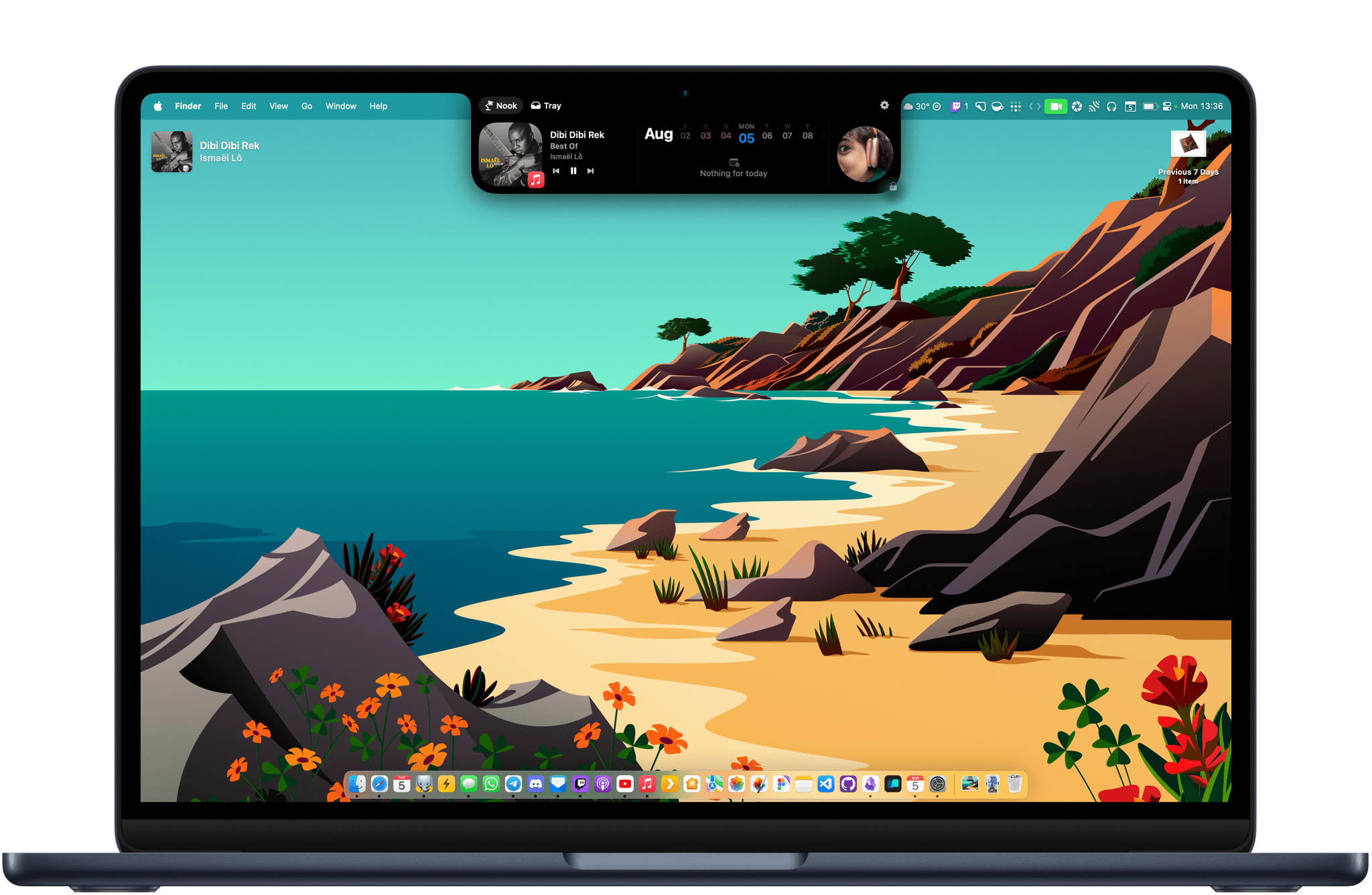
I have always enjoyed having the current temperature in the menu bar on my Mac. Even though macOS Sonoma now supports adding a Weather widget of your choice directly to the desktop, I still prefer how a menu bar item is always glanceable and visible regardless of how crowded the desktop is.

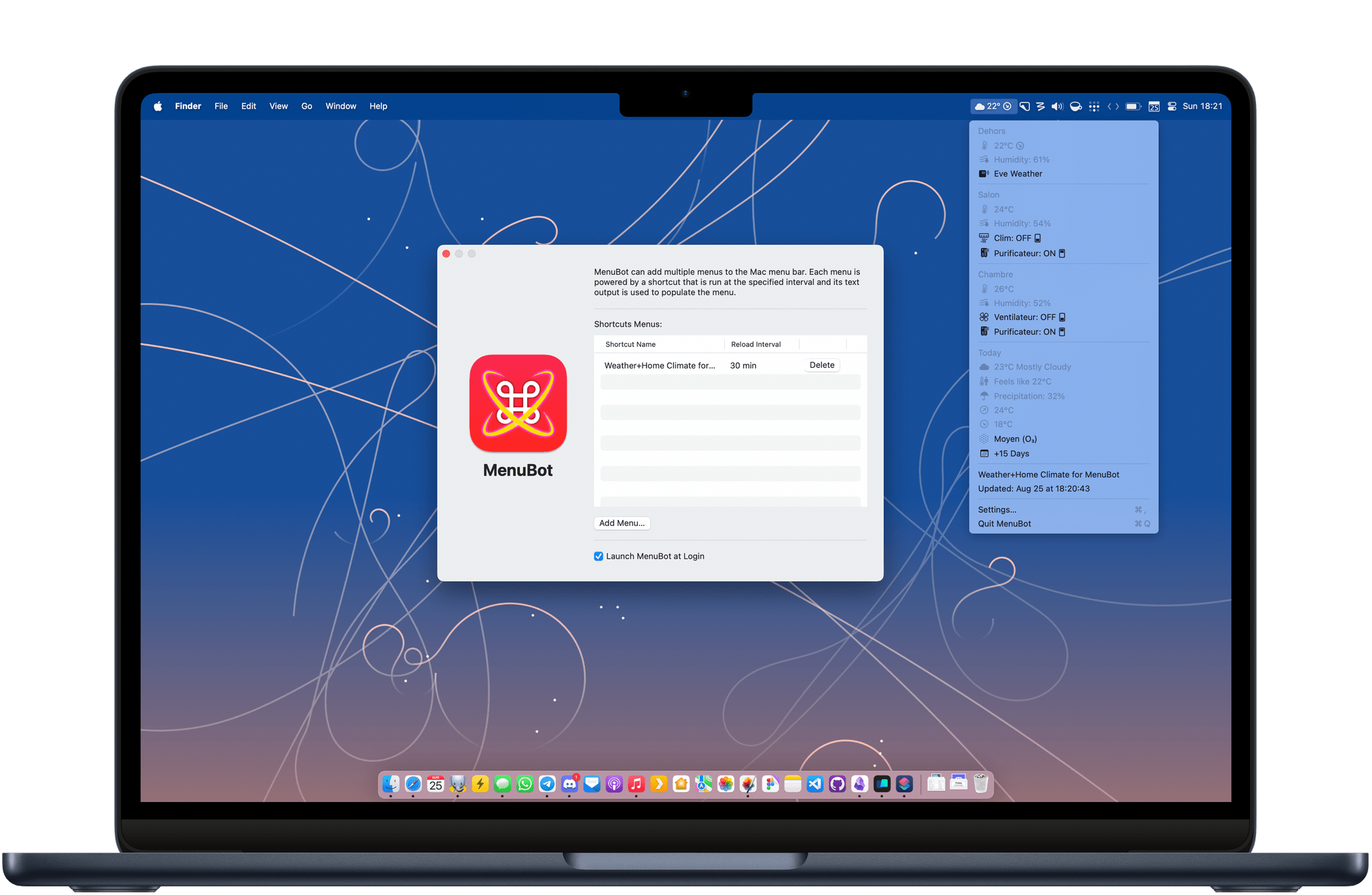
For the past few months, I have tried many weather apps to achieve this, including the great Mercury Weather. While most of them worked great, I wanted to take advantage of the fact that we now own an outdoor HomeKit sensor — the Eve Weather — and display the data coming directly from that weather station in the menu bar. I ended up with a neat little solution, using a combination of Shortcuts, SF Symbols, and a couple of useful utilities.

Read more


Is Apple’s Translate App Still Getting Lost in Translation?

Apple first introduced the Translate app in iOS 14. Although it was a welcomed addition to the language translation space, I stopped using it a couple of months after its release. Many languages were still missing, its interface was lackluster at best, and I found that its French translations were not great. I would also still often rely on Google Translate to translate text in the real world using the iPhone camera — a feature that was initially missing from Apple’s app. This year, however, the Translate app received a substantial makeover and a handful of new features in iOS 17.

Let’s see how Translate fares in 2023.

Read more


Three Ways to Use BetterTouchTool to Enhance Window Management with a Trackpad

BetterTouchTool is an essential tool that can help anyone streamline their workflows, but I think it really shines when it helps me solve some of my everyday frustrations.

I mainly use a Magic Trackpad at my desk. It’s a great way to navigate a Mac: smooth scrolling, great haptic feedback, and gestures for multitasking with Mission Control. However, Apple has not gone far enough to make the trackpad as useful and easy to use as it could be when it comes to managing windows. So, to fix three tiny window management annoyances, I use BetterTouchTool.

Read more


Customizing App Icons on a Mac in 2023

The age of wildly personalizing the look of macOS might be over, but customizing app icons is still fun, and the phenomenon is more popular than ever since the advent of Home Screen widgets and custom Shortcuts launchers that have allowed millions to personalize the look of their iPhones.
Just like on iOS, I believe there is still room for custom icons on the Mac. Whether you’re looking to completely change the look of your Dock or simply tweak a couple of app icons, here’s how you can do it.

Read more