Ryan Christoffel

992 posts on MacStories since November 2016

Ryan is an editor for MacStories and co-hosts the [Adapt](https://www.relay.fm/adapt) podcast on Relay FM. He most commonly works and plays on his iPad Pro and bears no regrets about moving on from the Mac. He and his wife live in New York City.

David Smith’s watchOS 7 Wishlist

David Smith, developer of Watchsmith and a host of other Apple Watch apps, shared his watchOS 7 wishlist today. With his pedigree, there’s no one I trust more to make a thoughtful, realistic, well-informed list of requests for watchOS than Smith. For example, here’s an excerpt of his introduction:

I am fully aware of the constraints of the Apple Watch. I’ve spent the last 6 months pushing the limits of what is possible for it and have seen all the corners of its use, where it completely falls apart.

Nearly every one of these ideas or features involves a tradeoff. Either between battery life and capability or between complexity and intuitiveness. I suspect Apple’s own internal list of ideas and possibilities far outstrips my own. The reason they haven’t built a feature yet isn’t because they haven’t thought about it.

Instead it is quite the opposite. They have chosen explicitly to not do it yet. This is the tricky calculus involved in evolving a platform. If they push too fast, too soon on the capability side then they may end up destroying the battery life of the device. Or if they add too many features then they might end up with a jumbled mess that users can’t understand.

I don’t envy the leadership that has to sit down and make the hard calls of what to do, when.

Some of the features he mentions that are at the top of my own list include rest days for activity tracking, true independence, and multiple complications. The full list is well worth exploring, and offers valuable insight into what we might see revealed next month.

Permalink

Apple News+ Audio: A Smart Service Enhancement

Out of all of Apple’s services, News+ is undoubtedly the one that’s most in need of change. Personally, I’ve found it valuable enough to keep subscribing for most of the past year, but I think I’m in the minority. Indications are that the service hasn’t performed as well as Apple and publishers had hoped,...


Noto 2.0 Review: iPad Pointer Support, Easy Note Importing, CloudKit Syncing, and More

Noto, the modern notes app for iPhone, iPad, and Mac that I reviewed back in February, recently launched a 2.0 update that introduces brand new features and key fixes and enhancements. On the iPad, mouse and trackpad are now natively supported, and you can use drag and drop to easily import notes from another app into Noto. Additionally, the app’s syncing engine has switched from iCloud Drive to CloudKit, making it faster and more reliable than before. Finally, several of the issues I noted in my initial review have been resolved in this latest update.

Read more


Book Track Adds Reading Status, Statistics, Quote Entries, and More

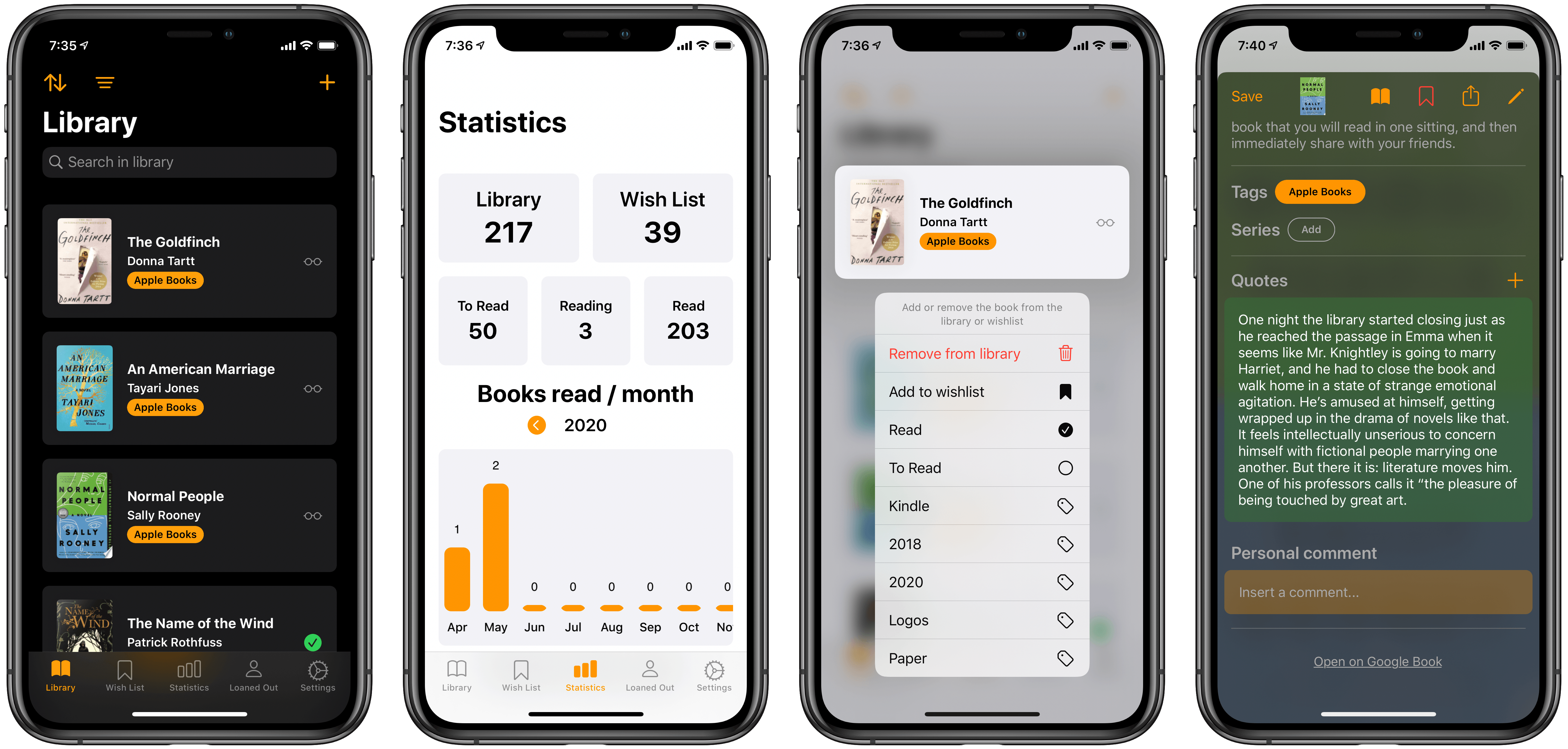
Earlier this year I reviewed Book Track, a new book library manager that debuted across iPhone/iPad and Mac. I noted that the app offered a strong foundation to build upon, but its young age showed in the absence of several valuable features. One such feature, library importing, has been added since then, and today’s 1.2 update introduces a handful of excellent additions as well: reading status, statistics, quote entries, and loan status. This promising app is evolving faster than I had even hoped.

Read more


Q&A

Question: I just got my new iPad Pro, which I bought after the announcement of cursor support and the Magic Keyboard, with the ambition to try making it my primary computer for work. I knew I would run into some issues and things I would have to get used to. But I couldn’t imagine it...


Six Months into Apple TV+: Weighing the Content

Due to the abnormal way this pandemic has affected our perceptions of time, the six month anniversary of Apple TV+ arrived this past Monday and I wouldn’t have realized it had I not seen Benjamin Mayo’s reflection piece on 9to5Mac. Mayo’s main takeaways are that Apple has been successful in steadily building a slate of...


My 11-inch iPad Pro Experiment

If you’re in the market for an iPad Pro, choosing the ideal model size is not easy. It used to be simpler, back when the big option was made bigger by its bezels, and the small option had a significantly smaller display. I’ve used a 12.9-inch iPad Pro as my primary computer for five years, and have been very happy with it, but as the smaller iPad Pro’s display has grown, I’ve become more intrigued by it.

2017’s 10.5-inch iPad Pro was the first smaller model that tempted me. 2016’s 9.7-inch simply wasn’t enough; as an iPad user since 2010, I knew what a 9.7-inch display was like, and it wasn’t suited for my needs as a primary computer. But the screen bump in 2017 was intriguing, so I gave it a test run for a couple weeks. My takeaways: it was a fine device, but Split View was a bit too cramped, and since I mainly used my iPad at home rather than lugging it around regularly, sticking with the larger model made more sense for my needs.

Recently, however, I embarked on another test of the smaller iPad Pro. On the latest episode of Adapt, the iPad-focused podcast I do with Federico, I challenged us both to try doing our work on the 11-inch iPad Pro rather than our usual 12.9-inch setups. In my mind, it was the perfect time to try the smaller size again because a lot has changed since my 2017 experiment.

First, the smaller iPad Pro’s display has gotten larger yet again. The gap between 11 and 12.9 inches is relatively narrow. Also, while the current pandemic has forced me to work from home more than ever, prior to this global crisis I was taking my iPad on the go more regularly. In 2017 I lived in the suburbs of Dallas, whereas now I call Manhattan home, so it’s much easier to just walk out my front door and visit a local coffee shop, park, or some other public space to get work done.

Finally, the concept of the iPad as a modular computer has been another motivator to try the 11-inch model. I normally use my 12.9-inch iPad Pro exclusively in “laptop mode” with a hardware keyboard attached. But lately I’ve been wondering if that approach is too limited, causing me to miss out on the full potential of the device’s versatility. Using my iPad Pro not just as a laptop, but also as a tablet or in a desktop configuration sounds intriguing, and for several reasons I’ll detail later, I think the 11-inch model is better suited to these alternate setups.

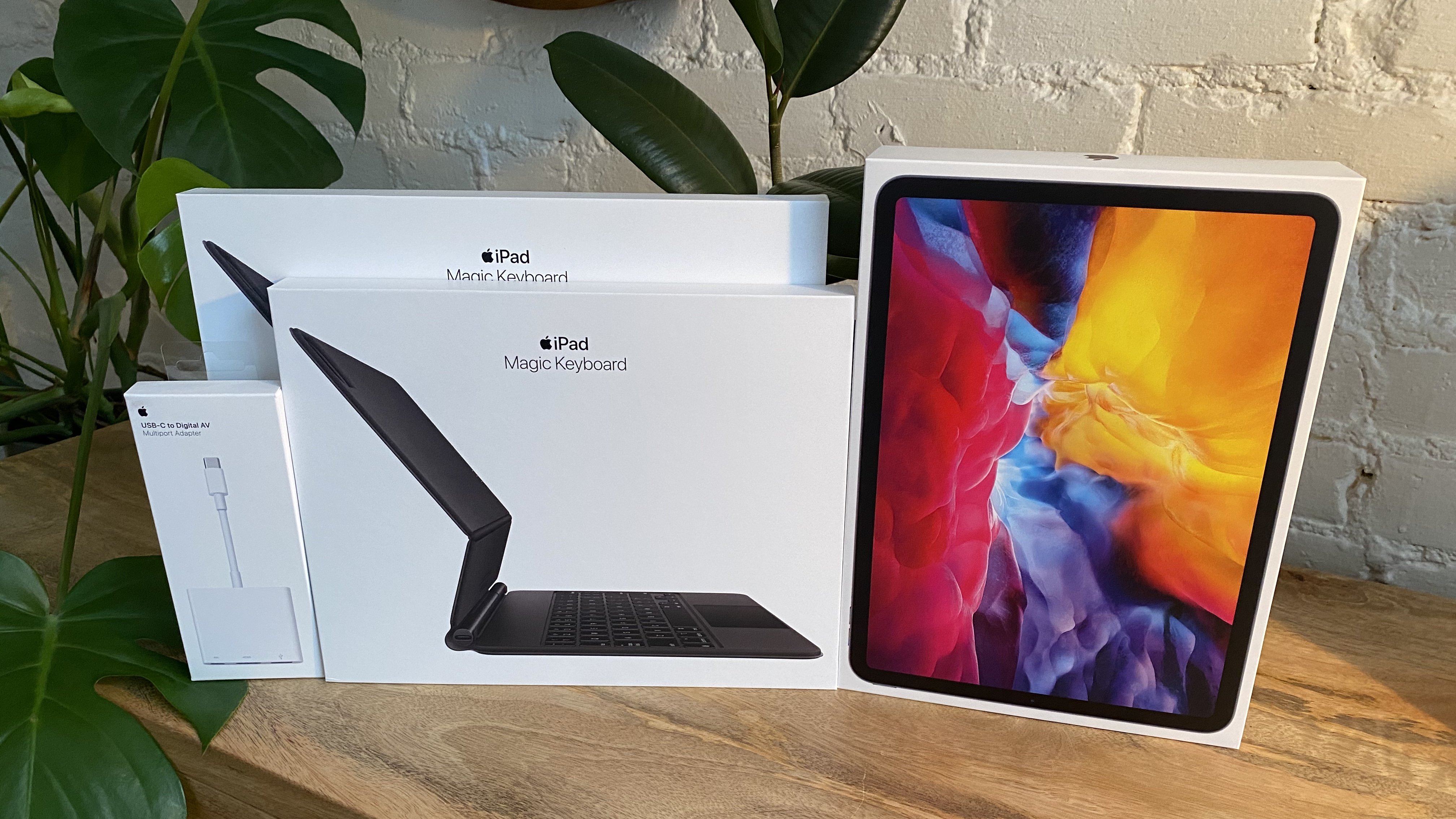
My Apple Store haul.

My Apple Store haul.

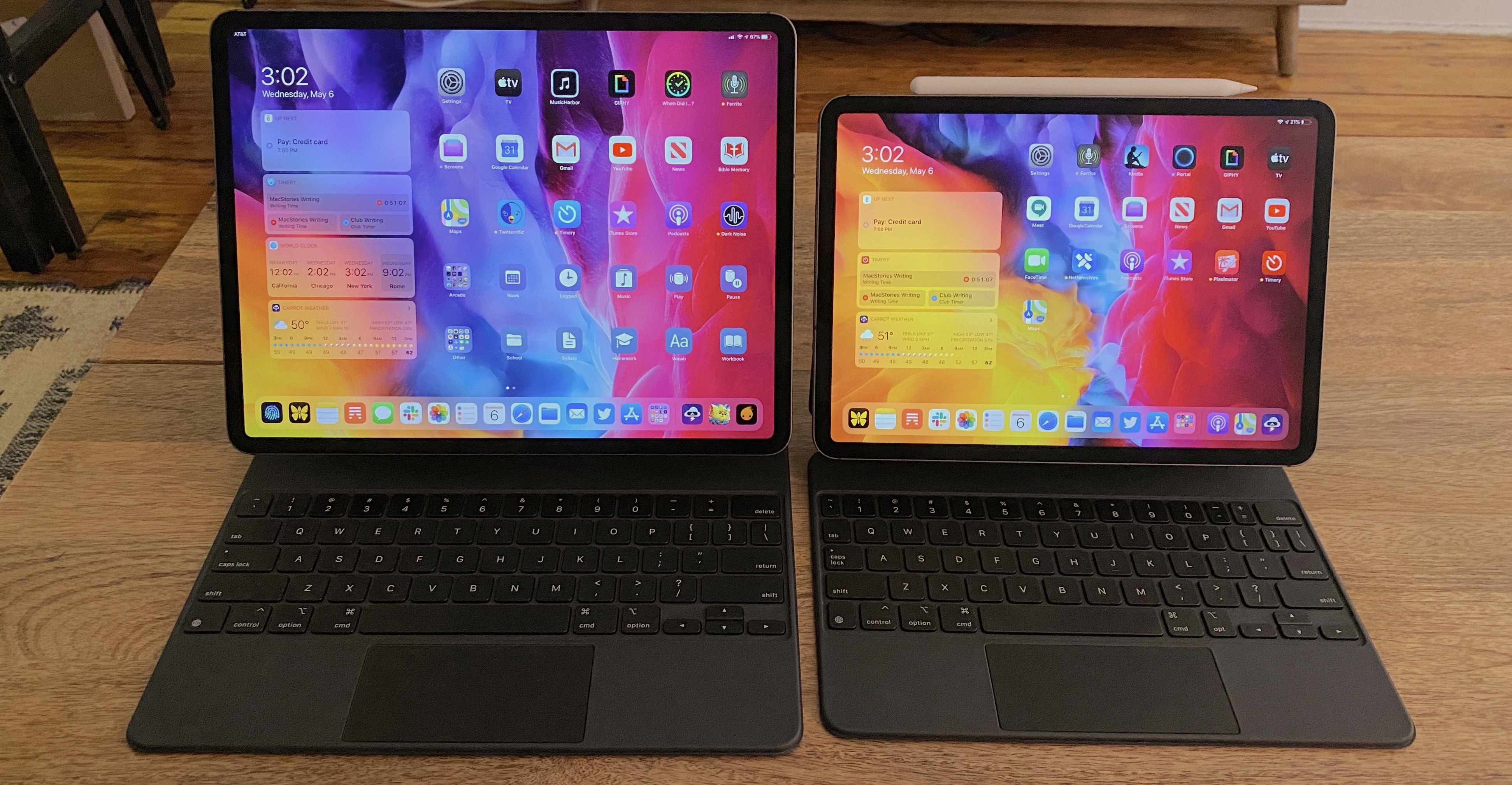
So a few weeks ago I ordered an 11-inch iPad Pro alongside the Magic Keyboards for both the 11- and 12.9-inch models; I also bought a USB-C Digital AV Multiport Adapter so I could connect my iPads to an external display. All of these purchases made possible a comprehensive comparison of the two iPad Pro sizes, spanning tablet, laptop, and desktop configurations, for the purpose of determining which iPad was best for me. As I mentioned, I was already pretty happy with my 12.9-inch model, so my focus was especially on trying the 11-inch and evaluating its unique strengths.

Here is what I learned from my experiment, and my decision on the iPad I’ll be using moving forward.

Read more


Portal

Don’t let the name fool you, I’m not here to commend Facebook’s video calling hardware to Club members. Though I must say, this season of quarantine has moved my level of interest in Facebook’s Portal devices from “A Facebook camera in my home, are you kidding?” to “Still a hard no, but I could...


My Magic Keyboard Story

Today on the latest episode of Adapt, Federico and I discuss, among other things, the new Magic Keyboard for the iPad Pro. I’ve been using both the 11-inch and 12.9-inch models, and shared on the podcast how my experience with both has been a bit of an adventure. For about half a day last...