
Ryan Christoffel

991 posts on MacStories since November 2016

Ryan is an editor for MacStories and co-hosts the [Adapt](https://www.relay.fm/adapt) podcast on Relay FM. He most commonly works and plays on his iPad Pro and bears no regrets about moving on from the Mac. He and his wife live in New York City.

Adobe Previews New iPad Drawing and Painting App, Fresco

Last year around the time Adobe began detailing its forthcoming Photoshop for iPad, the company also shared word of another iPad app it was working on, then called Project Gemini. Today in a blog post, Scott Belsky of Adobe announced Adobe Fresco as the official name of the new drawing and painting app, and detailed one of the features that will make the new app special:

The result is Live Brushes, which use the artificial intelligence of Adobe Sensei to recreate the behavior of oils and watercolors in an amazingly lifelike way. When you paint with a watercolor Live Brush, you’ll see the color bloom into adjacent areas of the paper. Use red and yellow next to each other and they’ll naturally blend into orange at the border. You can even recreate painting with water to dilute some colors and encourage tints to mix.

With an oil Live Brush, you can slather on a thick coat of paint and see the ridges and brush strokes that give the painting dimension. And you can mix different oil colors together to create a varied swirl of color that no digital color wheel could ever provide.

Live Brushes can be seen in action in the video embedded below. Adobe’s aim with Fresco is to provide a tool that scales well in serving users who want a simple drawing tool to those who need the power of features like layers, masking, brush creation, and more. While it’s expected that Creative Cloud subscribers will receive full access to Fresco’s full feature set, Adobe seems to be considering its full spectrum of target users when it comes to pricing. In today’s announcement Belsky notes “anyone with the right hardware will be able to draw and paint in Fresco for free.”

No update was given on Fresco’s release date, other than that it remains “later this year.” With iPadOS 13, Fresco, Photoshop, and the iPad app improvements that are hopefully to come alongside Catalyst projects, it’s going to be an exciting end of the year for iPad.
Permalink


Twitterrific 6 Brings Media Enhancements, New Themes and Display Customizations, and More

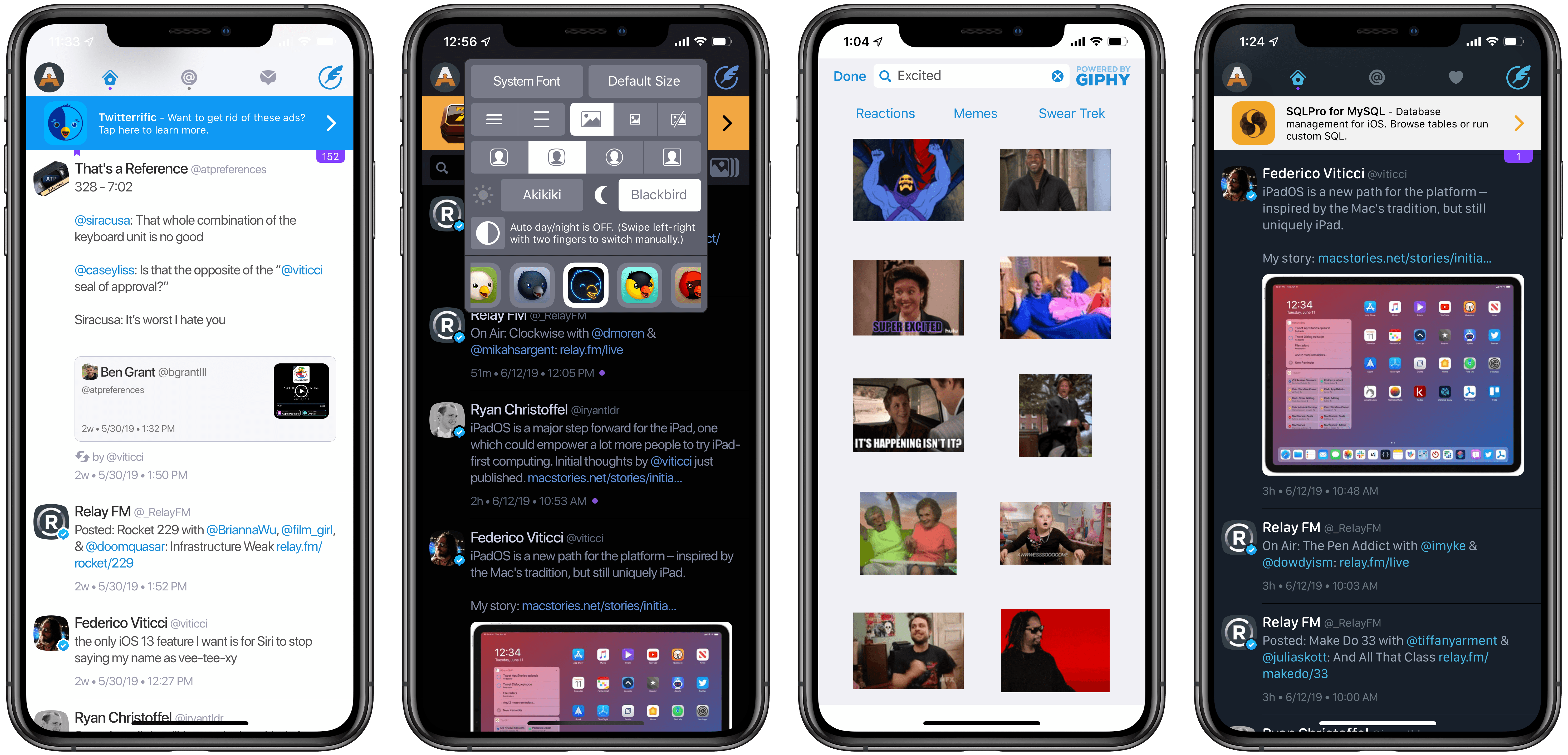
It’s been nearly seven years since Twitterrific 5 launched on the App Store, and so much about Twitter has changed since then. One major shift is the seismic increase in media shared on the platform; as our devices and data speeds have gotten faster, so too have the amount of GIFs, images, and videos we share online grown. While Twitterrific has certainly done its fair share of adapting for the times in previous updates, adding improved media controls and the like, today Twitterrific 6 introduces the most significant updates for the app’s media experience to date. There’s a new GIPHY integration, autoplaying videos and GIFs in the timeline, and a lot more. Added to that, users can now customize their Twitterrific experience in fresh ways thanks to additional themes, icons, and a new font.

Read more


All the Little Details of How ‘Sign In with Apple’ Works

Sarah Perez of TechCrunch has assembled an excellent, in-depth walkthrough answering key questions about how Apple’s upcoming authentication service, Sign In with Apple, will work:

From a security perspective, Apple offers a better option for both users and developers alike compared with other social login systems which, in the past, have been afflicted by massive security and privacy breaches.

Apple’s system also ships with features that benefit iOS app developers — like built-in two-factor authentication support, anti-fraud detection and the ability to offer a one-touch, frictionless means of entry into their app, among other things.
[…]
Despite the advantages to the system, the news left many wondering how the new Sign In with Apple button would work, in practice, at a more detailed level. We’ve tried to answer some of the more burning and common questions.

Perez addresses questions regarding what information a developer receives when a user chooses Sign In with Apple, whether it’s possible to use the authentication service on Android devices, when an app will and won’t be required to use Sign In with Apple, and more.

Despite some controversy regarding how strongly Apple is pushing this new secure login option, if it works as advertised, Sign In with Apple could be one of the upcoming OS features that has the biggest societal impact in the long run.

Permalink

WWDC Podcasts: A Roundup of Episodes with Apple Special Guests

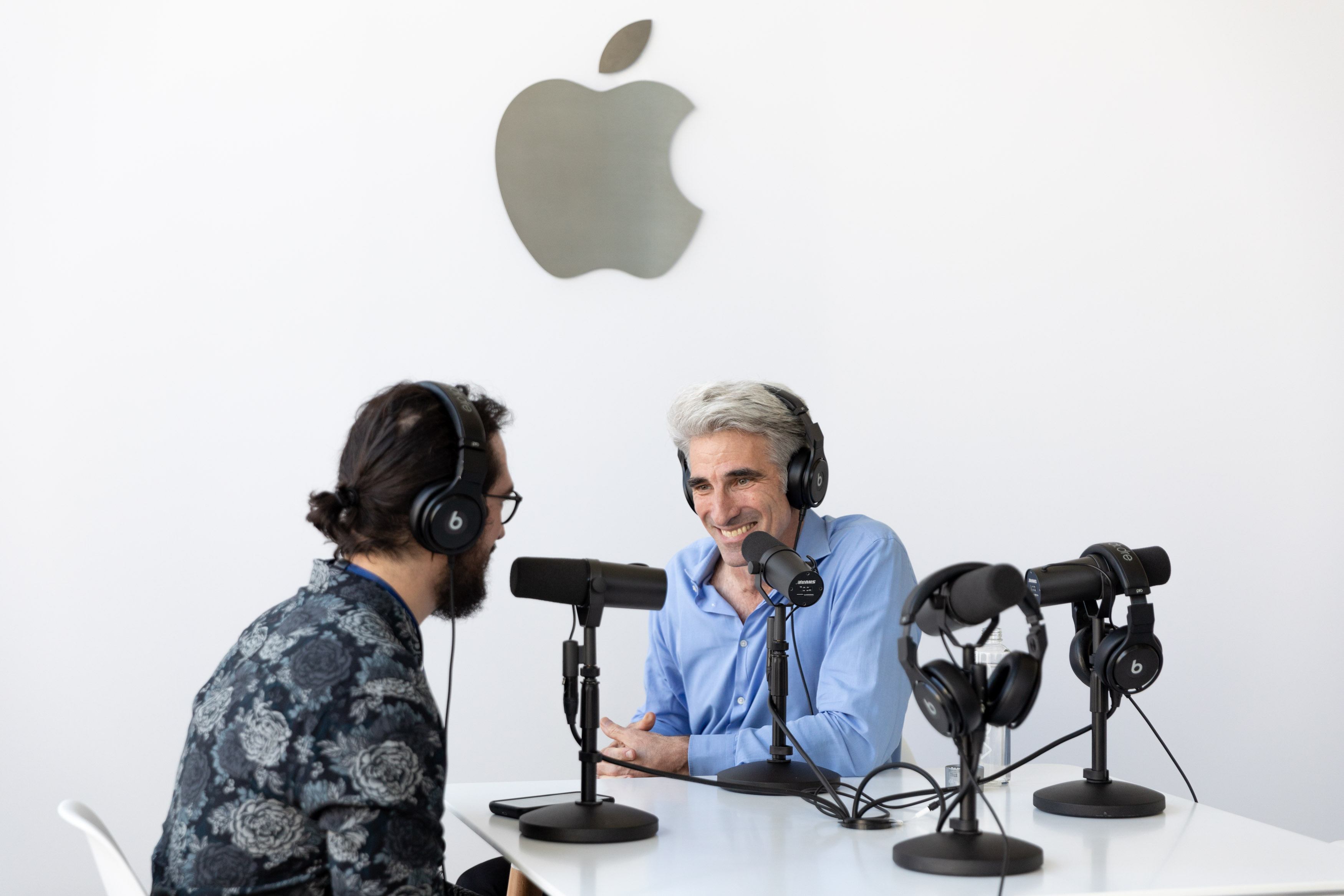
If you enjoy podcasts and Apple, your queue of episodes to check out has likely been bursting full since WWDC kicked off last Monday. So many great shows have been published with analysis and impressions of Apple’s announcements, but one thing that’s been particularly special is the number of podcasts that have featured guests from Apple over the last week. Here’s a roundup of episodes with Apple employees that you shouldn’t miss out on.

Read more


Apple Is Listening

Marco Arment, from Marco.org:

It’s hard to tell when Apple is listening. They speak concisely, infrequently, and only when they’re ready, saying absolutely nothing in the meantime, even when we’re all screaming about a product line as if it’s on fire. They make great progress, but often with courageous losses that never get reversed, so an extended silence because we’re stuck with a change forever is indistinguishable from an extended silence because the fix isn’t ready yet.

But there has clearly been a major shift in direction for the better since early 2017, and they couldn’t be more clear now:

Apple is listening again, they’ve still got it, and the Mac is back.

Excellent summary of the general feeling I’ve gathered coming out of WWDC last week. Apple’s reputation for secrecy makes it hard to tell if they hear the community’s concerns, and for a time the evidence signaled that they didn’t. That’s clearly changed, however, as the last couple years have demonstrated; WWDC’s myriad of goodies for every platform was simply the latest confirmation that Apple is listening, and they care.

Permalink

Surveying Apple’s Latest Accessibility Work

Steven Aquino, writing for TechCrunch:

Although much of the conversation around what Apple announced revolves around iPadOS and Project Catalyst, based on what I’m hearing on podcasts and seeing in my Twitter timeline, Voice Control definitely is a crown jewel too. Nearly everyone has praised not only the engineering that went into developing it, but also the fact that Apple continues to lead the industry at making accessibility a first-class citizen. Myke Hurley said it best on the Upgrade podcast following the event, the weekly show he co-hosts with Jason Snell, when he said Voice Control is something Apple doesn’t have to do. They do it, he said, because it’s the right thing to do for every user.

Aquino interviewed Sarah Herrlinger, Apple’s Director of Global Accessibility Policy & Initiatives, about three major new accessibility features: Voice Control, Hover Text, and pointing device support. While the iPad enthusiast in me is all about those pointing devices, Voice Control is a tremendously exciting technology that I hope has ramifications for the future of Siri.

Permalink