
Ryan Christoffel

992 posts on MacStories since November 2016

Ryan is an editor for MacStories and co-hosts the [Adapt](https://www.relay.fm/adapt) podcast on Relay FM. He most commonly works and plays on his iPad Pro and bears no regrets about moving on from the Mac. He and his wife live in New York City.

Choosing Your Markdown Editor: A Comparison of Ulysses and Drafts

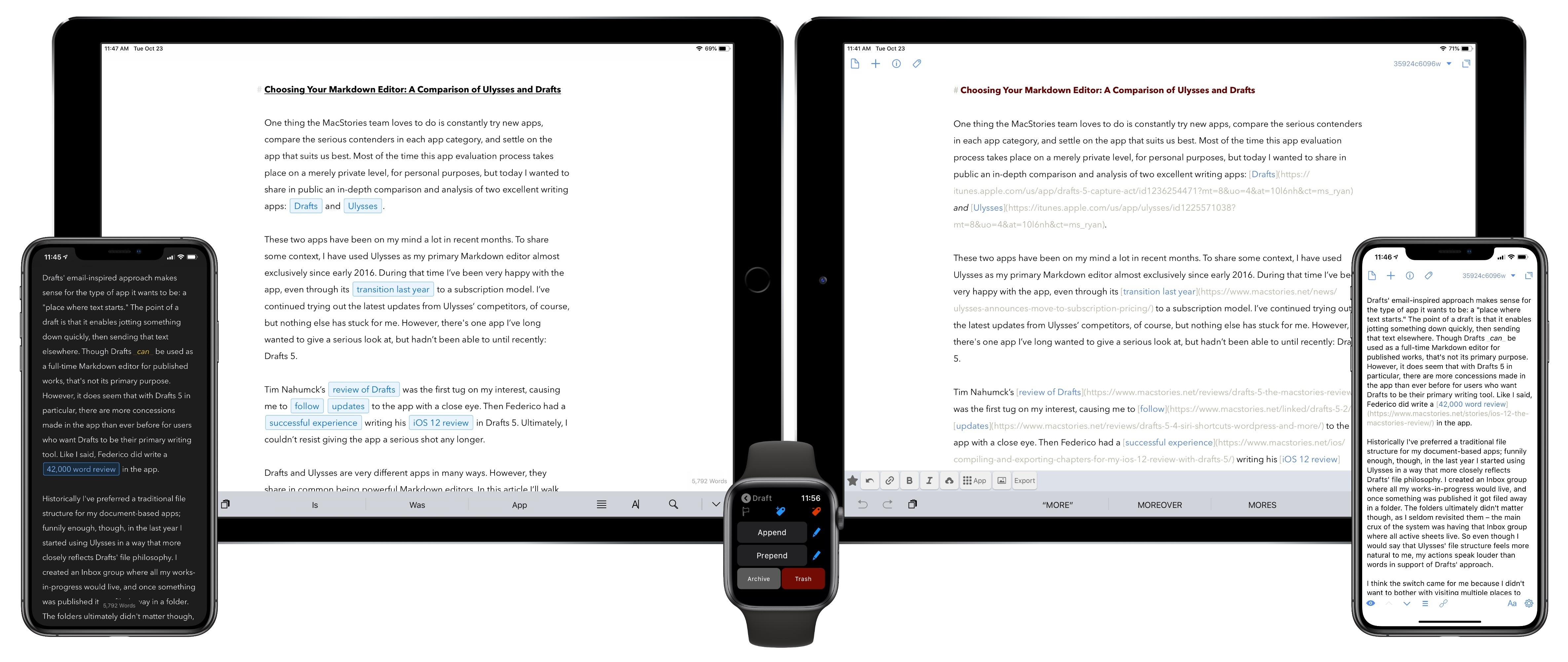
One thing the MacStories team loves to do is constantly try new apps, compare the serious contenders in each app category, and settle on the app that suits us best. Most of the time this app evaluation process takes place on a merely private level, for personal purposes, but today I wanted to share in public an in-depth comparison and analysis of two excellent writing apps: Drafts and Ulysses.

These two apps have been on my mind a lot in recent months. To share some context, I have used Ulysses as my primary Markdown editor almost exclusively since early 2016. During that time I’ve been very happy with the app, even through its transition last year to a subscription model. I’ve continued trying out the latest updates from Ulysses’ competitors, of course, but nothing else has stuck for me. However, there’s one app I’ve long wanted to give a serious look at, but hadn’t been able to until recently: Drafts 5.

Tim Nahumck’s review of Drafts was the first tug on my interest, causing me to follow updates to the app with a close eye. Then Federico had a successful experience writing his iOS 12 review in Drafts 5. Ultimately, I couldn’t resist giving the app a serious shot any longer.

Drafts and Ulysses are very different apps in many ways. However, they share in common being powerful Markdown editors. In this article I’ll walk through their similarities, divergences, and ultimately share which app I’ve decided to write in going forward. The goal is not to say which app is better, as the answer to that question is entirely subjective. Instead, I want to help you decide which app is likely best for you.

Read more


Captivating the Creative Community with ‘Today at Apple’

Michael Steeber of 9to5Mac writes about the increasing importance of ‘Today at Apple’ as a unique competitive strength for the company:

Would you go to a Photo Walk at a Microsoft store? Do you trust a Google retail employee to teach you how to draw? Is there a group of passionate musicians dedicated to Samsung platforms?

Apple has captivated the creative community for over 40 years, and many people across the world have done their life’s work with Apple products. This year’s “Behind the Mac” ad campaign perfectly encapsulates why people are excited about Today at Apple.

In-store sessions aren’t totally new. Apple stores have held workshops in one form or another since their introduction in 2001. But until Today at Apple, sessions were more focused on technical training and lacked the same creative spark.

Steeber’s point about other big tech companies is a great one. I wouldn’t look to any other tech giant for creative lessons in areas of music, photography, or drawing, and I don’t think any other average customer would either. But with Apple, the story’s different. The company has always held a special level of credibility among creators, and that remains true today.

I’ve never attended a Today at Apple session, but over time I’ve grown more and more intrigued by Apple’s major retail initiative. Unlike the intense scrutiny given to everything else Apple does, Today at Apple seems to receive very little attention from the world of tech journalism. Yet Apple clearly believes it’s on to something with Today at Apple, and it shows every time Angela Ahrendts or Tim Cook spend time at an event lauding the program.

It’s hard to care too much about Today at Apple when your closest Apple Store is far enough away to be an inconvenience, which is perhaps why I never seriously considered attending a session while living in the suburbs of Dallas. Now that I’m in the urban environment of New York City, however, with Apple Stores all around and in walking distance, the idea of popping in for a session to help sharpen my creative senses is really appealing. It doesn’t hurt that Apple’s latest retail store work is so visually stunning, making a great environment for learning.

Moving forward, I’m definitely eager to keep a close eye on Today at Apple.

Permalink

A Special Apple Event Interview with Federico

When Apple debuted its third-generation iPad Pros in Brooklyn earlier this week, our own Federico Viticci was present for the event and got hands-on time with the new devices. He shared his first impressions on the site, but today exclusively for Club members he has also answered a variety of questions about the new...


Hopes and Expectations for Apple’s 2019

Forward-looking columns about Apple’s business in the new year are usually saved for late December, but I wanted to get ahead of all those pieces because we now know – barring any major surprises over the next two months – what Apple’s full 2018 product lineup looks like. While new AirPods and the AirPower...


The Fall OS Features That Brought the Most Delight

Every fall as Apple launches its swath of major new OS releases, there is always a selection of features that users most look forward to getting their hands on. And while we’ve already covered the important details of 2018’s software releases in comprehensive reviews of iOS, macOS, watchOS, and tvOS, now that a little...


The New 12.9- and 11-inch iPad Pros: The MacStories Overview

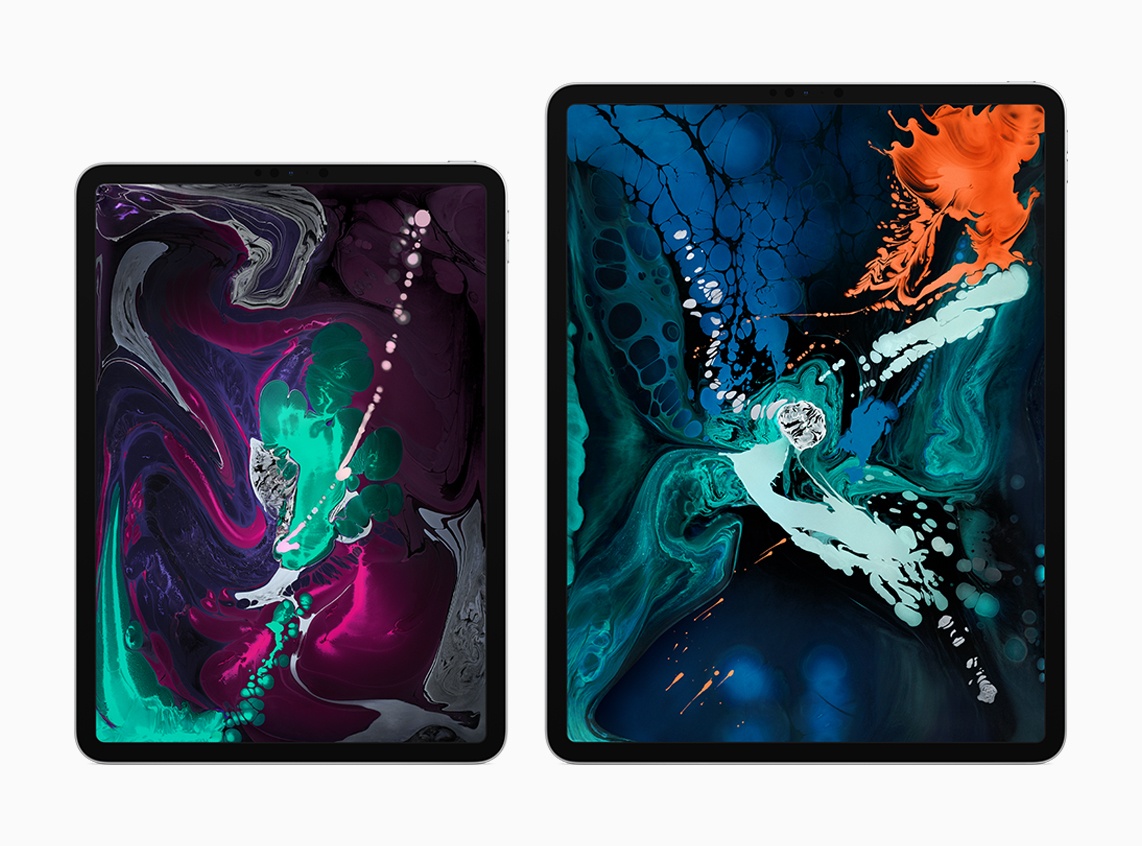
Today during its keynote event in Brooklyn, Apple took the wraps off the most radical change to iPad hardware since the first iPad Pro launched in late 2015. The new 12.9-inch and 11-inch iPad Pro models represent the iPad’s ‘iPhone X moment,’ bringing drastic changes to Apple’s tablet platform aimed at making the iPad an even more valuable tool for creation and productivity. While many of these iPad Pro changes are directly inspired by Apple’s iPhone efforts over the last 12 months, some represent new innovations entirely.

“The new iPad Pro is a huge step forward for powerful, creative, mobile computing; it has an all-new thinner design, speeds through projects with the super-fast A12X Bionic chip and unlocks with a glance using Face ID in any orientation — while you’re sitting or standing, with iPad Pro on your desk or lap, with the new Smart Keyboard Folio and new Apple Pencil,” said Philip Schiller, Apple’s senior vice president of Worldwide Marketing. “There has never been a mobile device anything like the new iPad Pro; it has a gorgeous edge-to-edge Liquid Retina display that curves into the corners, breakthrough performance that outperforms most laptops, Face ID, support for the new Smart Keyboard Folio and new Apple Pencil, advanced new cameras and sensors for the best AR experiences ever in any device, a high-speed USB-C connector, louder speakers, faster wireless and more, all packed into a thinner device that has all-day battery life and is 25 percent smaller in volume.”

Read more


Investing in Shortcuts Where I Never Did with Workflow

Apple’s Shortcuts app has been getting a lot of attention around MacStories in recent months, and rightfully so, as it represents the best case scenario for Workflow’s future. When the beloved automation app was acquired by Apple in early 2017, the move inspired concern for iOS power users. No one outside of Apple knew...