Ryan Christoffel

991 posts on MacStories since November 2016

Ryan is an editor for MacStories and co-hosts the [Adapt](https://www.relay.fm/adapt) podcast on Relay FM. He most commonly works and plays on his iPad Pro and bears no regrets about moving on from the Mac. He and his wife live in New York City.

watchOS 4.1 Introduces Apple Music Streaming and New Radio App

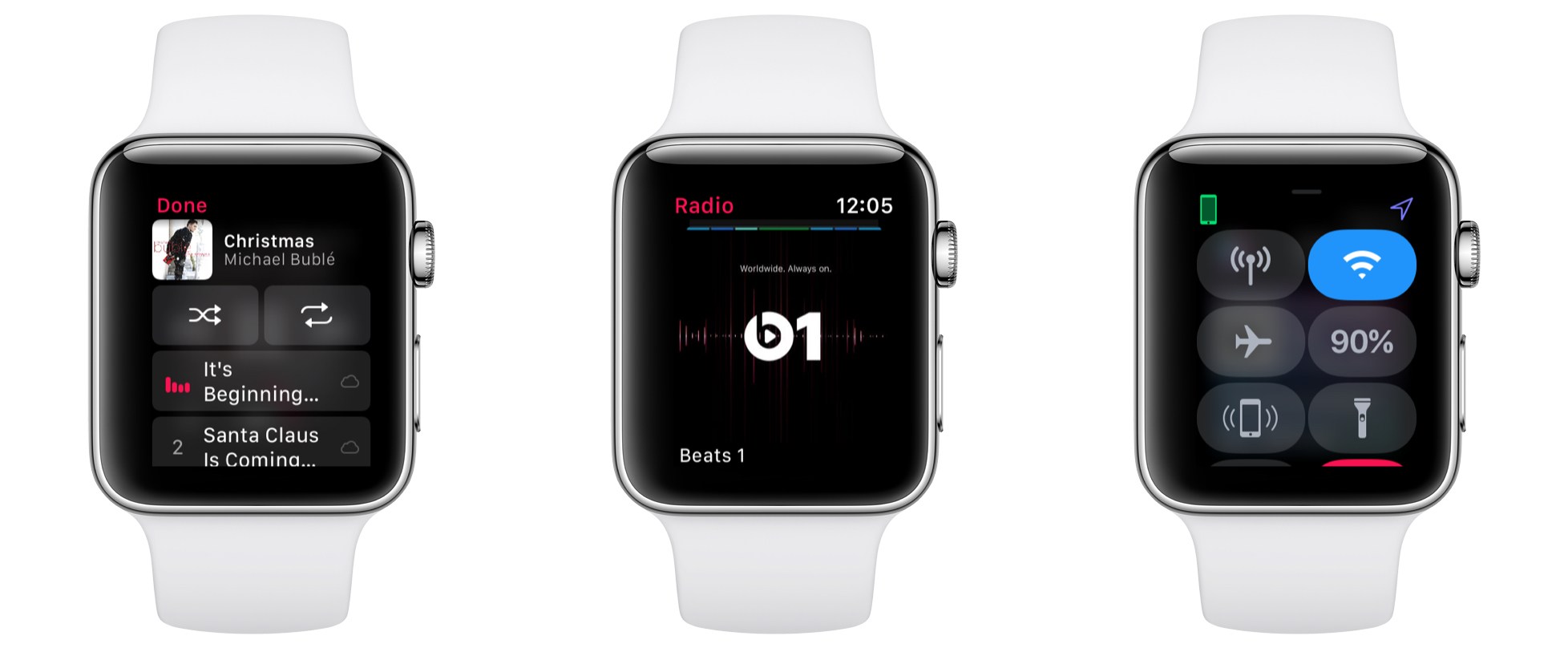
Today Apple released the latest software for Apple Watch: watchOS 4.1. This update includes the previously announced Apple Music streaming, including over cellular, plus the introduction of a brand new Radio app.

In past versions of watchOS, independent music playback was limited to the small assortment of songs and playlists that could be stored locally on Watch hardware. Due to how slow music syncing was, I always considered it too much of a hassle to keep my favorite music accessible on the Watch. Today’s update lifts those prior restrictions, though, in a big way. Now Watch owners who are also Apple Music subscribers can stream music, not just from their own library, but also from the service’s full catalog of over 40 million songs. This works over cellular on the latest Series 3 models, but it also can be done over Wi-Fi with non-cellular models. Even if you don’t plan to stream music sans-iPhone, watchOS 4.1 still includes the added benefit of restoring access to your full iCloud Music Library on Series 3 models: past versions of watchOS allowed this, but watchOS 4 limited your selection to synced music only.

Independent music streaming from the Apple Watch is made even better by the addition of a new built-in watchOS app: Radio. The Radio app enables streaming content from Beats 1 or select other radio stations, such as ESPN, NPR, and genre-based stations. While I would have been more excited by a Podcasts app, it’s great to see more of Apple Music’s features make their way to the Watch.

For owners of the Series 3 Watch with cellular, there’s one last notable update: a new toggle in Control Center for activating and deactivating Wi-Fi on the Watch. So if your Watch gets stuck on a slow or unreliable Wi-Fi connection, you can easily disconnect and fall back to LTE.


For most users watchOS 4.1 is a fairly minor update with little to get excited about – but for those sporting a Series 3 Watch with cellular, it’s simply transformative. Paired with AirPods, the Apple Watch can now serve as a powerful and worthy successor to the iPod line. There’s something downright liberating about going iPhone-free while staying connected and available, and bringing 40 million songs along with you.


SiriKit Support Will Be Included on HomePod for Certain Third-Party App Domains

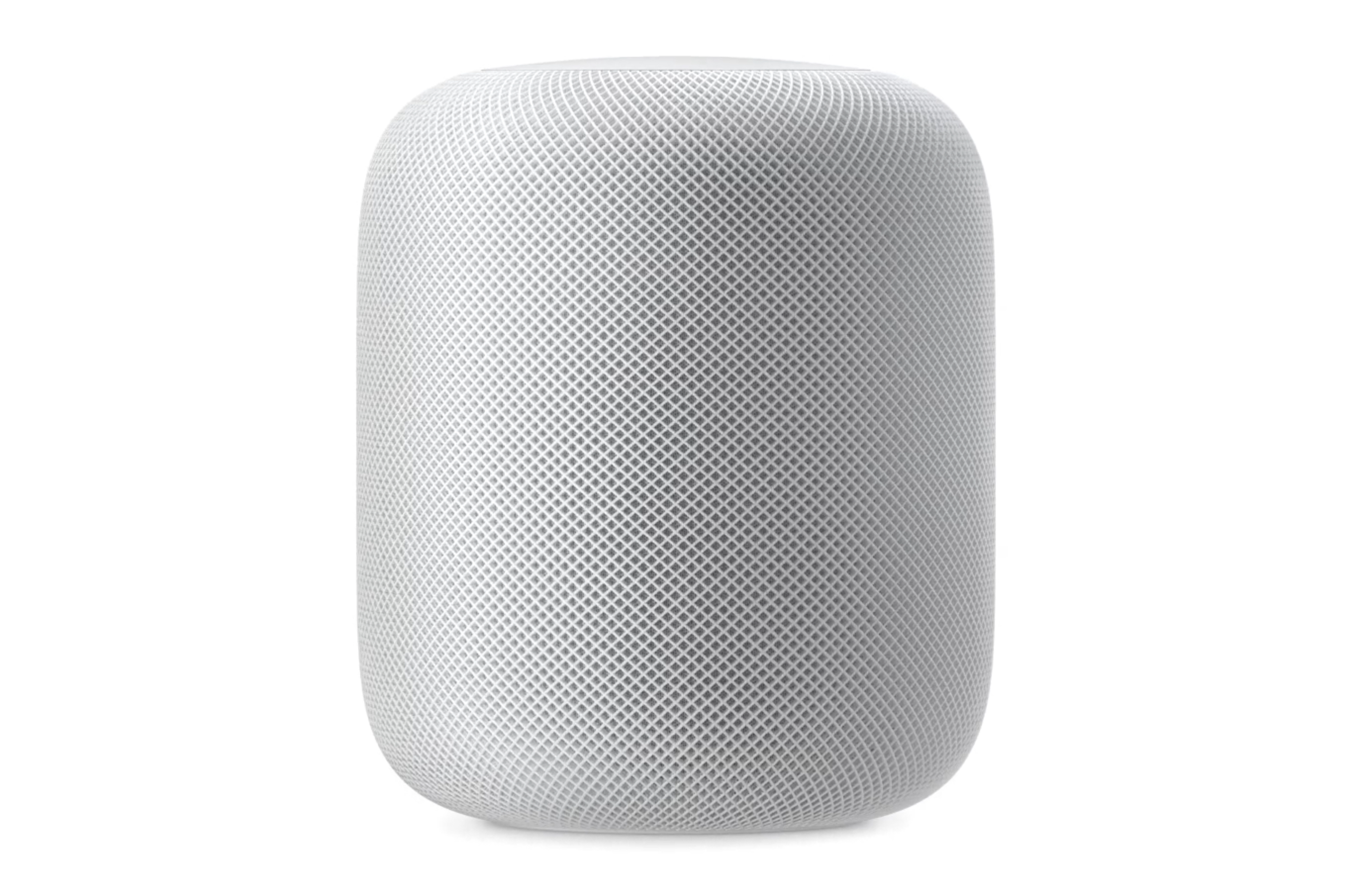
In an update on its developer site today, Apple announced that SiriKit support will be included in the forthcoming HomePod device.

iOS 11.2 introduces SiriKit for HomePod, the powerful speaker that sounds amazing, adapts to wherever it’s playing, and provides instant access to Apple Music. HomePod is also a helpful home assistant for everyday questions and tasks. With the intelligence of Siri, users control HomePod through natural voice interaction. And with SiriKit, users can access iOS apps for Messaging, Lists, and Notes. Make sure your SiriKit integration is up to date and test your app’s voice-only experience today.

When the HomePod was first unveiled at WWDC in June, there was no word regarding whether it would support third-party apps through SiriKit. While some expected further details on HomePod to arrive in September’s keynote, that event came and went with no news. Today marks the first time we’ve learned anything new about HomePod from official sources since its initial introduction.

Messaging, Lists, and Notes are the only SiriKit domains that will work with HomePod at launch, but it’s likely we’ll see more added over time. This means the HomePod will be able to do things like send messages in Telegram, create tasks in Todoist or Things, and create notes in Evernote.

Information about how SiriKit on HomePod will work is included on Apple’s full SiriKit site, which contains the following detail:

Siri recognizes SiriKit requests made on HomePod and sends those requests to the user’s iOS device for processing.

This means SiriKit support on HomePod will take a fundamentally different path than that of competing products like the Amazon Echo. In most cases the Echo’s set of third-party Alexa skills can be operated completely independent of another device. For the time being at least, third-party support on HomePod will rely on a nearby iPhone or iPad.

There are still many HomePod details that remain unclear. For example, we don’t yet know if SiriKit requests or iCloud requests will be tied to a single user’s device, or if a family will be able to interact with the device in a user-specific way. Time will bring the full story into view, but for now, knowing that HomePod will launch with at least some third-party app support is good news.


iPhone X First Impressions Arrive via Steven Levy and YouTube

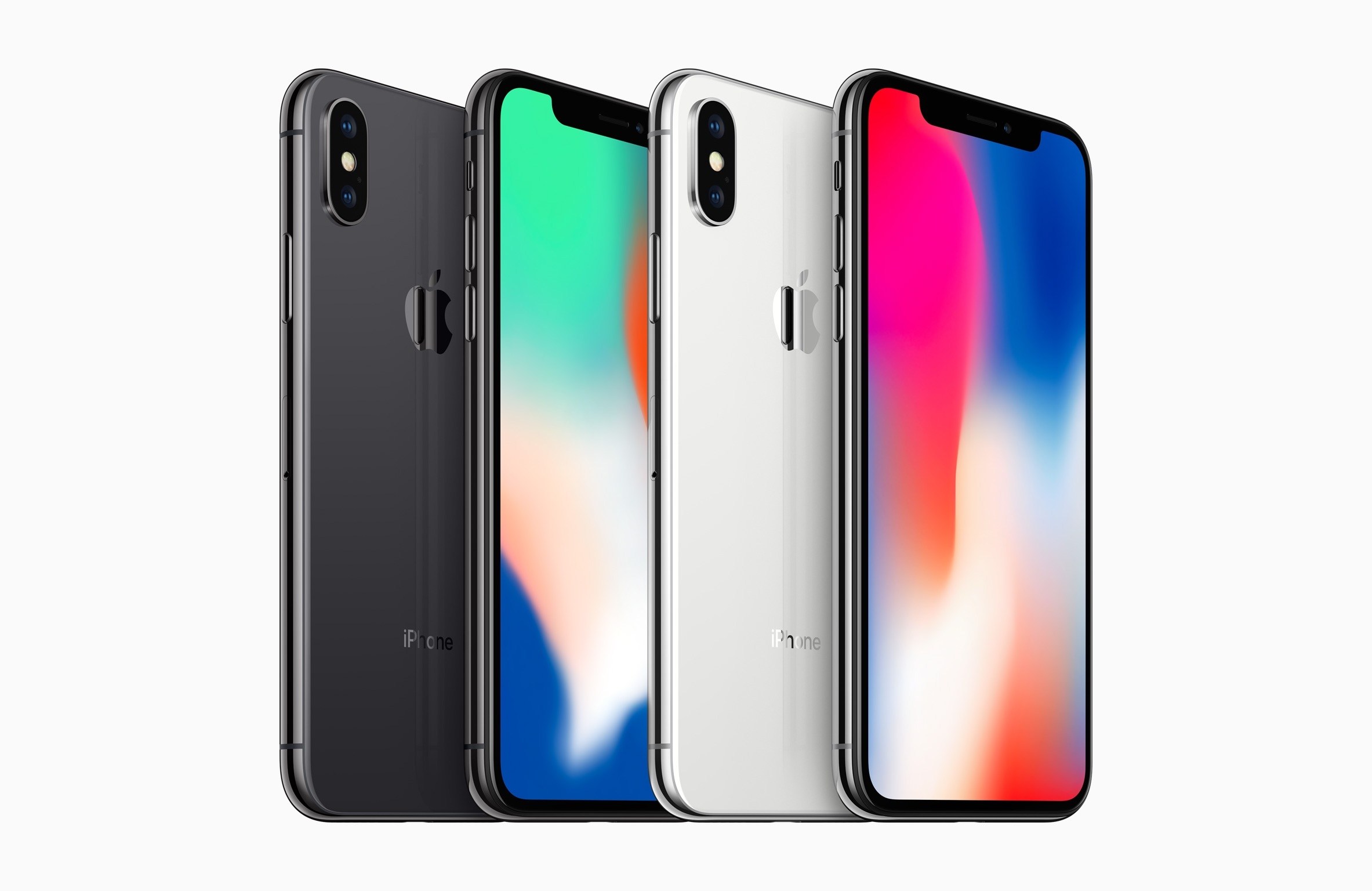
Ahead of any full reviews for the iPhone X arriving, today one writer and a host of YouTubers published their first impressions for the new device, which releases November 3.

Steven Levy was one of the handful of journalists who received review units of the original iPhone over ten years ago. Today he exclusively shared his early thoughts on what appears to be the biggest evolution of the device, at least in form factor, since that original phone. Despite his praise for the device’s advancements over previous iPhones, Levy concludes that some of the iPhone X’s greatest achievements may only come to fruition with the help of third-party developers.

Remember, as cool as the original iPhone was, it didn’t really begin changing the world until Apple let third-party software developers take advantage of its innards—stuff like the camera, GPS, and other sensors. Maybe something similar, albeit not on such a grand scale, will happen with the iPhone X. Those who shell out the cash for this device will enjoy their screen and battery life today. But the real payoff of the iPhone X might come when we figure out what it can do tomorrow.

As Craig Federighi quipped during the iPhone X’s introduction in September, taking some of the most advanced technology ever found in a smartphone and using it to create animated poo is, well, perhaps unsurprising, but certainly a bit anticlimactic. There are undoubtedly applications of the iPhone X’s TrueDepth Camera and other features that haven’t been dreamed up yet.

Speaking of which, among the YouTubers who were invited by Apple to get early hands-on time with the iPhone X, one of the guys from Highsnobiety performed (jokingly) what is perhaps the first relationship breakup over Animoji. How do breakups by Animoji rank compared to breakups by text?

Videos by UrAvgConsumer, Soldier Knows Best, and Booredatwork contain detailed walkthroughs of how to use the new phone, while Popular Science has a fun science-infused overview of the X’s new features, and FASHION Magazine has a short, quick-hit look at ten favorite aspects of the iPhone X.

Apple’s marketing strategy with the iPhone X clearly appears to differ from the company’s standard practices, with this wave of first impressions preceding any proper reviews. While we should expect to see more traditional reviews from the usual sources in the coming days, perhaps Apple is simply attempting to highlight how this isn’t just like any other iPhone launch.


App Camp for Girls Hosts Fireside Chats with Developers and Others in the Apple Community

App Camp for Girls is currently conducting a series of interviews on its website – dubbed Fireside Chats – with different members of the Apple community. Interviewees range from iOS and Mac developers working at companies like The Omni Group, Smile, and Starbucks, to solo indie developers, and other active members of the community. I especially enjoyed hearing from developers about how they got their start in the world of software creation, and lessons learned in the process of building their first apps. There are interviews with people from all sorts of working backgrounds though, making these chats accessible to anyone interested in the Apple and technology communities.

These interviews are timed in conjunction with App Camp’s current fundraiser on Indiegogo, where they’re seeking to raise $75,000 to start camps in three new cities by 2020. Currently the campaign has raised $23,000 of that $75,000 goal, with about two weeks remaining. If you’d like to support the cause, go here to donate.

For more information about App Camp and its work to promote gender equity in technology, you can read our coverage from earlier this year when the organization announced its expansion to Chicago, or listen to Federico and John’s interview with App Camp’s co-founders, Jean MacDonald and Grey Osten, on episode 3 of AppStories.

Permalink

Kindle for iOS Redesigned with Clean, Streamlined Organization

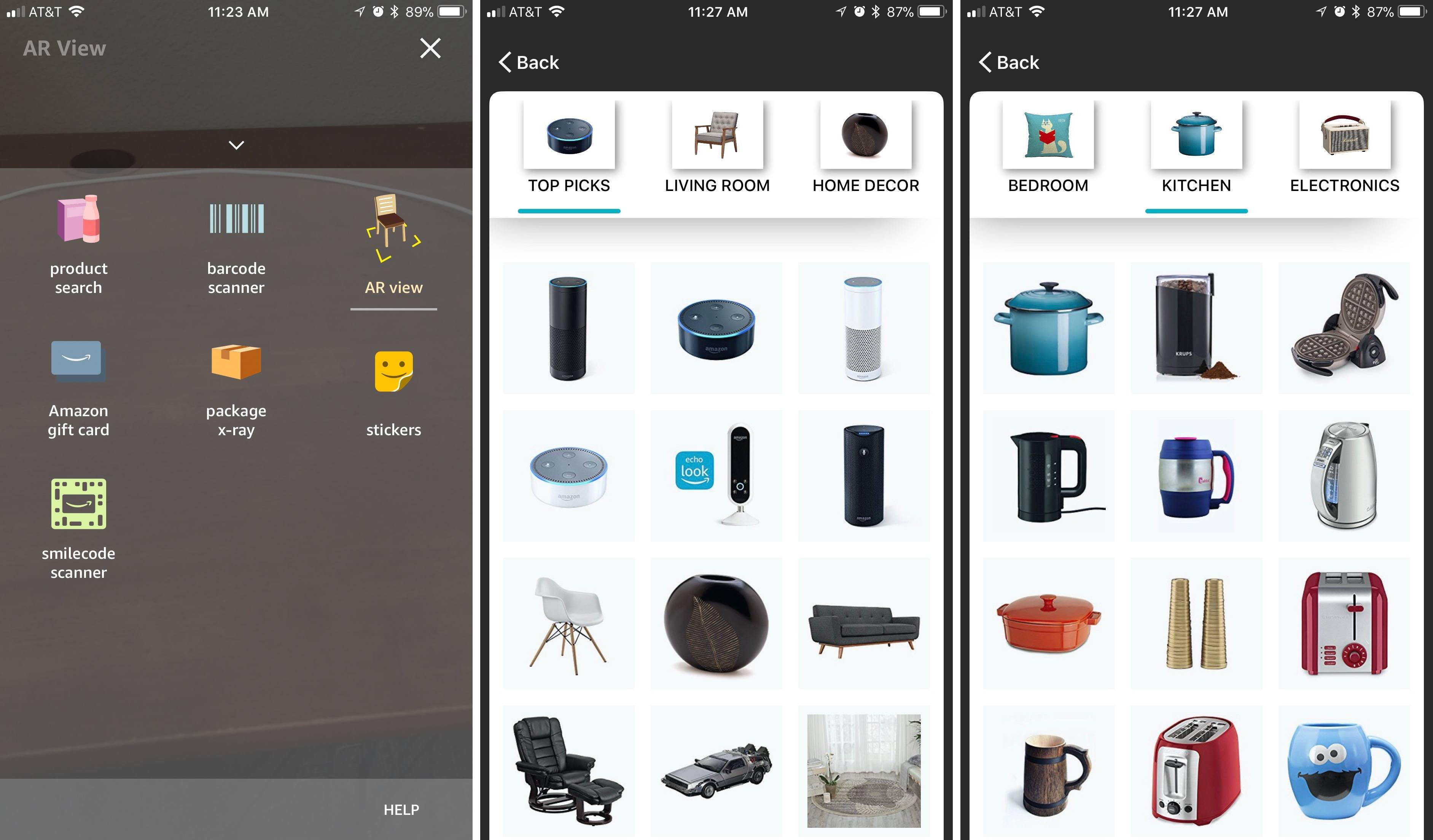
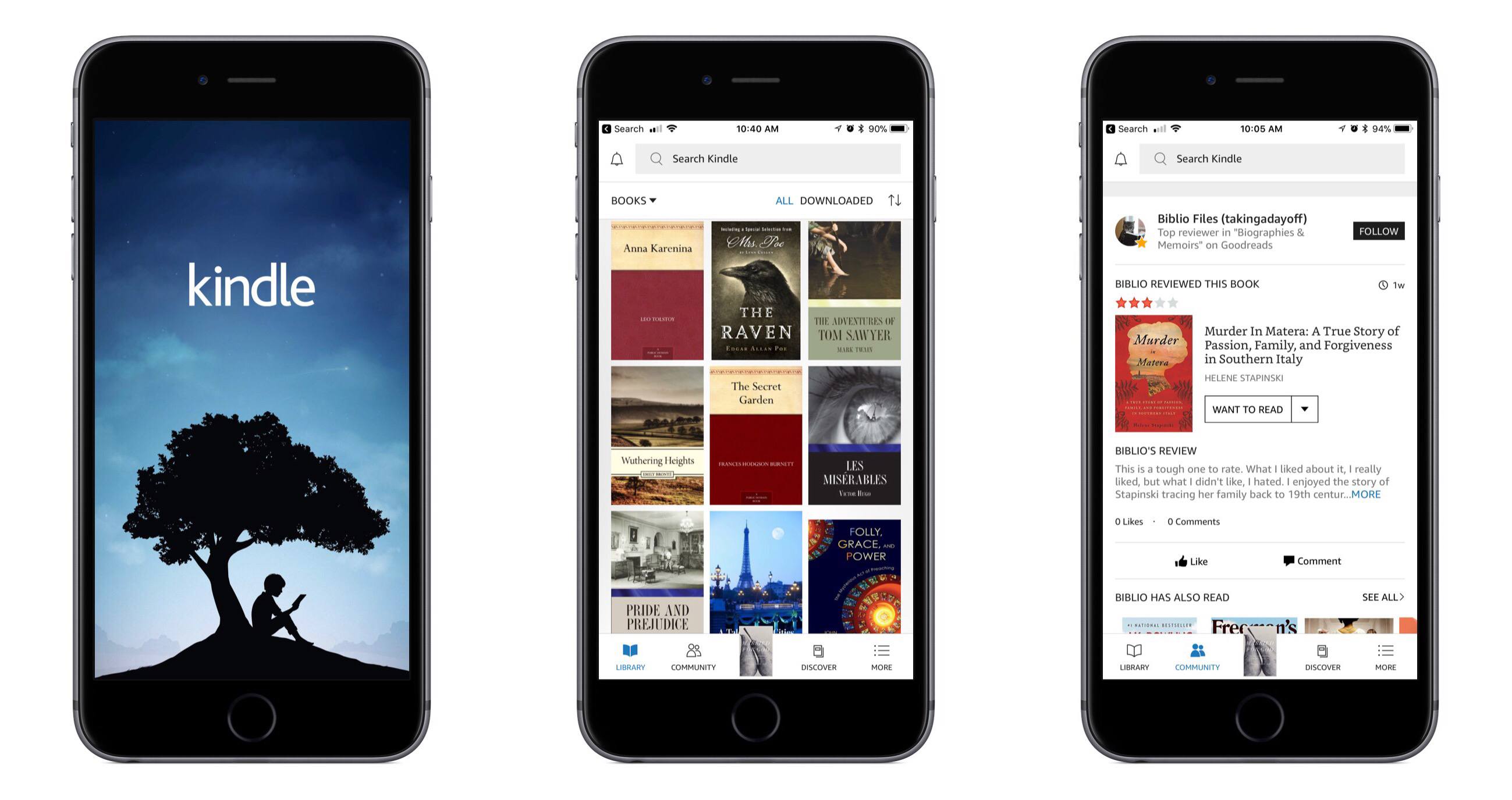
Amazon’s Kindle app for iOS received a major update today, bringing redesigned navigation tabs, a new light theme, and more. The change that excited me most, small as it may be, is the greatly improved app icon – it includes a beautiful new illustration, and the word Kindle has been removed.

The Kindle app now feels more at home on iOS, with a familiar navigation tab layout lining the bottom of the screen. The first tab, Library, is essentially what the main interface of the app was before – all your books are found there. The Library tab is cleaner and simpler now, as several options it formerly contained have been assigned to other areas of the app. The Goodreads and Discover pages, for example, now live in the main navigation bar as Community and Discover tabs, respectively. Extra items like settings and sync have been moved into the navigation bar’s final tab, More. There’s also now a search bar at the top of the screen that’s accessible from nearly anywhere in the app. Overall, these layout changes make the app easier to navigate and less cluttered than before.

Joining the app’s original dark theme, you can now turn on a light theme for the app; this navigation theme is separate from the reading theme, which has long had dark and light options. The light theme looks nice, and I plan to keep it turned on. Another change is that while reading, it’s easier to get back to your library – the upper left corner contains a down-facing arrow that instantly closes your book.

I do nearly all of my book reading digitally, and I’ve long preferred reading in iBooks over Kindle due to it having the superior app in my mind. Today’s update fixes several of the issues I’ve had with Kindle, but unfortunately there’s one big problem outstanding: Kindle still doesn’t support Split View on iPad. Once Amazon adds that to its app, I’ll have less reason to always go with iBooks.


Apollo: A Powerful, Modern Reddit Client for iOS

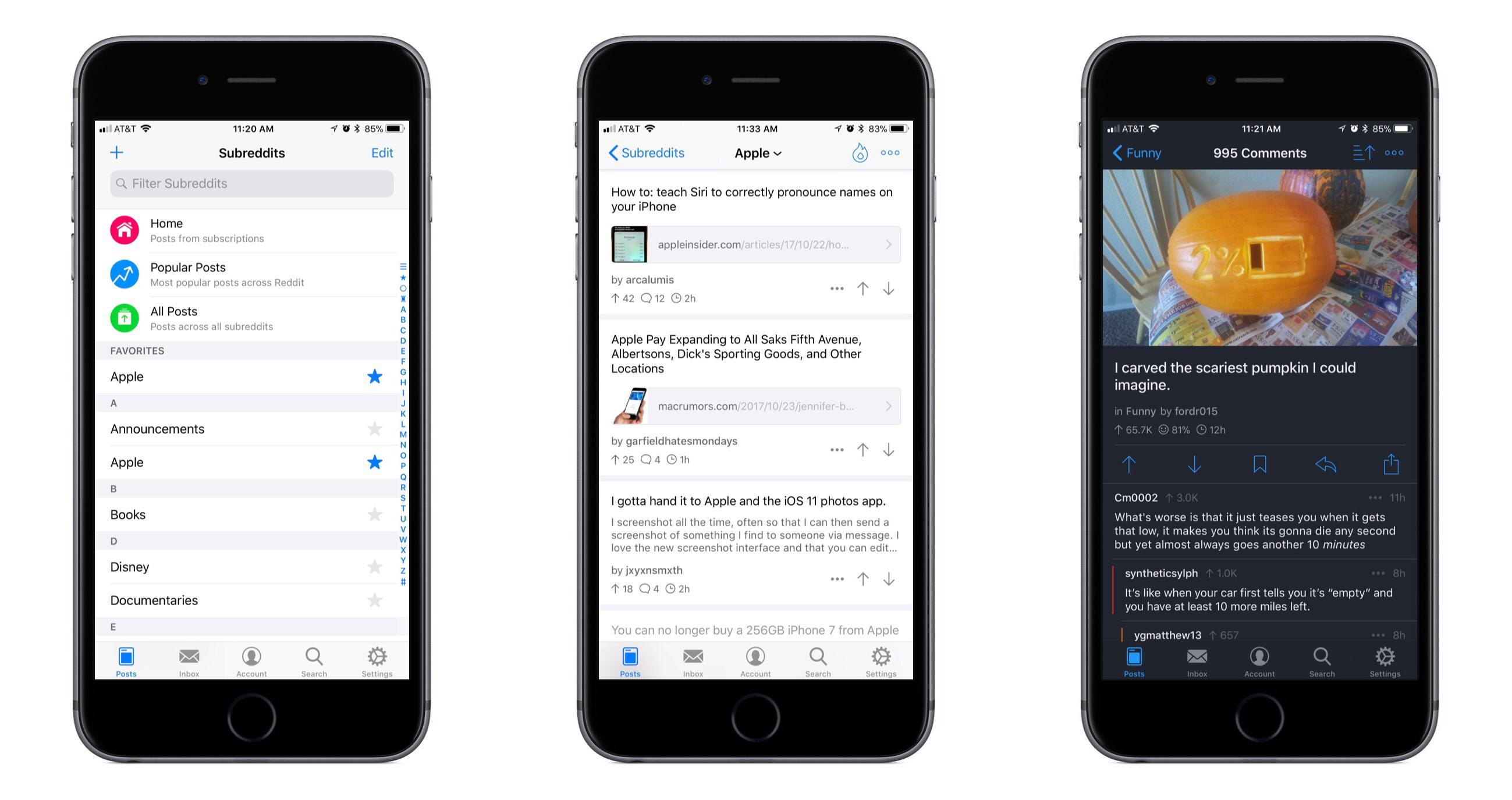
Reddit is one of those spaces on the Internet that I’ve historically stayed mostly away from. Due to my role at MacStories, however, and a thriving Apple subreddit, I’ve been there more in the past year than all prior years combined. During that time I’ve tried all the best iOS Reddit clients in an attempt to find one that’s right for me. For one reason or another, none have stuck; today, however, that changes, with the release of Apollo.

Read more