

Whenever my wife and I have set our destination for an upcoming trip, we like to find local places in Apple Maps to visit and assemble our agenda for the trip in a note inside Apple Notes. Sometimes we’ll find places in Apple Maps just by scanning over the area surrounding where we’ll be...
 Member Requests
Question: Imagine you have a panoramic photo and you want to post it to Instagram using the multiple image selection feature. How can I crop the photo to 3:1, get the dimensions of the photo, divide those dimensions to get the crop dimensions and starting variables to break each image into parts? (Anonymous)
I’ve...
iPod Nano and iPod Shuffle Disappear from Apple.com→
Stephen Hackett reports on 512 Pixels that the iPod nano and iPod shuffle have both been entirely removed from Apple’s website, indicating that the products have been discontinued. In their absence, the only iPod product currently mentioned on Apple’s site and available for purchase is the iPod touch, now available in streamlined configurations of 32GB and 128GB for $199 and $299 respectively.
Those who want to get their hands on one of these missing products may still have luck visiting an Apple Store, according to MacRumors:
For now, it appears the iPod nano and iPod shuffle are still available to purchase at many Apple Stores and other resellers, but if the devices are indeed discontinued, then that may not be the case much longer. The latest iPod nano started at $149, while the iPod shuffle cost $49, in the United States.
While newer products like AirPods and HomePod carry on Apple’s music legacy, it seems likely to be only a matter of time before the iPod era comes to a complete end.
Apple Park Design Detailed by Jony Ive for WSJ→

Christina Passariello published a feature story for The Wall Street Journal today titled, “How Jony Ive Masterminded Apple’s New Headquarters.” It contains many new details about Apple Park, all framed in the context of an interview with its chief designer, Jony Ive.
Regarding the question of which Apple employees will occupy the main building of Apple Park, Passariello comments on a diagram outlining the locations of each division inside the four-story headquarters:
The fourth floor will be home to the executive suites (including Ive’s design studio), the watch team and part of the group working on Siri, which will also occupy a fraction of the third floor. The Mac and iPad divisions will be interspersed with software teams on the middle levels.
One of the primary themes behind the campus mentioned by Ive is that of collaboration, creating natural places for employees to meet together – whether formally or informally. Among those places is the massive main cafeteria; “Ive imagines it as a central meeting point…leading to the kinds of serendipitous encounters that could give birth to new ideas.” Unlike many other major tech companies, the cafeteria’s food will not be free, but it will be partly subsidized.
The inner ring of the building, referred to by Ive as “the parkland,” will serve as a place to get some fresh air and have chance encounters with coworkers, but it will also host more official gatherings like the company’s weekly Friday afternoon “beer bashes” that often include featured entertainment. And in addition to making for a nice work and play environment, many of the parkland’s numerous trees will also serve a functional purpose of being “regularly harvested to provide fruit for the campus kitchen.”
The Steve Jobs Theater’s main public-facing purpose will be to host new product keynote events, but Apple will be using it for a variety of company-only functions as well, including “seminar talks, small concerts and meetings with Cook or Ive that will be simulcast to every pod on campus.”
Ive and his design team are not yet working at Apple Park; they’re scheduled to move in within the next few months as one of the last teams moving. Therefore it appears that by the end of fall, Apple Park should be up and running as home to all its planned employees.
Cochlear Launches First Made for iPhone Hearing Implant→
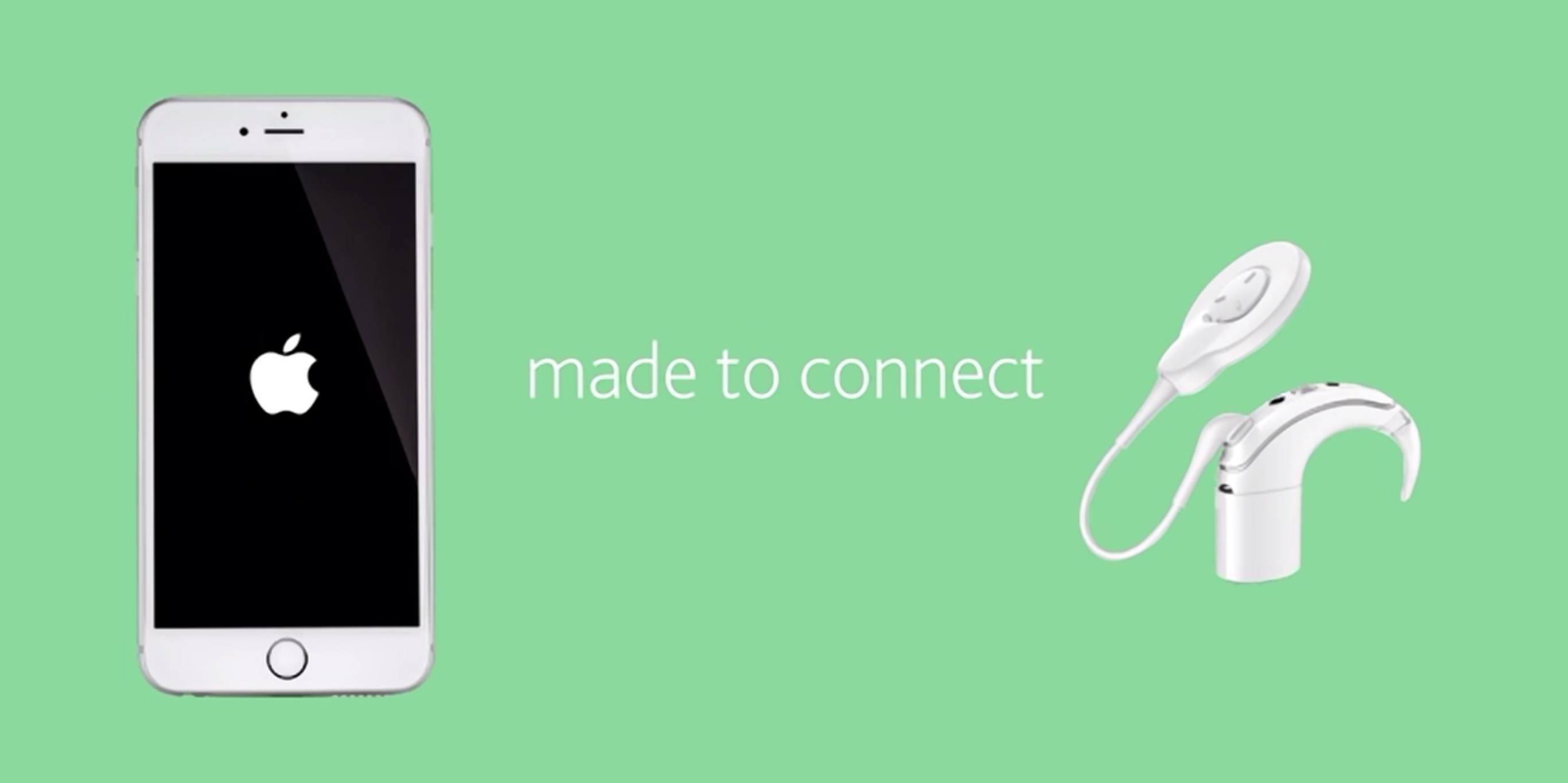
Today Cochlear introduced a new cochlear implant sound processor that serves as the first such device directly compatible with iOS devices. The company’s press release states:
With the Nucleus 7 Sound Processor, people with a Cochlear Nucleus Implant can now stream sound directly from a compatible iPhone, iPad and iPod touch directly to their sound processor. They will also be able to control, monitor and customize their hearing on their iPhone or iPod touch through the Nucleus® Smart App available to download for free from the App Store®.
The Nucleus Smart app also includes a feature resembling Apple’s ‘Find My iPhone’ called ‘Find My Processor.’ Especially helpful for children who may be more prone to losing their sound processor, this feature employs an iPhone’s built-in location services to determine the last place the processor was connected to its paired iPhone.
Sarah Buhr of TechCrunch notes that today’s announcement is the fruit of a lengthy period of research and development within Apple in response to the growing issue of hearing loss.
Apple…has spent a number of years developing a hearing aid program within the company. Apple soon developed a protocol the company offered for free for hearing aid and implant manufacturers to use with their devices.
Adobe Flash’s Days Are Officially Numbered→
Adobe announced today that it has set the end-of-life date for Flash, its popular technology for displaying animations and other multimedia on the web.
Adobe is planning to end-of-life Flash. Specifically, we will stop updating and distributing the Flash Player at the end of 2020 and encourage content creators to migrate any existing Flash content to these new open formats.
Apple has a long and storied history with Adobe and, more pointedly, Flash. When the first iPhone launched ten years ago, one of the chief controversies at the time surrounded the fact that Safari on iPhone OS did not support Flash, and Steve Jobs made it clear that it would not support Flash.
This stance grew into more of a sticking point for prospective consumers in 2010 when Apple’s new tablet, the iPad, did not support Flash either. Sparked by the newly revised controversy, Jobs laid out his thoughts on the issue in a piece simply titled “Thoughts on Flash.” His closing words predicted the technology could not survive in an increasingly mobile-first landscape.
Flash was created during the PC era – for PCs and mice…New open standards created in the mobile era, such as HTML5, will win on mobile devices (and PCs too). Perhaps Adobe should focus more on creating great HTML5 tools for the future, and less on criticizing Apple for leaving the past behind.
Clips

Clips was released by Apple earlier this year as a tool for creating short-form videos quickly and easily, and it received a major update earlier this week. In the age of ephemeral social sharing where services like Instagram and Snapchat have their own distinct tools for video creation, Clips provides a platform-agnostic option so...
Apple’s Clips App Receives Update Adding Disney/Pixar Content and More
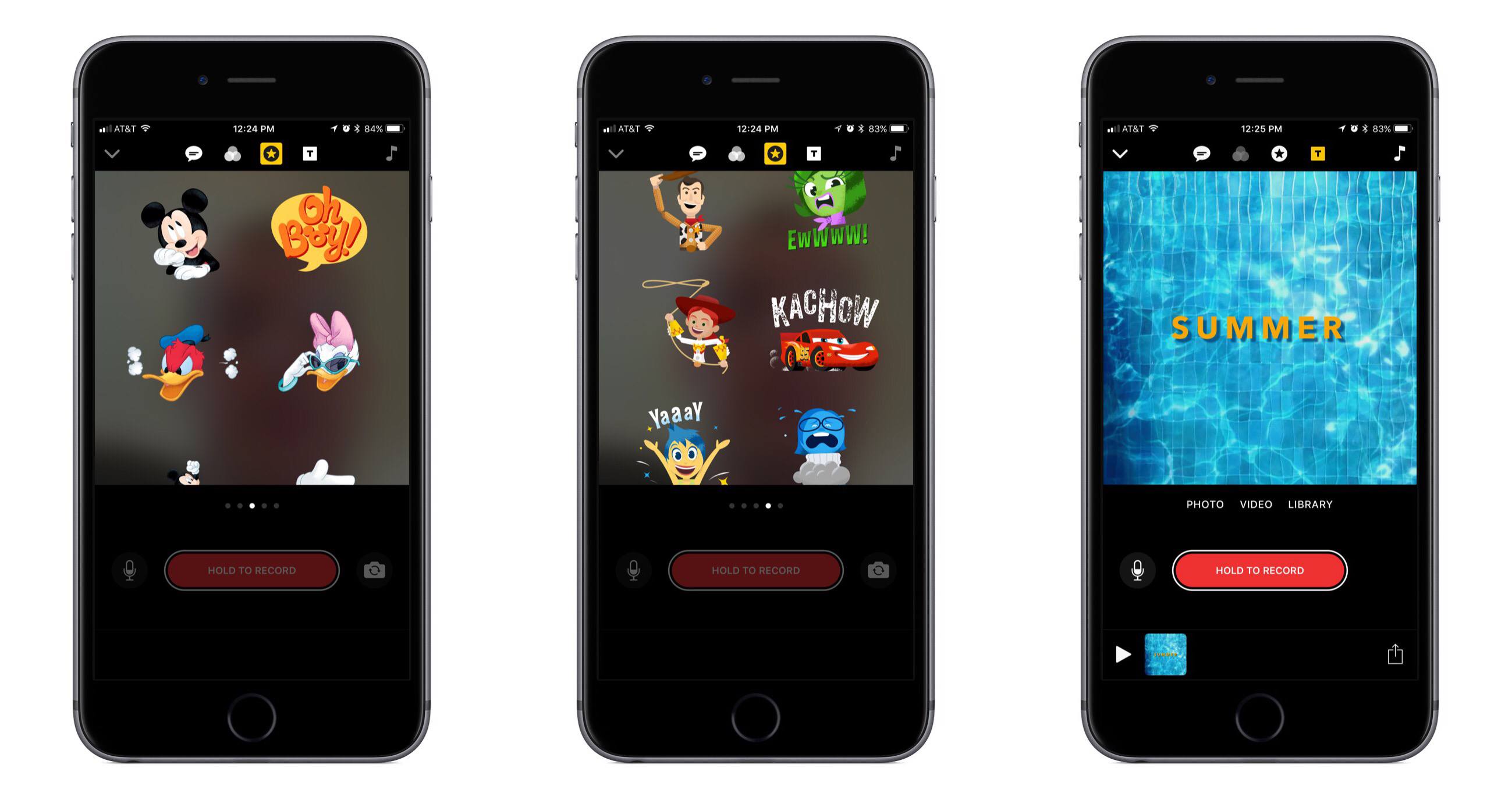
Today Apple released the first major update for its short form video creation app, Clips. Version 1.1 includes, most notably, a variety of animated graphics featuring beloved characters from Disney and Pixar films.
In the Disney department you can add Mickey, Minnie, Donald, and Daisy to your videos, each with their own unique animations. And from Pixar, characters originating in Toy Story, Inside Out, and Cars are available. There are also a variety of new posters available to be used as title cards, some of which were designed by Disney and others by Apple. A selection of the new posters feature vibrant animations when you use them, such as water rippling in a pool.
In addition to the new content available for creating videos, Apple has also refined some design aspects in the app to make it easier to use. For example, Live Titles could always be edited by tapping on the text, but that wasn’t a very discoverable interface. Now there’s a new button to accomplish the task.
Apple’s press release announcing the update mentions that Clips “is included on all new iOS devices,” which should help bolster adoption of the app. That press release also features a video seemingly created in Clips that’s worth checking out.
CARROT Weather 4.0: Simply Delightful
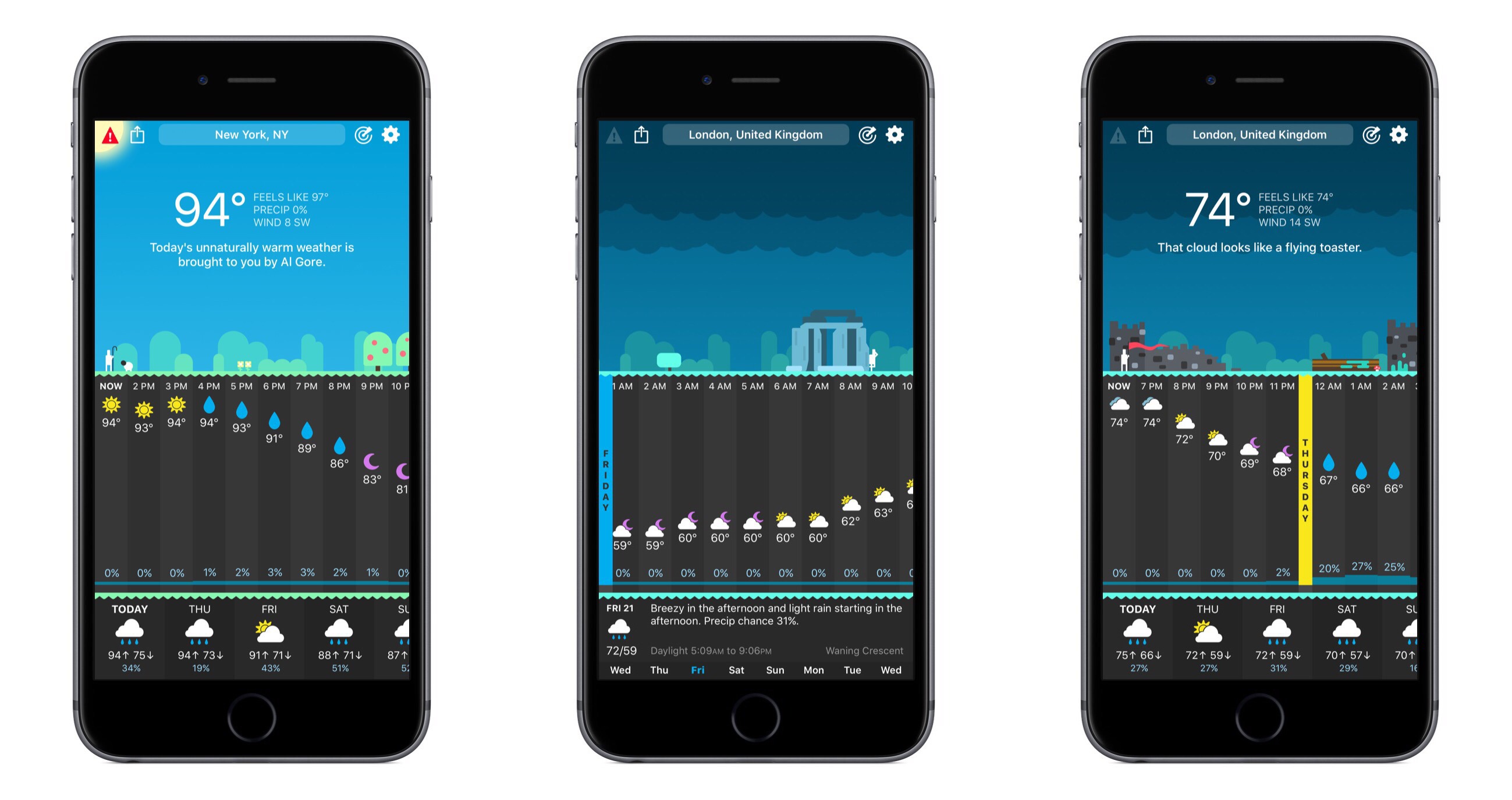
The snarkily clever weather app, CARROT Weather, was updated to version 4 today, and with that update comes a full redesign. The core piece of CARROT’s identity – its sarcastic A.I. – is still here, as are the beautiful graphics of past releases, but outside of that a lot has changed.