

In just a few short months I will reach the two year mark of working full-time on an iPad, and I’m surprised by how quickly the time has flown by. For many people, the thought of moving from Mac to iPad seems ridiculous because they have spent years optimizing their workflows on the Mac....
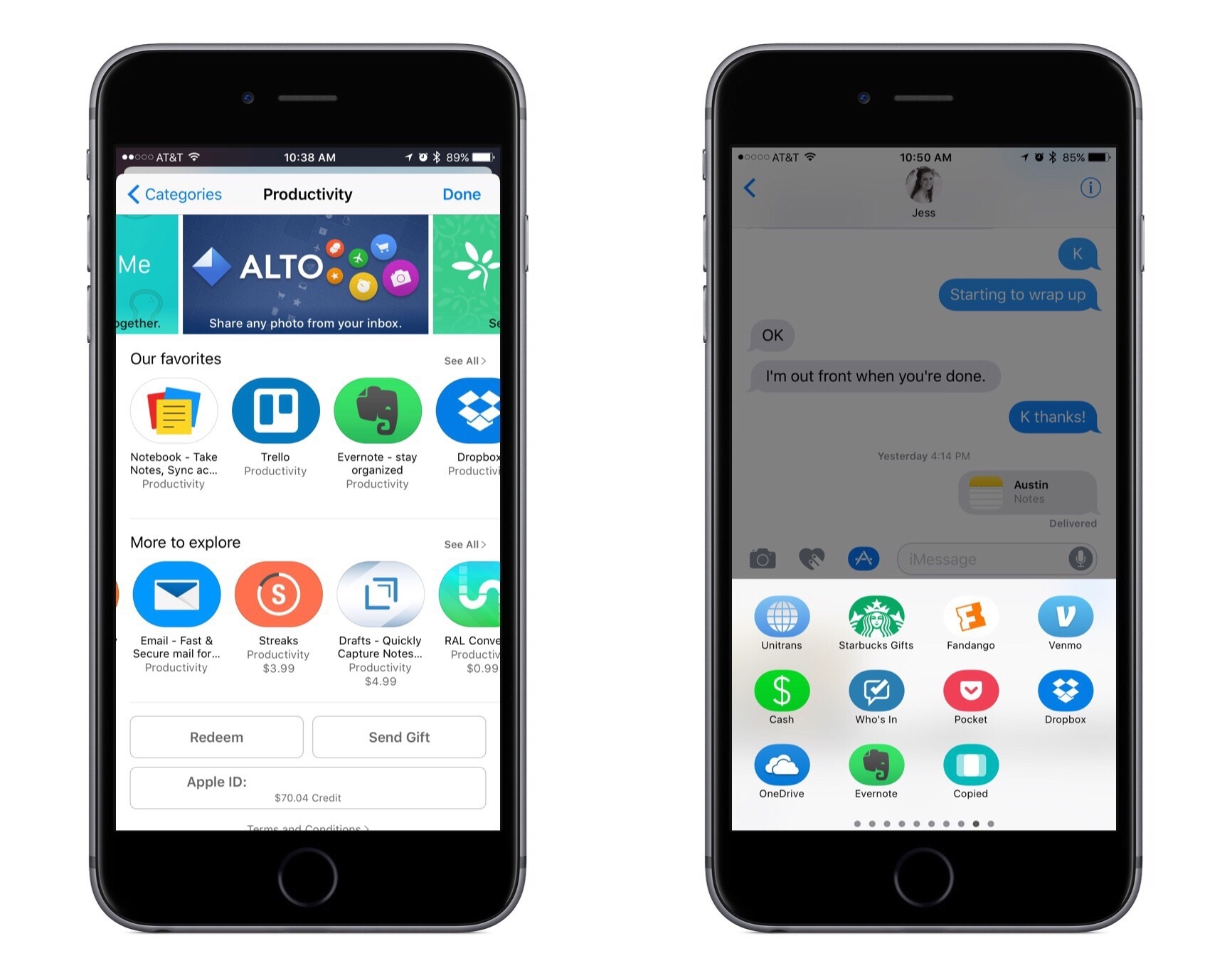
 Pocket Casts

iOS has no shortage of great apps for listening to podcasts. Besides Apple’s native Podcasts app, which is more powerful than many people realize, a couple of the more well-regarded options are Overcast and Castro, and Pocket Casts stands right alongside them in the top tier of apps. Often podcast clients are known for...
Easily Dial Extensions on an iPhone
If you regularly call a number that requires you to enter an extension to contact the person you’re trying to reach, iOS has a hidden trick to simplify the job. In the appropriate entry in Contacts, at the end of the phone number, press the +*# button in the lower left corner, then hit...
Apple Goes All-In on Apple Newsroom for PR and Refreshes Executive Bio Pages→
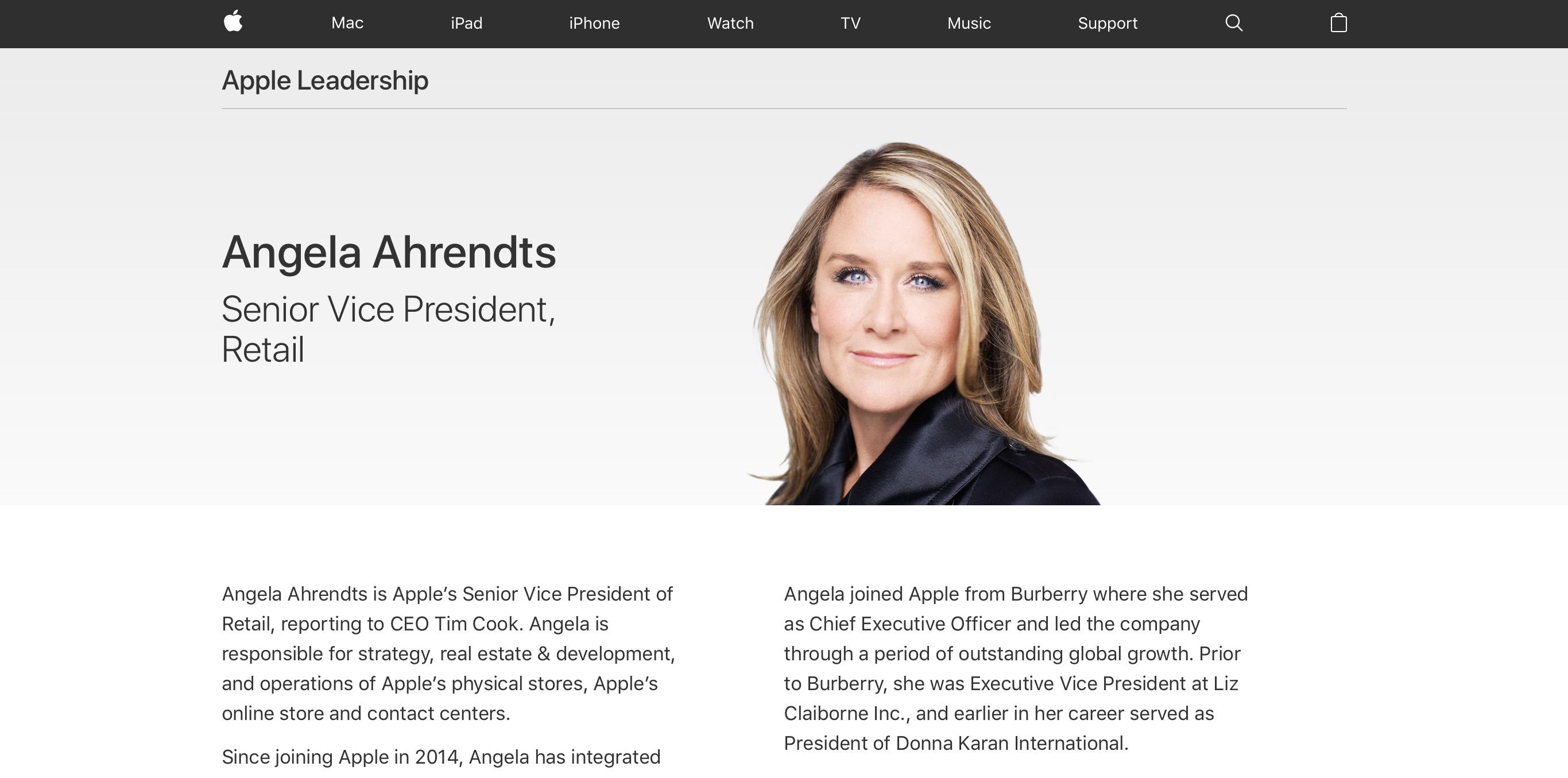
Benjamin Mayo reports on a couple of changes found on Apple’s website:
Apple has today officially transitioned away from its aging press portal in favor of the modern Apple Newsroom, which combines company press releases, photo coverage and other news into one place. All links to apple.com/pr now redirect to apple.com/newsroom.
At the same time, the company has also updated its executive biography pages with a fresh design update to fit in with the company’s recent website design trends and adopts the San Francisco typeface, finally retiring the Lucida Grande font.
These are both minor, but welcome changes. It made no sense for Apple to continue publishing press releases on both the legacy press portal and Apple Newsroom. The design changes to executive bios were inevitable as well; this moves things one step closer toward retiring all old design on the company’s website.
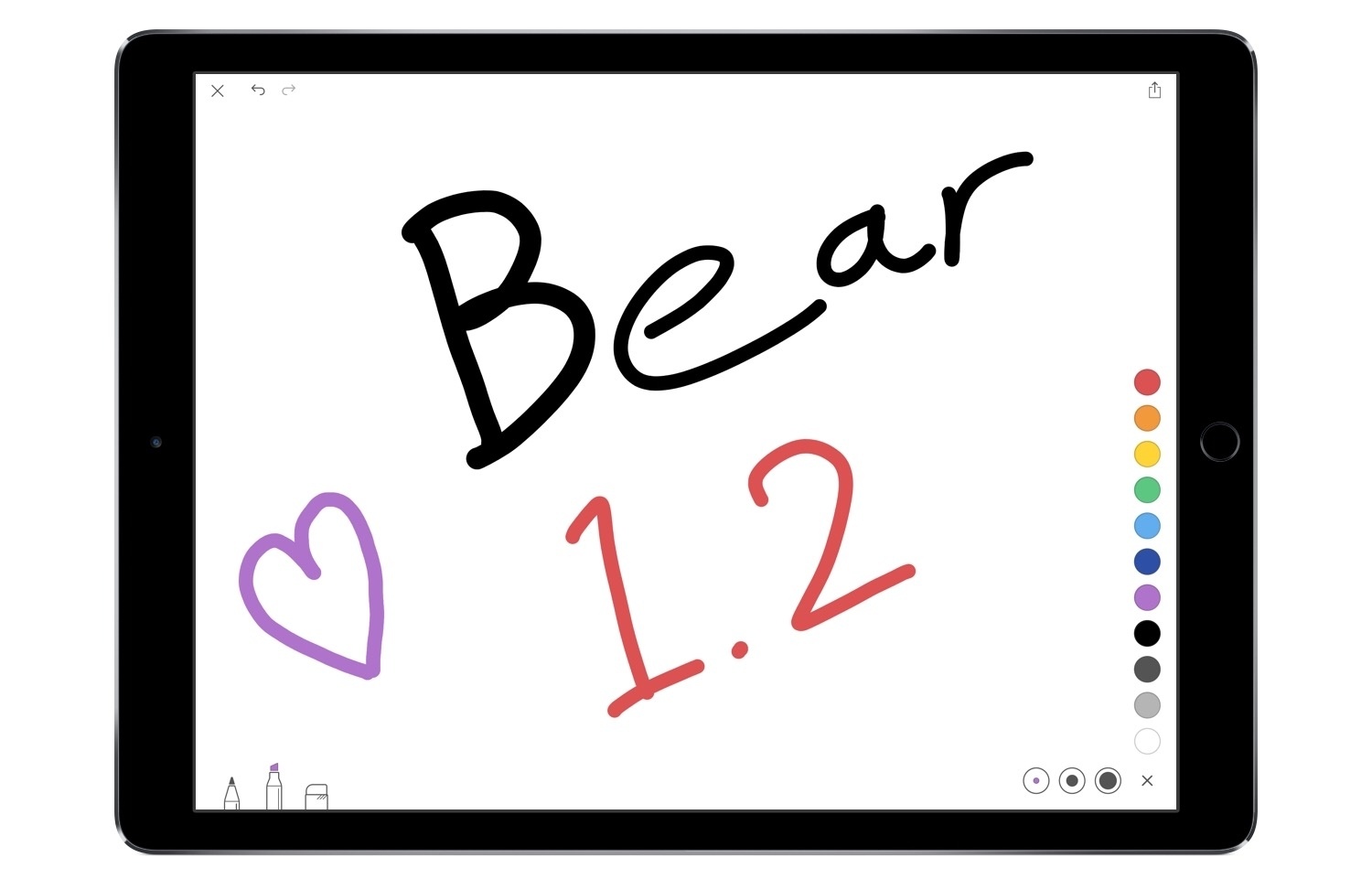
Bear 1.2 Brings Sketching, New Icons, iMessage Stickers, and VoiceOver
Twitter for Apple TV Updated with Periscope Global Map
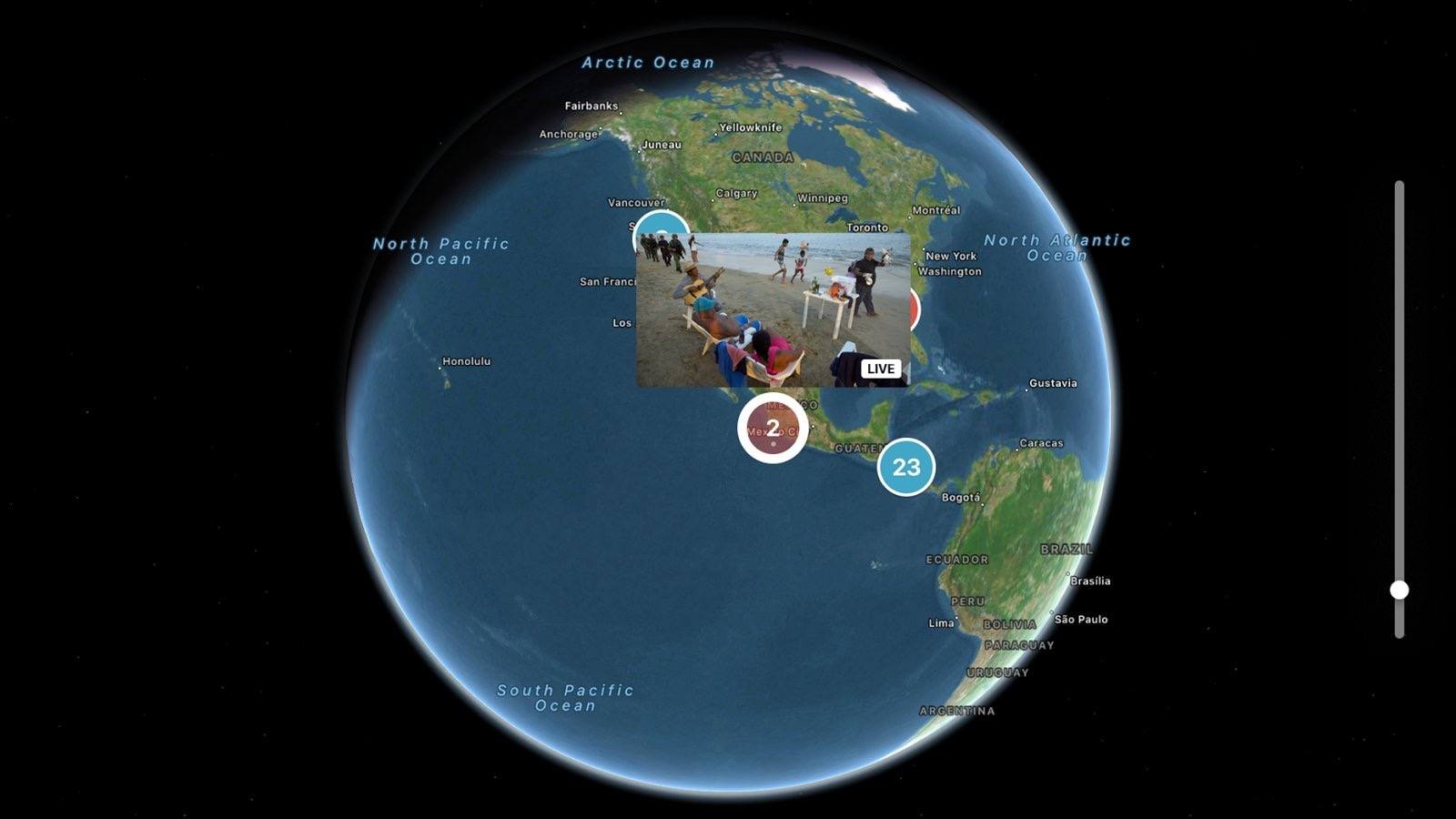
Twitter has updated its Apple TV app with an interesting new way to view Periscope videos from around the world. The feature is called Global Discovery, and it was announced in a tweet earlier today.
Once you open Global Discovery in the Twitter app, you’ll be presented with a zoomed out view of Earth. The face of the planet is scattered with various pins representing different Periscope streams that are currently live. It’s a clever way to discover live videos from radically distant parts of the world. I enjoyed being able to easily hop between Periscopes from areas in the U.S. and others in Asia, on the other side of the world.
Navigation in Global Discovery is limited to four options: you can scroll around the face of the globe, move from pin to pin (and thus video to video) on the planet’s surface, and zoom in or zoom out. Switching between these options can be done at any time using the Siri Remote’s Play/Pause button.
Global Discovery is a nice evolution of the Map view found in Periscope’s iOS app, and one that takes advantage of the big screen to great effect.
IFTTT Launches Powerful Applet Tools in New Maker Tier
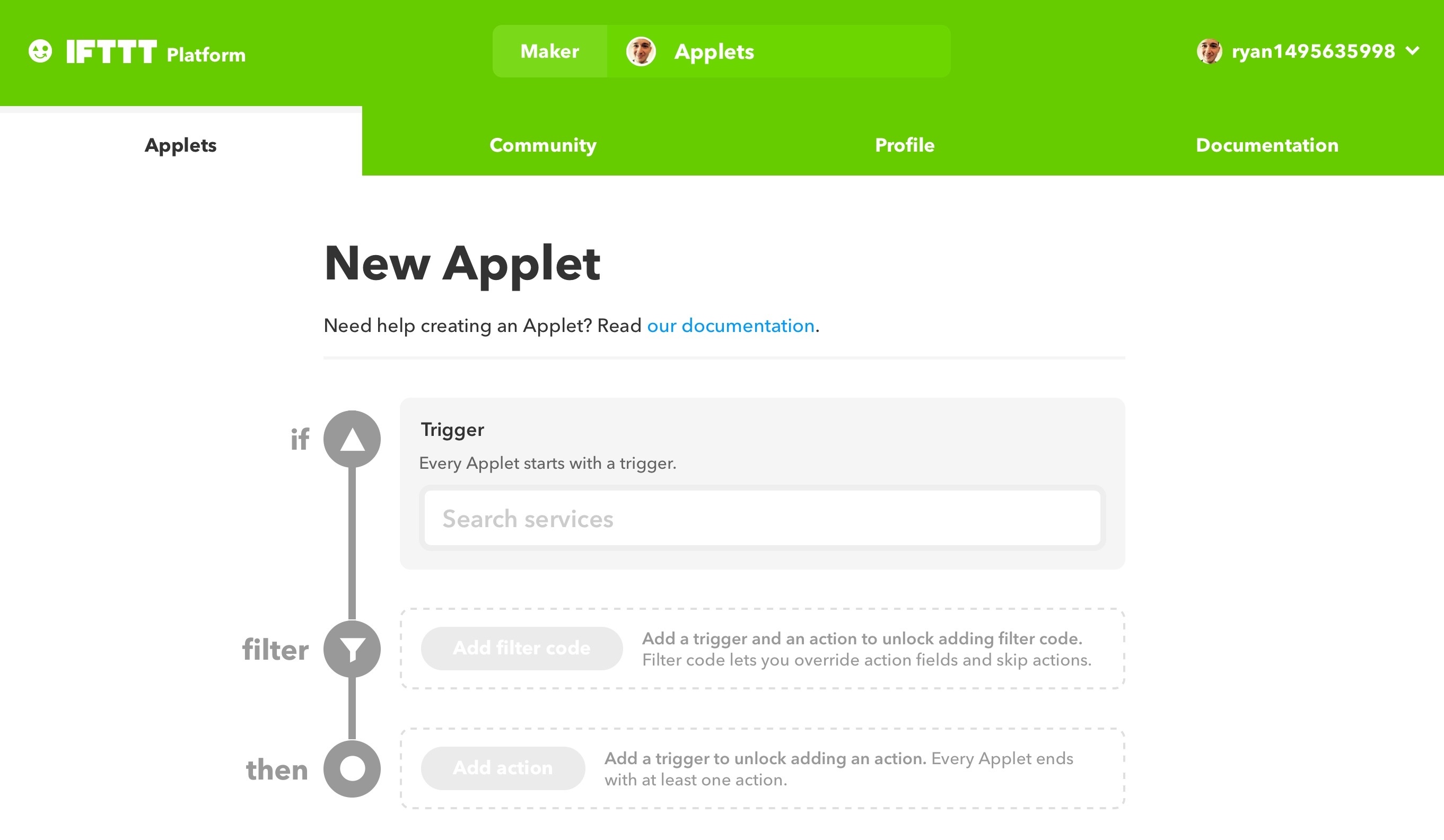
Last November IFTTT, the popular web automation platform, introduced powerful applet tools to its Partner tier of users. The Partner tier was not designed for the average user though, and was therefore cost prohibitive to most. But today, IFTTT announced that some Partner benefits are becoming accessible to a broader base of users with a new Maker tier. This tier is free, but it must be signed up for to gain the new applet tools.
One of the most significant privileges granted to users on the Maker tier is the ability to create applets with more than two actions. Previously applets could only have one ‘If’ and one ‘Then’ action each, but Makers can now create applets that have multiple ‘Then’ steps. So you can set up an applet that triggers based on one thing, then takes several different actions because of that initial trigger. Applet building in this way more closely resembles the power of a service like Zapier. Makers can also modify applets using JavaScript filter code, unlocking a range of new possibilities such as the ability to cause an applet, or particular applet actions, to run only at certain times of day.
Another benefit of being a Maker is that you can build applets for any service on IFTTT, whether you have an account with that service or not. Previously, actions could only be used in an applet if you had a connected account tied to that service or device, but that’s no longer the case. This ties in well with another Maker benefit: public profile pages. Each Maker will have a public profile for sharing all of their applet creations.
Creating applets using the Maker tools must be done on the web; the IFTTT iOS app does not currently provide access to any Maker tools, and it is unclear if that will change in the future.
1Password Adds ‘Travel Mode’ Feature for Added Security While Traveling→

AgileBits has announced a new 1Password feature launching today that travelers will appreciate. Rick Fillion shares the details:
Travel Mode is a new feature we’re making available to everyone with a 1Password membership. It protects your 1Password data from unwarranted searches when you travel. When you turn on Travel Mode, every vault will be removed from your devices except for the ones marked “safe for travel.” All it takes is a single click to travel with confidence.
1Password is home to some of the most sensitive information in its users lives, so a feature like Travel Mode seems like the perfect way to better safeguard that information when traveling. AgileBits has made its implementation extremely easy as well, with a simple login to 1Password.com to enable or disable the feature.
Though the benefits for individuals are clear, Fillion highlights Travel Mode’s usefulness in a business setting as well. He shares that administrators of 1Password teams have the option to mark team vaults as “safe to travel” or not, allowing companies to keep business information as secure as possible when their employees travel.