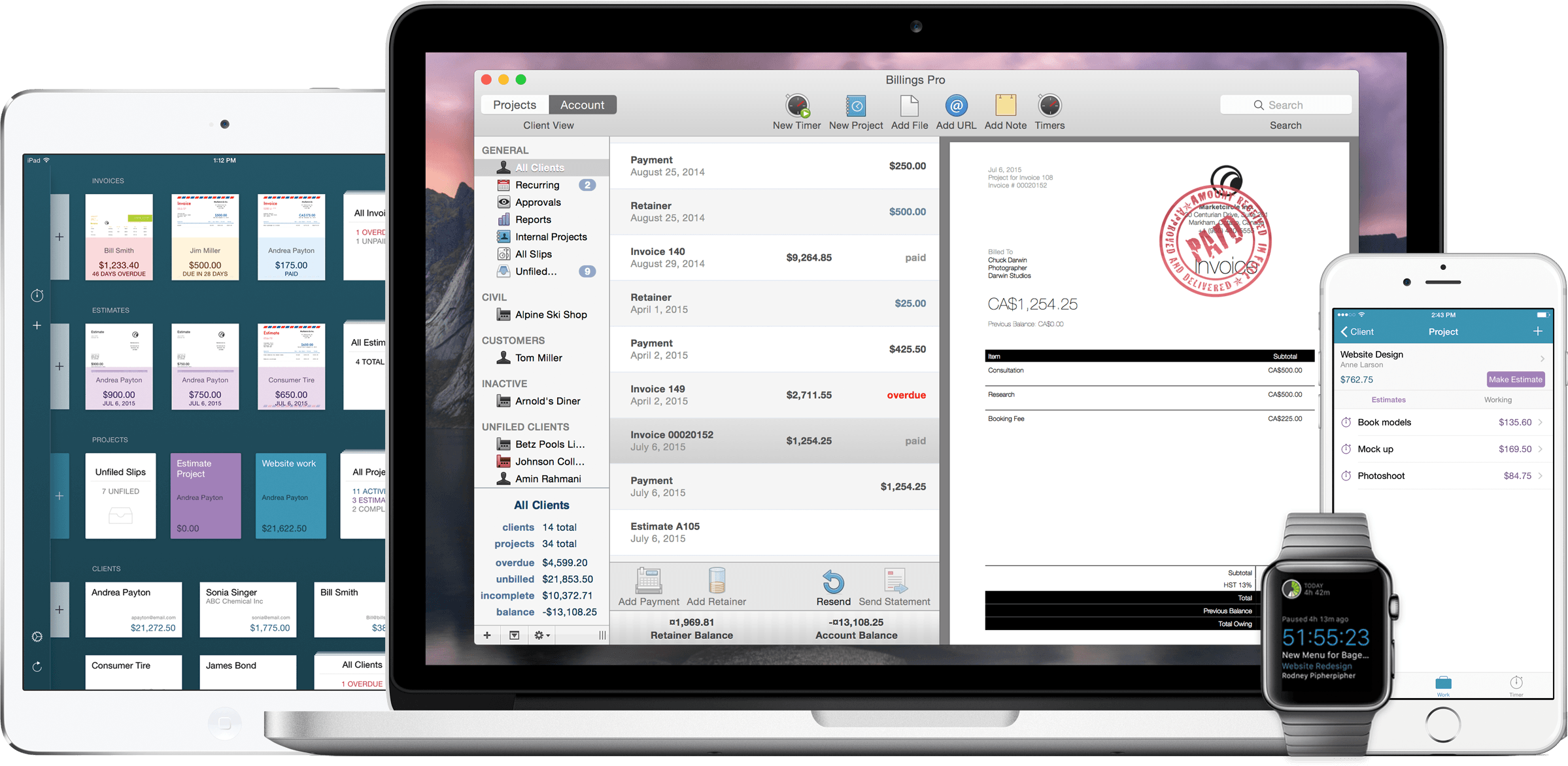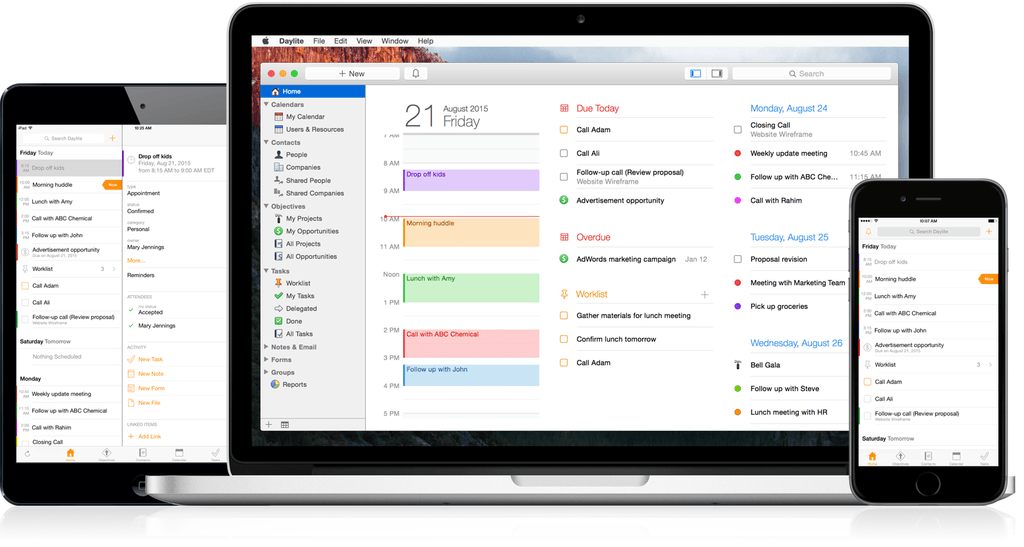
Billings Pro 2 is out, with full support for iOS 9 multitasking features. I mentioned Billings Pro in August, and adding these features to the set of iOS (and Apple Watch) features I covered extends its usefulness for freelancers and business owners even further.
Elegant Image Watermarking and Resizing with Watermarker 2
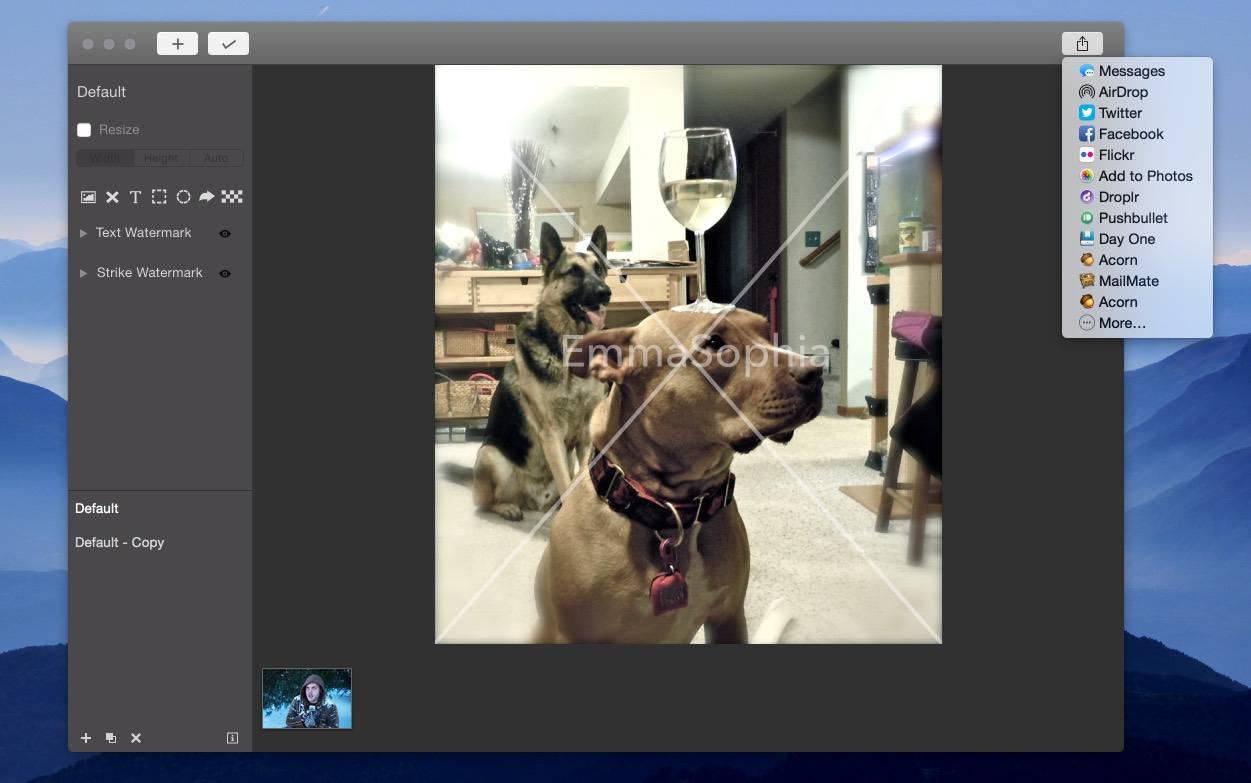
I’m a bit behind in mentioning it, but Watermarker 2 is out. This Mac app from developer (and former MacStories writer) Don Southard lets you quickly resize and add professional watermarks to batches of photos. It’s a great-looking app that elegantly accomplishes its goal.
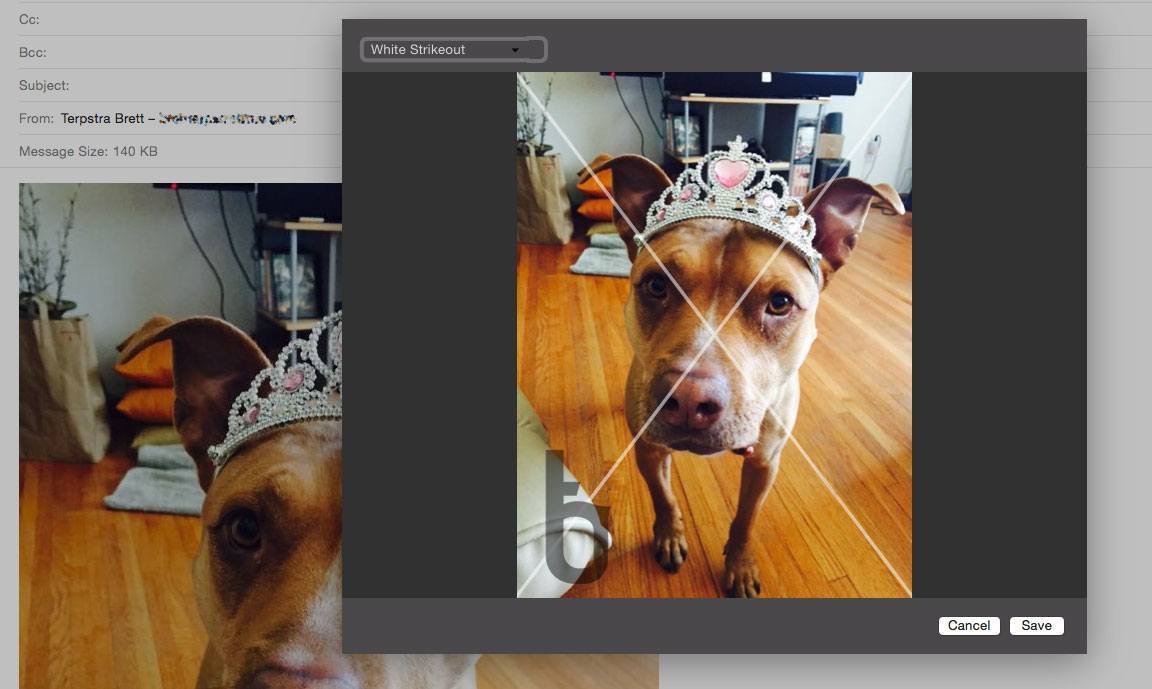
You can use custom text, import your own logo or image, and apply a customizable strike-through “X” over an image (all with adjustable transparency). You can also add pixelation to an image to obscure parts of it, and annotate images with additional shapes.
Watermarker 2 offers powerful batch photo manipulation features such as renaming groups of files based on patterns and resizing using pixel or percentage constraints.
You can save your watermark settings as presets, and apply them to batches in the future with a couple of clicks. There’s even an Action Extension for sending images from other apps to Watermarker, and a Share Sheet for sending watermarked images to others.
Watermarker 2 is available for $14.99, both on the Mac App Store and through direct purchase (with a free trial available).
Instant Hosted Web Pages From Markdown With Loose Leaves→
Loose Leaves is a handy (free) utility for OS X that takes selected Markdown text from almost any app and instantly creates a web page on the secure Loose Leaves server that you can link to and share.
Loose Leaves is available anywhere, and just a hotkey away in any app. If you’ve ever needed to share more than 140 characters, link long text in Trello or Slack, or just effortlessly share an idea from your notes, this is a handy tool to have.
Acorn 5: Shape Generators, PDF Import, and More
I’ve been an Acorn user for years now. I first started using it as my primary photo editing tool because I could open, edit, and export a perfectly-optimized web image before Photoshop had finished bouncing in the Dock. Photoshop has improved its launch time in recent versions, but Acorn has stepped up its game, too.
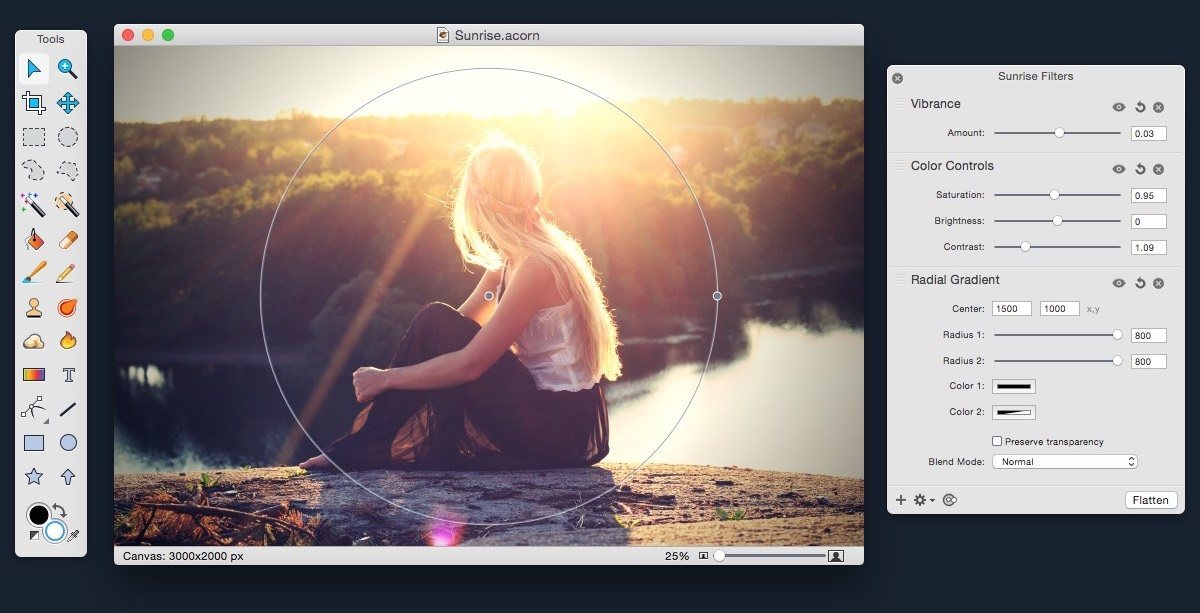
Acorn 5 came out this week, and it adds some powerful new features. Notably, it adds tools for vector manipulation and generation, as well as additional bezier and vector tools, PDF Import, snapping to grids, guides, other shapes, and more.
If you’re a Photoshop user looking for an alternative, Acorn has the tools you’re used to: dodge and burn, hue and curve adjustments, custom selection editing, and everything you need to do advanced photo editing. Acorn 5 can even import Photoshop brushes. Given the wide diversity of custom brushes available on the net, this opens up a lot of possibilities.
Version 5 also adds additional non-destructive filters and adjustments for both raster and vector layers, and the new Shape generators and processors are stackable and non-destructive as well. The layer adjustments are stored in the native Acorn file format, so you can always access and update them.
Acorn still has all of the great tools from version 4, including professional photo editing tools, Smart Layer Export for automatic 1x and 2x images, and the best compression on exported PNGs you’re likely to find.
Acorn 5 is $24.99 US on the Mac App Store (also available for direct purchase, with a few small differences). Check out the website for more info, and read the release notes for a mind-boggling list of all of the new features.
Dash 3: A Coder’s Best Friend
MindNode 2.0 for Mac
Mindnode has been a favorite at MacStories for a while, and I’m happy to see a brand new version for Mac available today. MindNode 2.0 for Mac is an entirely new app, with an introductory price of $19.99 US ($29.99 after the intro sale).
The new version includes a variety of features that expand MindNode’s usefulness beyond simple mind mapping to make it a powerful tool for collaboration, polishing ideas, and writing (among the many things mind maps are great for). All this while maintaining the attributes that set it apart from the beginning: simplicity and elegance.
The new features include notes, something I’d always felt was an oversight in MindNode. I like to keep my topic titles as short as possible, and being able to expand on an idea or add extended thoughts via attached notes is vital. MindNode 2.0 does a nice job of indicating which nodes have notes with an unobtrusive icon while concealing the extra cruft. Notes can be included in the various export formats (PDF, Freemind, OPML, Image, Markdown, or text).
When I’m writing, mind maps are the first tool I employ to brainstorm, develop, and begin structuring a piece. The outline view in MindNode (new to the Mac version) means I can see a linear view of my content as I work in the less restrictive format of a mind map. Being able to include notes in the Markdown export means that I can even begin developing paragraphs right in the mind map.
That leads me to mention my favorite new feature: the ability to preview the rendered Markdown from a mind map while I work using Marked 2 (my own Markdown preview and writing tool). Click File -> Advanced -> Open in Marked and a full preview of the Markdown export, including notes, will update every time the mind map saves. (iThoughtsX has Marked integration, as well.)
MindNode had also been missing the ability to add icons and markers to nodes, but not anymore. The “Stickers” feature lets you choose from a custom set of tinted icons to set ideas apart. You can also add labels to connections to help make things more scannable.
MindJet MindManager users will be happy to hear that MindNode can now import your existing maps. I switched away from MindManager a while ago, but used it for years, accumulating a significant pile of brainstorms in mmap format. Being able to access Mindjet’s proprietary format in my tools of choice is important to my sanity.
The MindNode update also boasts improvements in smart layout, theme customization, and visual refinements.
Also new to the Mac version, the MyMindNode web service allows you to publish your maps on the web and link or embed them in a blog or web page. Maps can be re-published at the same URL as they’re updated.
If you’re looking to up your brainstorming game, you can find MindNode 2.0 on the Mac App Store.
Revisions for Dropbox: Take Control of Your Dropbox History
I was excited to discover Revisions For Dropbox, a Mac app for viewing a history of changes for any file or folder in your Dropbox account. I’d been looking for precisely this solution, and it didn’t disappoint.