

Working on my embargoed review of the iPad Pro – which I published today here – has been one of the hardest things I’ve ever done for MacStories. And I know that I said the same thing just a few months ago after I finished my review of iOS 9, but, in this case, things...
 App Debuts
[[federico]] Veracity Veracity lets you perform reverse image lookups on iOS. If you’ve ever come across a picture online thinking you’ve seen that image somewhere else before, Veracity is the app you need to double check any existing public usage of the same file. Veracity lets you load pictures from your camera roll as well...
iPad Pro Accessories Review: Apple Pencil, Smart Keyboard, Logitech CREATE Keyboard
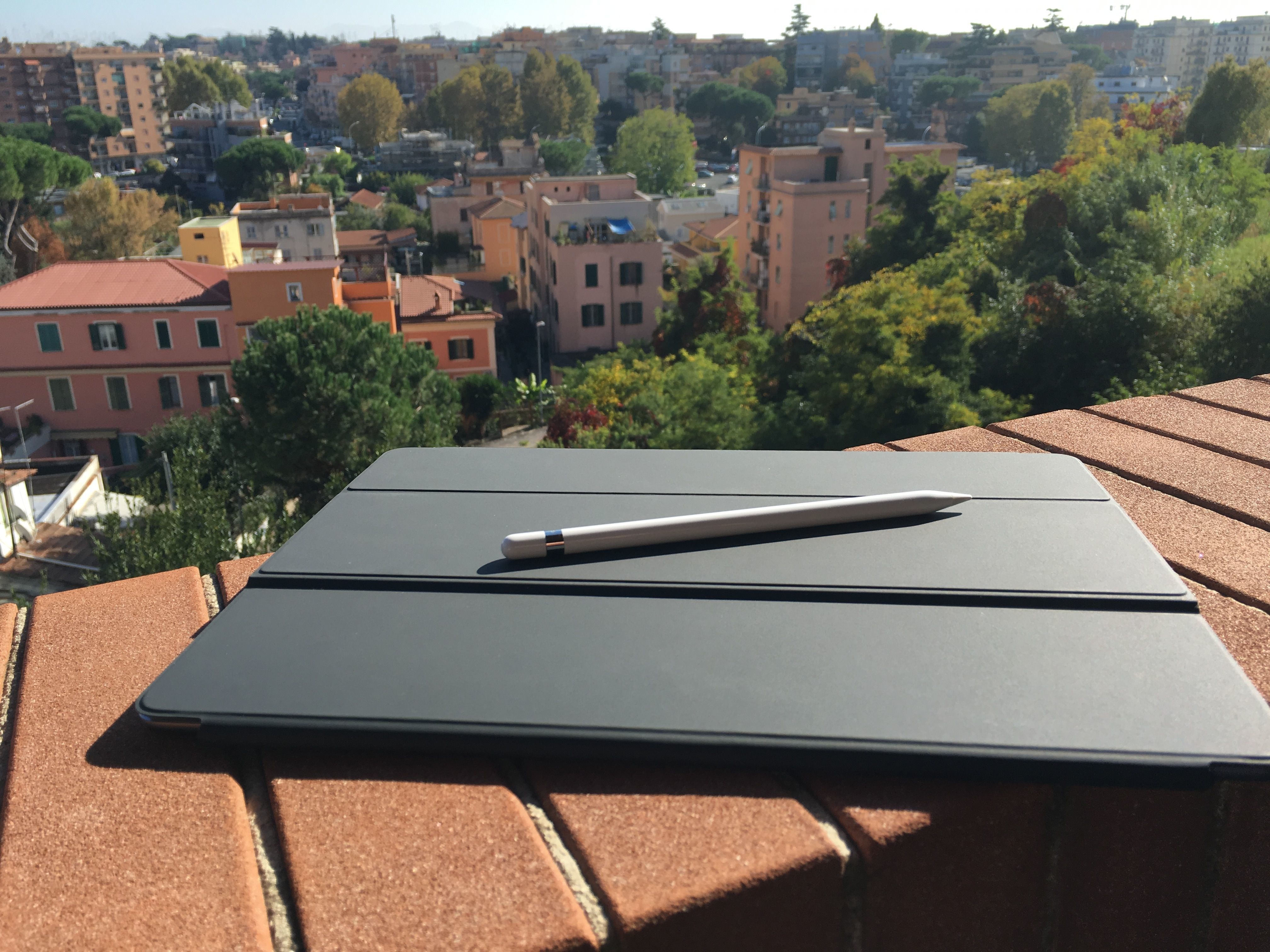
A fundamental part of the iPad Pro experience is the new range of accessories created by Apple and the framework the company has opened up to third-party manufacturers with the Smart Connector.
While Apple has been making iPad accessories since the very first iPad, the new Smart Connector has allowed the company to rethink how an external keyboard should connect to the device and interact with iOS, and they’re giving third-parties the ability to do the same with new types of accessories. Meanwhile, the Pencil marks Apple’s debut in the field of pens and styli for iPad, with several unique twists.
Alongside an iPad Pro review unit, Apple also provided me with an Apple Pencil, a Smart Keyboard, and, to my surprise, a Logitech CREATE keyboard case that connects to the device with the new Smart Connector. Because I don’t plan to use these accessories on a daily basis (I’m not an artist, I rarely have to sketch and annotate documents, and I mostly use the software keyboard when writing articles), I have collected a few thoughts in this standalone article.
You can find my impressions below.
Apps I’ve Tried This Month
[[federico]] October has been a transitional month for me. I’ve spent the past few weeks recovering from the launch of Club MacStories and my iOS 9 review in September, worrying about blood tests and my MRI, and writing a story about the iPhone 6s Plus. It’s always difficult for me to balance the effects of...
Tips
{.no-title} [[federico]] 1Writer is a Markdown text editor for iOS and it’s one of those gems that isn’t mentioned too often by Apple nerds. On top of solid editing and search features, the app has been updated for iOS 9, so you can use it alongside other apps on the iPad and have buttons next...
Tips
{.no-title} Safari is my default browser on iOS (and my favorite Apple app to date), and I use its Favorites every day to get to my most visited websites quickly. With the iPhone 6s and 3D Touch, Apple has made it even easier to view your favorite websites with a couple of taps. First, you...
Q&A
Question: With the iPad Pro just around the corner, do you think Apple will ever allow developers to target apps specifically towards this hardware? Will we see true ‘Pro’ level applications, or just larger iPad Air apps? (Andy Nicolaides, @AndyNicolaides) [[federico]] I think current App Store economics are the main hurdle preventing developers from shipping...
On App Embargoes
I’ve done some pretty crazy things for app embargoes over the years. In hindsight, they weren’t probablynecessary, but I still find it fun, and I like the pressure that an embargo puts on me. First, some context. In tech blogs, an embargo means a time until which you won’t be able to publish a story...
Home Screen: Federico Viticci
{.no-bio} My iPhone’s Home screen (tap the image to view full screen) went through a major reorganization in the past two weeks in preparation for the iPhone 6s and to improve the ergonomics of app usage. Let’s start from the bottom. I want to be able to reach my most used apps easily, so I...