Federico Viticci

10804 posts on MacStories since April 2009

Federico is the founder and Editor-in-Chief of MacStories, where he writes about Apple with a focus on apps, developers, iPad, and iOS productivity. He founded MacStories in April 2009 and has been writing about Apple since. Federico is also the co-host of AppStories, a weekly podcast exploring the world of apps, Unwind, a fun exploration of media and more, and NPC: Next Portable Console, a show about portable gaming and the handheld revolution.

Apple Updates WWDC App for WWDC 2016 with tvOS, iPad Multitasking Support

Apple updated their official WWDC app earlier today in preparation for the upcoming WWDC 2016.

The app, now at version 5.0, has received a new dark icon and a tvOS version to stream and download videos for WWDC 2016 on the big screen. It’s also possible to watch videos from previous conferences from the Apple TV. Live streaming is now possible on iOS and tvOS, and the iPad version also supports iOS 9 multitasking for Split View and Slide Over.
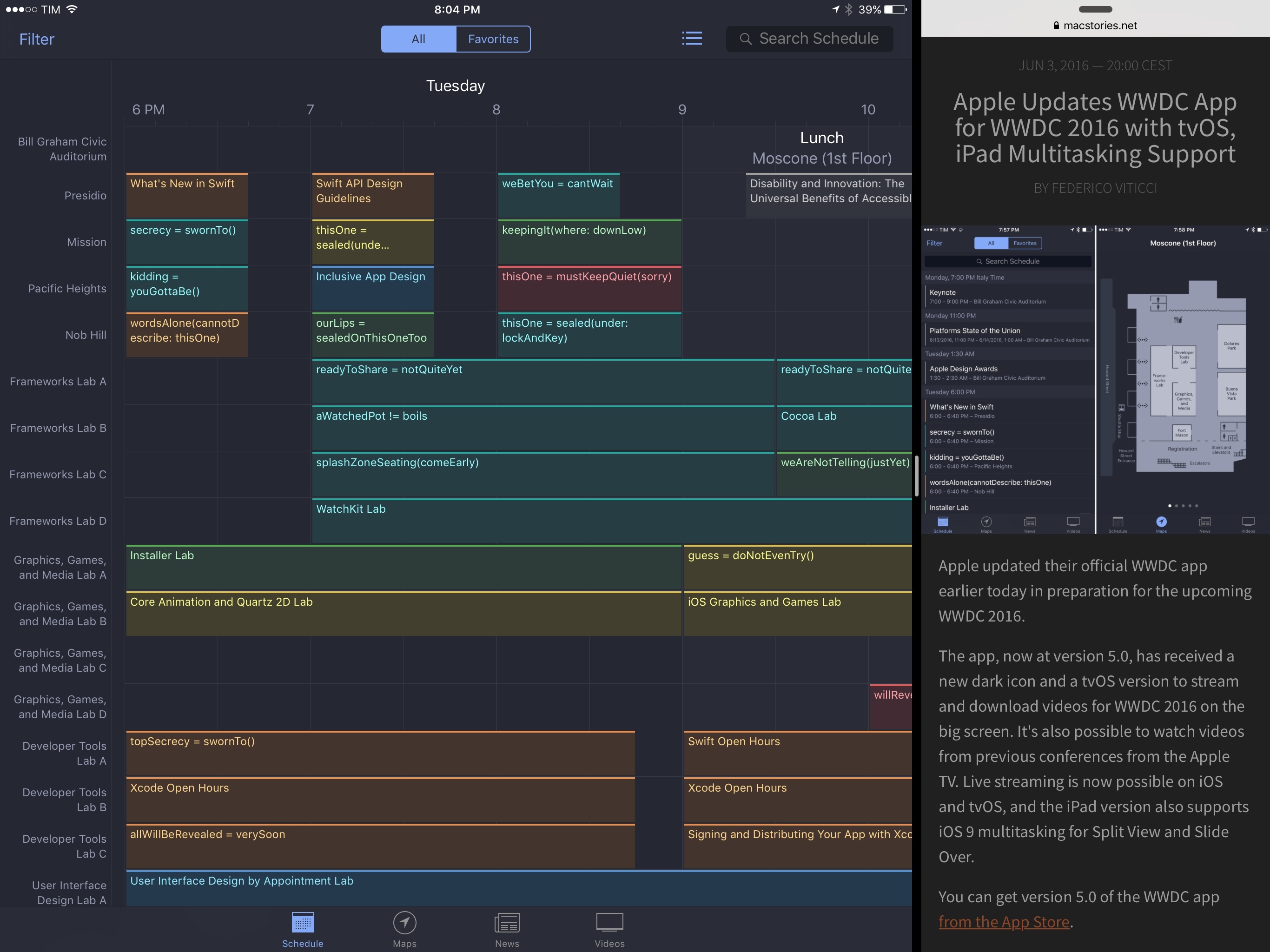
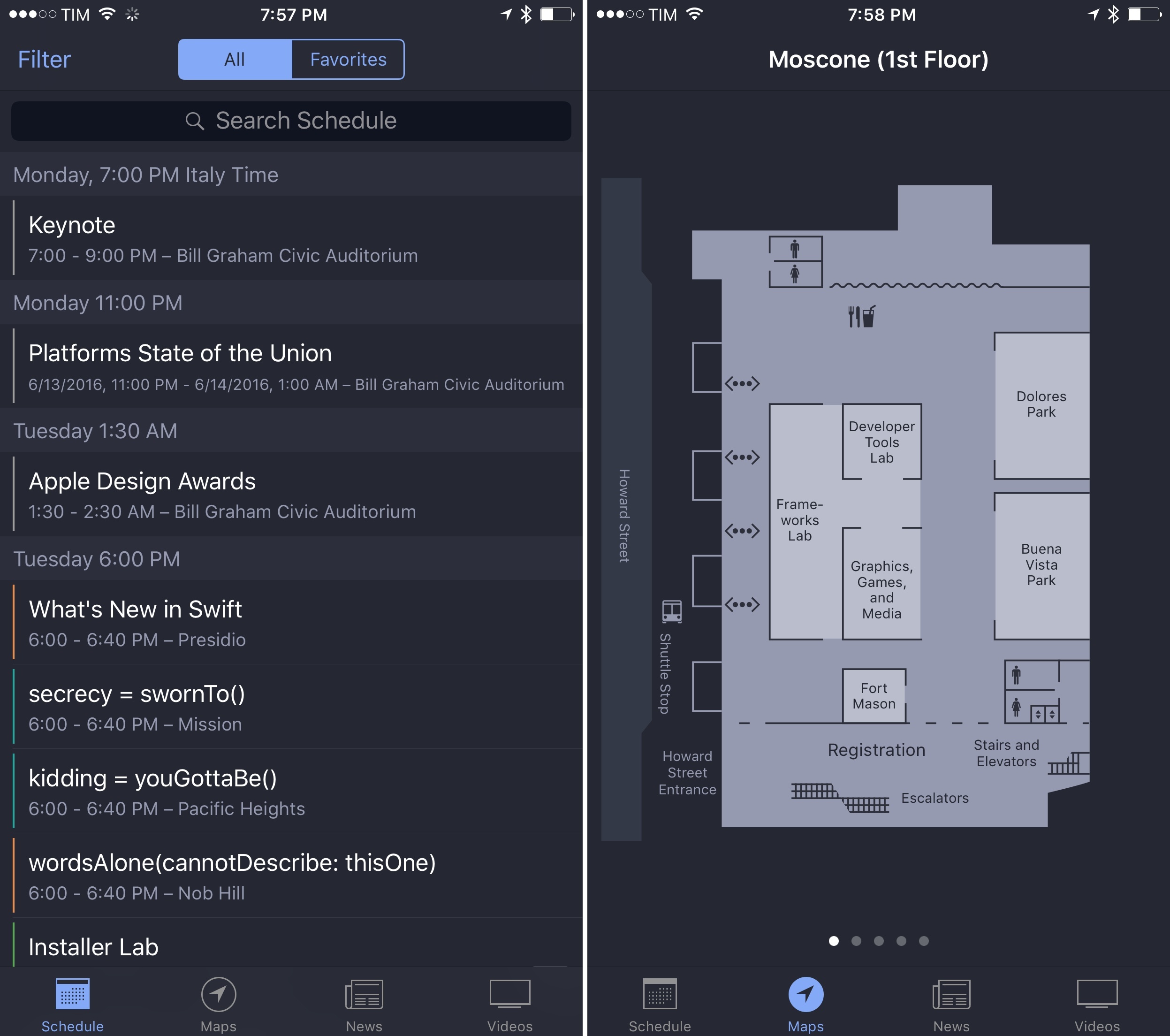
In addition to a dark interface, the update has brought a preliminary list of sessions that developers will be able to attend during the event. As it’s been the case for the past few years, Apple hasn’t included the real names of the sessions yet as they would reveal the company’s announcements beforehand. This year, Apple has opted for Swift-inspired session placeholders such as ourLips = sealedOnThisOneToo and aWatchedPot != boils. The full schedule of every technical session will be announced after the opening keynote on Monday, June 13.

You can get version 5.0 of the WWDC app from the App Store.
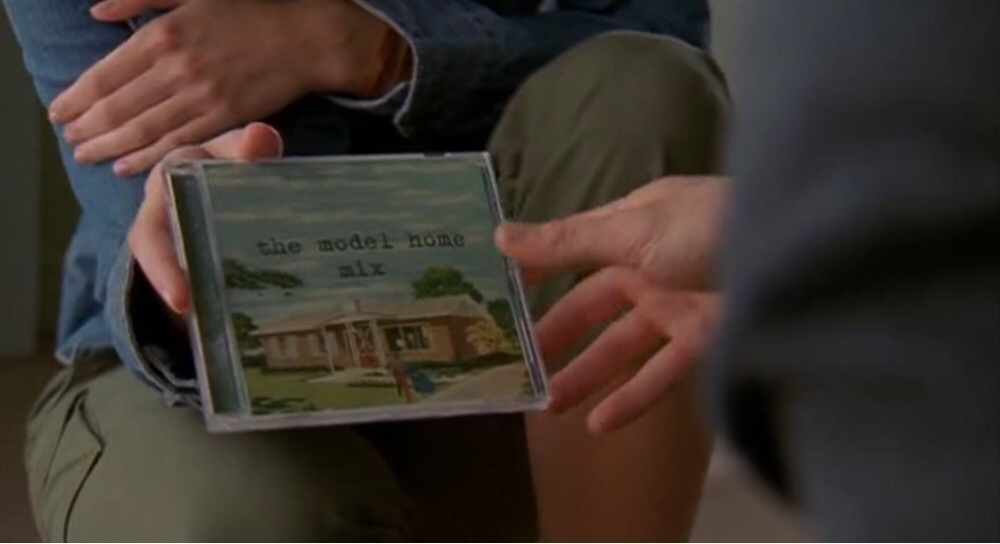


I Made You a Mixtape

I’ve always loved the idea of someone else making a mixtape for me.

When I was in middle school and until the first year of high school, we didn’t have the Internet at home. My parents were against buying me a PC; they thought it was a waste of time. Unlike many of my friends, I depended on books and magazines for my school research and hobbies. I was a voracious reader.

That was 2002. I wasn’t exactly a music fan back then: I heard music on the radio in my mom’s car on the way to school in the morning, and I occasionally slid my dad’s cassette tapes in our Siemens Club 793 stereo, but he only listened to Italian music. I wanted the English stuff.

Until one day my friend Luca told me about MP3s and compact discs with hundreds of songs on them. By leaving his computer plugged in all night, he explained elatedly, he could download any music he wanted from the Internet using programs with exotic names I had never heard – WinMX, eMule, iMesh. Then, all those songs could be “burned” onto a CD as MP3s, and I could play them back for as long as I wanted with a CD player.

I was 14, we were chatting after school, and I didn’t know what piracy was. And then, the surprise: because he knew I didn’t have the Internet (or a computer), he had made a sample CD for me with about 30 songs on it. He gave me the CD, told me to buy a CD player for myself, and he concluded with “Get back to me soon about the songs you like. I put in a bit of everything except Italian music”.

Fourteen years ago, I was handed the first mixtape someone ever made for me.

Read more


Timing for Mac Tracks Your Time So You Don’t Have To [Sponsor]

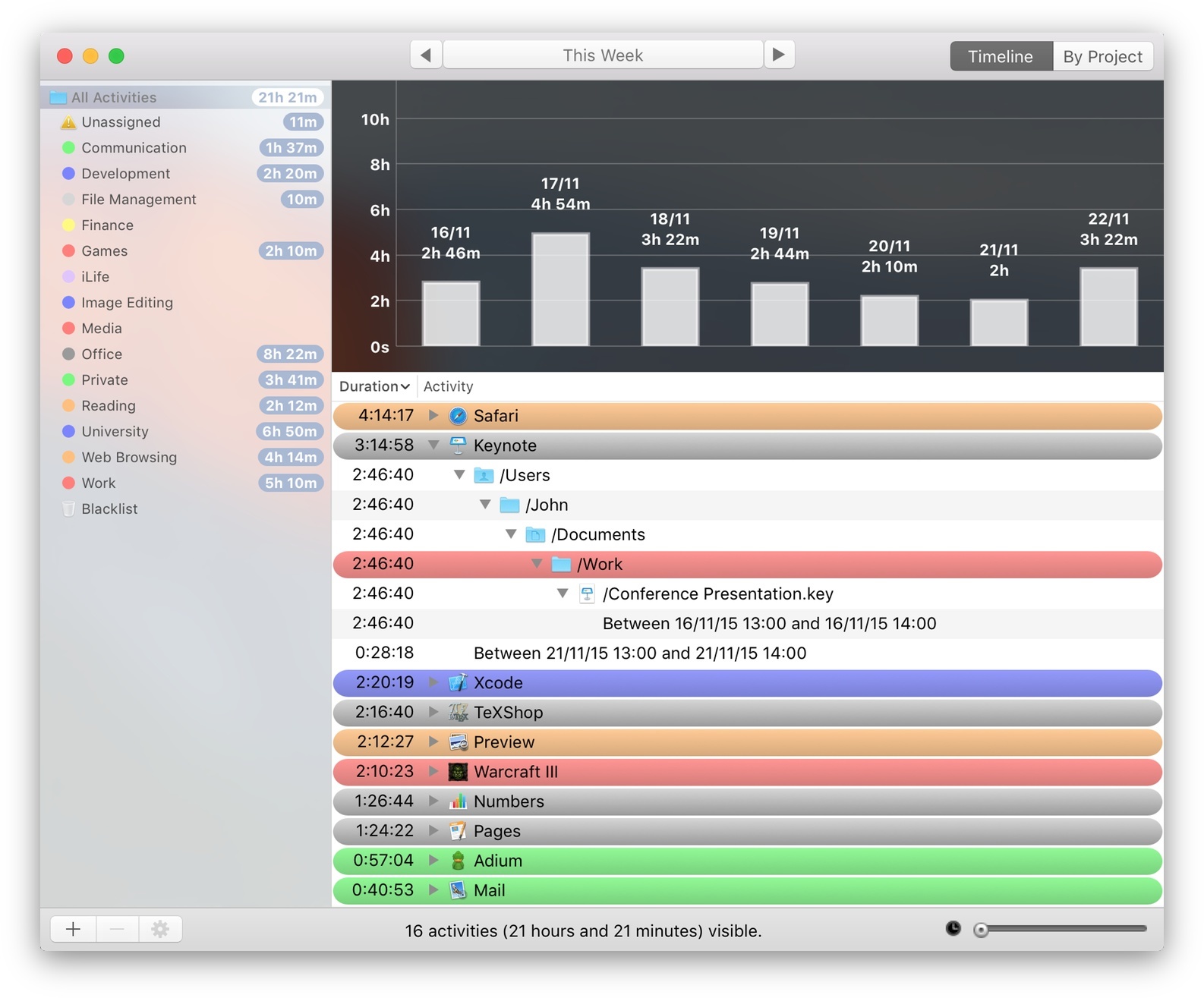
Timing for Mac.

Timing for Mac.

Have you ever spent all day in front of your Mac, just to wonder where the heck all that time went?

Or tried to bill a client, but couldn’t reconstruct how many hours you spent working for them?

You could use a time tracker. But to be honest, manual time tracking sucks. You have to start and stop timers, enter what you did, and so on. And if you forget that, you are back to square one.

Not so with Timing.

Instead of making you do all the work, Timing automatically tracks how you spend your time. It logs which apps you use, which websites you visit, and which documents you edit. You can easily categorize activities into projects.

Also, your data is not uploaded to anyone’s server. It stays safe on your Mac at all times.

Still not convinced? Download the free trial (direct link) now and on Friday review all the gory details of what you did this week. (But don’t blame Timing when you see all those hours wasted on Facebook and elsewhere!)

You can purchase Timing on the Mac App Store or check out the website at timingapp.com. The app is 20% off this week at $19.99 – that already pays for itself by recovering just half an hour of unproductive or unbilled time.

Our thanks to Timing for sponsoring MacStories this week.


Twitter for iPhone Gets Extended 3D Touch Support with Peek & Pop

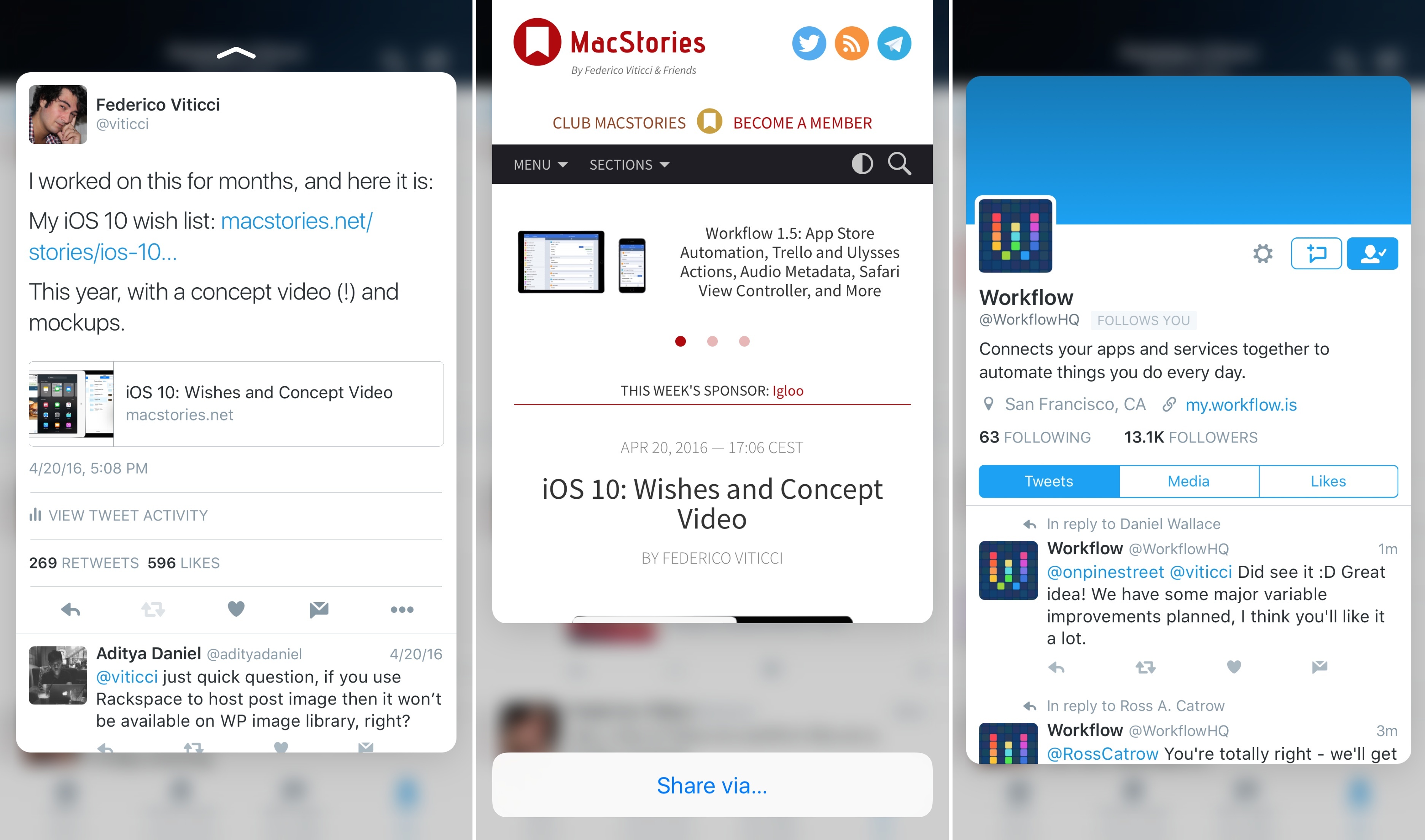
With an update released earlier today on the App Store, Twitter has extended integration with 3D Touch in their iPhone app (previously limited to quick actions on the Home screen) to peek and pop previews in the timeline and other sections of the app.

With the latest version of Twitter for iPhone, you’ll be able to press on tweets, links, pictures, and profiles to bring up a 3D Touch preview of the content. By swiping a peek upwards, you’ll also gain access to shortcuts to either share via direct message and iOS extensions or, in the case of profiles, mute, block, and report a user.

Twitter’s extended 3D Touch support isn’t as advanced as Tweetbot – for instance, peek and pop previews don’t seem to work in the Notifications tab – but it’s a step forward regardless.

You can get the latest version of Twitter for iPhone from the App Store.