


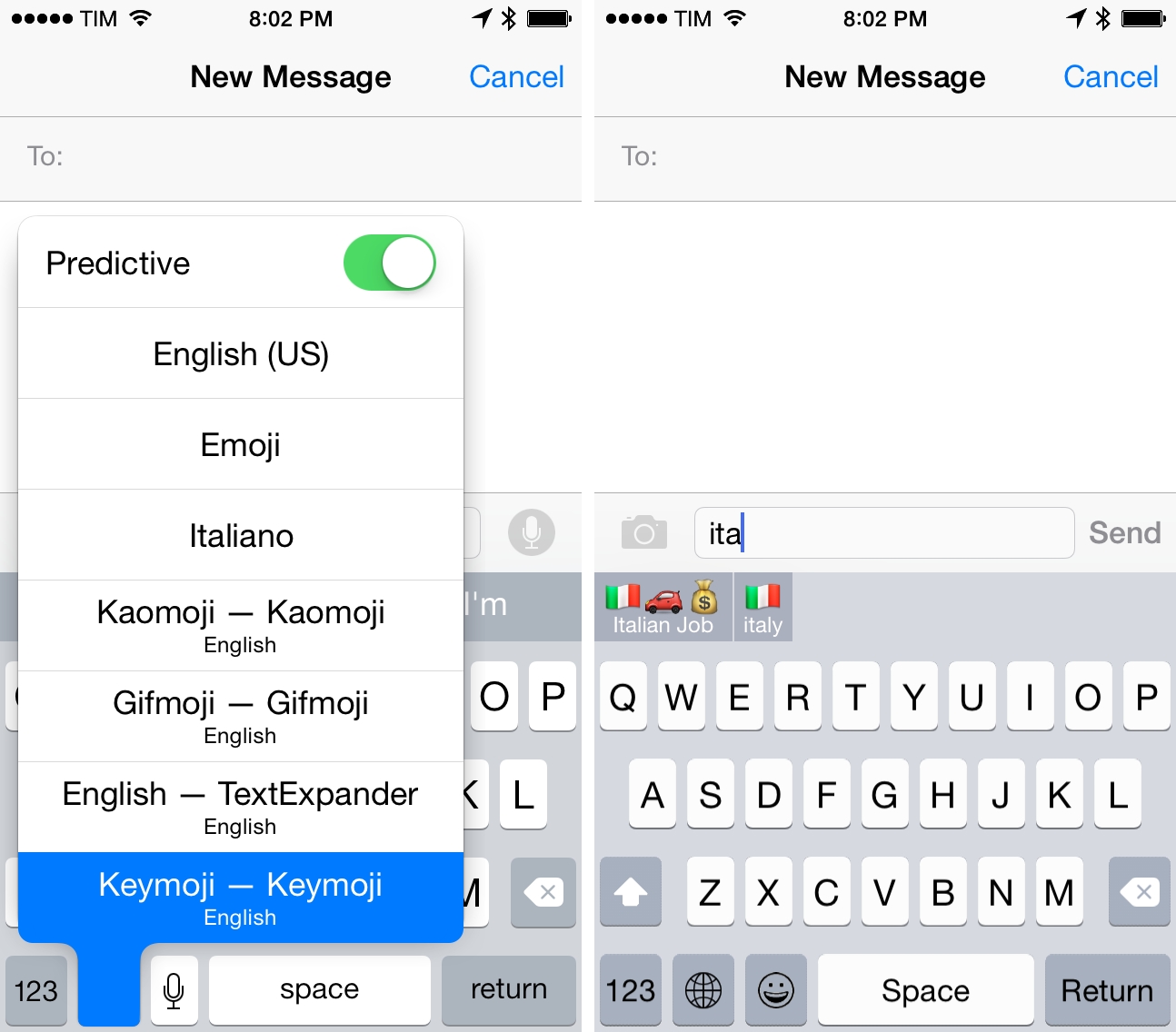
You’re probably trying several iOS 8 custom keyboards today. Since yesterday’s launch of iOS 8, custom keyboards have proven to be one of the most popular new features with high rankings in the Top Charts and SwiftKey reporting over 1 million downloads in less than 24 hours.
Essence Icons @3x→
Icons & Coffee (the side-project that I run with my girlfriend Silvia) released version 1.2 of the Essence icon set today. Essence is used in thousands of apps and it includes 350 unique icon designs in multiple versions. Today’s update adds support for the iPhone 6 Plus with @3x sizes.
From the blog post:
Following Apple’s announcements, we’ve added new PNG files for the iPhone 6 Plus (@3x); as always, PNGs are available in three colors (blue, gray, and white). We’ve also included a PNG reference so you can easily find the icon file you’re looking for in the download.
You can check out Essence 1.2 here.
iOS 8 Document Pickers, Providers, and Dropbox
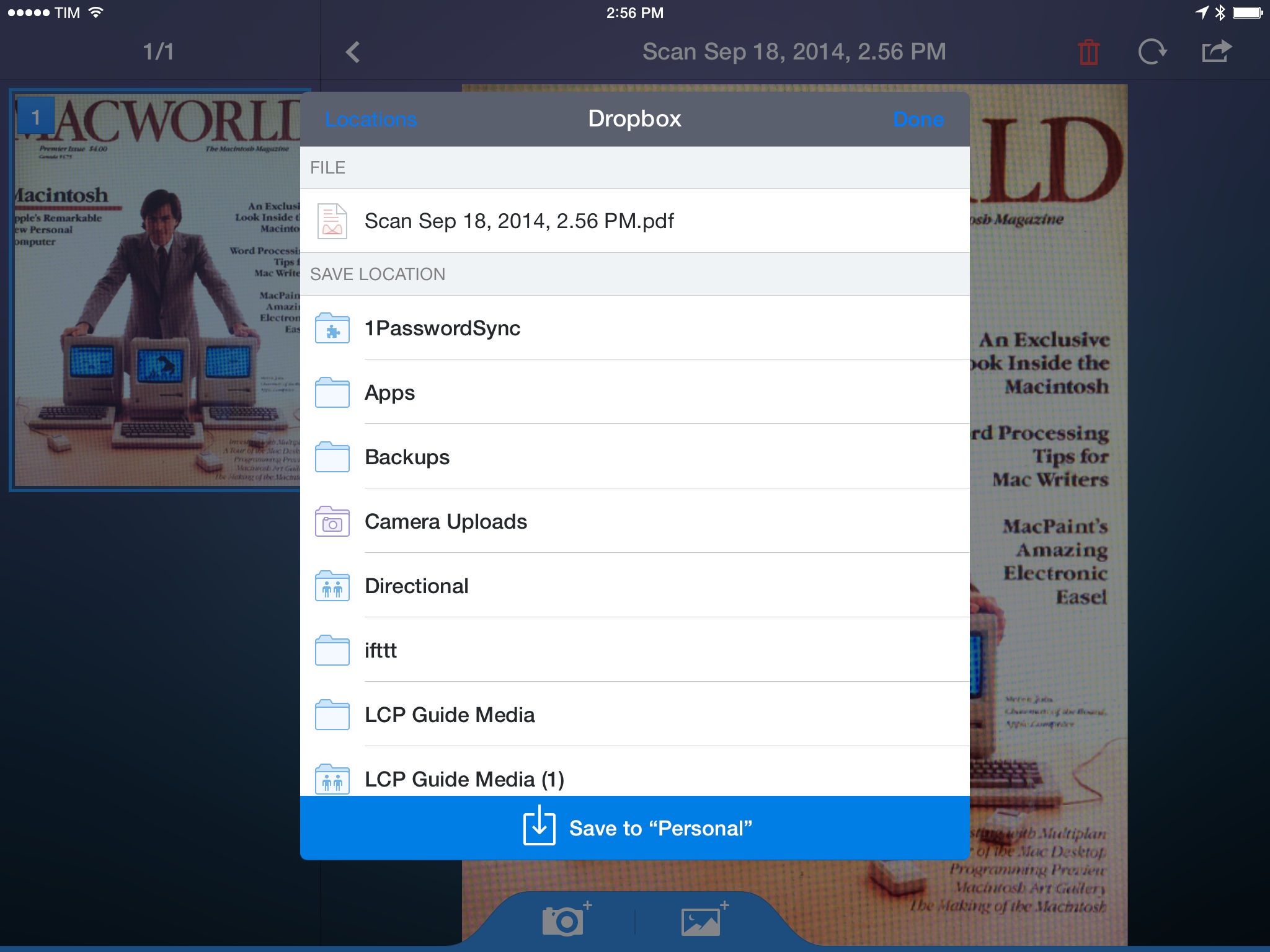
In yesterday’s coverage of iOS 8 for my daily workflow and Transmit, I mentioned that I hadn’t had much time to test document pickers and provider extensions in iOS 8 and that I couldn’t grasp the full potential of Apple’s document management changes in practice. While that still holds true today, I’ve been playing around with the iOS 8 update that Dropbox launched yesterday and I thought it’d be useful to collect my thoughts on the site for future reference.
iOS 8 on Older Hardware→
Every year, I’m always curious to know how the latest version of iOS works on the oldest compatible iOS hardware, and I always forget.
Thankfully, Ars Technica published two detailed looks at performance changes with iOS 8 on the iPhone 4S and iPad 2. Particularly in Andrew Cunningham’s article, it’s clear how Apple’s march towards larger screen sizes has been driving software features that take advantage of pixels to offer more room for information, search results, or toolbars.
I’m not sure I would be able to enjoy iOS 8 this much on a device like the 4S. Hopefully Apple will improve performance on older hardware like they did with iOS 7.1.
Epic Zen Garden for iOS 8→
Zen Garden, the demo that Epic Games showcased at WWDC ‘14 for the Metal announcement, has been released today as Epic Zen Garden.
Epic Zen Garden is a demonstration of Metal’s capabilities, and it’s meant for modern hardware. I spent about 30 minutes with the game on my iPhone 5s and iPad mini, and I think it looks great. It’s especially impressive in motion.

It’s fun to tap areas on screen and see how Metal can animate thousands of objects at once. I can’t wait to see what kind of new experiences iOS 8 and Metal will bring for mobile gaming. Epic Zen Garden is free on the App Store.
Apple Highlights “Great Apps and Games for iOS 8”
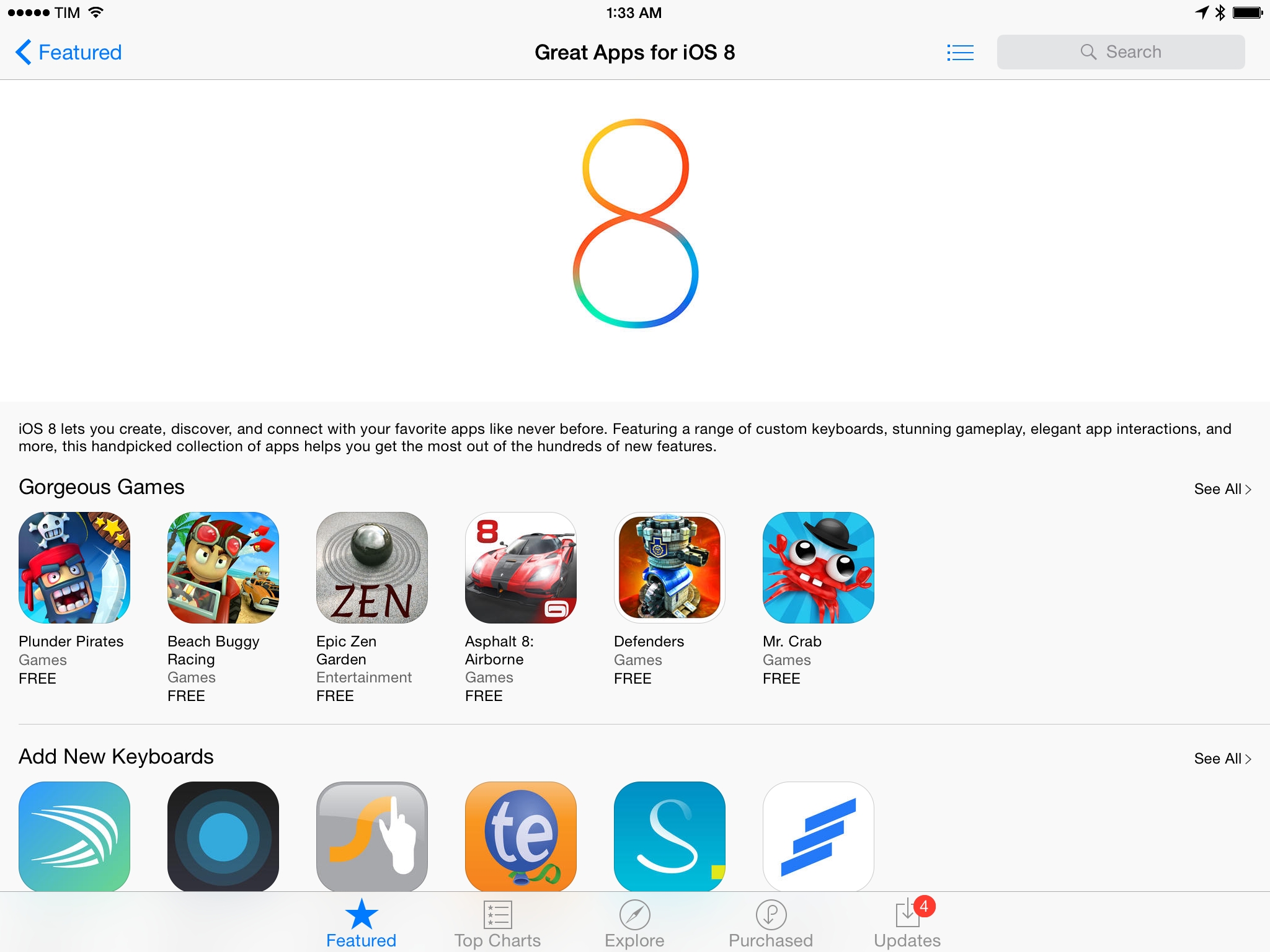
Following today’s launch of iOS 8, Apple has launched a new App Store section highlighting popular new apps and updates released today.
The section, aptly called “Great Apps and Games for iOS 8” is organized in seven sub-categories for games, share extensions, custom actions, Notification Center widgets, Touch ID-enabled apps, photo editing extensions, and custom keyboards. Highlighted apps include 1Password 5, Day One, SwiftKey and TextExpander, Evernote, Day One, OmniFocus 2, and several other apps that were updated earlier today to take advantage of new iOS 8 features.
You can find Apple’s “Great Apps and Games for iOS 8” section here. You can read our in-depth coverage of iOS 8 and iOS 8 apps here.
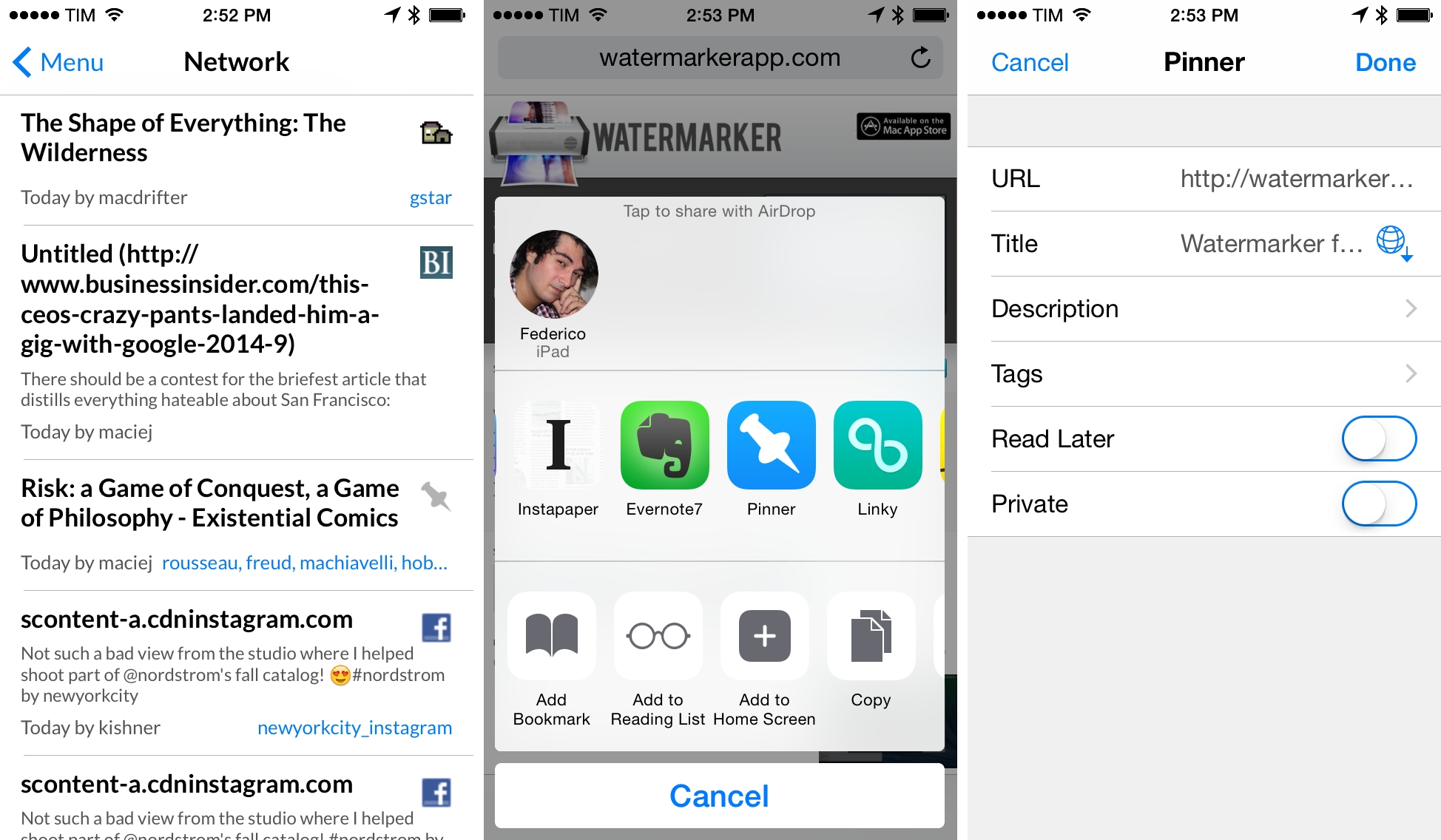
Pinner 3 Brings Pinboard Bookmarking to iOS 8
Screens Updated for iOS 8 with Touch ID, New Clipboard Features
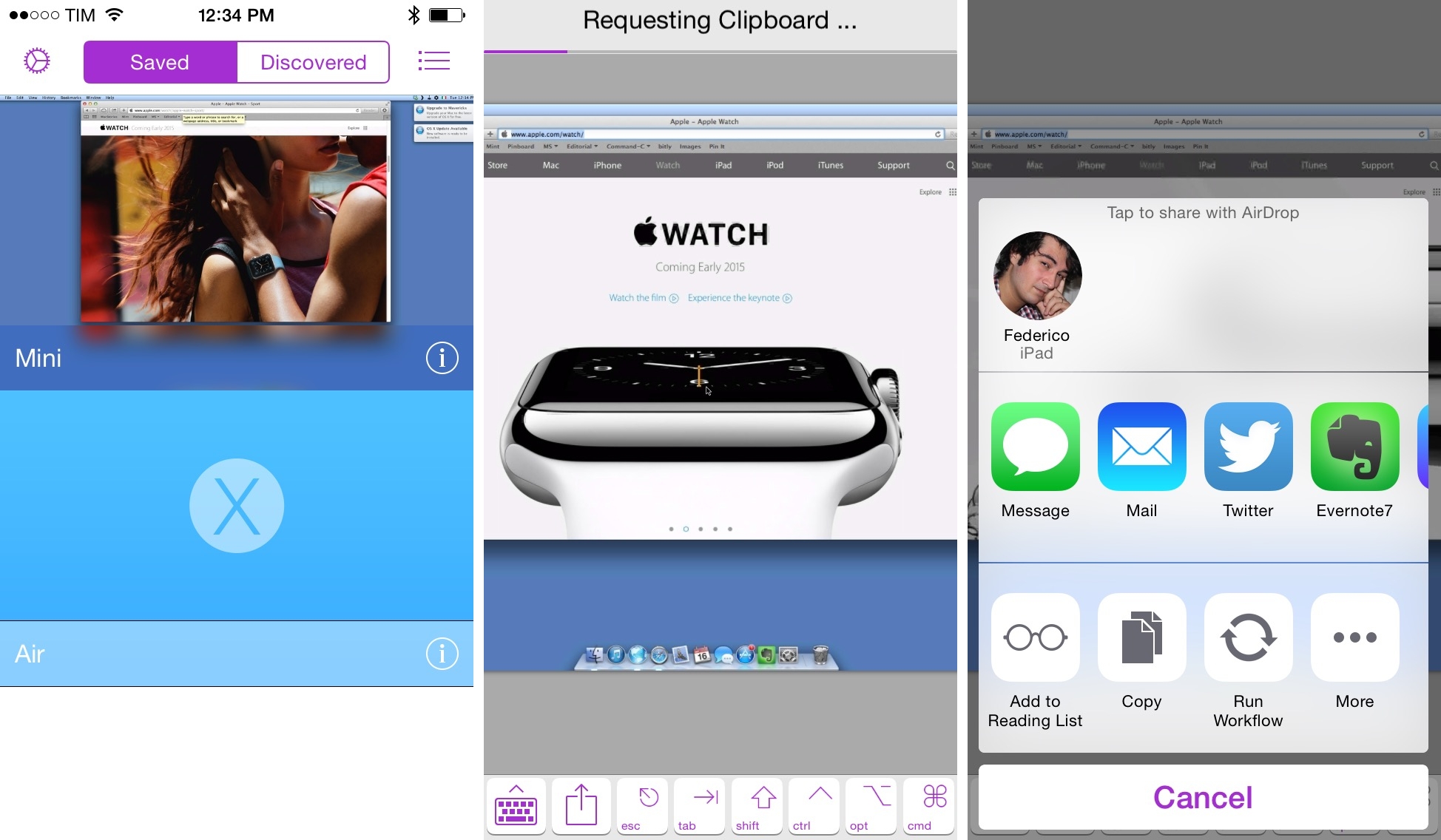
Screens, developed by Canadian indie studio Edovia, has long been my favorite VNC client for iOS, and over the past two years I’ve been using the app more intensively as I need fast and intuitive access to a Mac mini server I keep at Macminicolo.
Last year, we covered Screens’ major update for iOS 7 and, earlier this year, I pointed out how the addition of trackpad mode made the app significantly easier to interact with on the iPad. Today’s Screens 3.5 builds upon the redesign launched in September 2013 and adds several iOS 8-only features that make Screens more integrated with iOS and third-party apps.
ETA Puts Travel Times in Notification Center with a Widget
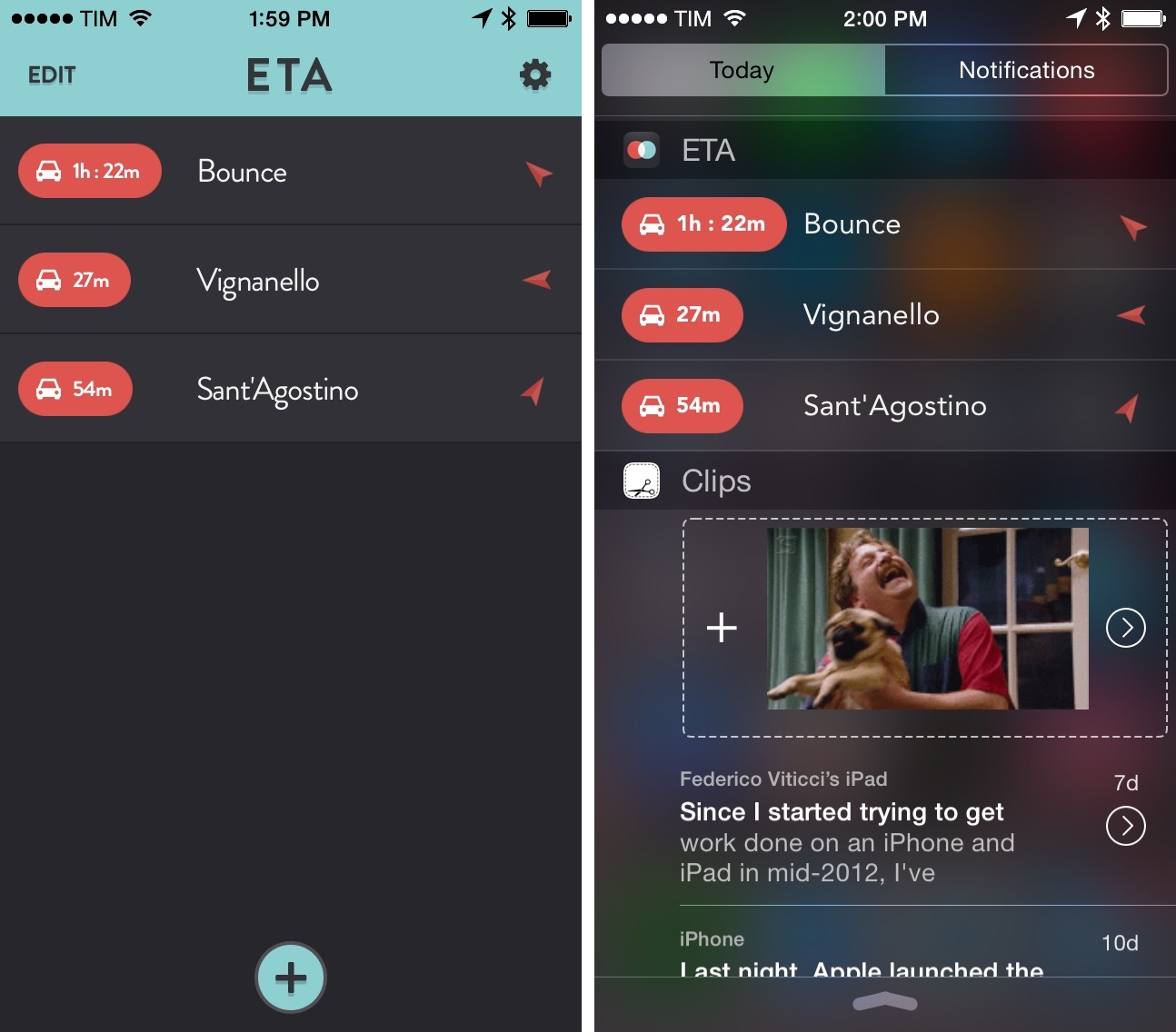
Before iOS 8, I used to keep a Launch Center Pro action with shortcuts for driving directions to my favorite places. ETA, developed by Australian studio Eastwood, puts travel times directly in Notification Center and is quickly becoming one of my most used widgets in iOS 8.