


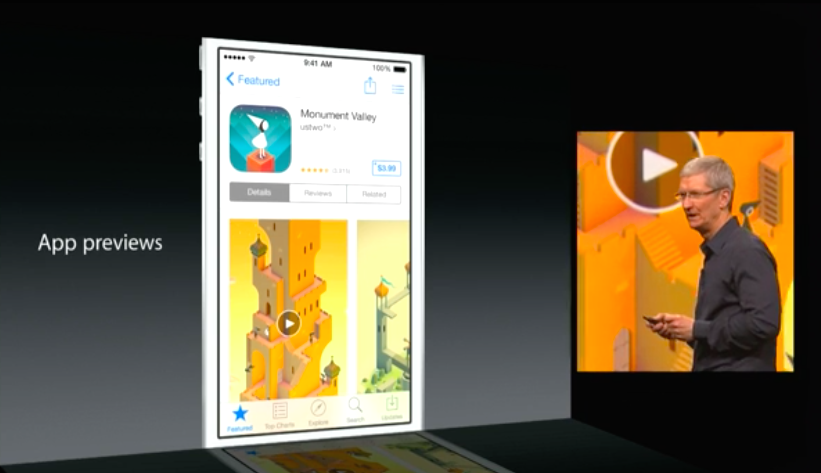
Apple will provide an easier and integrated way to create screencasts for iOS apps with the upcoming iOS 8 and Yosemite software updates, using a Lightning cable and QuickTime Player on OS X. As reported by Benjamin Mayo at 9to5Mac, the feature is primarily meant to let developers create App Previews for the improved App Store launching with iOS 8, but it’ll also come in handy for users willing to capture videos of iOS apps for screencasts, reviews, and other video content.
More iOS 8 Features
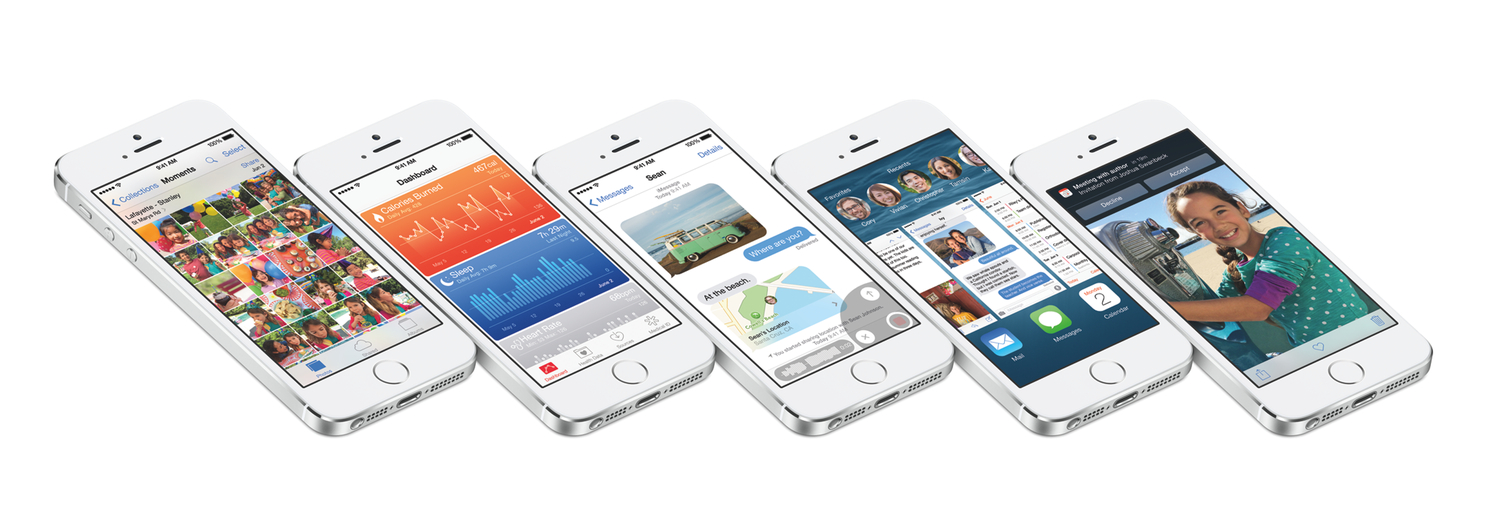
iOS 8, announced by Apple at WWDC yesterday, will feature major improvements to Messages and inter-app communication, a new Health app and predictive keyboard, and changes to several system apps and features.
Among big additions and redesigns, however, there are always smaller features and hidden tweaks that the company only briefly mentioned during the keynote or described with a short paragraph on their preview website. In this post, I collected 15 other iOS 8 features that are worth noting and waiting for.
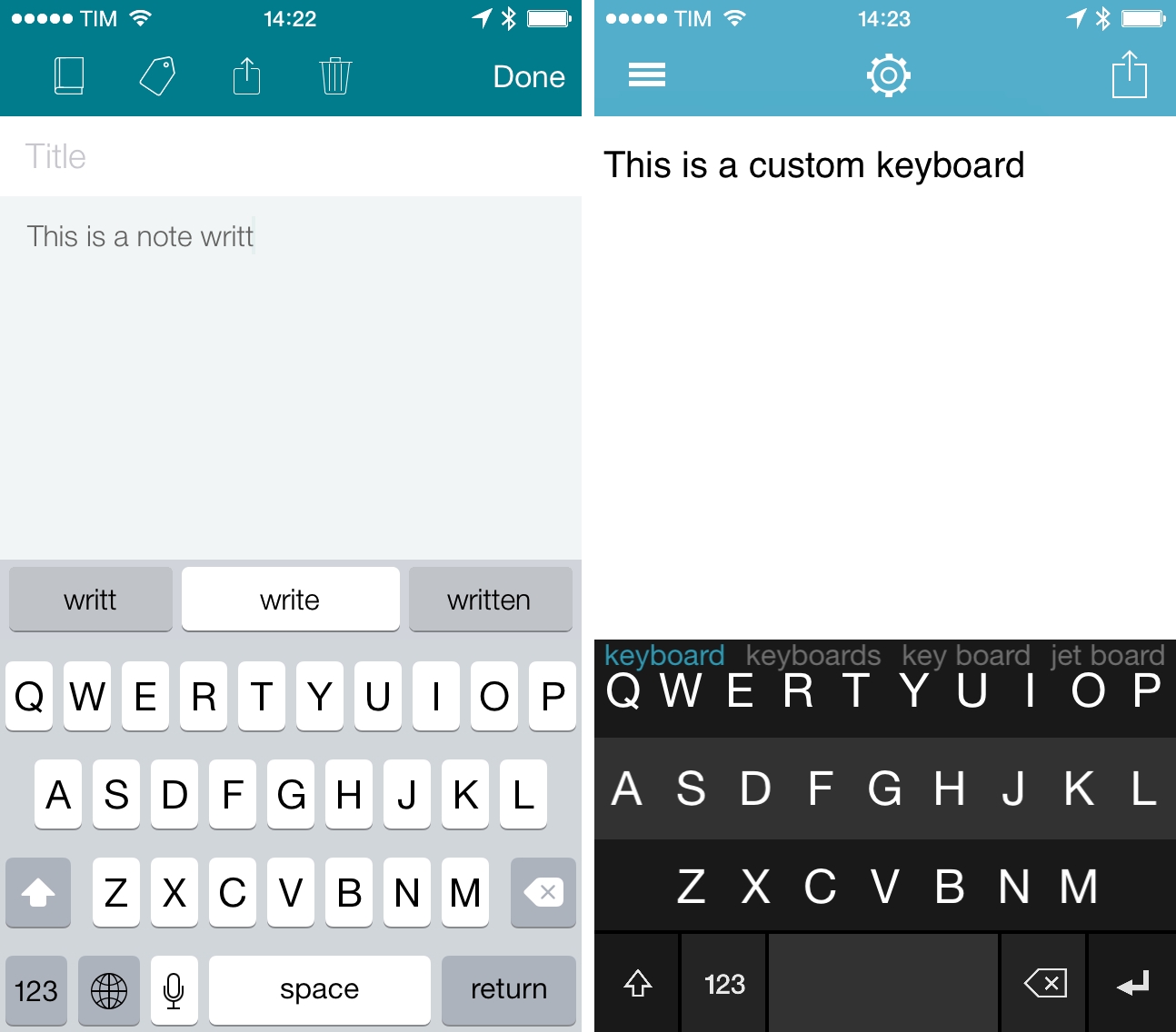
Swype, Fleksy, and SwiftKey Working on Custom Keyboards for iOS 8
iOS 8: Our Complete Overview and First Impressions
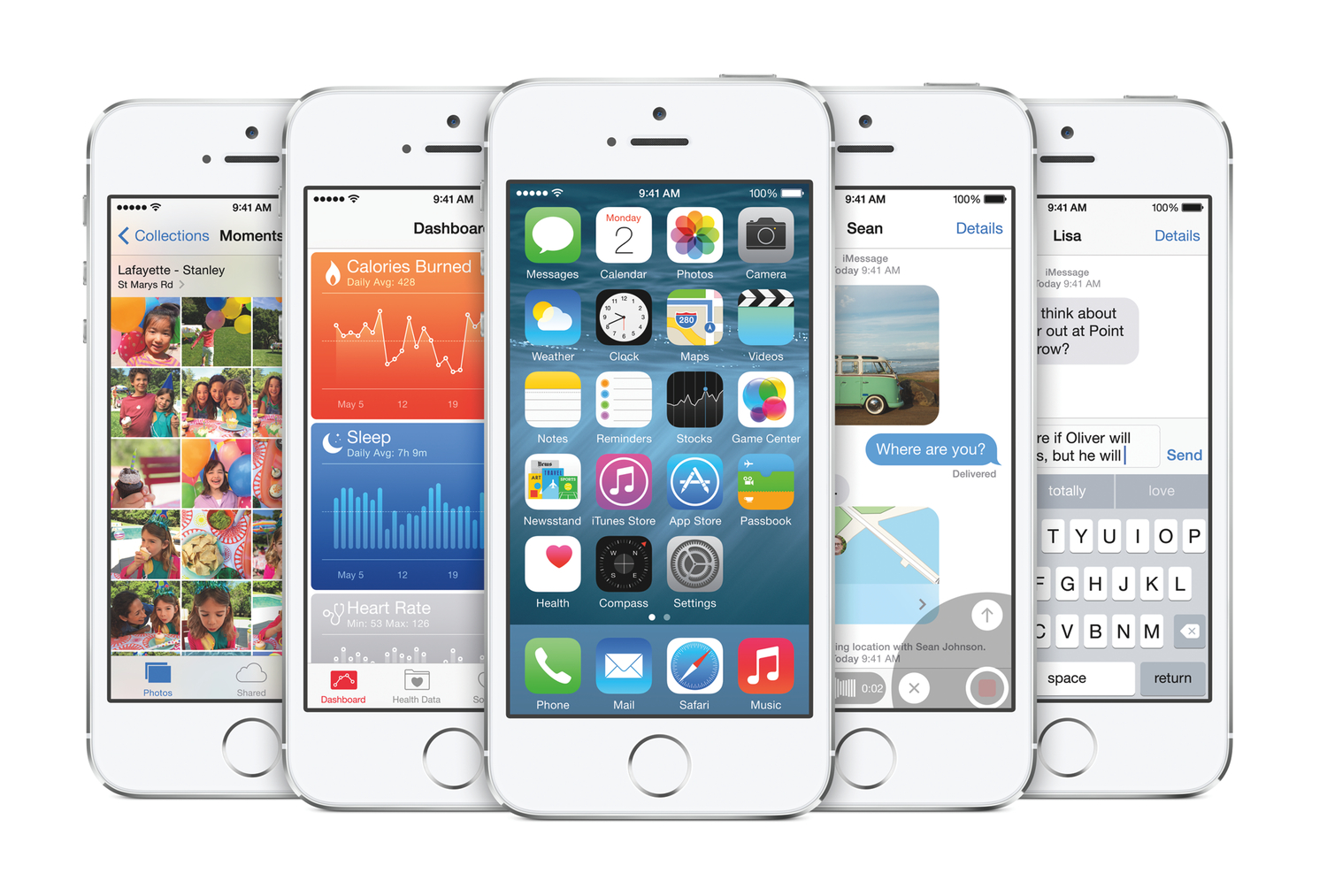
iOS 8, the next major version of Apple’s mobile operating system, was unveiled earlier today at the company’s WWDC 2014 keynote. Shipping this Fall, iOS 8 focuses on refining the bold new look launched last year with iOS 7, but, more importantly, it puts the spotlight on new user features, apps, and developer technologies.
Apple CEO Tim Cook kicked off his iOS presentation noting that iOS 8 would be a “giant release” aimed at highlighting two different stories: end-user features and developer functionalities. The dual narrative of iOS 8 was the underlying theme of the entire segment, starting with improvements to existing iOS apps (Messages, Safari) and features like Notification Center’s Today view to the promising Extensibility APIs and HomeKit.
“iOS 8 offers simpler, faster and more intuitive ways to use your device with incredible new features like iCloud Photo Library, a new Messages app, the QuickType keyboard and an entirely new Health app,” said Craig Federighi, Apple’s senior vice president of Software Engineering. “We’re also giving developers amazing new tools to make managing your health and your home from your devices an integrated, simple and secure experience.”
The 2014 Apple Design Award Winners
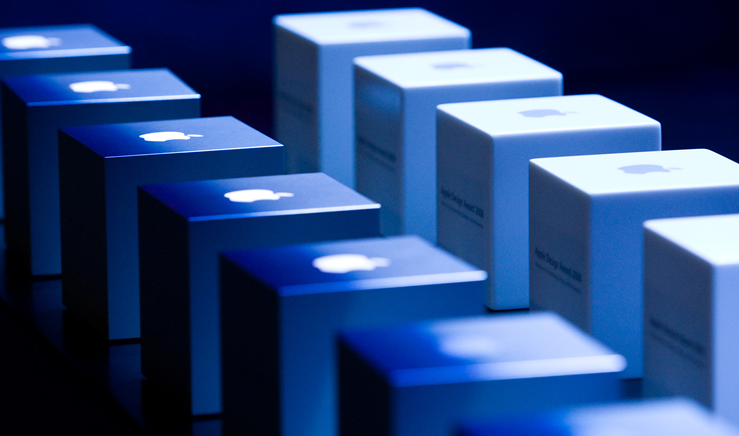
The Apple Design Awards recognize state of the art iOS and OS X apps and games that demonstrate technical excellence, innovation and outstanding design to provide an immersive, fun, and compelling experience. These apps raise the bar in design, technology and innovation with rich functionality and high performance; every year, Apple celebrates developers and their outstanding work by awarding them an Apple Design Award trophy and other special prizes. This year, winners received one of every Apple device (from the Mac Pro to iPhone) and the Apple Design Award trophy.
After evaluating the broadest set of apps possible from the App Store and Mac App Store, Apple has picked this year’s winners with a dedicated event at Moscone West on WWDC 2014 opening day. We have compiled the full list of 2014 Apple Design Award Winners below. Read more
Apple Posts WWDC 2014 Keynote, “Apps We Can’t Live Without” Videos
For those who didn’t follow the live stream or news as it unfolded on Twitter and blogs, Apple has now posted the video of its WWDC 2014 keynote held earlier today in San Francisco. The video can be streamed here, and a higher quality version should be made available in a few hours through iTunes (on the Apple Keynotes podcast). To avoid streaming errors, Safari is recommended for the best viewing experience.
Apple has also posted the “Apps We Can’t Live Without” short film that was aired at the beginning of the keynote. The video shows how “developers — and the iOS apps they create — have changed the way we all interact, learn, entertain, work, and live”, and it’s available here.
For more coverage, check out our WWDC 2014 news hub and follow @macstoriesnet on Twitter.
The Numbers From Apple’s WWDC 2014 Keynote
Apple CEO Tim Cook walked on stage today and kicked off the company’s 25th Worldwide Developers Conference with his usual opening remarks and “state of the business” facts and numbers. From the number of attendees to iOS devices sold and OS X stats, these numbers are interesting as they’re typically shared throughout the year in dedicated events or press releases; at WWDC, Apple can provide a mid-year overview before switching gears to talk about iOS or OS X.
We’ve compiled the most important numbers from Apple’s WWDC 2014 keynote below. Read more
Part of Speech Highlighting in Editorial→
Editorial developer Ole Zorn has created a workflow showing how the new Editorial can tag parts of speech in text to highlight lexical classes like nouns, verbs, adjectives, and more.
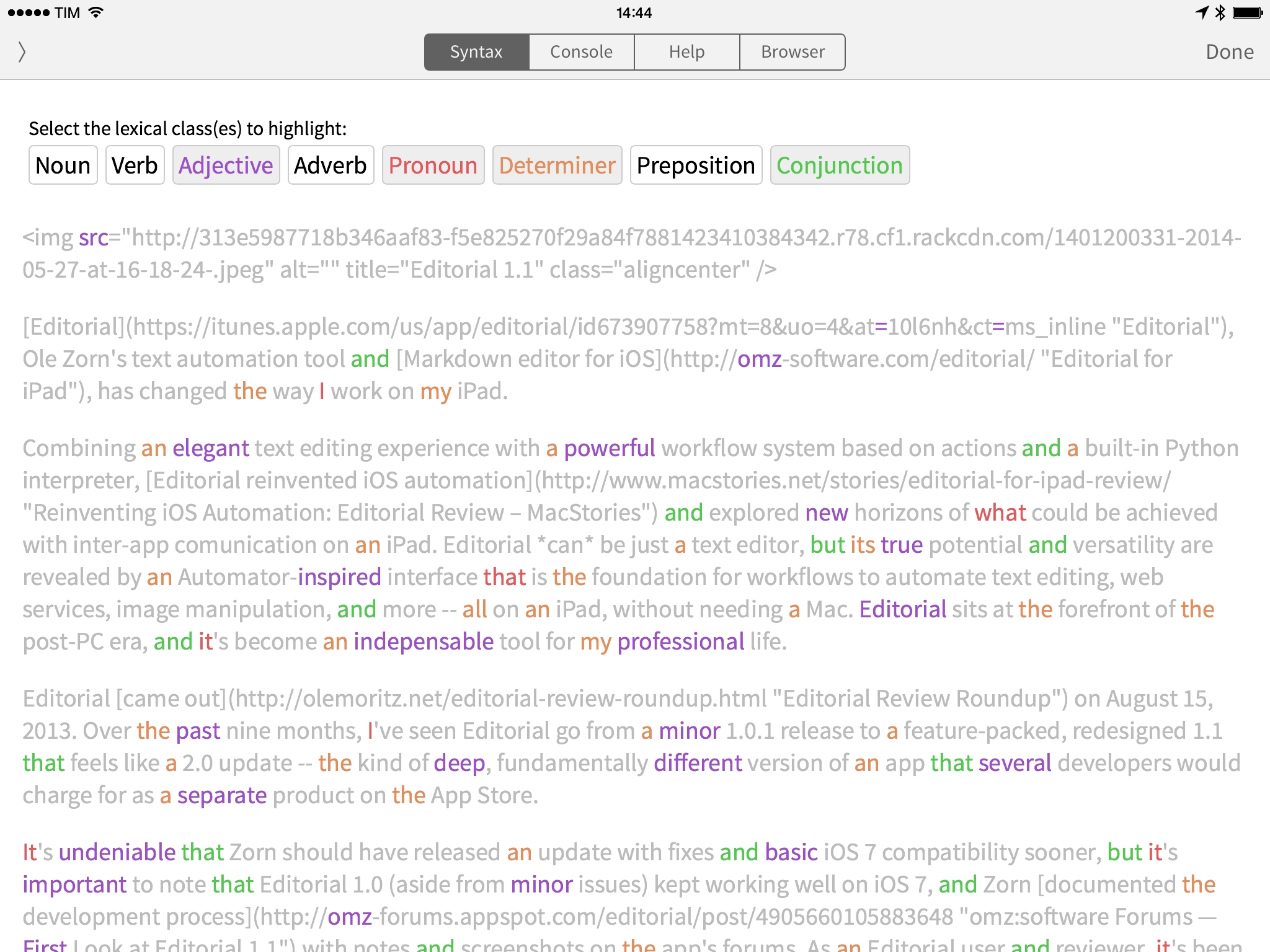
The linguistictagger module is a new Python addition in Editorial 1.1 and it’s reminiscent of the part of speech highlighting found in apps like Phraseology and Writer Pro. In Editorial, you won’t get any editing features, but the basic syntax highlighting will still come in handy to understand how you write when reading a document in the Syntax preview.
Also from Zorn, check out two UI workflows to display a sidebar for Wikipedia and a Markdown preview while writing in the text editor.
Saving Multiple Fantastical Events In A Row with Editorial 1.1
In my review of Editorial 1.1, I covered the app’s new support for x-callback-url and how it improves inter-app communication. In hindsight, I left out a fairly obvious demonstration of the feature: the possibility to create workflows that send multiple items in a row to other apps. For this post, I’m going to use Fantastical as an example.