


According to several reports surfaced earlier this week, Apple is targeting a release of the next major iOS update, version 4.3, in two weeks. We just got word from a reliable source that iOS 4.3 should be available on February 14th at 10 AM PST. Read more
OneLessDrop: Keep Cables From Sliding Off Your Desk
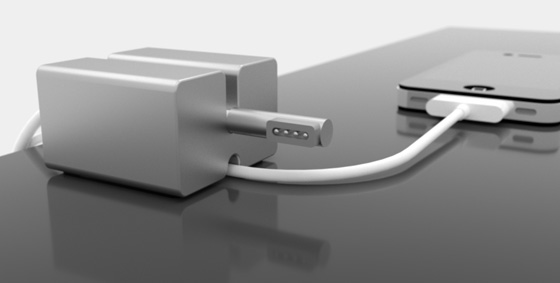
Annoying scenario I experience every single day: my MacBook Pro is on my desk. It’s charging. The iPhone is on the desk as well, charging. Something happens – like my dog, walking under my desk and touching the cables – and boom: the iPhone drops off my desk while still attached to the cable, my MacBook disconnects from the MagSafe. This is very, very annoying. And you know, the iPhone might break, too.
OneLessDrop is an interesting Kickstarter project that’s aimed at keeping your cables in place, avoiding the risk of letting them slide off your desk or coffee table. The widget is made of recycled aluminum (we approve) and has enough room for supporting iOS cables, or the usual MagSafe power cord. It looks very nice (at least from the mockups posted on Kickstarter) and pledges start at $25 with free shipping in the US.
OneLessDrop is a solid block of recycled and recyclable aluminum - made from things like discarded wheels and engine blocks. Once extruded to shape, each OneLessDrop is hand finished (brushing or blasted finish TBD), then anodized for durability. Non-slip pads OneLessDrop ample grip.
Demo video is available on the Kickstarter page, together with more photos and a detailed description from the creator of the OneLessDrop. [via The Brooks Review]
Verizon iPhone Pre-Orders Break Sales Record In 2 Hours
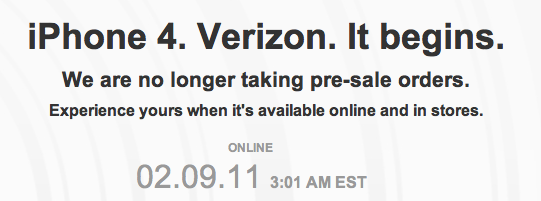
We don’t know how many Verizon iPhones were available for pre-order last night, but Verizon Wireless has just announced that they break any previous sales record in 2 hours. This is a new record in Verizon’s online pre-order history, and the company seems to be pretty pleased with the results:
In just our first two hours, we had already sold more phones than any first day launch in our history.
Press release embedded below. [via Engadget]
Verizon iPhone Already Shipping to Customers
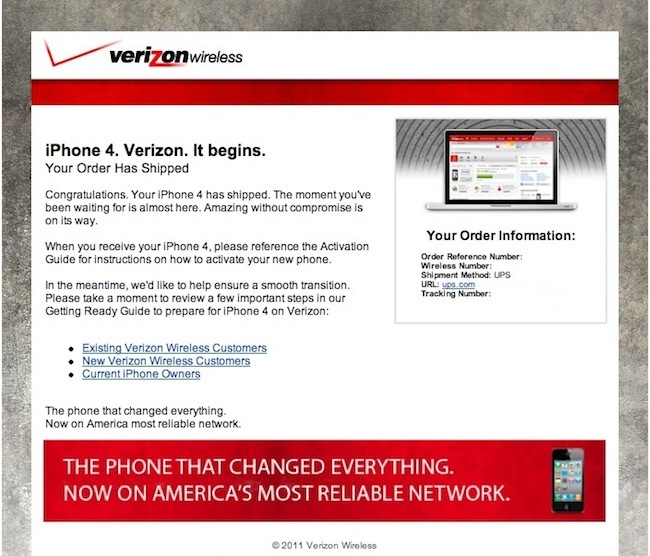
Pre-orders are sold out since last night, and it appears that Verizon has already begun shipping the iPhone 4 to selected customers. A MacStories reader sent us the screenshot above, the order is being shipped through UPS (Engadget got a similar screenshot with FedEx delivery) but we’re not able to see an estimated delivery just yet. We wouldn’t be surprised, though, to hear that some customers will receive the unit a few days before the official launch.
If you happen to receive a shiny CDMA iPhone ahead of Verizon’s huge “It begins” day, our tips inbox is waiting for you. [Thanks, Henry!]
Finally: Previous Purchases Coming To iOS App Store
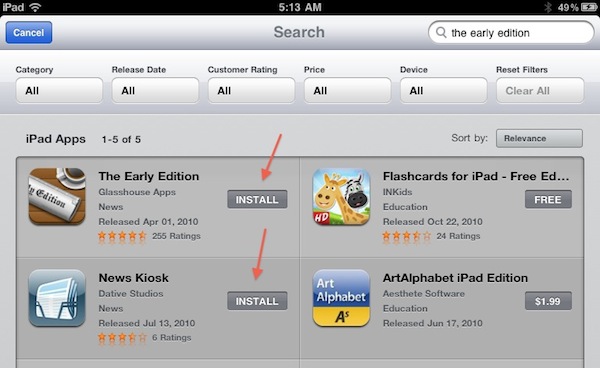
Apple is updating its iOS App Store tonight. After search filters, Apple added a much requested feature: apps already purchased get an “Install” button instead of the usual “Buy” one. Why is this a big deal? Because having the “Buy” button was confusing, as it wasn’t easy to remember which apps you had already bought. Now, if you’re trying to install an app you have already bought one, it’s much easier.
Sure, it’s not as useful as the “Purchases” tab in the Mac App Store (which lets you see all your app purchase history at once), but we think this is a great (and much needed) first step nonetheless. The new feature is only enabled on the iPad App Store right now, but it shouldn’t be a problem for Apple to add it to the iPhone and iPod touch as well (unlike filters, which require some screen space).
Thanks, App Store team.
New In The iPad App Store: Search Filters
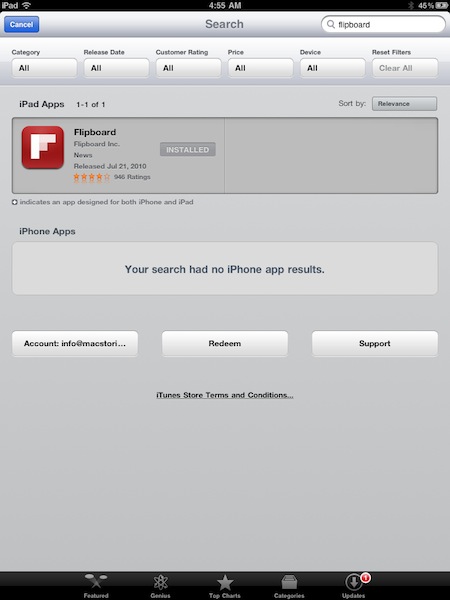
Looks like Apple rolled out a new neat little feature in the iPad App Store: search filters. When you browse the App Store from your iPad (mine is running iOS 4.3 beta, but I guess the change is live for everyone) and start searching for an app, five filters will appear under the top bar: category, release date, rating, price and device. Filters can be adjusted from a popover, and there’s also a button to clear all filters.
The feature is quite useful if you’re into searching for apps through your device’s App Store, so go check it out. More screenshots below. [Thanks, Shane!] Read more
Verizon Does Another iPhone Commercial
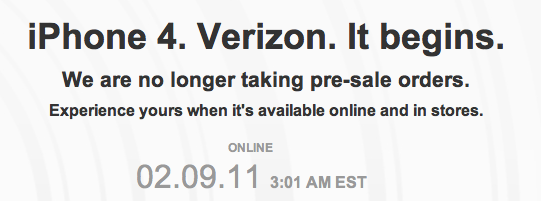
It begins, right? With iPhone 4 pre-orders already sold out and new orders becoming available on February 9th, Big Red just launched a new commercial, this time featuring an actual iPhone.
Low-quality video is embedded below, but look for it soon on Verizon Wireless’ Youtube channel.
Update: Verizon just posted the commercial on their channel. Read more
Greenpois0n Untethered Jailbreak for iOS 4.2.1 Released
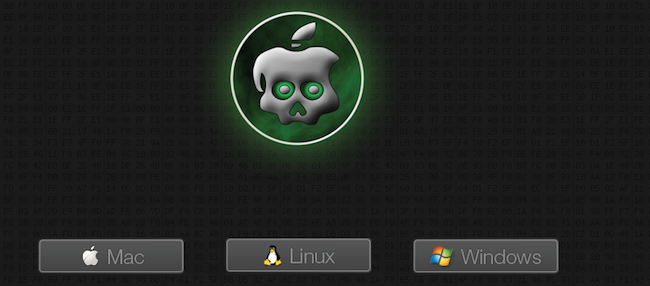
The new version of Greenpois0n is live, and it brings untethered jailbreak for iOS 4.2.1. The jailbreak tool is only available for OS X machines right now, Windows version is coming soon. The Greenpois0n’s servers seem to be a little bit slow, so it might take a while to download the app.
Go download here.
Developers: You Can Now Generate Promo Codes for Mac Apps

An update in iTunes Connect shows that developers can now generate promo codes for apps sold in the Mac App Store:
You can now generate promo codes for your Mac apps in iTunes Connect. These promo codes can be redeemed in any Mac App Store worldwide. For each version of your app, you can request up to 50 promo codes.
Up until today, Apple didn’t allow developers to generate promo codes for Mac apps. The also-updated iTunes Connect Developer guide further explains:
Promo codes can now be generated for Mac OS X apps and redeemed through any Mac App Store internationally.