Posts in Linked

Bentley Creates New Ad Using iPhone 5s, iPad Air

Bentley’s new ad (via Jim Dalrymple) has been shot on an iPhone 5s in New York City and edited in a Bentley Mulsanne using an iPad Air with an Apple wireless keyboard.

It’s a nice promo video – if anything, it shows a wide array of accessories and apps used for the task (like Apple’s crew), and it confirms that iOS needs more keyboard shortcuts. People in the video are constantly switching between the hardware keyboard and the screen, which is uncomfortable – it’d be nice to have improvements here with iOS 8.

Permalink

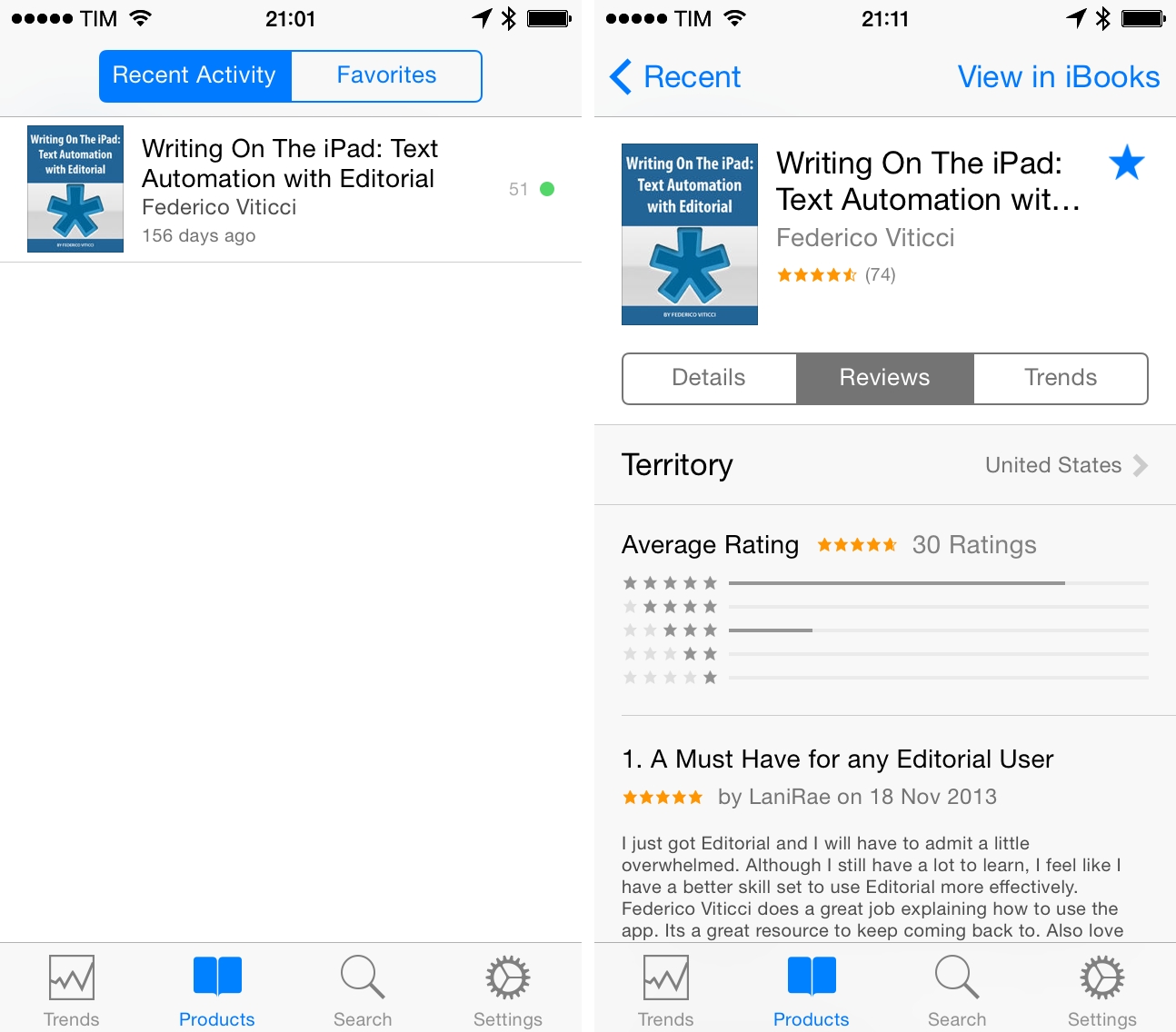
Apple Updates iTunes Connect App for iOS 7

Following OS X, iTunes, and Podcasts for iOS, Apple released a long overdue update to the iTunes Connect app today, bringing a new iOS 7 design and wider support for media sold on the iTunes Store.

If you’re a developer or content creator, you can now enjoy a redesigned app (nothing special, but nice icon) and view stats for music, movies, and TV shows available on iTunes.

iTunes Connect 3.0 is available on the App Store.

Permalink


Nintendo DS Keynote: 10 Years Later

On the tenth anniversary of the Nintendo DS keynote at E3 2004, Federico and Myke take a look back at Nintendo’s announcements on that day and the gaming industry from a decade ago.

On May 11, 2004, Nintendo officially introduced the first-generation Nintendo DS – a console that would go on to revolutionize portable gaming and set new paradigms for touch-enabled games for the next several years.

We did a lot of research for this episode – make sure you don’t miss my Flickr set with scans of old videogame magazines showing photos of E3 2004 and the first tech demos and games. It’s difficult to measure the impact of the Nintendo DS on the industry and Nintendo itself in two hours, but we tried our best.

Get the episode here.

Permalink

Thomas Was Alone Released for iPad

Mike Bithell’s classic indie puzzle platformer Thomas Was Alone has been released on the iPad today. The game, ported by Surgeon Simulator developer Bossa Studios, features 100 levels, a new on-screen control system designed for iOS, and the same narration by Danny Wallace for which the British filmmaker and actor won a BAFTA Games Award in 2013.

Thomas Was Alone is one of the best games I’ve played this year. I bought the PS Vita version a few months ago, and I’ve been constantly impressed by Bithell’s tasteful level design and focus on collaboration between characters to get through stages. In Thomas Was Alone, you control a group of AIs who have become sentient and want to escape the computer mainframe they’re trapped into; the AIs (Thomas and his friends) are rectangles, and each one of them has a special ability, whether it’s higher jump or the ability to float on water. To complete stages, you’ll have to think in terms of collaboration rather than individualities: there are platforms that can be reached only if one character helps another jump onto it, while water-based sections require the AIs to proceed on top of the one that can swim. The way AIs, game mechanics, and narrations are intertwined makes for a classy, precise, and elegant game that always requires you to think of platforms as puzzles that can be solved by collaborating instead of running towards the end of a level. I love Thomas Was Alone and I can’t wait for Bithell’s next game.

Polygon has an interview with Bithell in which he explains the new controls for iPad:

“On either side of the screen, we have these color balls that you put your thumb on in order to select which character you want to use,” he said. “It’s a really intuitive, easy thing that you can basically play the entire game without moving your hands.

“That was the thing. It’s on iPad. If you’re holding the iPad, I don’t want you to ever have to move your hands from flanking either side of the iPad in your hands. I don’t want you to have to put the weight of the iPad in one hand and then use your finger for something else. It’s all played in that kind of default gamer position of the two thumbs, ready to do stuff on the screen.”

Thomas Was Alone for iPad is available at $8.99 on the App Store.

Permalink

Teleprompt+ 3

I’ve always heard good things about Bombing Brain’s Teleprompt+, a popular teleprompter app for iOS. While I don’t personally use it (although it may be worth experimenting with it for podcasts), I wanted to link to the latest version, released this week.

Teleprompt+ 3 adds rich text support for inline formatting, a quick edit mode to make last-minute changes to displayed text without leaving the current session, and a new design for a Universal app that runs on both the iPad and iPhone. Because it’s an app, Teleprompt+ takes advantage of iOS to enable features like remote control for multiple devices (have a technician adjust text and speed on a master device while text is displayed on a second iPhone or iPad), Dropbox import for text, and audio and video recording through the built-in microphone and cameras. I find it fascinating when old equipment and technologies are made obsolete by cheaper and smarter software, and Teleprompt+ is a good example of how iOS devices can be integrated in professional environments (it even supports third-party accessories).

Teleprompt+ 3 is a new version of the app, and it’s available on the App Store at $14.99 as a launch sale.

Permalink

Delight Can Trump Efficiency

David Sparks, writing for Macworld:

We’ve been using computers with keyboards and mice for decades now, and many of us are quite adept at bending this traditional paradigm to our will. Then along come the iPhone and iPad, with no hardware keyboard and much less power, and they still manage to turn the computing world on its head. “But it’s not as powerful and I can’t script it,” some power users argue. True, but there’s a reason why we love our iOS devices despite these supposed inadequacies. Simply put, they delight us.

They delight us less when they randomly reboot or apps crash, but the underlying idea is absolutely true for me as well.

When people ask me why I like to get work done on my iPad, the hardest point to get across is that I have more fun with my iPad than my Mac.

Initially, I thought that novelty could be the reason, but after four years of iPad I don’t think that’s the case anymore. It may also be that I liked working around the limitations of iOS, but ultimately that’s a weak argument because I don’t like productivity masochism and most readers aren’t interested in complex workflows or scripts.

It’s difficult to quantify it, but I believe it’s important to have fun when working. I’m constantly amazed by the things modern iPhones and iPads can do, and I find a peculiar kind of geeky satisfaction in writing and publishing articles on the iPad or talking to people around the world with Tweetbot for iPhone. That’s why I’m always concerned when I read rumors of Apple trying to make iOS devices more like Macs – if that ever happens, I hope they won’t take the fun away but still combine delight with efficiency.

Permalink

Grave Business

A great passage from Christian Donlan’s piece for Eurogamer about the E.T. landfill in New Mexico and lack of restraint on modern app stores:

But with that access - and without curation by companies that actually appreciated games - came a race to the bottom, where much of the good stuff was then buried by an endless deluge of miserable clones and cash-grabs that were allowed in because the gatekeepers didn’t care. Free-to-play is not the problem - it’s that publishers and platform holders and sometimes even developers let the deeper value of a game erode, that there was often a failure to find the correct free-to-play model that enhanced a game - and that some people apparently think it’s fine to refer to their most valued customers as whales.

The difference is that, thirty years from now, there won’t be a New Mexico landfill to recover old apps from.

Permalink

Apple’s iOS Human Interface Guidelines Now On The iBooks Store

Previously available on the web from Apple’s developer portal, the company’s iOS Human Interface Guidelines are now on the iBooks Store as a free download (via Dave Addey). The 20 MB guide is compatible with iPads as well as Macs running iBooks on OS X Mavericks, and it takes advantage of the app with inline video playback, two-page page layouts, and built-in annotations (plus, of course, font size and color controls for reading settings).

It looks like Apple did a nice job in converting the guidelines to iBooks, and annotations appear to be especially useful for developers and designers learning the principles of the iOS 7 visual language. The iOS Human Interface Guidelines are available on the iBooks Store here.

Permalink