

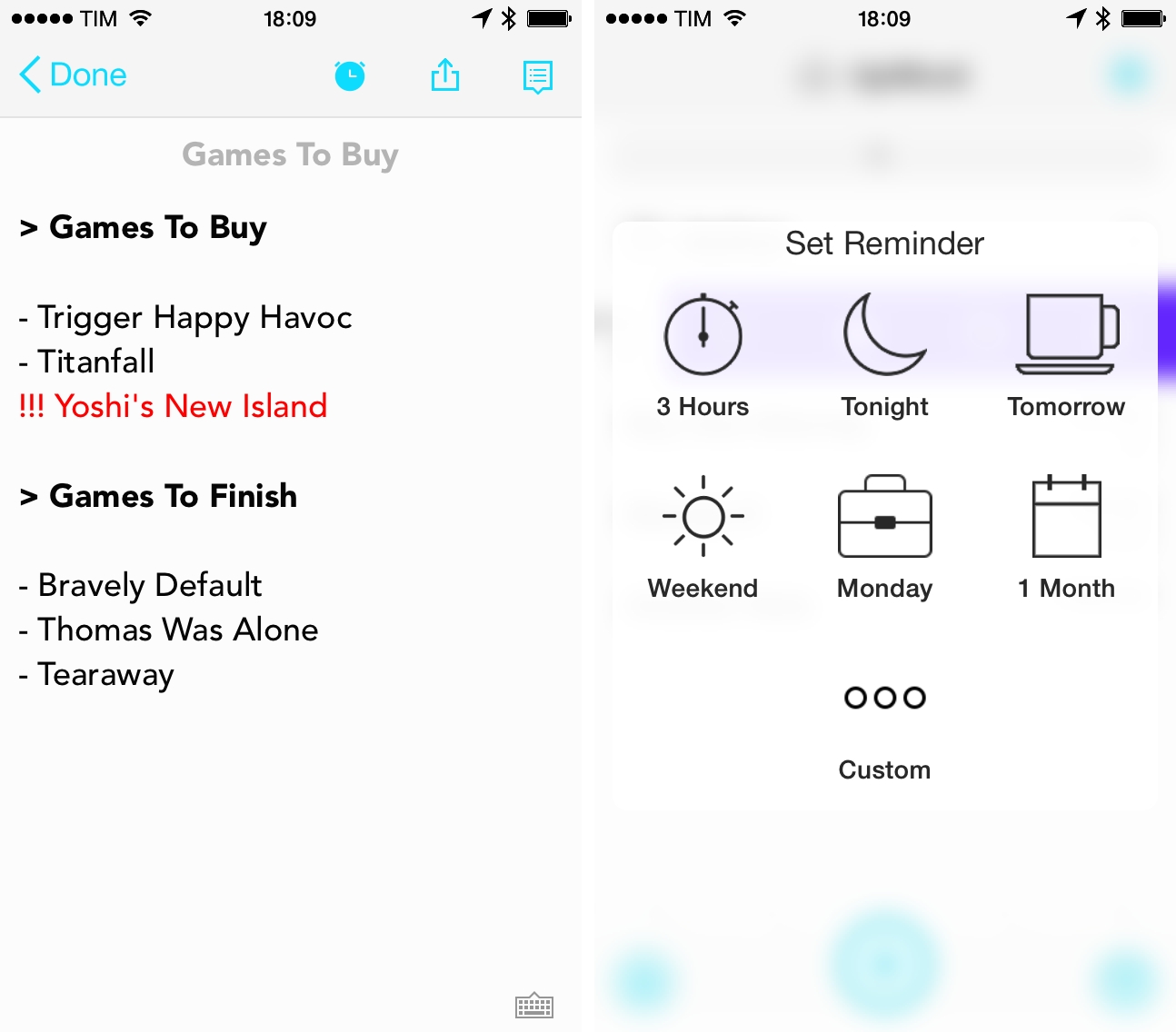
Released last week on the App Store, UpWord is a list-making app that works with Dropbox and that lets you quickly add notes and manage them in lists with gestures. The app isn’t perfect, but it’s got some interesting ideas.
Posts in reviews
UpWord Combines Dropbox Notes with Reminders and Gestures
Google Music for Mac Brings the Web Player to the Desktop
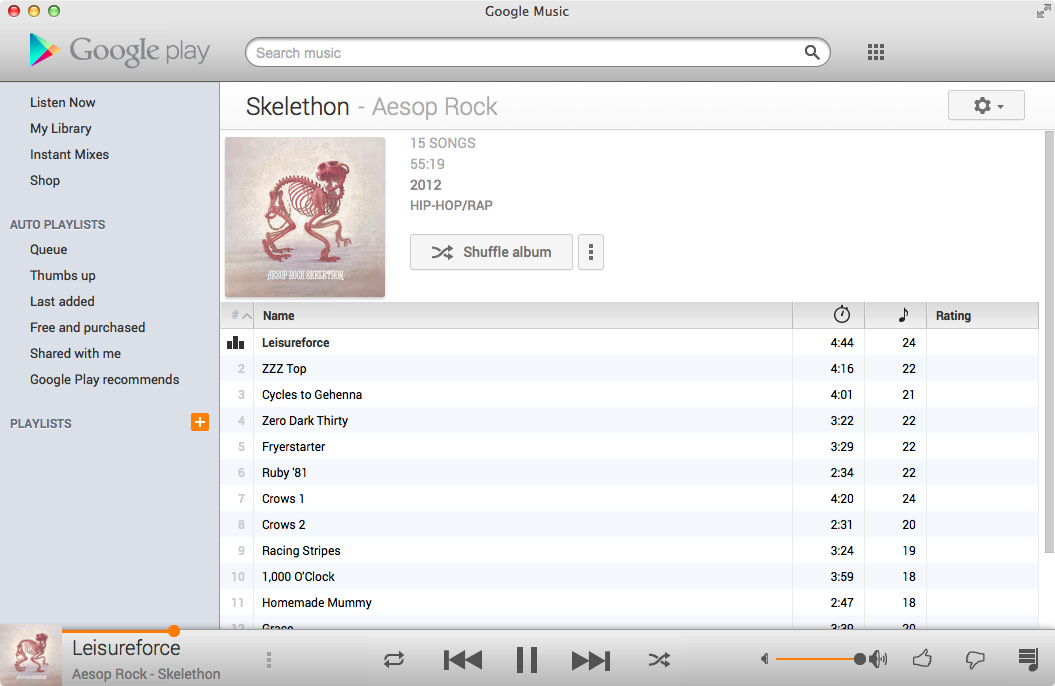
One of the least talked about music services is Google’s Play Music service, a combination music store and digital locker that can match up to 20,000 songs from your local library and stream them to your devices over the web for free. With All Access, you can stream Google’s entire catalog of music for $9.99 a month.
I’ve dabbled with the service before, using it with my previous storage limited MacBook and giving it an honest shot when away from home. The service has some nice touches, such as a miniature spectrum visualizer that designates the currently playing track and album in a variety of views, thumbs-up and thumbs-down ratings in contrast to stars, and instant mixes that create Genius-like playlists from your music library on the fly. I’ve always thought the player itself was good, and it’s certainly a usable alternative to iTunes for those listening on their work machine or Chromebook. The separate manager for matching songs is a little clumsy, but it’s not a deal breaker.
While the service offers a proper mobile experience on iOS and Android, the desktop experience is limited to the browser. At least that was until Google Music for Mac, an open source application that wraps the experience in a native player and binds the app to your Mac’s media keys.
The app lets you play your music Library through its native experience or, like Fluid, simply present the web app in a window. The experience largely reminds of Pocket for Mac, with the Google Play logo, search, and popover menus comprising the native wrapper.
I like the player. While I don’t see the purpose of including a button for other Google apps, the player rightfully does Google’s service justice on the desktop. You’ll have to log into the app using your username and password, and for those who are security conscious, the app does display your email address in the top right. Regardless, the app itself does a swell job of presenting your music (and Free from Google tunes) in a presentable interface. Small touches reformat the sidebar into something more appealing for OS X. All the little details from the web service have been carried over as-is, such as how album artwork fades into view, how soft shadows bring artists and albums forward, and Google’s distinct orange highlights. Shortcuts are peppered throughout the app, letting you create playlists or jump to an artist view without having to go through library links or categories. Highlighting the scrubber brings up the play timer, and takes to you whatever point in the song you click.
The app’s free to download from Google Music for Mac’s project page, letting you skip Github if you’re not interested in the repository.
[Hat tip @smileykeith]
Multiple Counters with Touch Counters
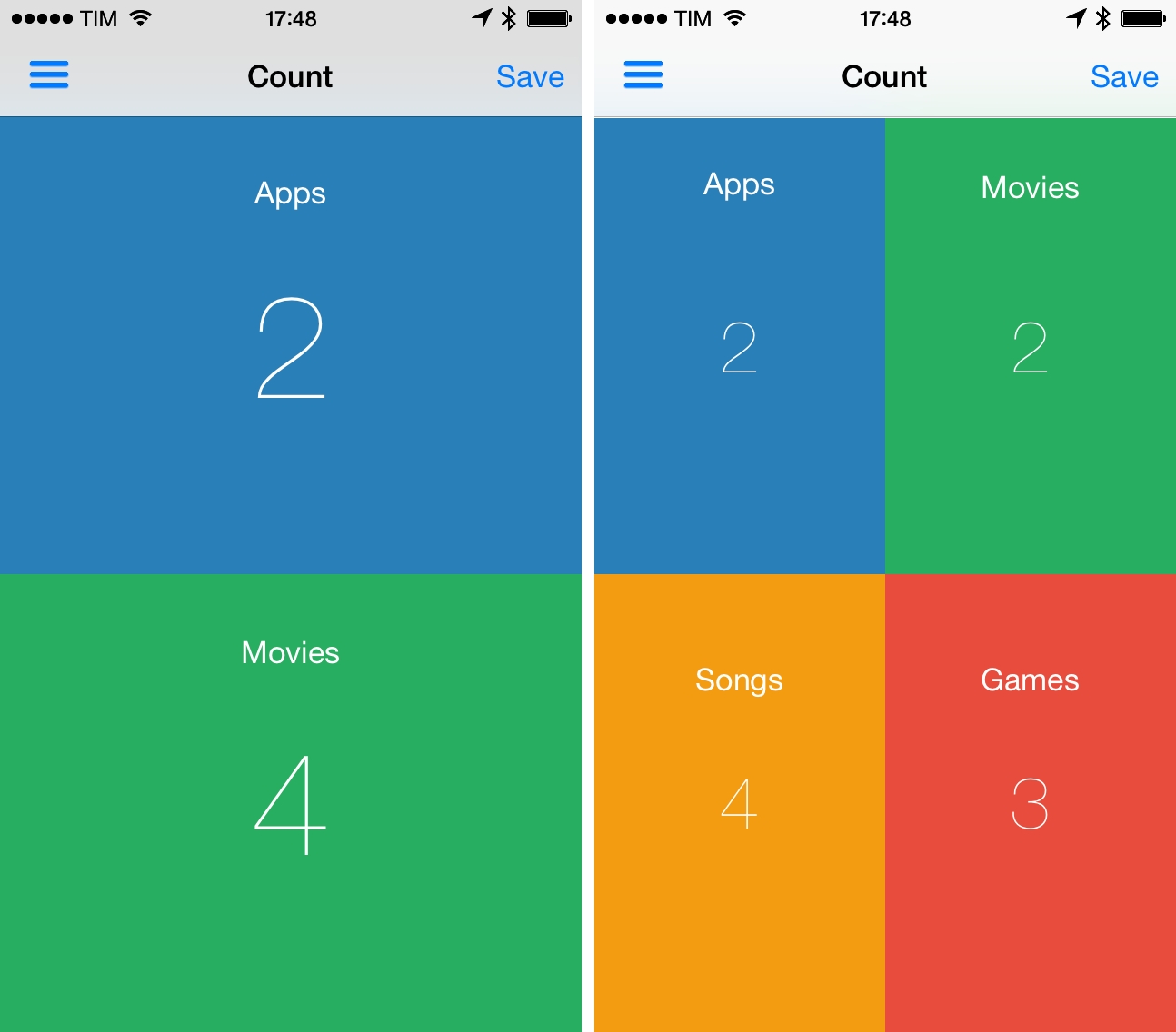
In episode 34 of The Prompt, I mentioned Touch Counters as my app pick. Touch Counters is a simple counter for iPhone that lets you display up to four counters simultaneously on screen, touching each corner to count up or down.
Touch Counters is the only iPhone app with support for multiple counters I could find on the App Store, and it could be improved in several ways. Some of the UI assets aren’t Retina-ready (seriously), there are typos in the interface, and sometimes the app plays the sound associated with taps when you just want to swipe the sidebar away. From a design perspective, it’s not great.
However, in spite of these flaws and general lack of polish, Touch Counters works as advertised: when I need to count different sets of items at the same time, I can create counters and tap on separate areas of the screen, which are visualized with different colors. Each counter can have a text label, and you can customize the background and font color in a counter’s settings; counters can be saved with totals and notes, but they can’t be exported from the app. You can even change the default increment or decrement of individual counters in the Settings.
There are probably other apps that do what Touch Counters does with a more refined UI, but Touch Counters works and I wish I used it when I had to compile posts like this. Touch Counters is $0.99 on the App Store, and I hope the developer will soon release an update.
Time Zone Conversions with TimeZlider
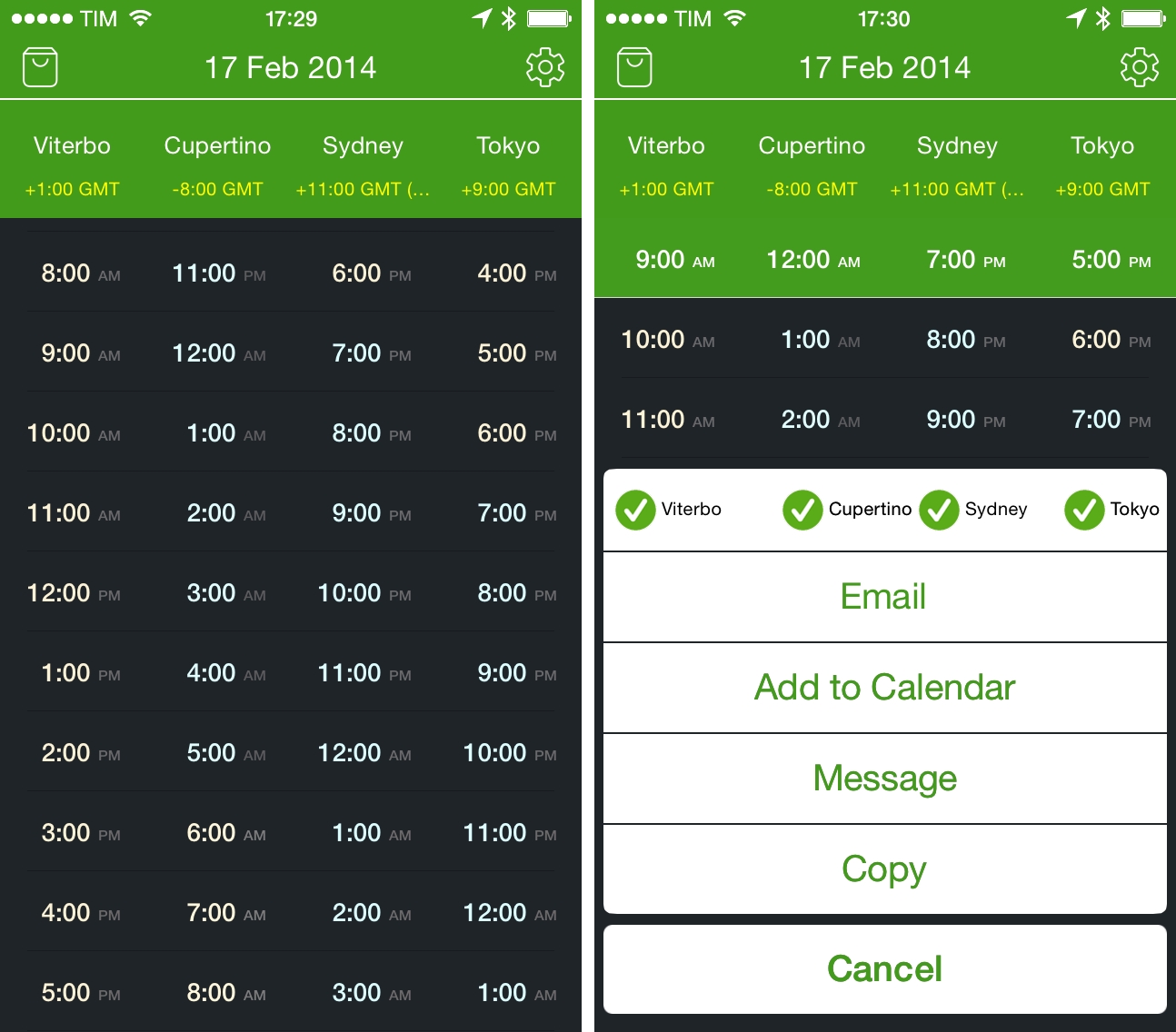
I previously wrote about my need for a time zone conversion utility for iOS when I covered Living Earth, an app that mixes global weather information with regular clock functionalities. I’ve been using Living Earth regularly, and I like it a lot, especially because I find its design polished and interesting. I’ve been wondering, though, whether a simpler approach to quick time zone conversions could work better for me, and I came across World TimeZlider, developed by Creo and available at $0.99 on the App Store.
Numerical for iPhone
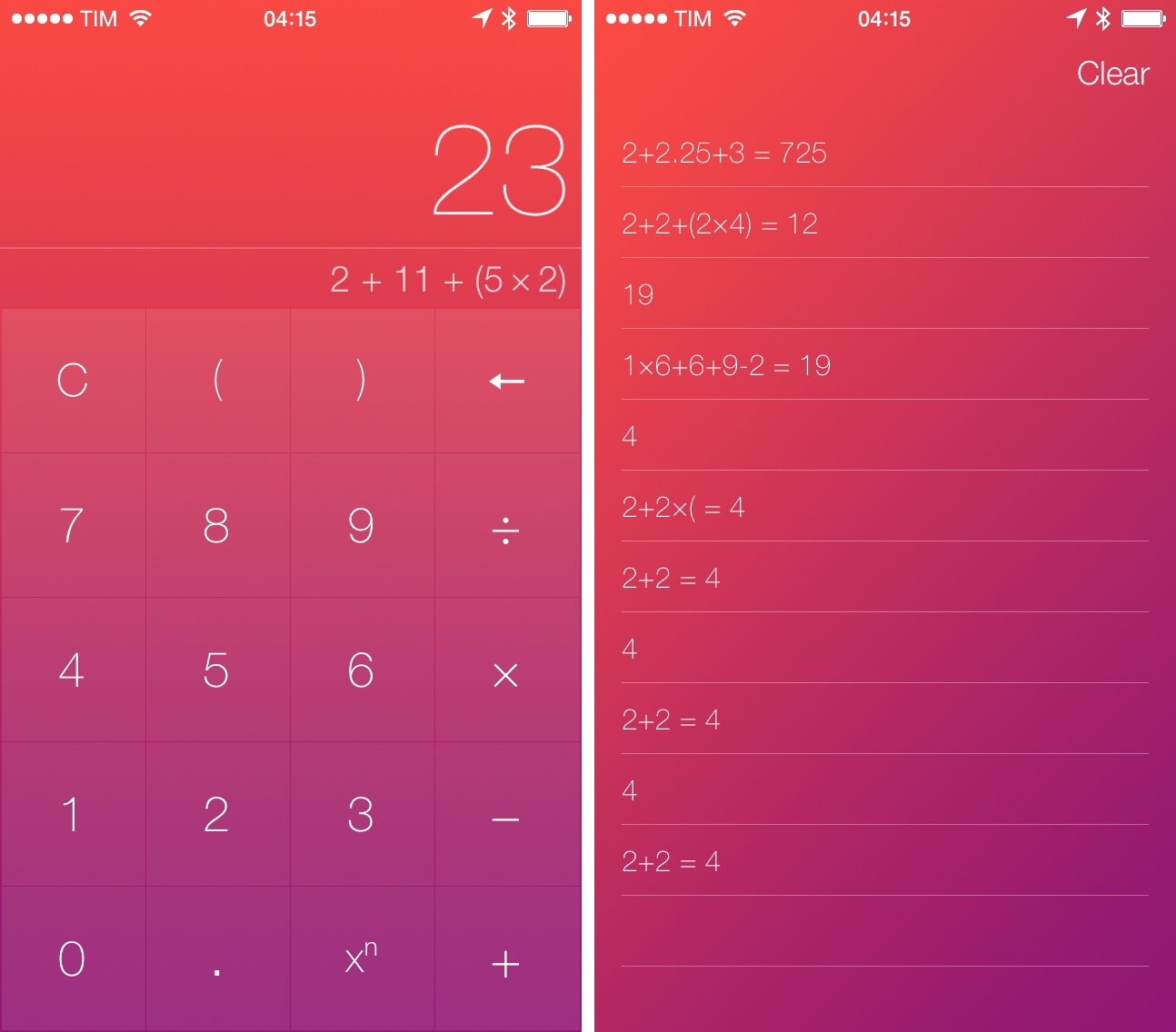
Developed by Andrew J. Clark, Numerical is a new iPhone calculator designed for iOS 7. I’ve covered a lot of calculator apps over the years, and, while many of them sport unique features aimed at bringing more functionality to the genre, I tend to always go back to Apple’s Calculator app for its simplicity, ease of use, and, with iOS 7, fast access thanks to Control Center. I don’t have high requirements for my calculator: I’m not an engineer, and like most people I just need to perform simple operations while I’m working, grocery shopping, or splitting a bill with friends. Apple’s Calculator app covers the basics well and I’m mostly fine with it. Read more
Retina iPad mini Review
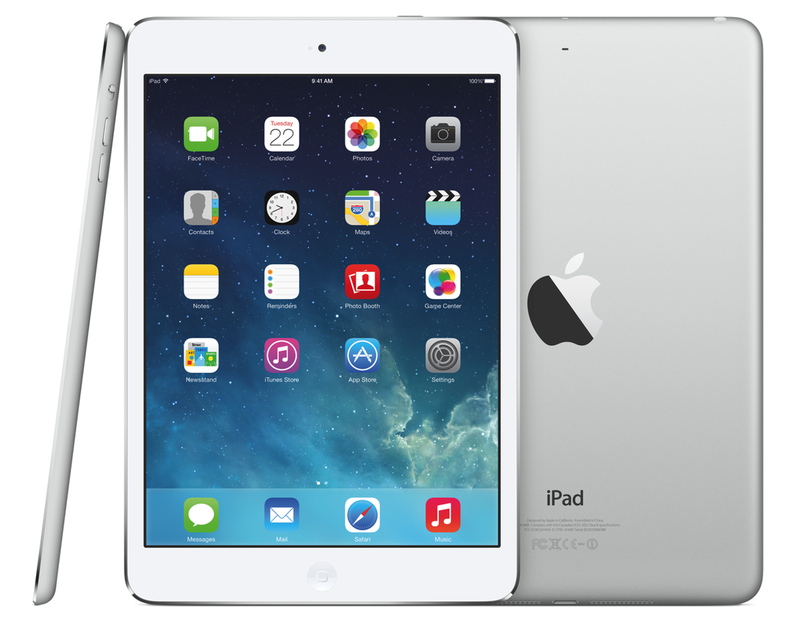
When I bought a Retina iPad mini in November, I published my first impressions of the device and promised that, like I did with the iPhone 5, I would revisit my article for a proper review. I work from my iPad every day, and I believe there is value in condensing thoughts on a product after continued and regular experience. Three months later, I think I’ve used the iPad mini enough to write my review.
Threes: A Game of Multiples
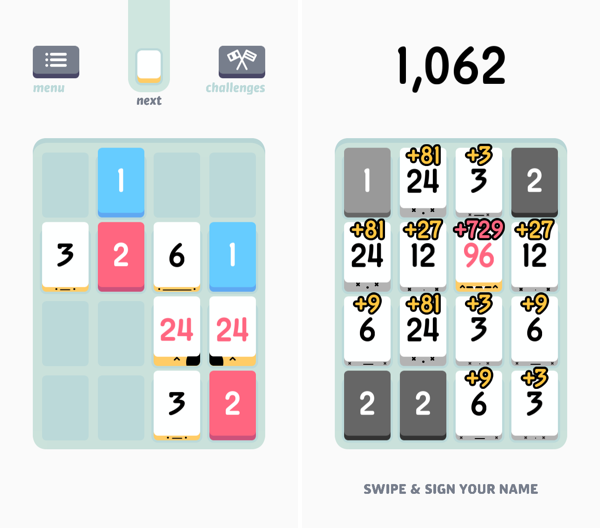
Threes is a game of multiples. It’s a game of combining pairs of numbers to make even bigger numbers. It plays on idea of a sliding puzzle, except the board becomes more populated the longer you play. A new piece falls onto the board after every slide, until the board is completely populated. The end goal is to end up with a board full of large numbers, hopefully in the greater double digits, and maybe even a triple, for a high score.
You play on a 4 x 4 grid, shaped like mahjong pieces, where you slide pieces up, down, left, and right. The game doesn’t really start until you begin combining your blue ones and red twos to create threes. Threes combine to make sixes, which combine to make twelves, etc. Every time you combine two numbers, the result doubles. Only multiples of three count towards your end score, thus the name of the game.
While Threes is largely a game about numbers, there’s lots of little touches in the game, including an unintended achievement system, where creating bigger multiples of three unlocks new personalities. Each multiple of three has a different face, and they’ll smile at each other if they can combine. Threes maintains a history of your previous scores, and includes a toggle to reduce animation frame-rate to save battery life if you’re out and about.
If you love games like Letterpress and Dots, you’ll love Threes. It’s easy to grasp and hard to master. It’s classy.
Threes is $1.99 on the App Store.
Efficient Writing On iOS with Phraseology 2.0
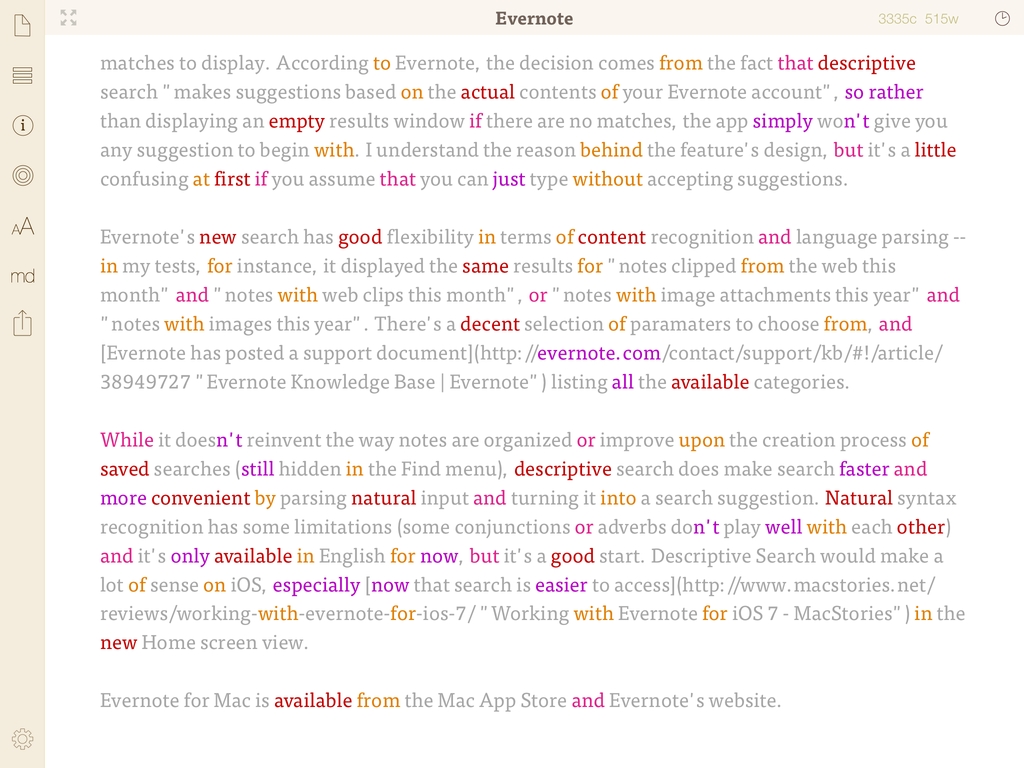
My iPad writing setup primarily consists of Evernote, Editorial, and WriteRight, three apps that I use to research, write & edit, and proofread my articles, respectively. For the past few months, I’ve been using Greg Pierce’s Phraseology 2.0 for iPad, which is out today on the App Store and which I consider a must-have companion app for people who write on the iPad and want to craft better text.
Collect and Share GIFs In Dropbox with GIFwrapped

GIFwrapped, developed by Daniel Farrelly and brought to my attention by Casey Liss, is making me reconsider how I organize my collection of reaction GIFs.
Until today, I’ve stored my GIFs in Evernote, using tags to group them together and search to filter results. Just a few days ago, I noted that the improved note editor in Evernote for iOS makes for smoother GIF animations, but the sharing aspect remains one of my system’s shortcomings – when I want to get a GIF out of Evernote and send it to someone else, I have to upload it somewhere else. Evernote works as a GIF archiving tool, but it’s not optimized for it. Read more