

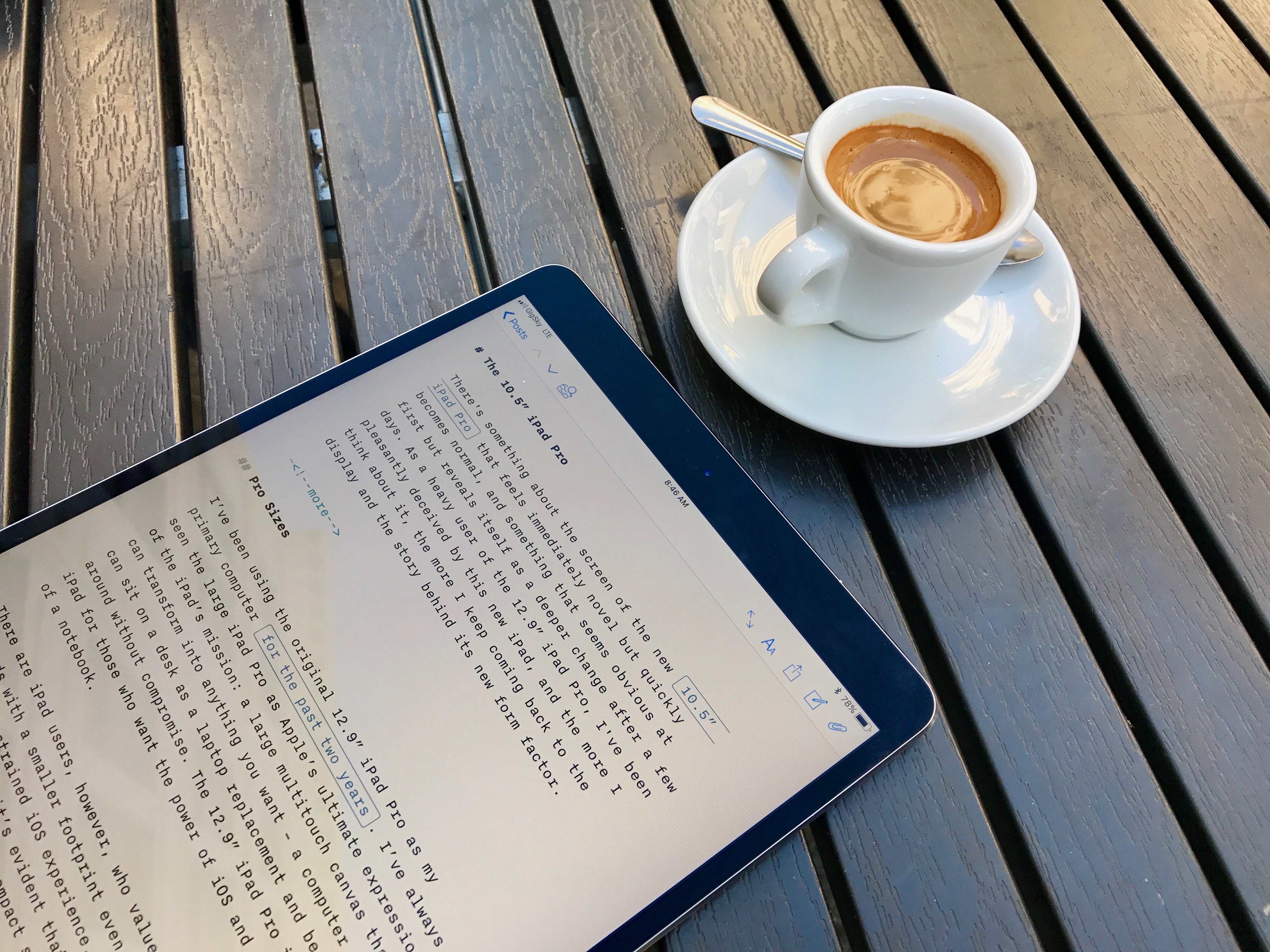
There’s something about the screen of the new 10.5” iPad Pro that feels immediately novel but quickly becomes normal, and something that seems obvious at first but reveals itself as a deeper change after a few days. As a heavy user of the 12.9” iPad Pro, I’ve been pleasantly deceived by this new iPad, and the more I think about it, the more I keep coming back to the display and the story behind its new form factor.
Posts in stories
The 10.5” iPad Pro: Future-Proof
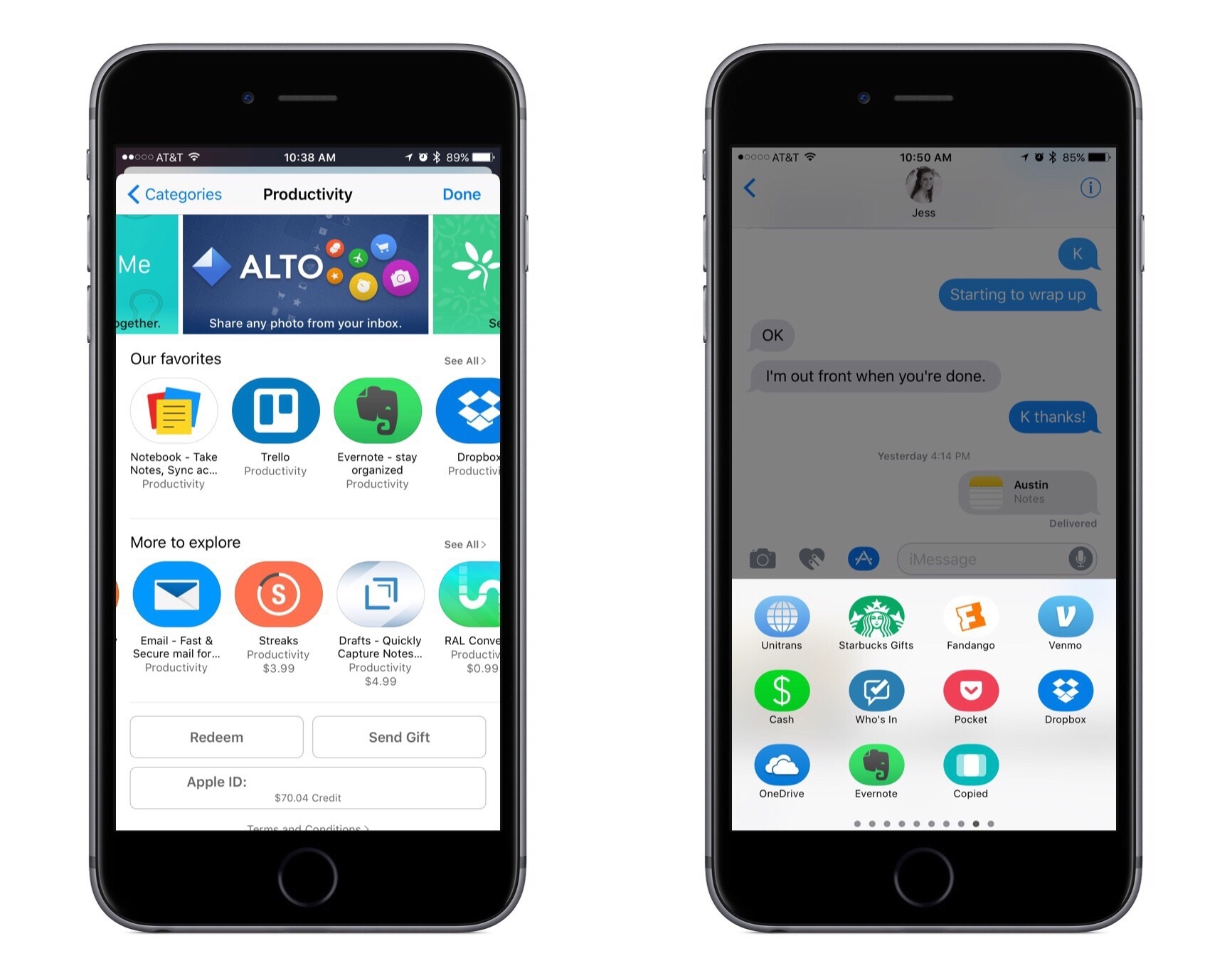
iOS 11: iPad Wishes and Concept Video
Once heralded as a promising sign of Apple’s renewed commitment to the iPad, iOS 9 has begun to feel like a one-hit wonder.
iOS 9 represented a profound change for Apple’s approach to the iPad. After years of stagnation and uninspired imitation of iPhone interface paradigms, iOS 9 allowed the iPad to explore the true potential of its large canvas; for the first time since the original tablet, Apple was creating new iPad-only features rather than adapting them from the iPhone. Split View, Slide Over, and Picture in Picture were drastic departures from the classic iPad interaction model that, however, perfectly fit the device.
As I concluded in my iOS 9 review:
This year, the iPad is getting the first version of iOS truly made for it. After too many unimaginative releases, Apple has understood the capabilities of the iPad’s display and its nature of modern portable computer. Free of dogmas and preconceptions of what an iPad ought to be, iOS 9 fundamentally reinvents what an iPad can become going forward.
In a span of six months, the one-two punch of iOS 9 and iPad Pro redefined the concept of portable computer again, setting Apple on a new path for the iPad ecosystem. Or, at least, it seemingly did.
Since late 2015, Apple hasn’t had too much to show for the iPad. A smaller version of the iPad Pro was released in early 2016, though the new device mostly adapted features from the bigger version to a more compact form factor, introducing inconsistencies to the iPad line in the process, such as the True Tone display (still exclusive to the 9.7” iPad Pro). iOS 10, while a solid upgrade overall, focused on iPhone users and lifestyle enhancements; for iPad users, iOS 10 was a disappointment that failed to build upon iOS 9. The first iPad Pro – launched in November 2015 – has lingered without updates, raising questions on the actual need for one of its marquee features – the Smart Connector that only Apple and Logitech have supported so far. And amid consistently declining sales, the company’s only “new” hardware after the iPad Pro has been a lower-priced and rebranded iPad Air – a solid entry model, but another adaptation.
We haven’t seen something truly new, bold, and transformational happen on the iPad platform in nearly two years. It’s time for Apple to step up their game and continue pursuing the vision for the future of computing set forth in 2015. There’s so much more work to be done with iOS, multitasking, and the redefinition of computing for the multitouch era. The iPad Pro can be a computer for everything, but it needs another leap forward to become the computer for everyone. And that can’t happen without a serious reconsideration of its software.
The iPad needs another bold, daring step towards the future. With iOS 11, Apple has an opportunity to pick up where they left off with iOS 9, forging a new direction for the iPad platform.
Every year ahead of WWDC, I collect some of my thoughts about the current state of iOS and consider where Apple could take their software next. I’ve been doing this for the past several years going back to iOS 6 in 2012. I’ve referred to these stories as “wishes” because they encapsulate all the aspects I’d like Apple to improve in their mobile OS. Last year, we added a concept video to the mix. This year, I wanted to prepare something different and more specific.
iOS for iPhone is, I believe, at a point of sufficient maturity: aside from particular feature additions, I don’t think there’s anything fundamentally missing from the iPhone.1 The iPad now bears the proverbial low-hanging fruit of iOS. There are obvious areas of improvement on iOS for iPad, which is, effectively, two years behind its iPhone counterpart. The iPad’s lack of meaningful software advancements allows us to explore deeper ideas; thus, in a break with tradition, I decided to focus this year’s iOS Wishes exclusively on the iPad and where Apple could take its software next.
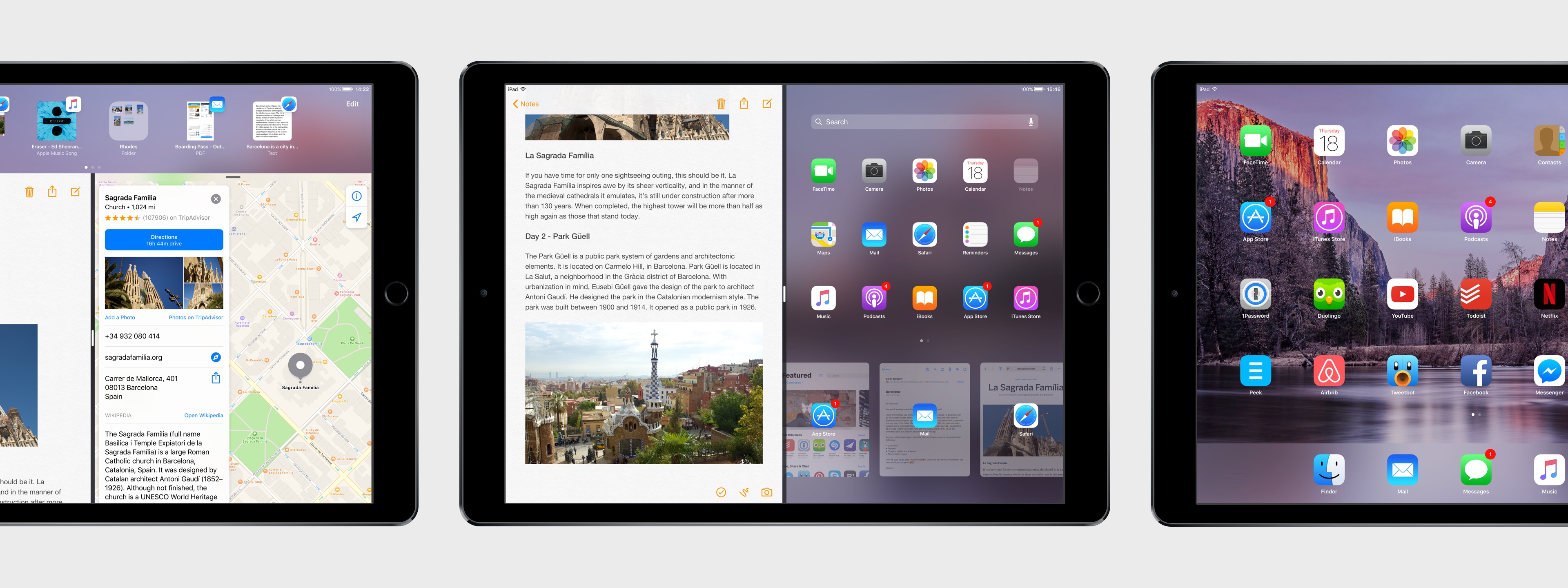
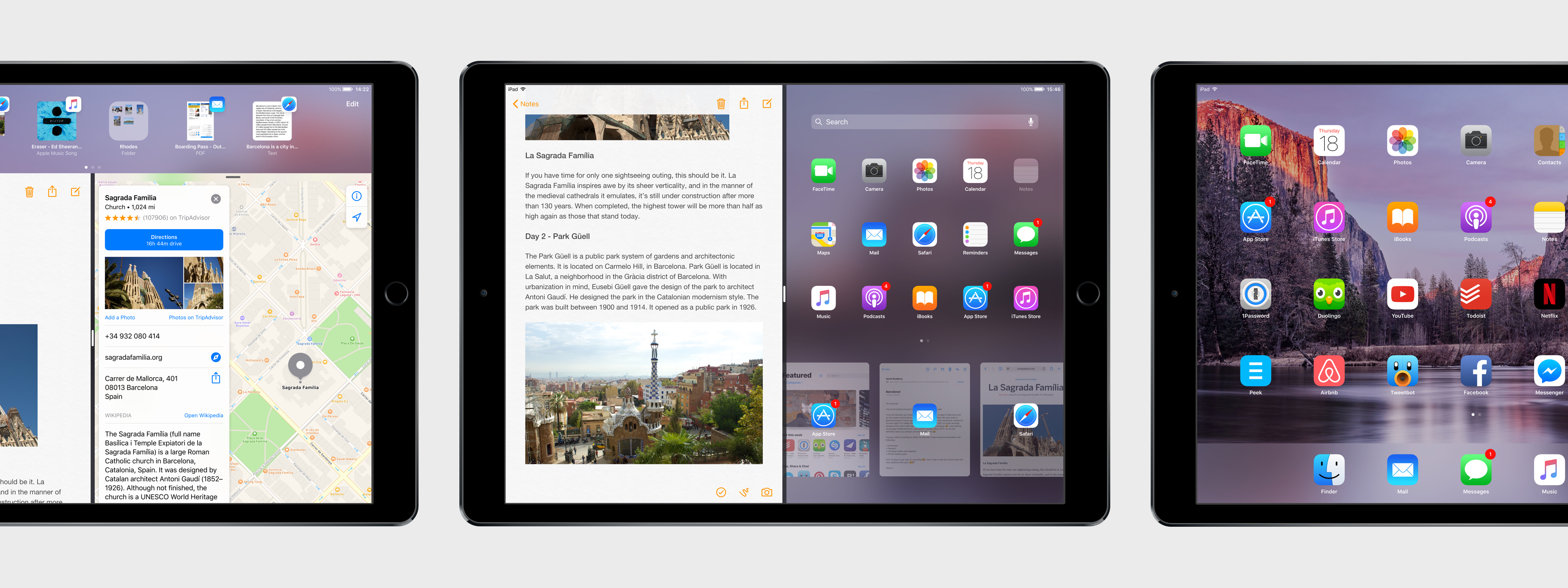
Like last year, I collaborated with Sam Beckett to visualize my ideas for iOS 11 on the iPad with a concept video and detailed mockups. This time, instead of showcasing our ideas as standalone concepts, we imagined a “day in the life” theme for the video, showing how enhancements to iOS for iPad would work in practice. Rather than showcasing random bits of possible features, we imagined an underlying task to be accomplished (planning a vacation in Barcelona) and how better iPad software could help.
I’ve been thinking about some of these ideas since iOS 9 (you can see a thread between my iOS 10 concept and this year’s version), while others would be a natural evolution for iOS on the iPad. Once again, Sam was able to visualize everything with a fantastic concept that, I believe, captures the iPad’s big-picture potential more accurately than last year.
Below, you’ll find our iOS 11 for iPad concept video, followed by an analysis of my iPad wishes with static mockups. I focused on foundational changes to the iPad’s software – tentpole features that would affect the entire OS and app ecosystem.
This isn’t a prediction of what Apple will announce at WWDC; it’s my vision for what the future of the iPad should be.
Introducing AppStories
In February 2010, nearly a year after I started MacStories, I registered a domain for a project I knew I wanted to launch in the future: AppStories.net.
Seven years later, AppStories finally joins the MacStories family. AppStories is the first MacStories podcast, hosted by yours truly and John Voorhees, and it’s all about the world of apps. Every week, John and I will cover our favorite apps, the human stories behind the apps we love, as well as the impact of apps on our economy, culture, and personal lives. And we’ll always do so in about 30 minutes.
You can check out AppStories’ website here, or, even better, subscribe on Apple Podcasts.
You can also find AppStories on:
- Overcast
- Pocket Casts
- Any other podcast app with our RSS feed
Alternatively, you can just hit Play on our embedded episode card below to start listening to the first episode of AppStories.
https://staging.macstories.net/podcasts/appstories/episodes/1/embed/
AppStories is an important milestone for the MacStories team, as well as an idea I’ve been pondering for several years. Just like MacStories, we’re committed to AppStories and we’ll keep doing this for a long time. Despite its long gestation, this is just the beginning for AppStories, which will become an essential complement to MacStories going forward. I am extremely excited about AppStories and the plans we’ve outlined so far.
If you’re not interested in the backstory, I’d love for you to check out the first episode and subscribe. But if you want to learn more and understand what our goals for AppStories are, allow me to start from the beginning.
The Future of Workflow
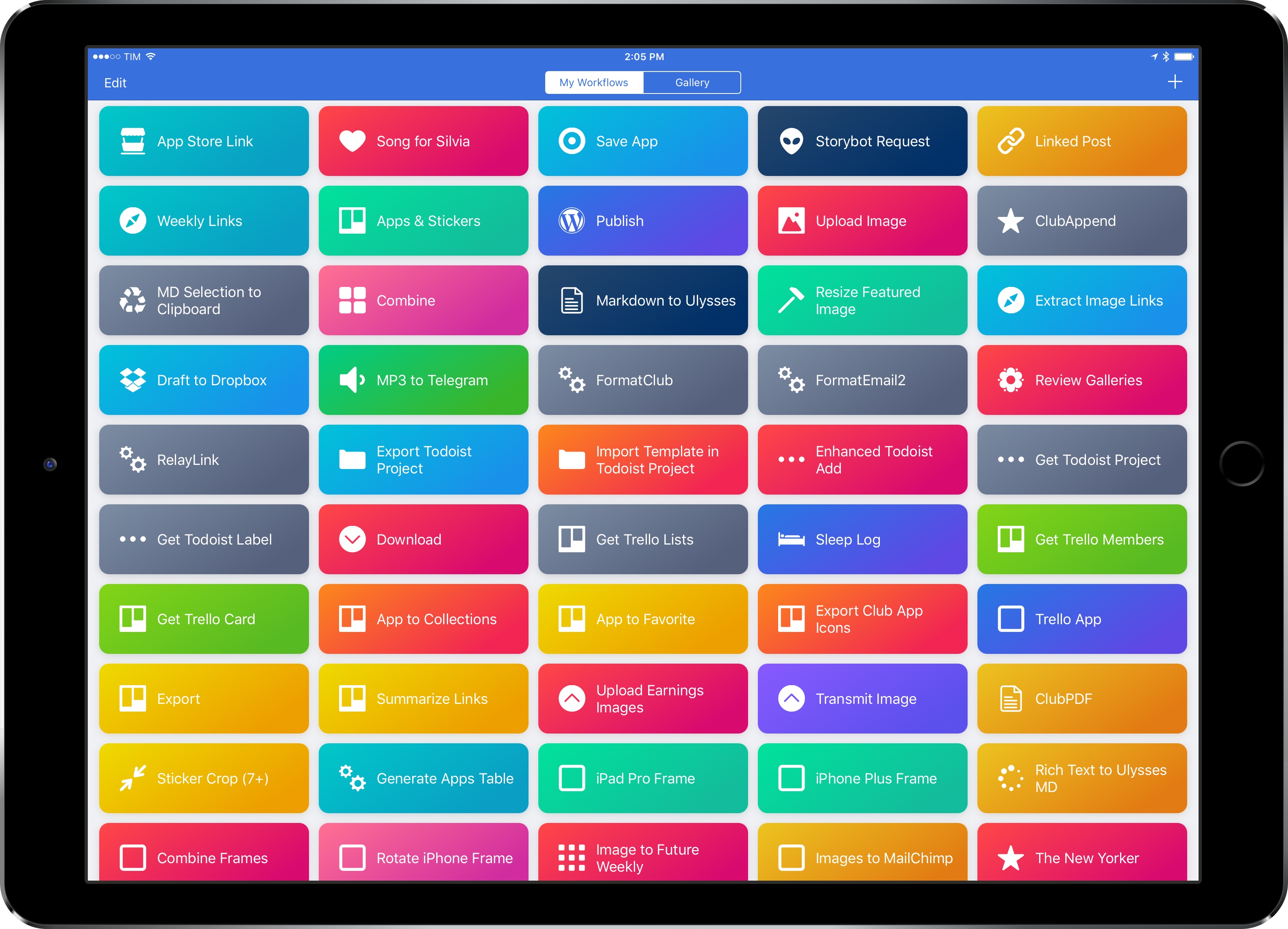
I’ve loved Workflow since the first beta I was sent in August 2014. Workflow is my most-used iOS app of all time, and, in many ways, it is the reason my iPad Pro can be my primary computer. I’ve written thousands of words on the app and have created hundreds of workflows for myself and others over the course of two years.
I referred to Workflow as Minecraft for iOS productivity and the modern bicycle for the mind in the past. I stand by those analogies. There’s nothing else on iOS like Workflow, which deftly walked the fine line between absurd innovation and Apple rejections with a bold vision and technical prowess. Workflow embraced the limitations of iOS and turned them into strengths, resulting in a power-user app with no competition. After two years, no app gets remotely close to the automation features shipped by the Workflow team.
And now Workflow and its creators are going to be part of Apple and the company’s bigger (and more secretive) plans.
Somewhere in the back of my mind, I had always kept the possibility that Workflow could eventually be discontinued or acquired. In a somewhat prescient move, Stephen quizzed me on this problem a few weeks ago on Connected. My “worst-case scenario” of Workflow going away became the new reality of iOS automation last week.
Workflow as an app is an incredibly good acquisition for Apple, but there’s a deeper subtext here. Workflow represents a movement from a large number of users who enjoy working from iOS devices so much, they want to optimize the experience as much as possible. Workflow’s goal wasn’t to merely provide a capable alternative to the Mac’s AppleScript and Automator; Workflow wanted to eclipse legacy scripting environments and usher iOS users into a new era of mobile automation. There’s the Workflow app and team – technically impressive and absolutely talented – and there’s the bigger theme behind Workflow.
But what has Apple acquired, exactly? Under Apple’s control, can Workflow continue on its mission to make automation accessible for everyone? If Apple sees a future in iOS automation powered by Workflow, what else can be done with a virtually infinite budget and stronger ties to the platform? And what does this acquisition mean for Apple’s commitment to pro users on iOS?
I’ve been mulling over these questions for the past week. I don’t have any absolute answers at this point, but, after building workflows and following the app’s development for two years, I have some ideas on where Workflow can go next.
Below, you’ll find two possible scenarios for Workflow as an Apple app, as well as some considerations on how Apple could evolve Workflow into a native feature of iOS devices and a new developer platform.
Working from an iPhone
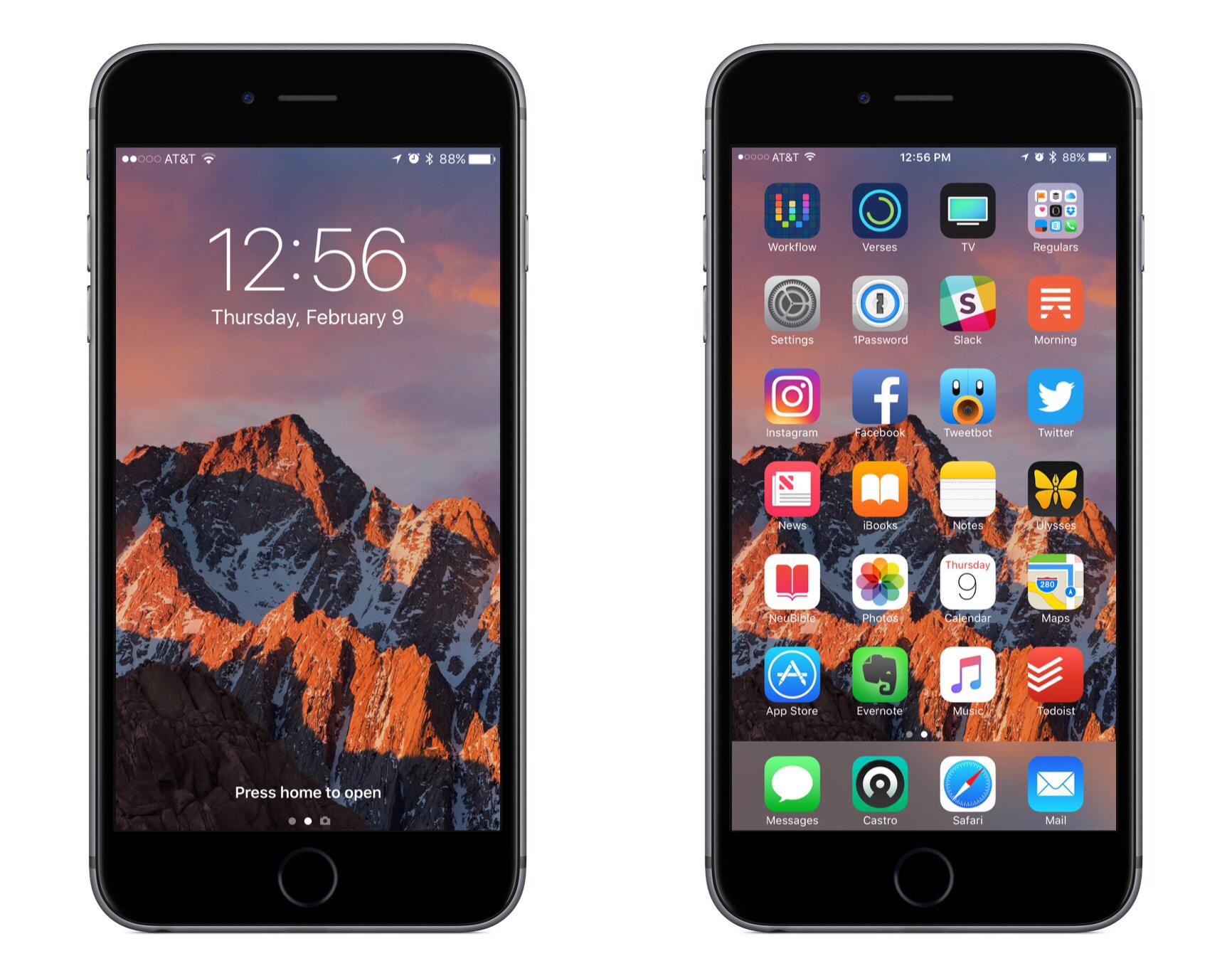
One of my goals in 2016 was to make working from my iPhone as efficient as possible. The desire to make this happen initially sprung from experiences raising a baby. My wife and I began foster parenting in July of 2015, and one of our foster children was AJ, a four-week-old baby boy. AJ ended up staying with us for about a year before returning to his birth mother, and in that year I learned that when raising a baby, there are frequently occasions when only one hand is available for computing. I would often have a hand tied up feeding AJ or carrying him around, and if I needed to get any work done during that time, my iPad Pro was no help. iPads are built for two-handed computing, while iPhones work great with one.
In addition to the motivation of being able to get work done with one hand, one of the things I’ve learned during the past couple years is that the best computer for work is the one you have with you. Despite the iPad Pro being more portable than most Macs, it still pales in portability compared to the iPhone. Because my iPad doesn’t travel with me everywhere, I need to be able to do anything on my iPhone that I can on my iPad.
Between my two current jobs, much of my work can be done while on the go – whether I’m waiting for an oil change to be completed, standing in a seemingly endless DMV line, or any similar scenario. In these short intervals of life, there are moments work can be done – which is where my iPhone comes in, because it’s with me wherever I go.
If and when a pressing work issue comes up, in many cases it can’t just be ignored until I get back to my desk; my iPhone needs to be capable of handling the task. Even if the issue isn’t time-sensitive, getting things done while I’m out makes the load lighter when I do get back to my desk.
I’ve grown extremely proficient in using my iPhone to get things done, and there are six key things I’ve identified that make that possible.
App Extensions Are Not a Replacement for User Automation
Here’s a thought experiment. Let’s imagine that Apple decided to combine their engineering resources to form app teams that delivered both iOS and macOS versions of applications.
In such a scenario it may seem logical to retain application features common to both platforms and to remove those that were perceived to require extra resources. Certainly Automation would be something examined in that regard, and the idea might be posited that: “App Extensions are equivalent to, or could be a replacement for, User Automation in macOS.” And by User Automation, I’m referring to Apple Event scripting, Automator, Services, the UNIX command line utilities, etc.
Let’s examine the validity of that conjecture, beginning with overviews of App Extensions and User Automation.
3D Touch for Power Users
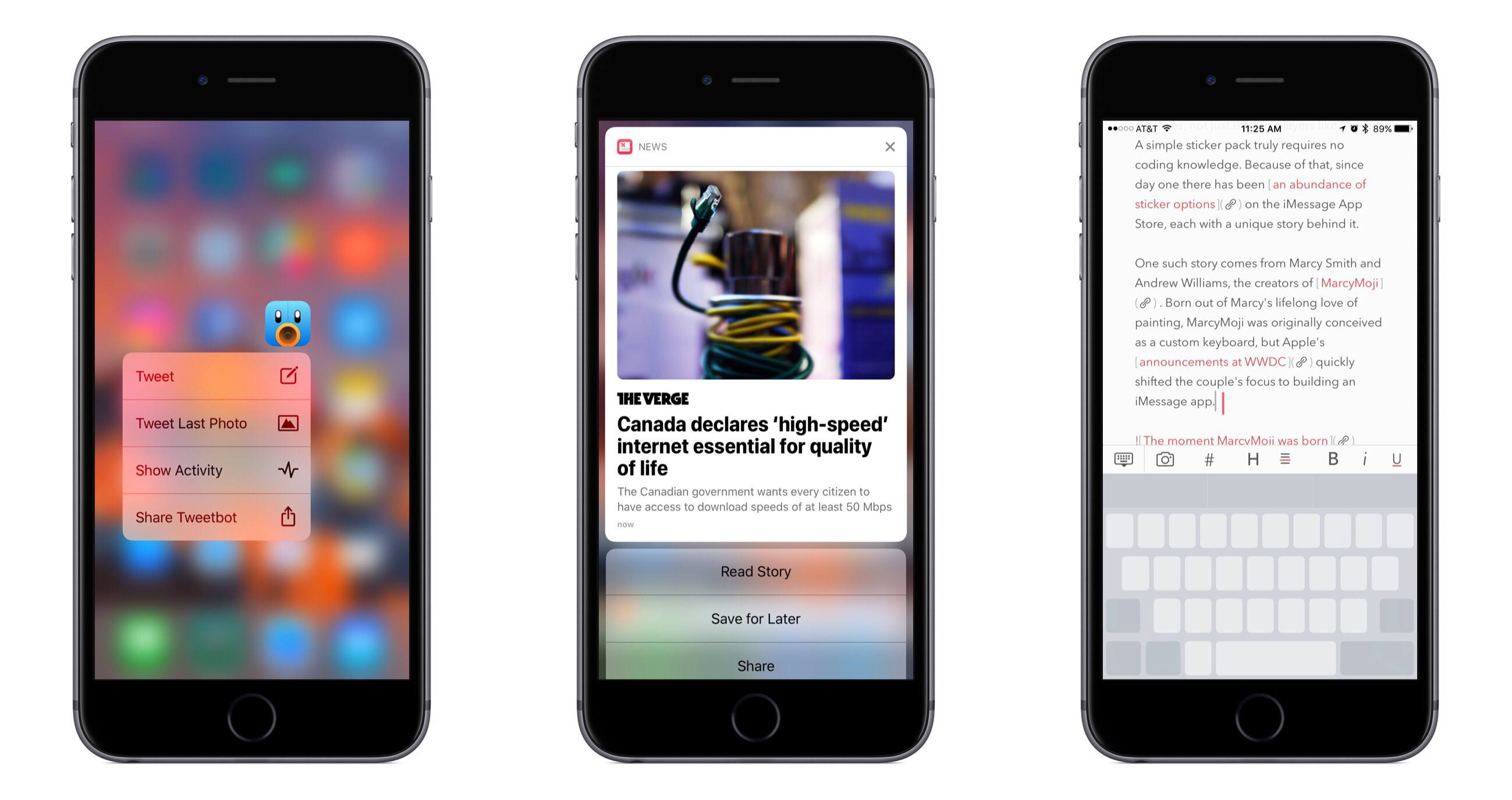
If you read and listen to enough opinions in the Apple-sphere, you know that there are widely varying views of 3D Touch. Some quickly gave up on it, others found it indispensable, and there seem to be plenty of people in between. When Apple first announced the feature alongside the iPhone 6s, I was intrigued by the potential of 3D Touch to add a new dimension of depth to an otherwise flat slate of glass.
When I got an iPhone 6s, I immediately found that some uses of 3D Touch were handy, but those uses were overshadowed by Apple’s marketing message that focused on peek and pop, distracting from the more valuable benefits the feature offers. However, when I pushed aside the Apple-marketing-infused expectations of how 3D Touch should be used, I quickly discovered how valuable it can be in many cases.
It has been over fifteen months since I began using 3D Touch, and I’m convinced that the true value of it only becomes evident through dedicated practice. If you just use 3D Touch now and then, you may find yourself frustrated by not knowing or remembering what all it can be used for. The lack of iPad support doesn’t help here.
The start of a new year is a perfect time to learn new habits. As we reflect on the year gone by, it is a good time to consider changes for the year ahead – new habits to form, improved practices to follow – with an aim to make our lives better. Train yourself to use 3D Touch, and you’ll benefit in the long run. The closest analogy to 3D Touch I can think of is keyboard shortcuts. Nobody has to learn keyboard shortcuts, but if you’re a power user, you learn them because you know they’ll make your life and work easier and more efficient. 3D Touch can do the same; it improves interactions with my iPhone on a daily basis.