This Week's Sponsor:

Turbulence Forecast

Know before you go. Get detailed turbulence forecasts for your exact route, now available 5 days in advance.


Posts in stories


Thinking About An iPad Pro

iPad Pro

iPad Pro

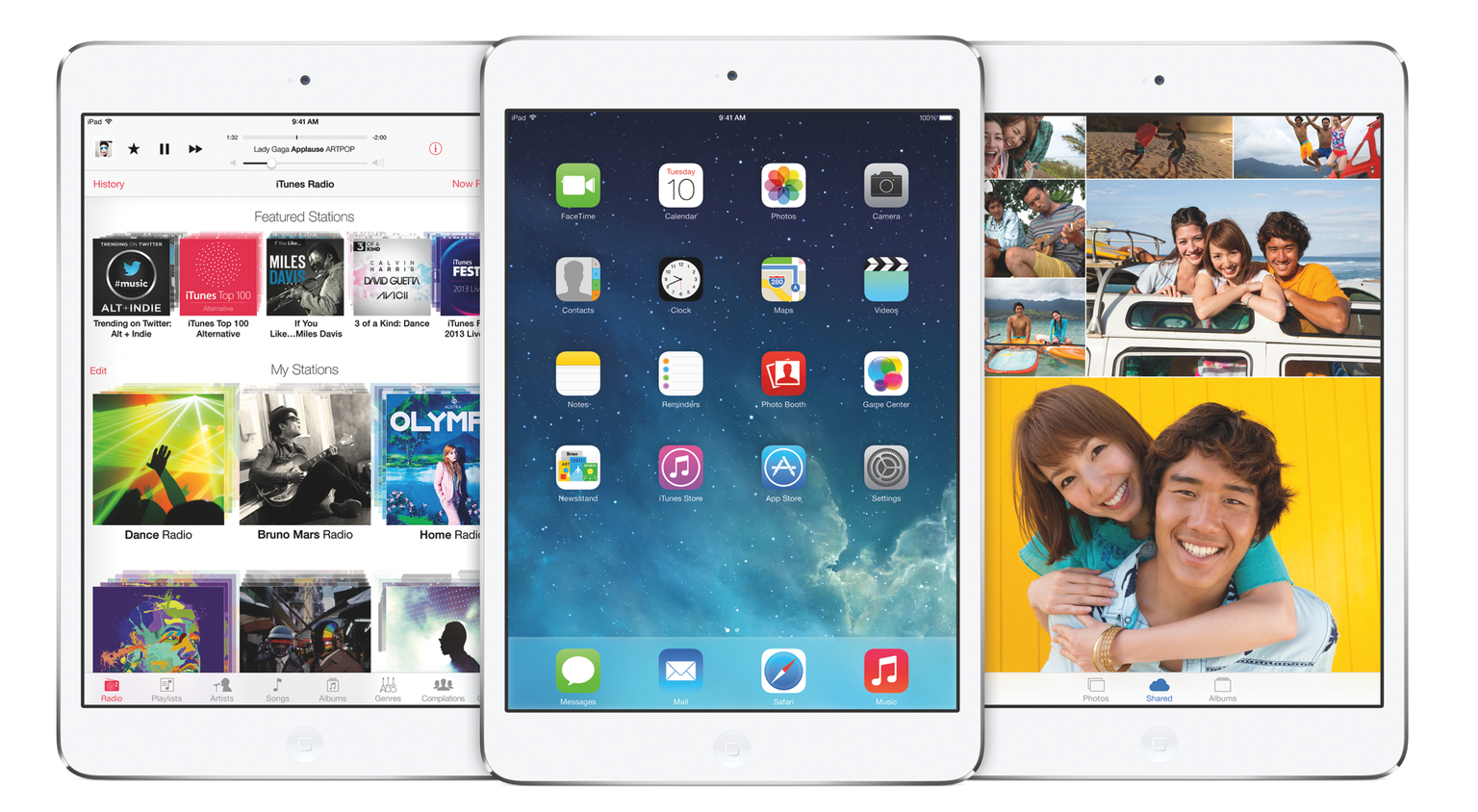
I’ve been thinking about a rumor that I’ve seen showing up in tech headlines lately – that Apple is working on a larger version of the iPad (dubbed “iPad Pro”) that is allegedly on track to be released in Fall 2014. While I haven’t been paying particular attention to rumors (with the exception of Mark Gurman’s original reporting), the idea of a larger iPad reported by the tech press thus far strikes me as an odd proposition. As someone who uses the iPad as his primary computer, I wanted to recollect past instances of this rumor and reflect upon the consequences that such device (and way of thinking) could have on the iPad line, iOS, and consumers. Read more


Leaving Google Chrome: Why I’ve Returned To Safari

Safari

Safari

I guess you could say that I was quite the fan of Google Chrome.

Before switching to Chrome last year, I didn’t have a “favorite” browser or “browser of choice”: I just kept jumping between Safari, Chrome, and Firefox, trying out all the features that the three major players had to offer on OS X. I’m pretty sure that, at one point, I even tried to go a full week with using Opera. My browser requirements have always been fairly standard (several open tabs; a lot of reading; sync with mobile devices), so I could afford to change browsers without having to worry about setting up a complex environment from scratch.[1]

As I started using my iPad as my primary computer last year, I was growing increasingly annoyed with the state of iCloud sync in Safari and lack of major overhaul to a design that originally shipped with iPhone OS 1. I don’t frequently abandon systems that work for me due to stagnation, but iOS 6’s Safari exhibited a certain staleness on top of issues with bookmark and tab sync that, for me, were becoming an annoying problem. I liked Safari’s speed and native integrations with iOS, but it was prone to errors and boring.

On the other hand, Google Chrome for iOS was promising, familiar, and power user-friendly. I fell in love with Google’s support for x-callback-url, which I integrated in several workflows of mine as it allowed me to save time when switching between apps on my iPad; sync was nearly perfect; I praised Google’s superior implementation of voice dictation and feedback, although I noted how their Voice Search couldn’t exactly compete with Siri. Google kept pushing updates to Chrome for iOS, making it a capable browser for average and power users alike.

A few weeks after publishing my review of iOS 7, I decided to uninstall Chrome from all my devices and move back to Safari as my main and only browser on my iPhone, iPad, and two Macs.

I’m not looking back. I’m happy with the new Safari – so much, in fact, that I’m even considering Reading List as my “read later” service going forward.

Read more


Retina iPad mini: First Impressions

After a surprising and unexpected launch, I made a reservation for a Retina iPad mini earlier today at my local Apple store, waited five hours, then drove to the store and bought it. I got a 32 GB, LTE, Silver iPad because, when I made the reservation, that model wasn’t available in Space Gray and, as an Apple store employee later told me, reservations cannot be modified after the fact (not that it really matters – the store didn’t have it in stock today). I don’t care about the color of my iPad, and I prioritized getting one as soon as possible over looks. I think that Silver looks great.

As I’ve already discussed, I’ve been working from my iPad mini for the past year, and I couldn’t wait to get an upgrade to enjoy the higher resolution of the Retina display. I was forced to get used to the old iPad mini’s display, but that doesn’t mean I liked it. The form factor was more important than the display in the end, but, this year, I can have both: the iPad mini’s lighter body and the Retina display. I was, to use an euphemism, “fairly” excited about the Retina iPad mini.

Don’t consider this post a “review”. Rather, this is a collection of my first impressions with the device after less than five hours spent working with it. I am posting this list of points primarily for myself, so I can solidify my thoughts by making them public and getting the opportunity to reference them later. Secondly, I am publishing this post for readers who asked me questions about device and still don’t know whether they should buy an iPad mini or an iPad Air. This is not a buyers recommendation guide, but I’ll try to my best to collect everything that I thought of in the past five hours. Read more


Apple’s Remote and iOS 7 Design

Remote

Remote

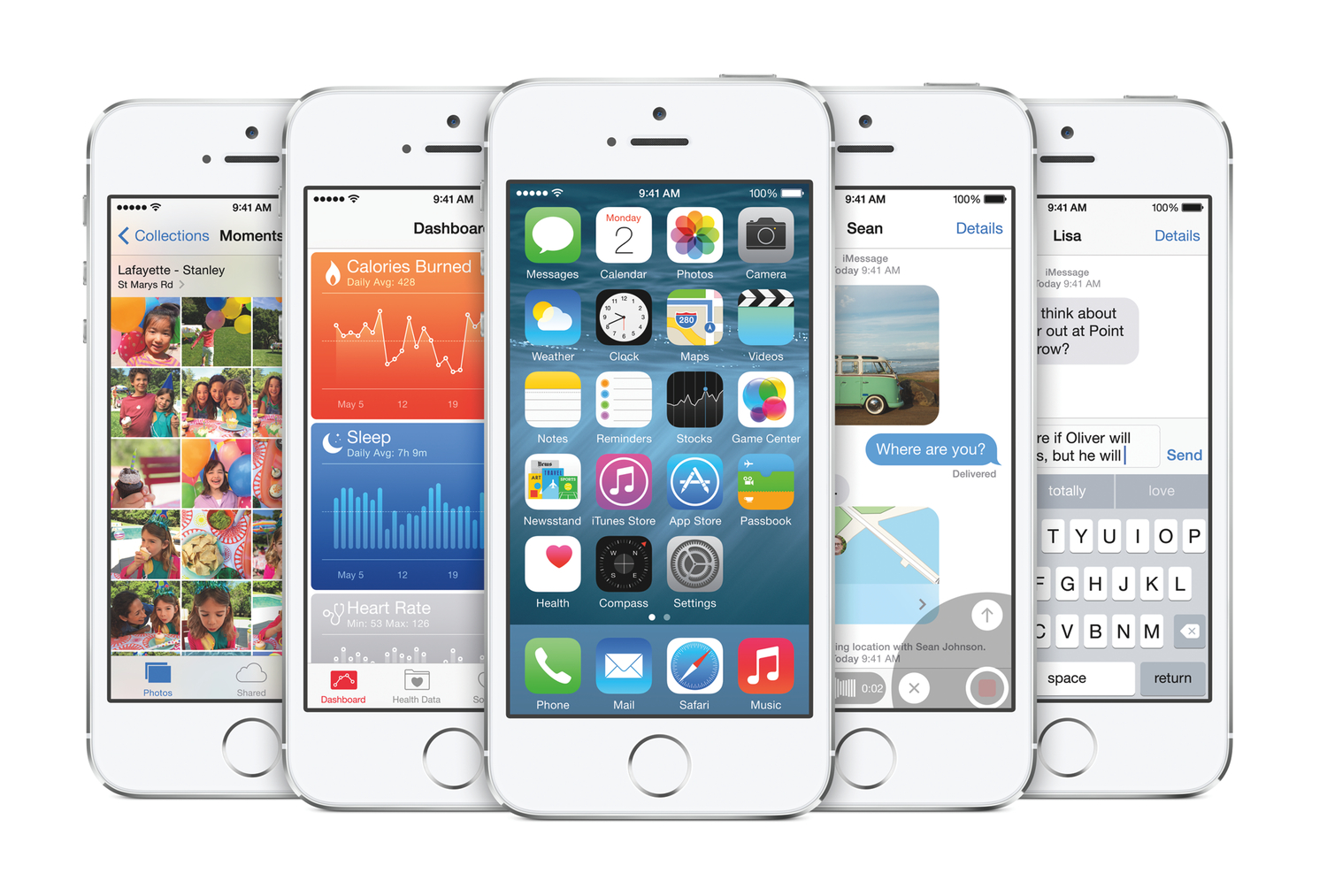
Earlier today, Apple released an update to the official Remote app for iPhone and iPad that brings an iOS 7 redesign and support for the latest version of iTunes. While I wouldn’t consider myself a heavy user of Remote, I like to keep it on my iPhone for those times when I have friends over for dinner and my MacBook is playing music in the background. The new app doesn’t come with groundbreaking new features but it’s got some iOS 7 design decisions worth pointing out.

Read more


A Brief Review of the Nintendo 2DS

Sunday afternoon was the first time I had stepped into a GameStop in years. The store was surprisingly packed, with people trading in old iPod nanos and an iPhone 4S, while others were purchasing 3DS games. Pokémon X and Y were the hot items, with kids and parents (who could probably think of more productive things to do) waiting their turn in line. On a whim I asked about trade-in values, went home, erased the data off my Xbox 360, and returned to GameStop to trade it in for around forty bucks, with an extra thirty percent earned on top since I turned around and bought a game off of GameStop’s “trade offers” list. I hadn’t touched my 360 since my early college days, and I determined I wasn’t going to get a better deal on eBay or Craigslist, nor was it worth the hassle. Might as well get rid of it now before it’s worth next to nothing once the next generation of consoles arrive.

I walked out with one of three 2DS systems that were left and a couple of games. Considering that I was trading in other items, I really didn’t have to spend a whole lot of money to gain access to a large library of fun titles. As an adult, I purchased a system that the press has written off as “cheap” and “just for kids.”

Read more


iPad mini For Content Creation

iPad mini

iPad mini

I’ve seen an argument being made in the past week: that the iPad mini is for “consumption”, whereas the iPad Air is for “creation”. This idea has been reinforced by Apple’s announcements: with both iPads now carrying the same hardware, the difference between the mini and the Air comes down to the fact that one is for consuming media and the other for creating content. I disagree. Read more


Better Camera Roll Integration in iPhoto for iOS 7

iPhoto 2.0

iPhoto 2.0

I’m playing around with the new iPhoto for iOS 7, and I’ve noticed an interesting change from last year: edits that you make in iPhoto are now synced back to the original photo in the iOS Camera Roll. To my knowledge, no other iOS app can overwrite the original file – apps like Instagram, Facebook, and even the original iPhoto (if you still have it installed) can only save edited photos as new files in the Camera Roll.

As I noted today on Twitter, this is a big change from last year’s iPhoto workflow. Here’s what I wrote in March 2012:

After a few minutes, which I spent playing around with the app’s UI and various editing functionalities, I stopped editing and went back to the main page, thinking that all my edits would automatically carry over to the system Camera Roll. My reasoning was: if iPhoto for iOS, unlike the Mac, can pick from a central location (the Camera Roll), then maybe edits will sync automatically as well. Not so fast. It turns out, the Camera Roll isn’t centralized at all, as every modification you’ll make in iPhoto will have to be exported to the Camera Roll as a new file. Even better, if you edit something in iPhoto in the Camera Roll “album”, then edit the same file in the system Camera Roll from Photos.app, iOS will fail at communicating changes between the two, and you’ll end up with two different files in the same Camera Roll like I did.

In the new iPhoto, Apple has changed the communication layer between the system Camera Roll and iPhoto to allow for a more direct integration between the two: once you choose a photo in iPhoto and make some edits to it (such as an effect), the edits are automatically saved to the original photo in the Camera Roll without having to manually export the edited photo or create duplicates like the original iPhoto did. This makes for a more streamlined workflow and experience, but it raises some questions, so I wanted to dig deeper. Read more


The State of Maps

Maps for iOS 6 wasn’t well received, prompting an apology from Apple and a brief App Store campaign that featured alternatives such as Google Maps. Apple’s core problem: they just didn’t have the data or the mapping prowess to compete with Google, the previous maps supplier and a popular provider for search, directions, and transit information. Apple’s strategy was to provide a core Maps experience, letting developers ship apps on the App Store that could take the spotlight for reviews and transit info.

For the past year, Apple has been trying to hire a number of “Ground Truth Experts” while acquiring companies like HopStop and Embark. They’ve made lots of improvements to Flyover, revisiting popular tourist spots to patch messy data. It’s a continual work in progress, but one year later, I expected to see more progress.

Read more