This Week's Sponsor:

Turbulence Forecast

Know before you go. Get detailed turbulence forecasts for your exact route, now available 5 days in advance.


Posts tagged with "app store"

Pod Wrangler for iOS 7 Review

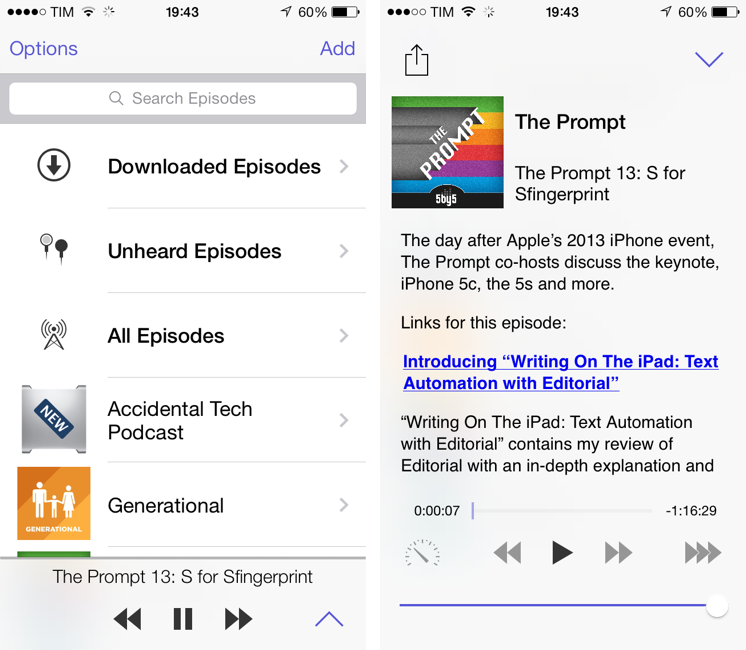
“I knew from the start that I would never win in a feature arms-race against apps that have been around for so long and developed so highly”, says David Smith, independent developer and creator of Feed Wrangler, a popular RSS service launched after the shutdown of Google Reader earlier this year. His new app and service, Pod Wrangler, launches today with an iOS 7 app for iPhone and a web backend to handle sync across devices and platforms with an API. Based on Feed Wrangler’s engine, Pod Wrangler is a podcast syncing and listening service that is completely free for existing Feed Wrangler customers.

Pod Wrangler is, in its first version, an iPhone-only app that uses the same API that Smith is launching and opening to third-party developers today. An iPad version is being considered, but its development will depend on the amount of requests and feedback from initial iPhone users. Following Smith’s tradition, Pod Wrangler is extremely simple and focused – in some areas of the app, perhaps a little “un-designed” and too simplified. Read more
GIF Finder for iOS 7

GIF Finder already was one of the most powerful tools in my arsenal of GIF discovery tools:

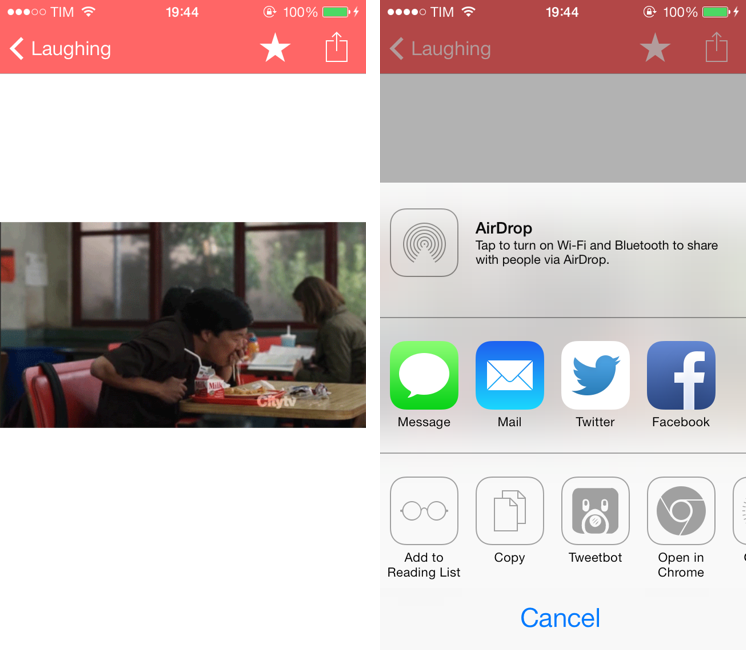
The app is free and it can search for GIFs on Tumblr; you can search for GIFs matching queries like “excited” or “sports fail” and tap on a thumbnail to view a GIF in full-screen. Tap the share button, and the app brings up a menu with options to Copy URL (which doesn’t work for me), share on iMessage and Twitter, but also open in Google Chrome and Tweetbot. The app is universal for iPhone and iPad.

With iOS 7, the app has been relaunched to have a tweaked UI, a new icon, and the same price tag of Free. You can still search for GIFs matching a specific keyword, but the great addition of this version is that imgur’s reactiongifsarchive is now supported within the app, allowing you to browse GIFs by standalone categories. So if you’ve been looking for a way to quickly find Not Bad or Didn’t read lol GIFs, you can now do that with the Categories tab in GIF Finder.

I like the app’s new interface and possibility to save favorite GIFs in a dedicated area, but I’d like to see improved performance, especially on the iPad mini. The app always takes several seconds to load GIF screens, and it’s been crashing frequently on my iPad. That’s a nope.

I’m looking forward to future updates, but, overall, GIF Finder gets my thumbs up as a great free tool for finding GIFs. I approve.

Permalink


For The Colorful: Create iOS 7 Wallpapers From an iPhone or iPad

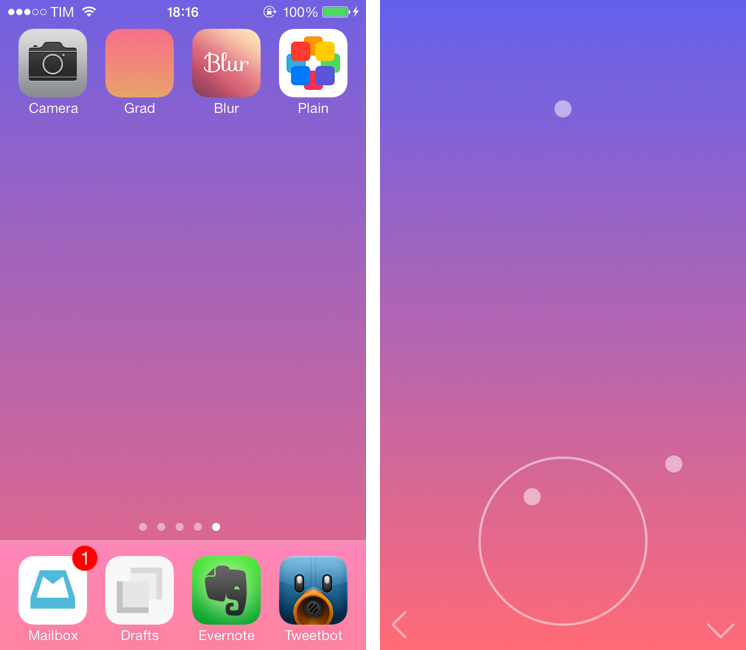
With the release of iOS 7, I wanted to find some cool custom wallpapers that would fit with the OS better than some of the default options provided by Apple. I want my iPhone and iPad to look nice – with iOS 7, the wallpaper is now an essential part of the experience, providing the color background for several system apps and features. I don’t have the time to browse around dozens of wallpaper websites, and I don’t have the knowledge to fire up Photoshop and create my own wallpaper that has just the right amount of color I want. Fortunately, the developer community has thought about people like me who want nice iOS 7 wallpapers with minimal effort, offering apps that make it easy to mix colors and gradients to give your iOS 7 device a unique look. Read more


With iOS 7, Byword Brings Markdown Syntax Highlighting and Simplified Keyboard

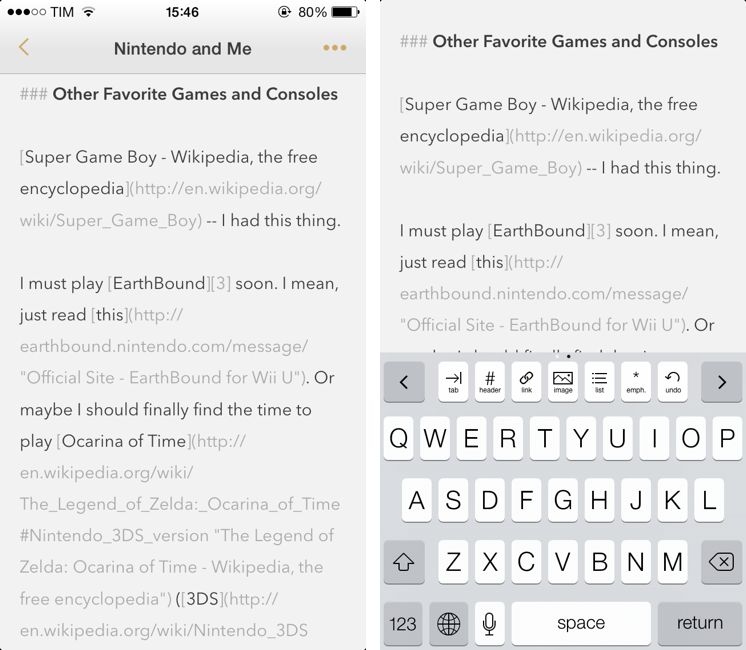
Byword is my text editor of choice on the iPhone, and the one I recommend to anyone who’s not willing to play with Editorial and its advanced automation features on the iPad. While not as customizable as Zorn’s app, Byword is, in my opinion, the most powerful Markdown and Dropbox-compatible text editor for people who want to take notes, export to HTML, and perhaps publish posts to services like WordPress or Evernote. I have already covered the solid feature set of Byword and the reason why I prefer it to other text editors for iOS in my review of version 2.0. Read more


Velocity

I never got into the idea of catching up on my read later queue through speed reading, but, for those who did, Velocity is a great choice.

I have been testing Velocity for the past month, and it comes with a clean, elegant UI made for iOS 7, Pocket and Instapaper integration, and even a built-in browser to add articles without leaving the app. In the speed reading view, you can tweak words per minute, switch themes (black is my favorite), and see how many minutes you have left in the title bar. It’s an extremely well-considered and functional app, which isn’t a surprise considering that the Quotebook guys made it.

If you like speed reading, Velocity is $2.99 on the App Store.

Permalink

iOS 7 Updates: Twitter, Facebook, Yahoo Weather, and Google Chrome

Yesterday saw the release of thousands of apps optimized, enhanced, or, in some cases, completely redesigned for iOS 7. At MacStories, we highlighted several apps that were ready for the OS’ rollout such as Pocket, OmniFocus 2, or Instacast 4, and then we fired up iTunes – or simply waited for automatic updates to do their magic on iOS 7 – and checked out all the other apps that were also released yesterday. In this post, I thought I could offer a quick overview of iOS 7 updates from four big-name companies: Twitter, Facebook, Yahoo, and Google. Read more


Apple Launches “Kids” App Store Category

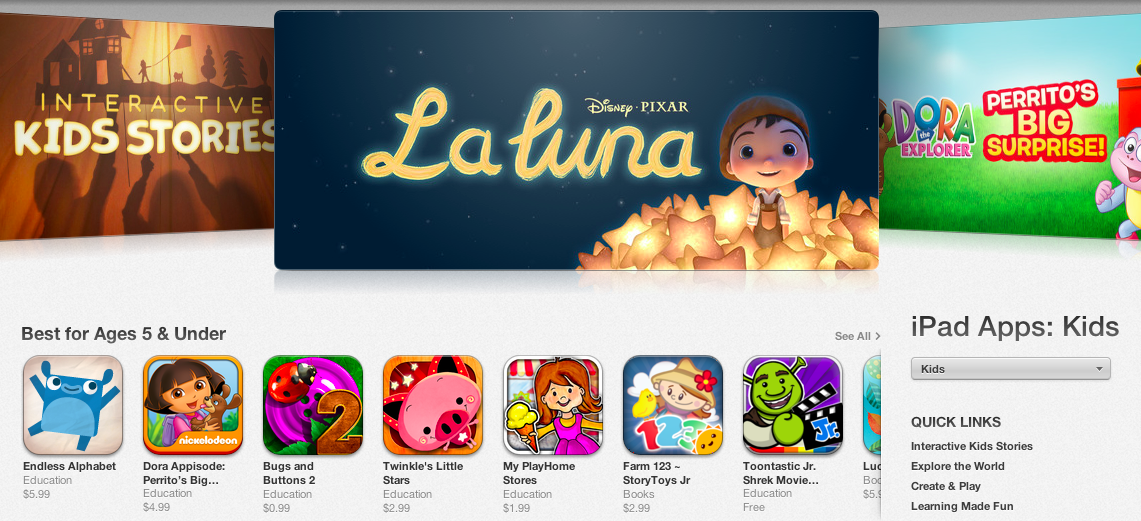
Following iOS 7’s public launch yesterday, Apple today officially opened a new “Kids” App Store category that parents and teachers can use to “quickly find apps that are perfect for children”. The category is available now by browsing the App Store on an iOS device or computer running iTunes.

First announced at WWDC in June alongside iOS 7’s developer debut, the Kids category is aimed at facilitating the process of finding apps and games based on age ratings. The category is curated by Apple editors, who, according to the company, “search the App Store for the best apps in each age group — up to 11 years old”.

The Kids category is, unlike other App Store categories, divided in age ratings: at the top, there’s Apple’s typical carousel of featured apps and sections, with shortcuts to “Best for Ages 5 & Under”, “Best for Ages 6-8”, and “Best for Ages 9-11” areas listed below. According to developers we contacted earlier this month, Apple started requesting additional artwork for promotional materials for the Kids category in the summer, and there is, indeed, a rich selection of games and apps already available in the category today.

Besides featured apps and age ratings, Apple has also created Kids-specific sections to group related apps and games, such as “Create & Play”, “Shapes & Colors”, and “First Words & Numbers”. Each section comes with custom graphics and a selection of apps curated by Apple editors.

Apple’s focus on making iOS devices more accessible for younger generations, teachers, and parents isn’t new, and the Kids category is the culmination of Apple’s efforts to curate App Store software suitable for children.


Instapaper 5.0: Sorting and Filtering Options, Tweaked Interface for iOS 7

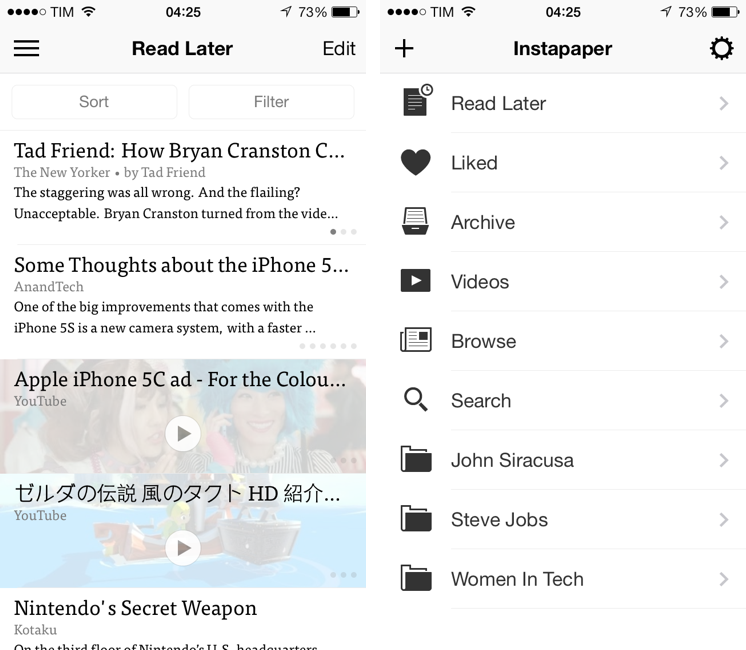
The first major update since the app was sold by original founder and developer Marco Arment to Betaworks earlier this year, Instapaper 5.0 has been released today on the App Store as a free update for existing owners of the app. Instapaper 5.0 doesn’t add any new major functionality to the app, which is still largely similar to the version 4.0 that was first released two years ago. Betaworks made the app ready for iOS 7, polished the interface, and added some new minor functionalities that, however, nicely complement the reading experience. I’ve been testing Instapaper for the past week on my iPhone 5 and iPad mini running the iOS 7 GM seed. Read more