This Week's Sponsor:

LookAway

It helps you take regular breaks from your Mac to rest your eyes, without breaking your flow.


Posts tagged with "developers"

The iPad: Now With 100,000 Apps Available

At the end of March we ran a story on the iPad App Store reaching the 75,000 apps milestone in less than 365 days since the original iPad came out in April 2010. Considering the competition the iPad had to face in the past year (though some people say there really isn’t a tablet market) and the options given to developers when it came to choosing which platform to develop for, seeing iPad users gaining access to almost 100,000 apps in roughly 12 months was a surprise – looking back at those statements from tech pundits who claimed the iPad was “dead in the water”, the 75,000 milestone surely helped putting things in perspective.

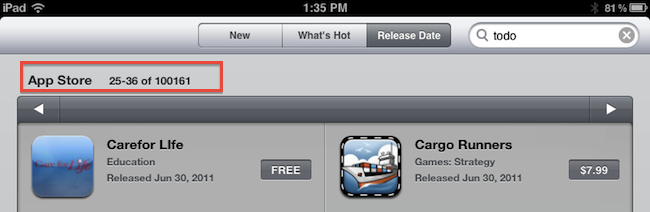
Yet Apple and third-party developers have set a new record: in 453 days since the original iPad came out on April 3, 2010, the App Store has more than 100,000 iPad-exclusive apps available. Either specifically targeting the tablet, or released as universal updates to existing iPhone apps, at the moment of writing this there are 100,161 iPad apps in the Store. How do I know? The App Store app itself on my iPad shows that.

Obviously, one could argue that the iPad’s development scene was “helped” by the success of the iPhone in the previous years. The original iPhone came out with no SDK in 2007, and developers were told to create web apps for it. Apple listened, and months later they released the first developer tools to create native apps for the iPhone. With the release of the iPhone 3G in 2008, Apple also launched the App Store, a unified marketplace to browse and download apps. The rest is history: a few graphical enhancements, sections, and 10 billion downloads later, the App Store is Apple’s crown jewel as far as digital downloads go. A success that has inspired the company to create an OS X version and name it Mac App Store which, unsurprisingly, is once again helping developers sustain their business because of the ease of use of the whole process. On the other hand, users love discovering and buying apps from the App Store because it’s simple, it’s full of apps, and it’s regularly updated. It’s a win-win scenario for Apple (who keeps a 30% cut off every transaction), the developers, and the users.

What’s next for the App Store and, more specifically, apps for the iPad? 100,000 is an important milestone, but don’t expect things to change dramatically in a short period of time. Considering how Apple rolls, the App Store will be slightly tweaked to accomodate new sections as it’s always been, more apps will be released in the next weeks, and users will keep buying apps and games. Don’t expect a revolution because Apple has reached 100,000 apps for the iPad. But that’s not to say the result isn’t remarkable or that new things aren’t coming: with iCloud going public this fall and Automatic Downloads already set in place, Apple wants to make the process of buying and syncing apps to iOS devices even simpler. With Lion approaching its public launch on the Mac App Store in July, it’s clear Apple is betting on the App Store brand as the de-facto solution for downloading software for iOS and OS X devices.

Congratulations, developers. Now onto 200,000 apps.

Don’t Be Stupid: Keep App Reviews To Yourself While Using an iOS Beta

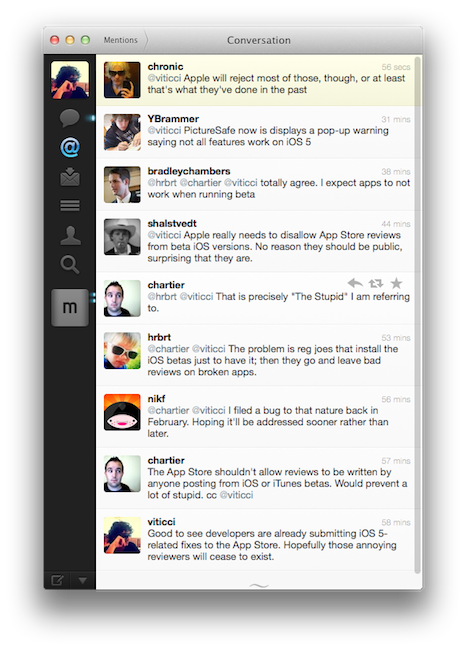
These past few weeks of iOS 5 testing and casual talking with my fellow writers and Twitter followers had me thinking about the fact that some people really don’t get the difference between “public previews” and “developer-only betas”. I’m talking about those people who are leaving negative reviews in iTunes for apps that are allegedly “broken” under iOS 5, which reached the beta 2 status last Friday.

There’s an important difference between previews and developer betas. With previews, like iTunes in the Cloud, Apple feels confident enough to release a new piece of software with new features to the public and let everyone enjoy it until the final version (with more features) comes out. Example: automatic downloads and past purchases. In spite of Apple calling it a “beta”, this is in fact a public preview (that requires iTunes 10.3, also public) of the new iTunes in the Cloud system that will gain the additional Match functionality this Fall. So why is Apple letting regular users mess with a beta? Because it’s not really a “beta”, not in the sense we geeks are used to when seeing the beta label on Apple’s various Dev Centers. iTunes in the Cloud is a public preview of something that will grow even bigger in a matter of a few months. The company knows it’s stable enough for everyone to play with. All the systems are in place. No third-party support is required. All users can benefit from it now, and will get to use more functionalities once the faux beta label goes away. It’s a good deal. Read more


redsn0w Tethered Jailbreak Now Available For iOS 5 Beta 1

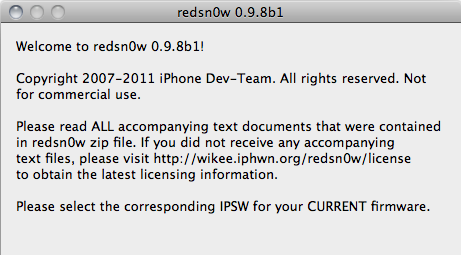
This week’s developer release of iOS 5 has brought hundreds of new features for iPhone and iPad owners, but jailbreakers haven’t wasted any time trying to figure out a way to get the old tweaks and hacks from Cydia working on the devices running the new OS. As tweeted by Musclenerd two hours ago, a new beta of popular jailbreaking tool redsn0w is available, bringing compatibility with devices on iOS 5 beta but exclusively meant for developers willing to beta test the software. As iOS 5 beta is developer-only and consumers shouldn’t get their hands on it, the Dev Team is asking developers of jailbroken apps to test their tweaks against the OS Apple will release this Fall.

Compatible devices:

  • iPod touch 3G
  • iPod touch 4G
  • iPad 1
  • iPhone3GS
  • iPhone4 (GSM)
  • iPhone4 (CDMA)

Furthermore, iSpazio reports a first list of compatible and not working tweaks on iOS 5 beta 1:

Working

  • iFile
  • CyDelete
  • OpenSSH
  • iSHSHit

Not Working

  • MobileSubstrate
  • Springtomize
  • PhotoMail
  • ActionMenu
  • Celeste
  • BiteSMS
  • WinterBoard

The new beta is Mac-only, and if you’re a developer interested in checking out whether your Cydia app is working on iOS 5 beta, you can download it here.


iOS 5: 8 Other Features We Love

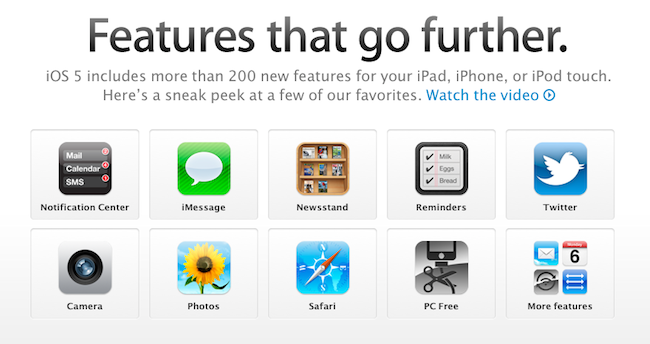
Since Apple’s official presentation of iOS 5 at the WWDC keynote on Monday and the release of the first beta to developers, lots of things have been said about Apple’s new modus operandi based on watching the community, seeing what developers and jailbreakers are building to improve the OS and answer the needs of hardcore iOS users, and going back to the drawing board to take inspiration from what the ecosystem has created to offer a native solution, designed from Apple, in most cases better than the competition or third-party solutions. If you followed our keynote coverage and WWDC ‘11 roundup, you know what’s new in iOS 5 and what we’re referring to: the new notification system is heavily inspired by jailbreak tweaks like LockInfo and Mobile Notifier (which were inspired by Android’s notifications); the new Reminders app will likely eliminate the need of simple to-do list application from the App Store (but not complex GTD software like OmniFocus); the iMessage solution built by Apple sounds like RIM’s BlackBerry Messenger, it’s exclusive to iOS 5 users and keeps your messages in sync with iCloud.

With hundreds of new features, there’s a lot to discover in iOS 5, and more will come with future betas and the final release this Fall, we’re sure. The way I see it, Apple didn’t “kill” anything as several pundits are claiming: it’s called progress. Whilst the term “killing” implies a voluntary action of willing to do something against someone, with iOS 5 Apple doesn’t want to “kill” Remember the Milk, Dropbox, or Boxcar. Apple sees where the platform is going and skates to where to puck is going to be. I agree with our editor Cody when he says it’s not really about copying, as much as it’s about improving existing solutions to provide a better experience for everyone. Nothing’s really new nowadays, but there’s still room for innovation. It’s a subtle difference.

So with iOS 5, we have lots of innovations, new features, improvements, and all of the above. You’ve probably already read everything about the most important functionalities in our roundup, so here’s what we’re going to do next: rather than assembling a list of every single screenshot of what’s new in iOS 5 beta 1, we’ve collected the 10 best new things (some of which you may not have seen yet) we’ve found in iOS 5 beta. Read more


The Best of the Best: Apple Design Awards 2011 Winners Announced

The Apple Design Awards “recognize outstanding achievement and excellence” in apps made specifically for Apple platforms and devices. For the first time, this year’s ADAs (which will be announced tonight at the WWDC 2011 in San Francisco) will award developers of applications for all iOS devices and Macs: whilst last year’s edition skipped the Mac to focus on iOS, 2011 is back at full speed to celebrate great, usable, and well-designed apps available in the Mac and iOS App Stores. For the full list of 2010 ADAs winner, check out our previous coverage here.

So what’s in for tonight? As you may be aware of we’re not in San Francisco to attend WWDC (let’s leave that to developers), but we’ll be following the events as they unfold on Twitter, also thanks to a few developer friends who are actually there to enjoy the show. We will update this story with the fresh names of winning apps and devs as soon as we get them, as well as Apple’s official statements about this year’s ADAs once the official page gets updated later today or tomorrow.

So follow us on Twitter as @macstoriesnet, come back to this post in around 10 minutes from now, and let’s wait and see who’s going to grab the prizes this year at WWDC.

You can check out the full list of winners after the break.

Read more


Safari 5.1 Developer Preview Released

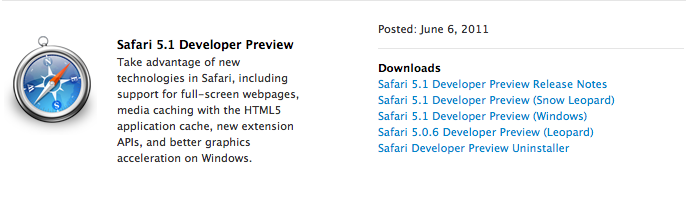
As a last update to the various Dev Centers that a few hours ago received new betas of iOS, OS X Lion and iCloud for developers, Apple has also posted the Safari 5.1 Developer Preview that, as seen on Lion (running 5.1 out of the box), will bring some of the browser’s latest advancements to Snow Leopard. According to Apple:

You can now download Safari 5.1 Developer Preview and take advantage of new technologies, including support for full-screen webpages, media caching with the HTML5 application cache, and better graphics acceleration on Windows.

With Safari 5.1 Developer Preview, you can tap into new extension APIs, including support for popovers, menus, new event classes, and interaction with Reader.

The Developer Preview can be downloaded now from the Safari Dev Center.


iCloud Beta for Developers Goes Live

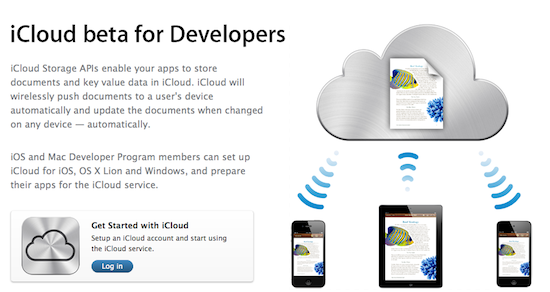
Right on time after iOS 5 and OS X Lion developer seeds, Apple has updated the Dev Center to include the new iCloud beta for Developer pages, which lists all the instructions to get iCloud going on iOS devices, Macs and iPhoto. Indeed, Apple is including a download link to iPhoto 9.2 to test the new Photo Stream features in a separate development environment (your existing library won’t be ported over). Obviously, many of these features are exclusive to Lion and Apple clearly tells developers to go download the latest OS X Developer Preview if they want to test iCloud’s functionalities.

The iPhoto update will replace your current version of iPhoto. Your existing iPhoto Library will NOT open with this version of iPhoto. For this reason it is recommended that you work on a test/development system ONLY when using this release. You will not be able to revert the system to an earlier version of iPhoto without doing a clean install of Mac OS X and reinstalling iPhoto either from your original installation DVD or by downloading from the Mac App Store.

An iCloud Control Panel for Windows is also available to enable “Photo Stream, Contacts, and Calendar” on a PC through iCloud. A new iCloud account can be set up in the iOS 5 setup assistant or Settings app; in Lion, iCloud can be enabled from the Internet Accounts section in System Preferences – Developer Preview 4 is likely required for this action. Once installed an enabled on all devices, Apple is asking developers to test the new features and take advantage of the new APIs in Lion and iOS 5 – it will be interesting to see how devs will implement the iCloud storage API unveiled this morning.


Mac OS X Lion Developer Preview 4 Now Available

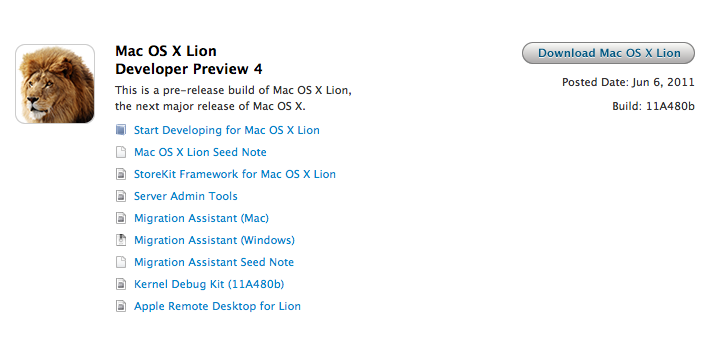
Following iOS 5 beta and iTunes 10.5 beta for Mac, Apple also flipped the switch on Mac OS X Lion Developer Preview 4 – available now for download in the Mac Dev Center. Build number is 11A480b, and it should contain all the new features demoed at the WWDC keynote today, including iCloud integration.

We’ll update this story with more details as they become available.


iTunes 10.5 Beta for Mac Released

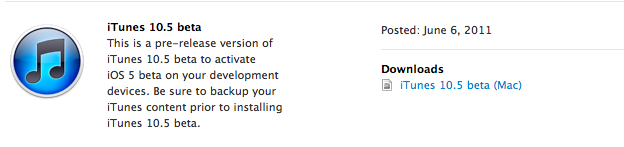
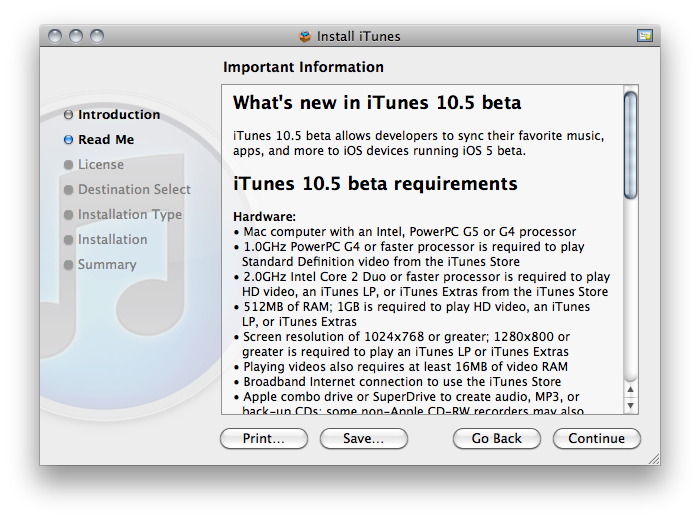
Alongside the first beta of iOS 5, Apple also released iTunes 10.5 beta for Mac – which is required to sync iOS 5 devices and enable more iCloud-related features than iTunes 10.3, also waiting for release.

As the changelog confirms, the new iTunes enables compatibility with devices running iOS 5 – we’ll update this story with more details as they come in.

Read more