This Week's Sponsor:

Turbulence Forecast

Know before you go. Get detailed turbulence forecasts for your exact route, now available 5 days in advance.


Posts tagged with "iOS 7"

Reporter for iPhone Privately Tracks Your Life Story

Ellis Hamburger for The Verge on Reporter, a new app that tracks your daily activities:

Reporter works by buzzing you several times per day with a brief quiz based on the questions Felton asks himself. They range from “Where are you?” to “What are you doing?” and “Who are you with?” Some questions can be answered by tapping Yes or No, while others are multiple choice questions, let you type in text, or offer a location picker that polls Foursquare for nearby places. You can also add your own questions (like “Are you happy?”) or program certain questions to occur only when you hit the app’s Awake or Sleep switch (like “How did you sleep?” and “What did you learn today?”). Each time you report, the app also pulls in various pieces of information like the current weather, how many steps you’ve taken today (using the iPhone 5s’ M7 motion coprocessor), and how noisy it is around you using your phone’s mic.

There’s lots of little interesting things that bubble up in Ellis’ review, such as Nicholas Felton’s ideas for printing your records into a book. The best thing about this app is that everything stays on your phone and you can export it in CSV or JSON. The downside is that you have consistently use the app to make it work. The app only costs a few bucks on the App Store, and the website looks great.

Permalink

Working with Evernote for iOS 7

Evernote 7.3

Evernote 7.3

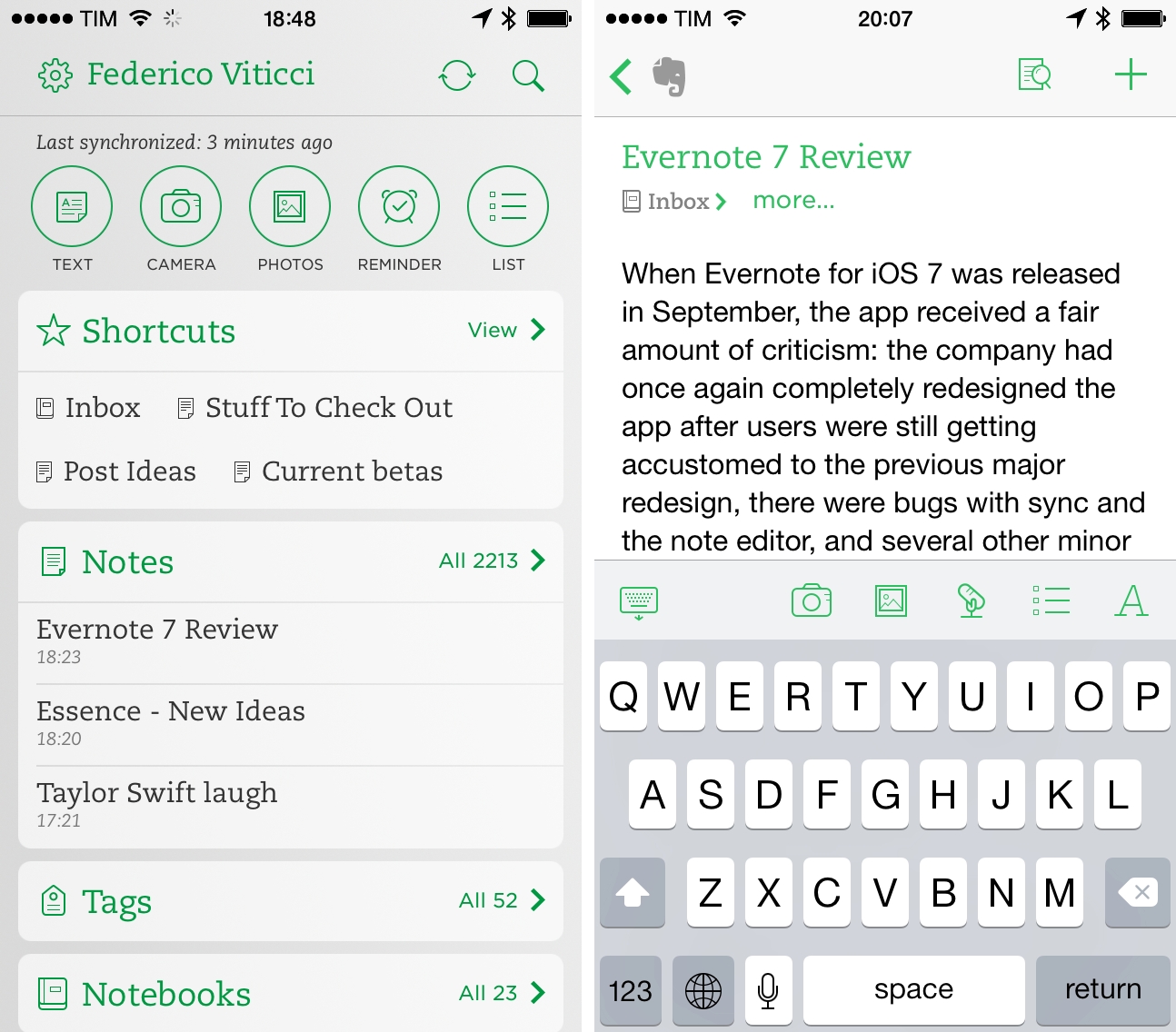
When Evernote for iOS 7 was released in September, the app received a fair amount of criticism: the company had once again completely redesigned the app after users were still learning their way around the previous major redesign, there were bugs with sync and the note editor, plus several other minor issues that, together, didn’t provide a smooth upgade experience. Evernote listened and started working on iOS updates aimed at fixing problems reported by the userbase, which had resulted in low ratings on the App Store.

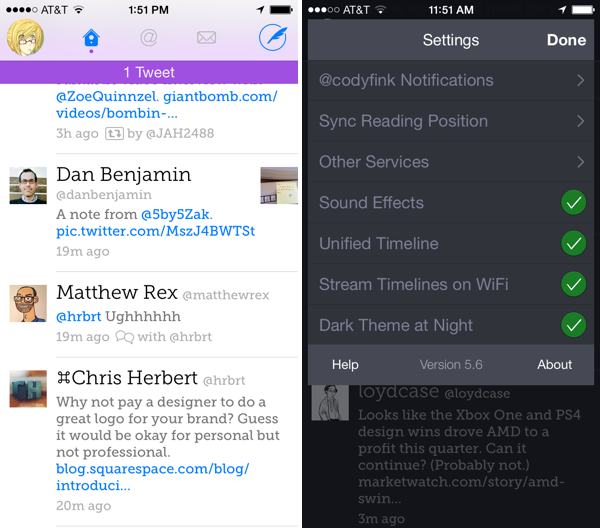
A few weeks ago, an article by Jason Kincaid highlighted some of the troubles he had with the Evernote apps, which prompted CEO Phil Libin to publicly address his complaints and, in the process, commit to making 2014 the year of prioritizing fixes and improvements to the existing Evernote experience instead of more complete redesigns and big feature additions. In January alone, Evernote has completed the transition to a new sync infrastructure that made sync four times faster for all users, and, today, released version 7.3 of the iOS app, which I believe shows a good thinking process by Evernote.

Read more


A Look at SwiftKey Note

Third party keyboards have been showing up on iOS, not as system replacements, but as individual apps that aim to provide an alternative to Apple’s standard keyboard. Keyboard replacements on Android, and apps on iOS like Fleksy, aim to either provide an alternate method of inputting characters (such as swiping over characters with your finger) or predict what you’re going to say next.

Apple’s keyboard for iOS is good, but not great. Auto-Correct doesn’t provide the right balance of letting me decide what I want to say[1] without disabling it completely, and popovers dismiss corrections rather than select them. Apple’s keyboard feels counterintuitive, and dare I say Apple’s smaller displays don’t lend themselves well to cramped keyboards[2] with buttons for dictation and international keyboards.

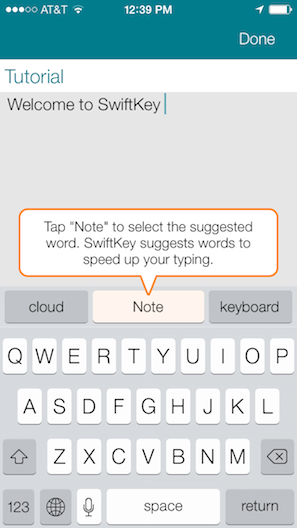
SwiftKey Note doesn’t replace Apple’s keyboard layout, but it does attempt to improve upon automatic corrections while offering easy-to-tap suggestions as you type. Does it hit the ball out of the park? Not completely, but it’s decent and for the most part has better suggestions than Apple.

Read more


Rap Genius Brings Annotated Lyrics to the iPhone With ‘Genius’

Rap Genius and its community have been making themselves the de facto place to get the scoop on what’s actually being said and what it all means, replacing sites like SongMeanings and A-Z Lyrics (a common Google search result). The state of music lyrics is infuriating, considering the best source for a lot of this stuff are artist wikis, lyric books that come packaged with CDs, and any number of shady lyrics sites looking for hits.

MusicXMatch solves a lot of these issues, have great apps on iOS and in Spotify, but their desire to connect to social networks like Facebook, and emphasis on timed lyrics make it more suitable for karaoke and sharing than reading and reflecting.

Genius lets you read at your leisure.

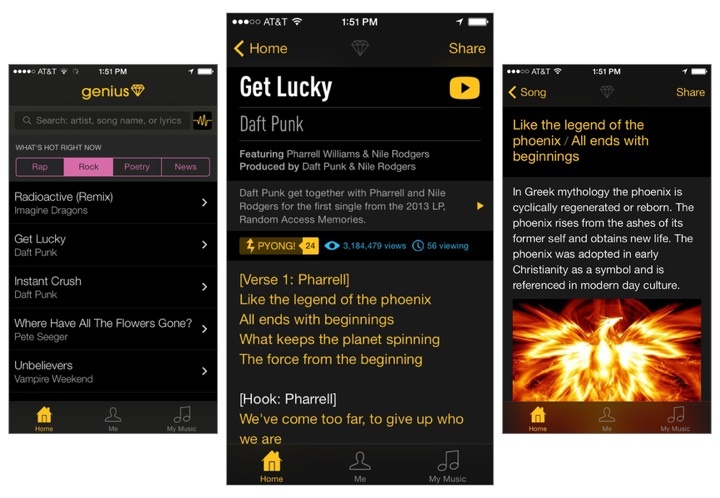
Genius is basically the mobile version of their website, bringing together other avenues like Rock and Poetry into a single application. It works the way I’d expect it to, being less reliant on your media library and more about search and popular tracks. Just as you’d find on Rap Genius, you can tap on lyrics to reveal annotations about what an artist might be trying to say, or why it’s a particularly punchy and meaningful line. The app provides a good way to get in the know about all the little cultural references that can be found in today’s music, and completely bypasses the company’s recent Google controversy.

Rap Genius is so big and community driven that it’s hard not to find a popular song or artist today that doesn’t have their lyrics added to the database. And like other apps, Genius shows you lyrics for songs in your iOS device’s local music library, or lets you activate the microphone to get lyrics for a song that’s playing around you.

It’s free to download from the App Store, and you don’t have to sign into Rap Genius to start searching for lyrics.


Vox 2.0

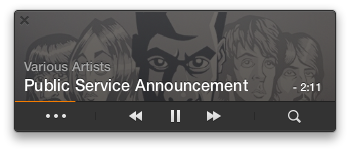
Vox is a simple and powerful drag and drop media player for the Mac, letting you drag in folders and individual tracks to create custom playlists. The app supports just about any media format, from FLAC to AAC to WAV, and has a built in equalizer so you can dial in the perfect sound. Vox has been around since 2007, and I’m amazed that it continues to be free.

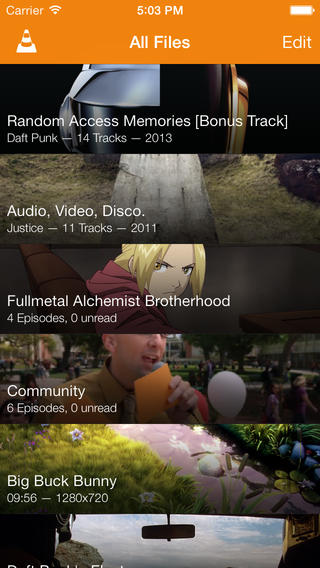
I mentioned it briefly in the footnotes when I talked about GoodReader’s iOS 7 design, but there’s so much music out there that’s not in iTunes. Upcoming artists are putting demos and downloadable Mixtapes on SoundCloud, Bandcamp has become an avenue for independent game makers to sell soundtracks, and Amazon’s willing to send you the digital equivalent when you buy physical albums. If you love supporting your favorite artists, iTunes also ignores common perks that you get when preordering music direct, including exclusive tracks, different masters, custom artwork, and swag. A lot of music ends up in my Downloads folder, and instead of waiting on iTunes, I just drag my folders of newly acquired tunes into Vox.

Read more


iOS 7 iPhone Wallpapers

I’ve recently finished designing a collection of 50 wallpapers made for iPhone home screens. Without app icon shadows, iOS 7 can make the home screen look quite cluttered. I started with very simple ambient colour spectrums and decided to make a few more.

Beautiful wallpapers by Thomas Ricciardiello (via Mike Rundle). I’m trying one of the Light Spectrum ones on my iPhone now (I’ve been using an Apple default one since September). It’d be great to have iPad versions.

Permalink

Keep Your iTunes Wishlist in Mentio for iPhone

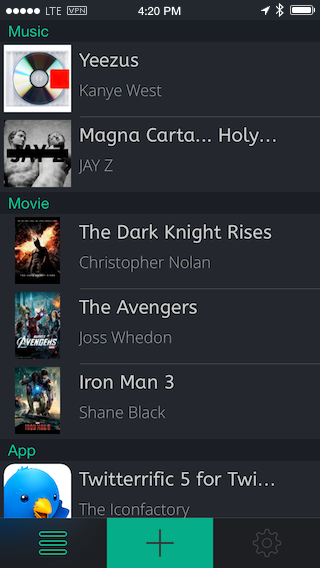
If you’re saving up for a that special movie, latest iTunes albums, or popular new app, keep track of it with Mentio. The wishlist app lets you add media by searching iTunes and the App Store, lets you share your wishes with friends, and has both light and dark themes for your viewing pleasure. Each item you add contains a small summary (like descriptions for movies), and the option to purchase the item once you’re ready to buy. Useful if you buy apps and media using iTunes gift cards. Download Mentio for a dollar on the App Store.

Permalink