

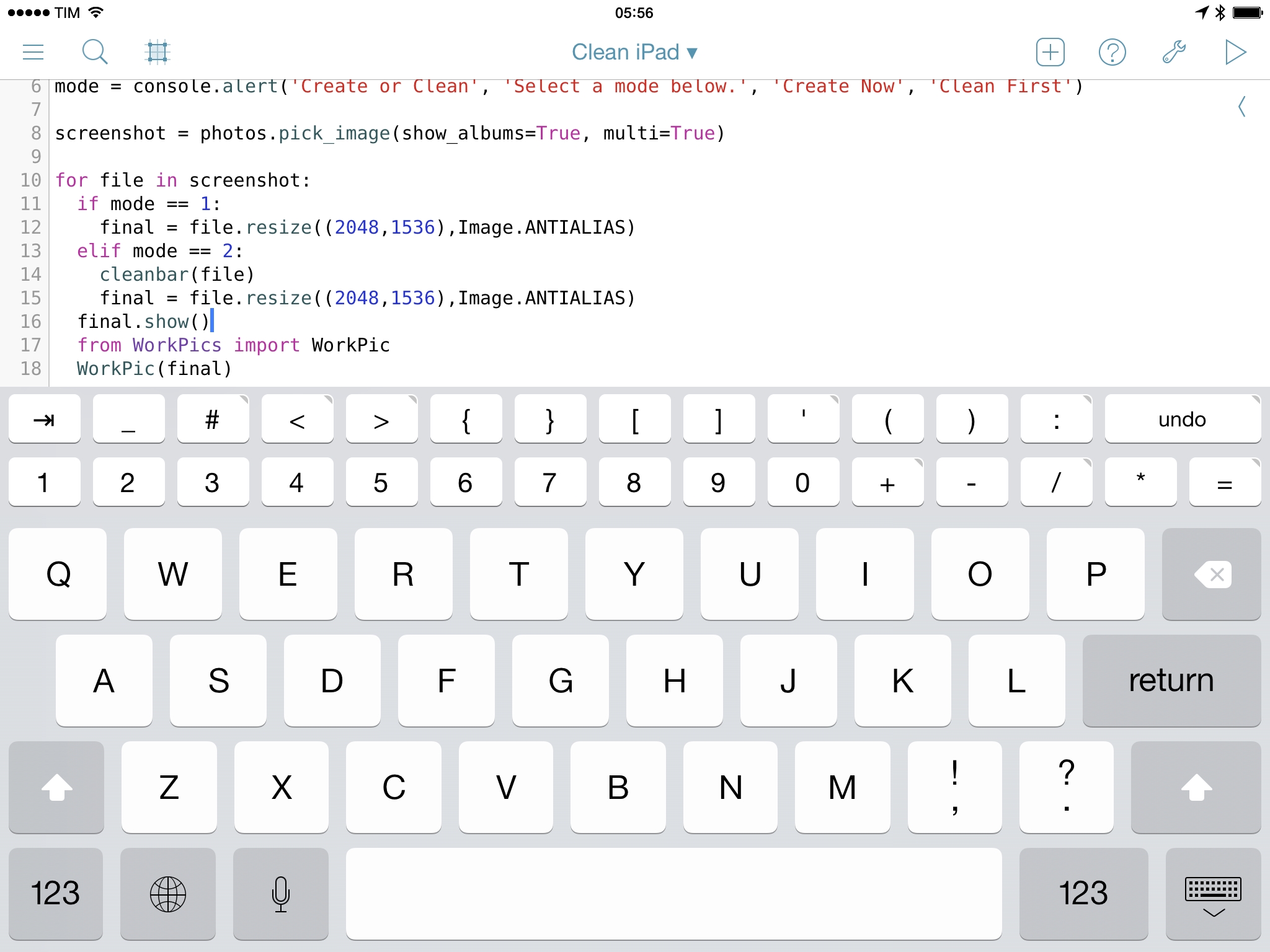
Pythonista 1.5, the latest version of Ole Zorn’s Python interpreter for iOS, has been released today on the App Store, bringing new modules, native integrations, UI refinements, and the removal of the Open In feature to comply with Apple’s App Store guidelines. Pythonista 1.5 is another fantastic update to one of the most powerful and flexible iOS apps ever made, and it follows in the footsteps of Editorial 1.1, released last month.
Posts tagged with "iOS"
Pythonista 1.5: Custom Interfaces, matplotlib, and No More “Open In”
Launch Center Pro 2.3 Extends iOS Automation
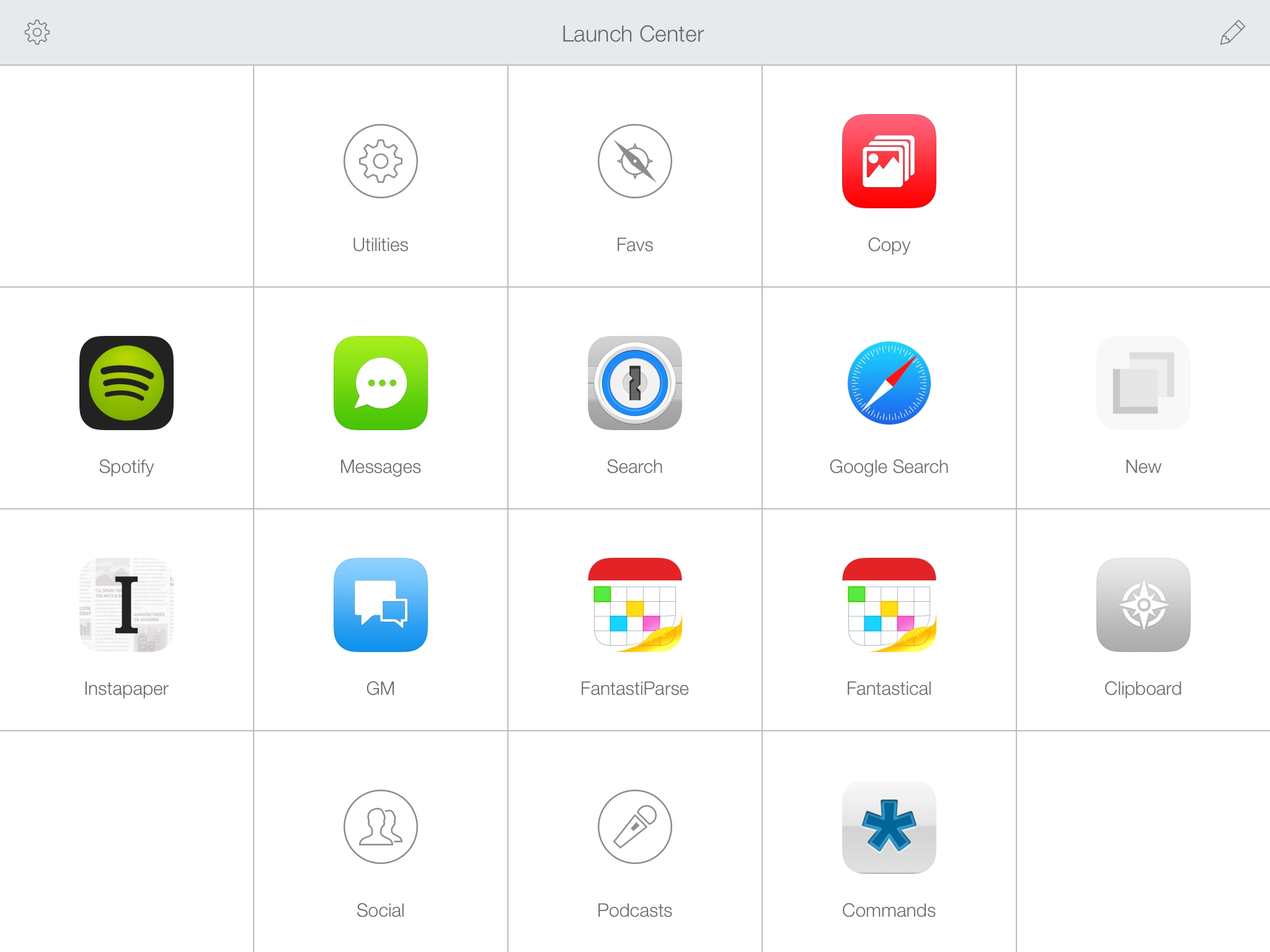
Released today on the App Store, Launch Center Pro 2.3 is a major update to Contrast’s app launcher and automation tool for iOS that further enhances integration with online services, improves how actions are built and triggered, and that refines several aspects of an app that’s become a key piece of my workflow.
I’ve been covering Launch Center Pro since its humble Pro-less beginnings, and the app has changed dramatically over the years. What started as a simple launcher for apps graduated into a full-blown automation utility for URL schemes and native iOS features, which allowed us to create a complete guide to get started with the app on your iPhone and iPad.1
Launch Center Pro 2.3 brings important improvements that make the app an even better companion for common tasks and advanced workflows. The update is packed with features – David Barnard wasn’t joking when he said that it feels like a 3.0 release – and I believe that Contrast did a great job in integrating them with the rest of the app.
Saving Multiple Fantastical Events In A Row with Editorial 1.1
In my review of Editorial 1.1, I covered the app’s new support for x-callback-url and how it improves inter-app communication. In hindsight, I left out a fairly obvious demonstration of the feature: the possibility to create workflows that send multiple items in a row to other apps. For this post, I’m going to use Fantastical as an example.
Editorial 1.1: Another Step Forward for iOS Automation
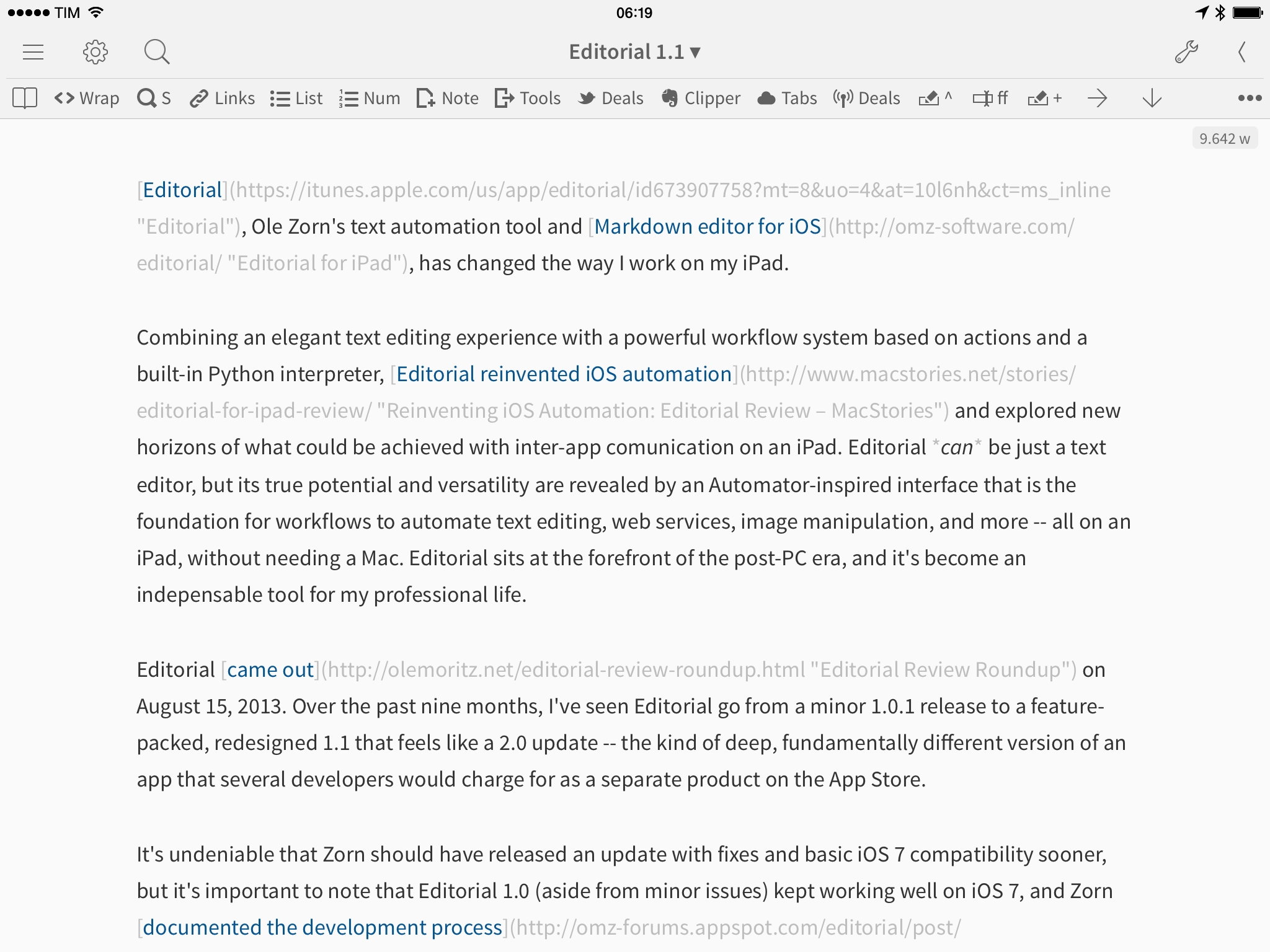
Editorial, Ole Zorn’s text automation tool and Markdown editor for iOS, has changed the way I work on my iPad.
Combining an elegant text editing experience with a powerful workflow system based on actions and a built-in Python interpreter, Editorial reinvented iOS automation and explored new horizons of what could be achieved with inter-app comunication on an iPad. Editorial can be just a text editor, but its true potential and versatility are revealed by an Automator-inspired interface that is the foundation for workflows to automate text editing, web services, image manipulation, and more – all on an iPad, without needing a Mac. Editorial sits at the forefront of the post-PC era, and it’s become an indispensable tool for my professional life.
Editorial came out on August 15, 2013. Over the past nine months, I’ve seen Editorial go from a minor 1.0.1 release to a feature-packed, redesigned 1.1 that feels like a 2.0 update – the kind of deep, fundamentally different version of an app that several developers would charge for as a separate product on the App Store.
It’s undeniable that Zorn should have released an update with fixes and basic iOS 7 compatibility sooner, but it’s important to note that Editorial 1.0 (aside from minor issues) kept working well on iOS 7, and Zorn documented the development process with notes and screenshots on the app’s forums. As an Editorial user and reviewer, it’s been a long journey from version 1.0 in August 2013 to today’s 1.1 release, but it’s been worth it.
Editorial 1.1 brings a plethora of design changes, Markdown improvements, and automation breakthroughs that, just ahead of iOS 8, represent a major milestone for Markdown text editors and iOS automation. Editorial 1.1 may be a text editor on the surface, but, in reality, it’s a small revolution for iOS power users.
Delight Can Trump Efficiency→
David Sparks, writing for Macworld:
We’ve been using computers with keyboards and mice for decades now, and many of us are quite adept at bending this traditional paradigm to our will. Then along come the iPhone and iPad, with no hardware keyboard and much less power, and they still manage to turn the computing world on its head. “But it’s not as powerful and I can’t script it,” some power users argue. True, but there’s a reason why we love our iOS devices despite these supposed inadequacies. Simply put, they delight us.
They delight us less when they randomly reboot or apps crash, but the underlying idea is absolutely true for me as well.
When people ask me why I like to get work done on my iPad, the hardest point to get across is that I have more fun with my iPad than my Mac.
Initially, I thought that novelty could be the reason, but after four years of iPad I don’t think that’s the case anymore. It may also be that I liked working around the limitations of iOS, but ultimately that’s a weak argument because I don’t like productivity masochism and most readers aren’t interested in complex workflows or scripts.
It’s difficult to quantify it, but I believe it’s important to have fun when working. I’m constantly amazed by the things modern iPhones and iPads can do, and I find a peculiar kind of geeky satisfaction in writing and publishing articles on the iPad or talking to people around the world with Tweetbot for iPhone. That’s why I’m always concerned when I read rumors of Apple trying to make iOS devices more like Macs – if that ever happens, I hope they won’t take the fun away but still combine delight with efficiency.
Mingle, An Action Launcher for Contacts
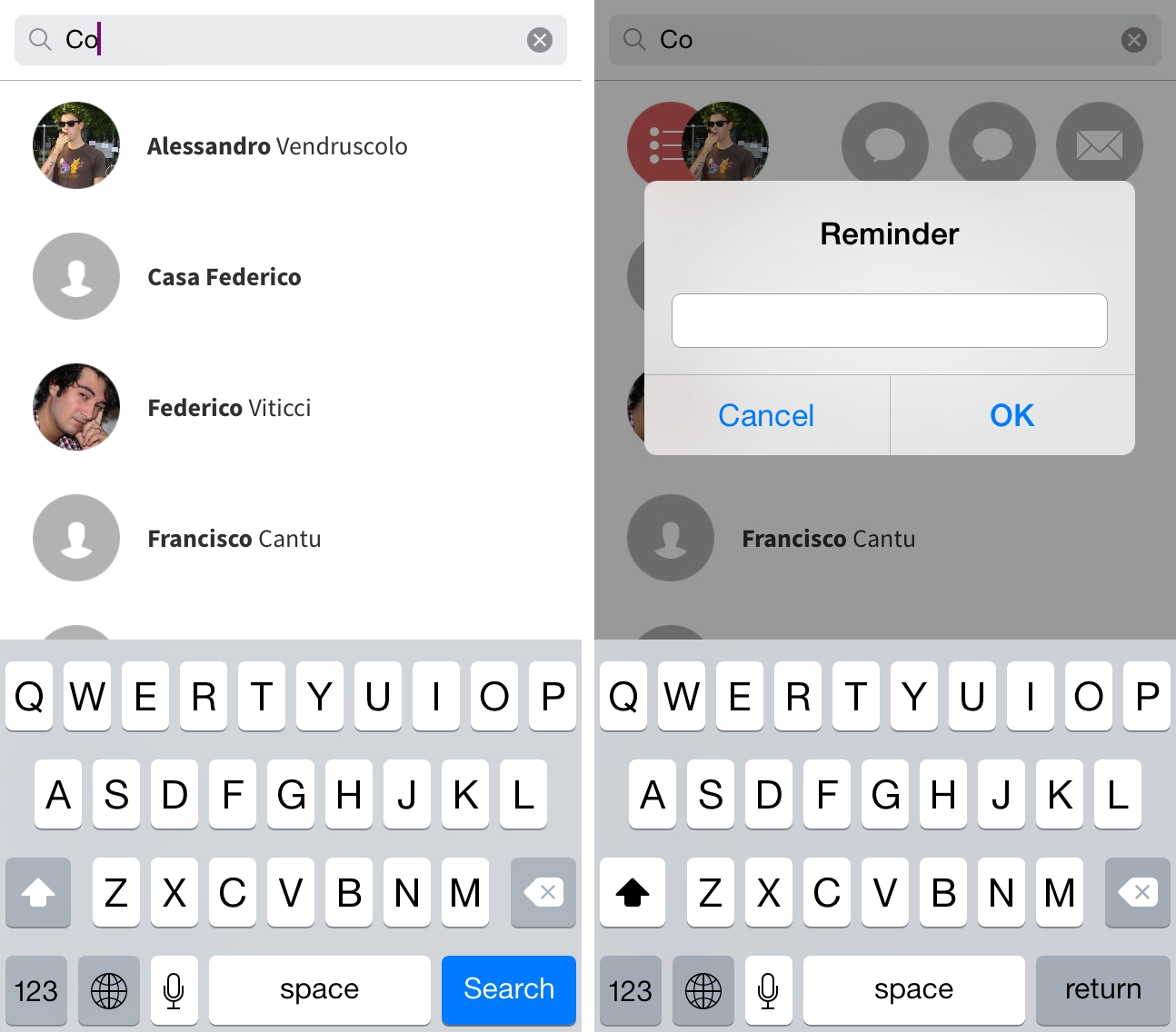
Developed by Samir Ghobril, Mingle for iPhone combines aspects of the iOS Contacts app and action launchers such as Drafts and Launch Center Pro to let you quickly launch actions for individual contacts through a swipe gesture.
The iPad, The Software, and The Screen
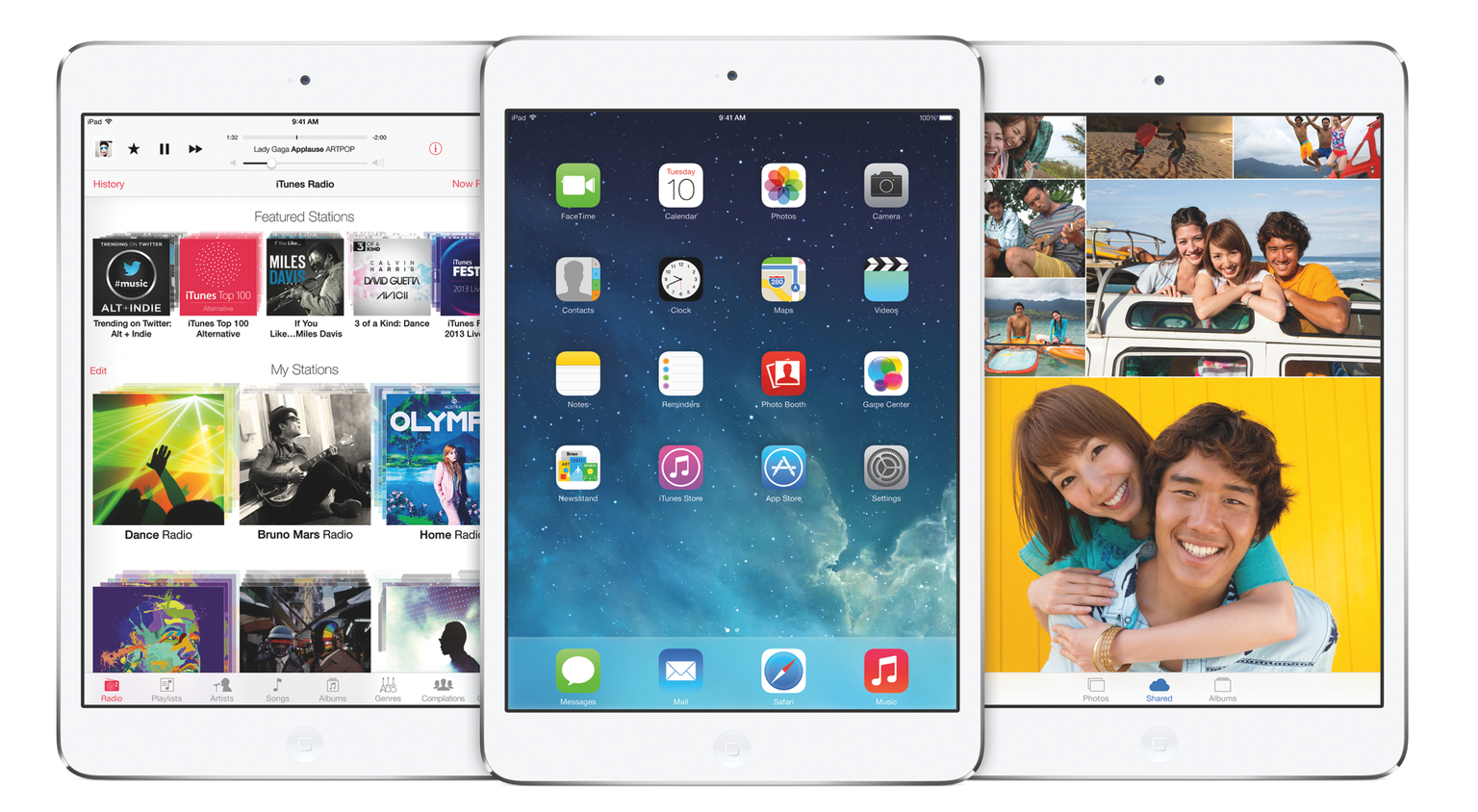
Following a lack of growth for the iPad line in Apple’s latest quarterly report, I’ve seen a number of articles suggest the idea that, in spite of Apple’s best efforts to establish a third product category between the smartphone and the laptop, the iPad is done. That people, after an initial fad of high iPad sales, are showing “no interest” in the tablet form factor because they’re now served well enough by laptops, desktop computers, and larger smartphones. I think that ascribing slower iPad sales in the past few quarters to a generalized lack of interest shows an understandable kernel of concern among tech writers, but also a misunderstanding of the iPad as a device.
iOS 8 Wishes
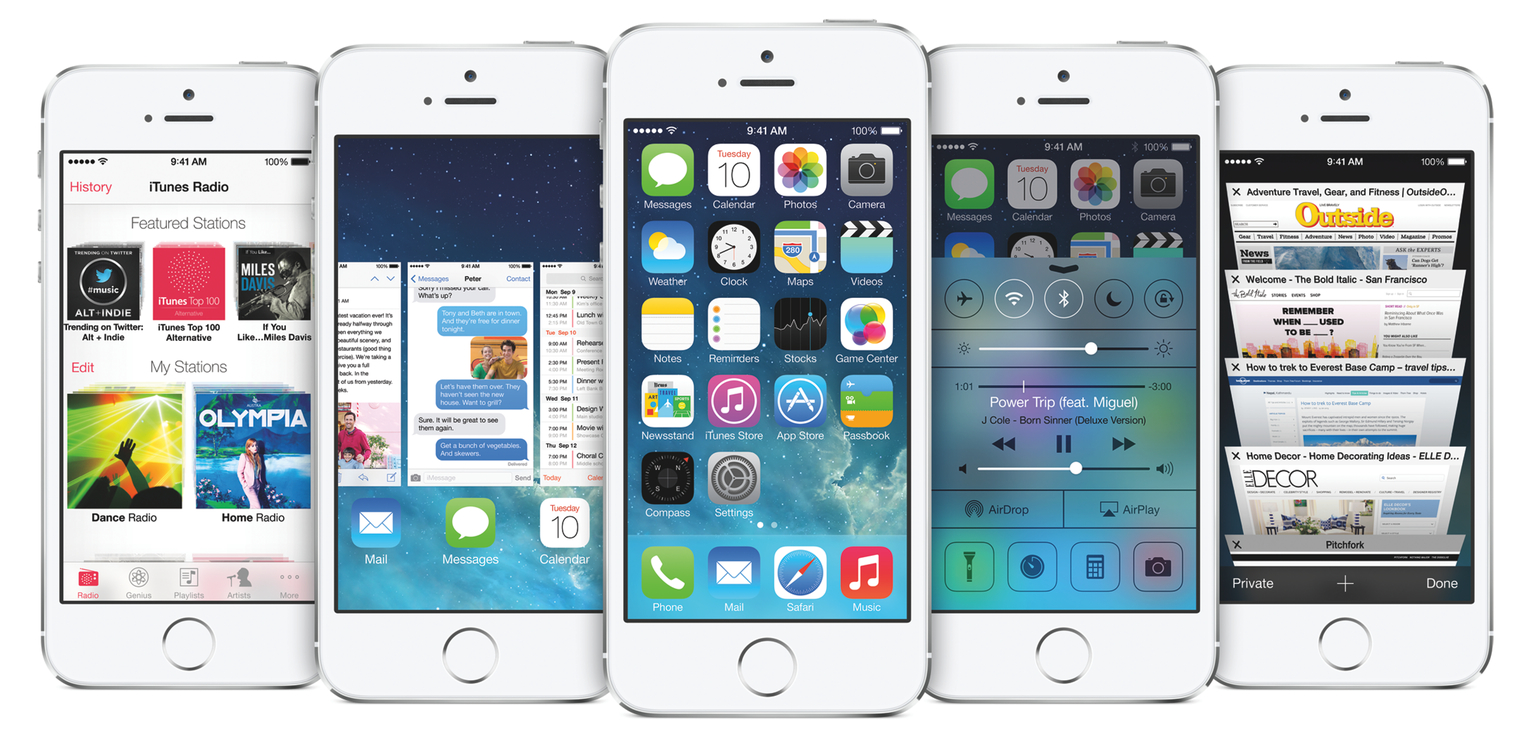
With iOS 7, Apple profoundly altered the foundations of their mobile operating system’s design and functionality, and I want to believe that iOS 8, likely due later this year, will allow them to keep building towards new heights of user enjoyment, design refinement, and exploration of features suitable for the post-PC era. The transition to iOS 7 hasn’t been perfectly smooth, but, less than two months away from WWDC, there’s clear, promising potential on the horizon: plenty of new iOS low-hanging fruit.
Editorial 1.1 Teaser→
In post published yesterday on the Editorial forums, developer Ole Zorn shared more details on Editorial 1.1, announcing some features he’s been working on for the update, such as the ui module, which will allow users to create custom interfaces inside Editorial:
It’s not just a module, there’s also an integrated visual editor for setting things up without code, and in Editorial there’s also a way to build UIs around workflows, without having to write Python at all (though you can also mix and match). Before you get the wrong idea: This is in no way a complete wrapper around UIKit or some kind of Cocoa bridge, so you won’t be able to do a all the things you could do in a native app, but it provides a (hopefully) easy-to-use and pythonic way to create UIs that look and feel “at home” on iOS, and it’s possible do some relatively advanced stuff with custom drawing and touch handling.
For Editorial, I tend to think of this as a “plugin” interface that allows the creation of workflows that are nearly indistinguishable from native features. Obviously, this won’t be for everyone, and there will definitely be a learning curve, but given what I’ve seen this community come up with, I’m pretty confident that it will enable some people to really push the limits of iOS text automation (and others to reap the rewards via shared workflows).
I can’t stress this enough – the new module fundamentally reinvents the way you can build visual workflows in Editorial, and I can’t wait to share more about the workflows I’ve been working on.
Make sure to check out Ole’s post for screenshots of Editorial 1.1 on the iPad and iPhone.