

No, you won’t get refunds if you buy it now.
Posts tagged with "iPad"
The First $900 iPad App
Michael Arrington’s Unauthorized iPad Review
“And the iPad beats even my most optimistic expectations. This is a new category of device. But it also will replace laptops for many people. It does basic computer stuff, like email and web surfing, very well. Applications load quickly and are very responsive – think iPhone 3GS with a 50% speed boost.
That’s what surprised me the most. The iPad isn’t just for couch computing when you want to look something up on Wikipedia or send a quick email. It’s a perfectly usable business device. And the form factor just happens to work far better for cramped places like airplanes than a normal laptop. I doubt I’ll ever open a laptop on a plan again after tomorrow.”
And there you have it.
On a side note, please hope our beloved editor Cody Fink finds an iPad in Charlotte next week. You know, I’d like to change my computing life.
Kindle App for iPad Now Available
Free in the App Store, I really don’t understand the UI choices. Welcome on board Amazon, anyway.
Gmail Updated for the iPad
“Built on the year-old HTML5 Gmail web app for the iPhone, the Gmail for iPad sports a double column display and looks great with whole threads unfurled. “Tablets like the iPad give us even more room to innovate,” the Gmail team said today.”
Looks great.
Dragon Dictation Now Optimized for iPad
Dragon Dictation, the popular (and great) text to speech utility for iPhone, has just been updated to an iPad compatible (universal) version. The iPad version obviously takes advantage of the new screen, but it’s basically a raw port of the iPhone one. Available for free here, check out the screenshots after the break.
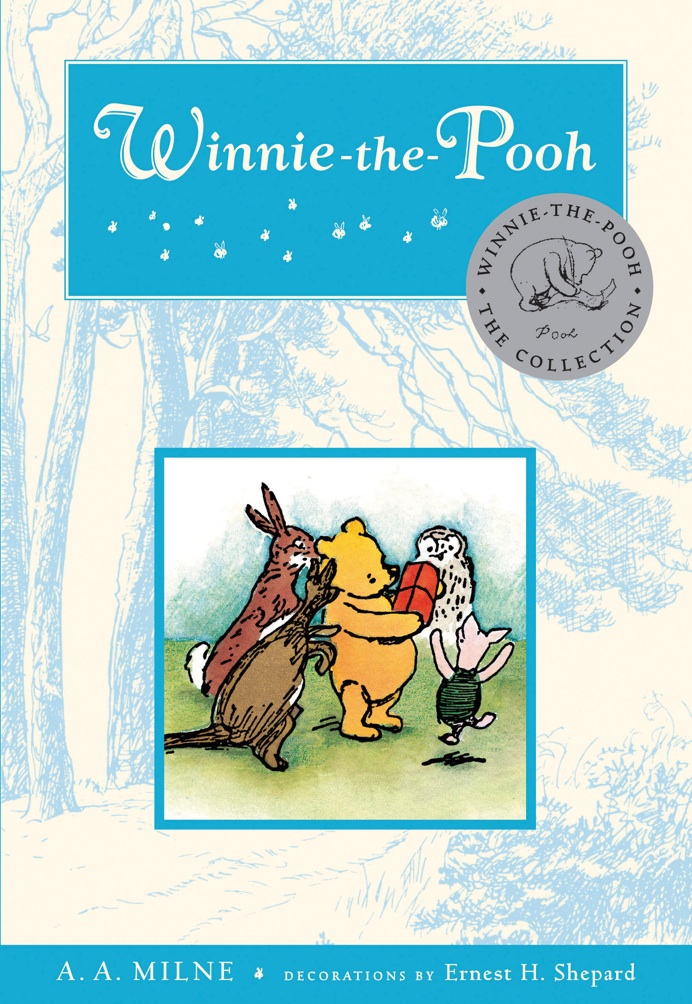
iBooks App Now Available, “Winnie the Pooh” Built In
Available for free here, it’s a 18MB download. As we previously heard, Winnie the Pooh iBook is built in in. We’ve embedded the cover below, as seen from the application’s Resources.
Find My iPad Comes to MobileMe
“Find My iPad has the same features as Find My iPhone, including playing the little sonar sound effect with an onscreen message (in case your iPad falls behind the couch or something). Find My iPad also includes the same Remote Wipe feature as Find My iPhone – so if your iPad is irretrievably lost, you can remotely vaporize all the data on it, thus ensuring that thieves don’t get access to your contacts, credit card info, or embarrassing lolcat pictures in addition to your iPad”
iPad Apps Finally Showing Up in iTunes
They’re out, they’re here. You know what to do.
See you on the other side on Saturday, with our first iPad reviews.
First Look: Phases HD by Bjango
The Bjango guys make beautiful apps, and that’s a given. We’ve just found out that Phases, the neat app already available on the iPhone that shows you all kinds of information about the moon, is now available in the iPad App Store, with an HD moniker and priced at $1.99.
The new version looks great and brings all the features you know from the iPhone version onto the iPad. Screenshots available after the break.