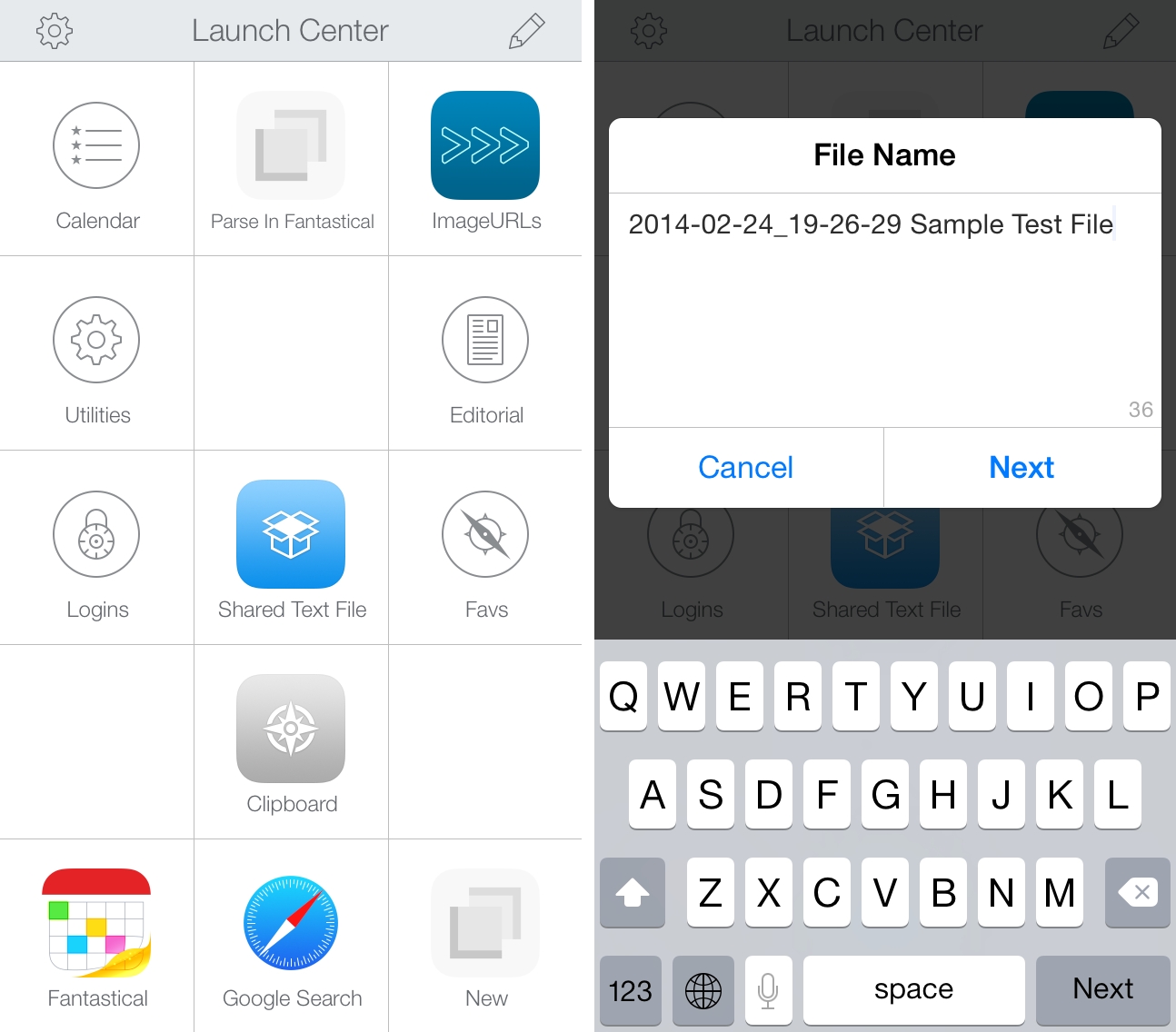
When Launch Center Pro 2.2 was released last month, I mentioned the addition of Dropbox actions for creating and modyfing text files, but I didn’t share any action example because I couldn’t find a possible use of the feature in my workflow. This morning, I realized that my old workflow to generate and share text files with Dropbox could be simplified with Launch Center Pro, so I rewrote it using the app’s new Dropbox functionalities.
I often need to create text files and share them quickly with Dropbox. These are usually notes that don’t fit in a Twitter DM or long crash reports for developers of apps I’m testing. In my old workflow, I used to type file name and file contents in Launch Center Pro, then, with two steps of inter-app communication, upload the file with Drafts, get the shareable link back with Launch Center Pro, and start a new tweet with the link in Tweetbot.
The workflow still gets the job done but the new version is simpler, faster, and more flexible. It’s just three steps:
- Type file name;
- Type file contents;
- Get public link to text file in Dropbox.
With a single action that doesn’t involve switching between apps, I can type a file name in a Launch Center Pro prompt, insert contents manually or by pasting, and hit Done to create a text file in Dropbox. Launch Center Pro gets the link of the just-created file and presents an iOS share sheet with a series of options for the file’s public link so that I’m not limited to Tweetbot anymore; I discovered that I often needed to DM or email a link, and with the old workflow I was forced to start a new tweet then select and copy the link manually from it. With the new action, everything happens inside Launch Center Pro in seconds and I can pick the best option for me (it’s usually “Copy”).
I was skeptical as to whether I would need Dropbox actions in Launch Center Pro, but this workflow shows some clear benefits of Contrast’s app – keyboard prompts and a native share sheet combined with Dropbox text features make for a quick and elegant note-taking and sharing experience.
You can download the action here.

