This Week's Sponsor:

SoundSource

New Year, New Audio Setup: SoundSource 6 from Rogue Amoeba


Creator Studio Review: Redefining Pro for the Modern Era

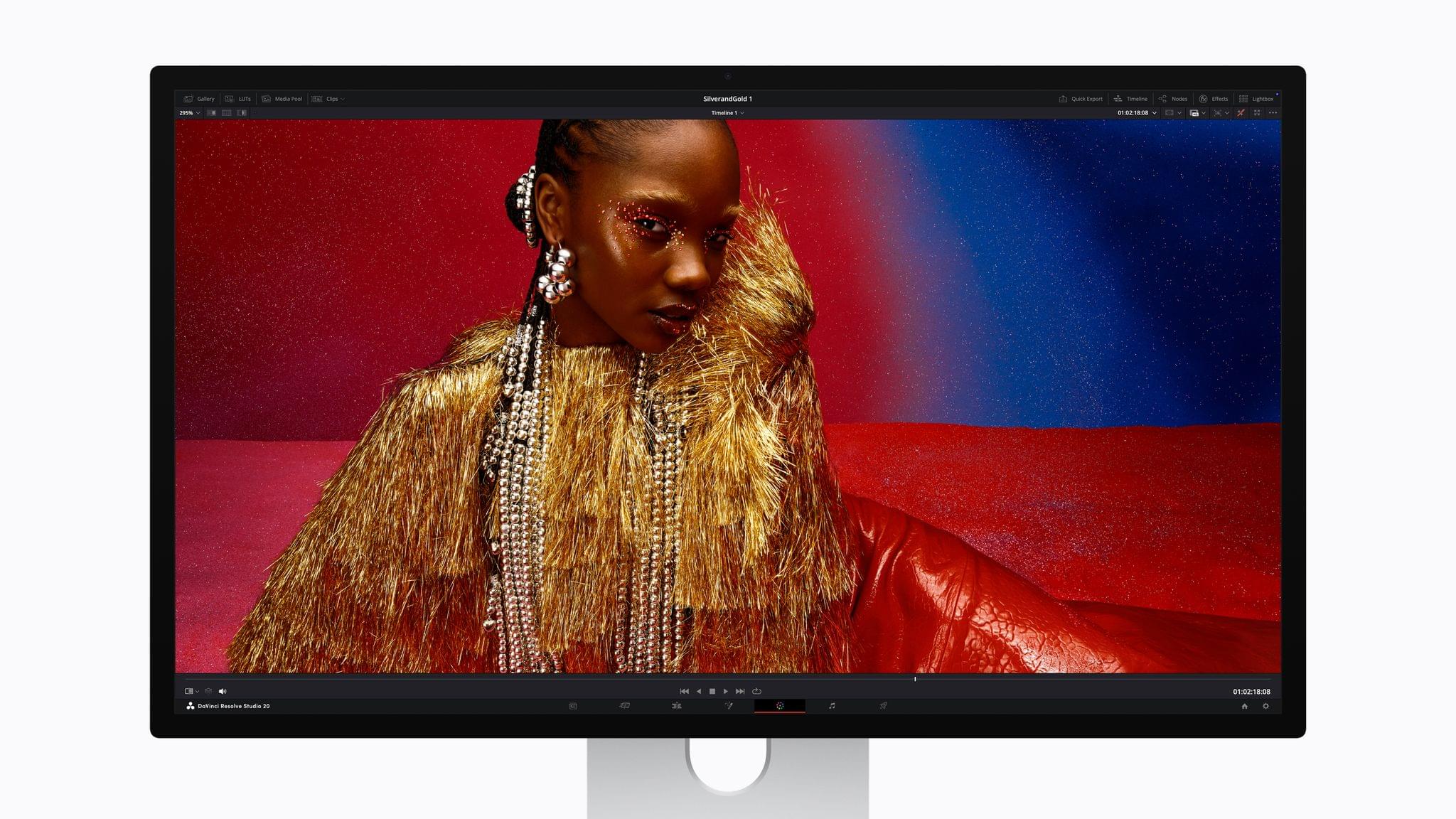
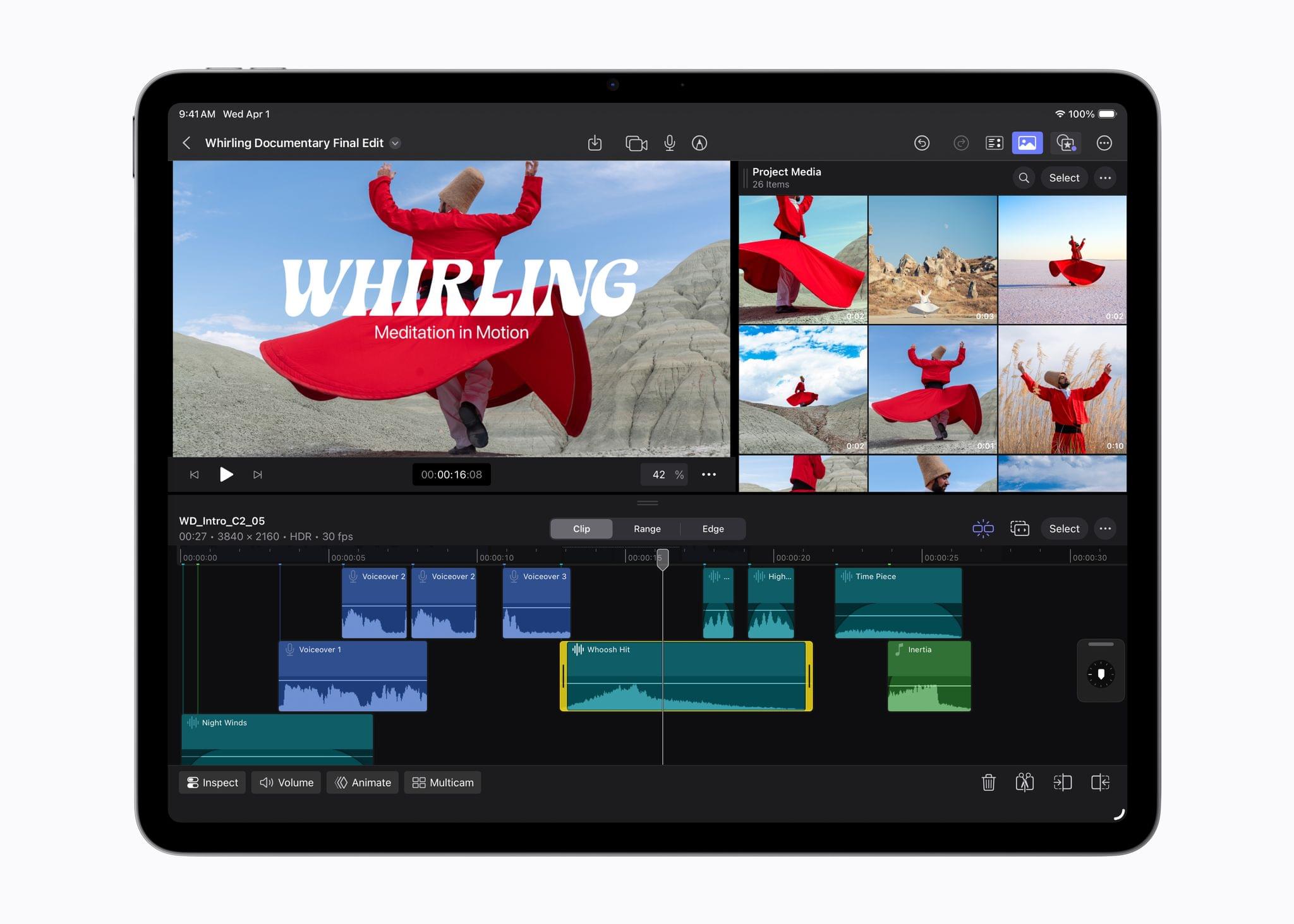
Starting today, Apple is offering a subscription bundle of its creative apps called Creator Studio. Some of what’s included is exclusive to the subscription package, while other parts of it remain available à la carte. It’s a lot to absorb, and I’ll get to all the details in due course.

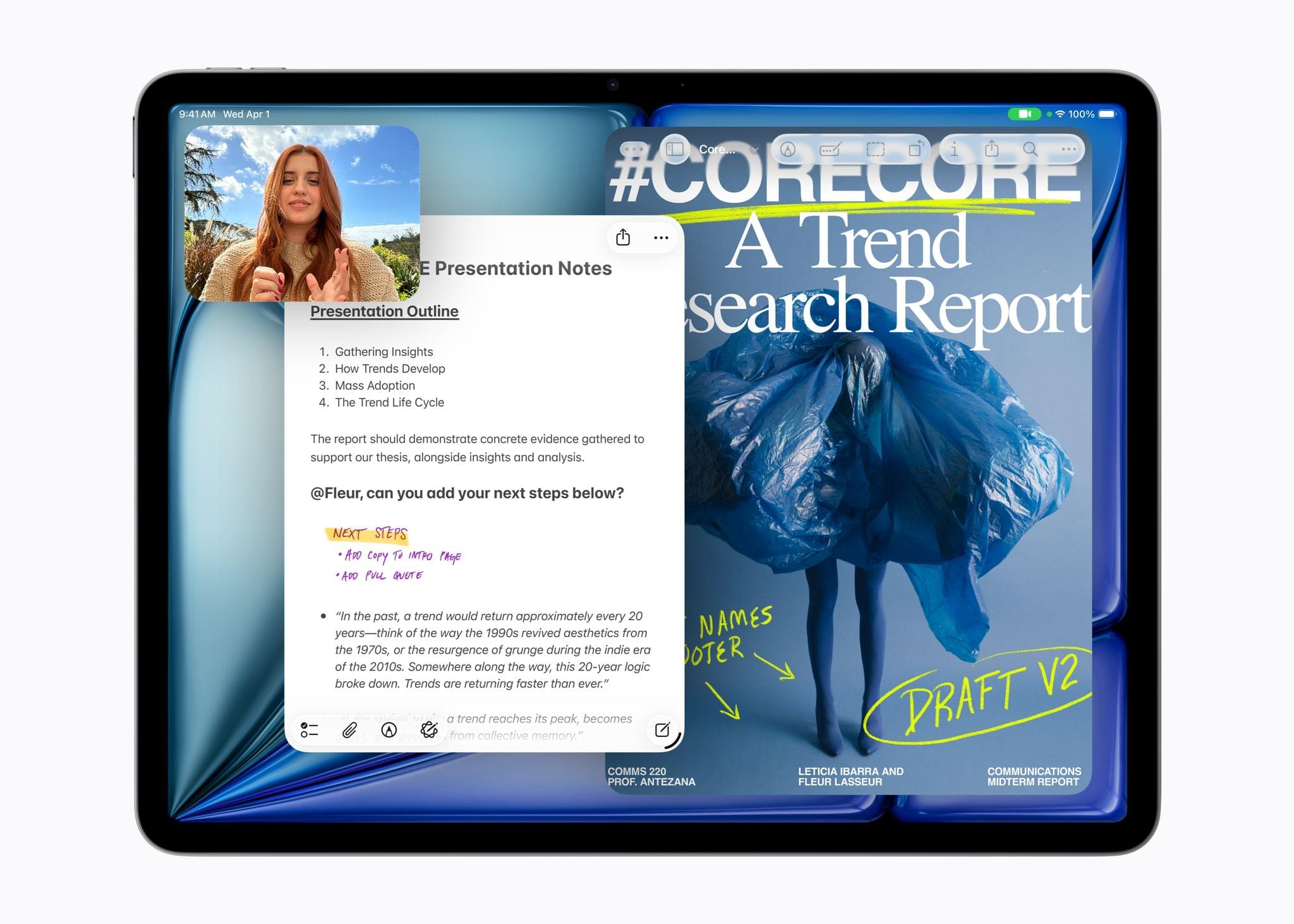
However, what’s most exciting to me is the fact that Apple is clearly repositioning these apps to appeal to a broader cross-section of creatives. Apps like Final Cut Pro and Logic Pro are no longer just for Hollywood and music studios. By filling out the iPad lineup and adding Pixelmator Pro along with enhanced versions of their productivity apps, Apple has taken the first steps toward realigning its apps with what it means to be a creative professional in 2026.

This transition isn’t the sort of thing that happens overnight, which is why it’s easy to spot the gaps in Creator Studio’s offerings. I ran into a couple of bugs along the way, too. However, by and large, I think the bundle of apps hits the right notes and is heading in the right direction. Let’s take a closer look.

Read more


The New Club MacStories: Re-Subscribing to Your RSS Feeds and What’s Coming Next

You need to resubscribe to your Club member RSS feeds.

You need to resubscribe to your Club member RSS feeds.

The new unified MacStories website is here, bringing Club MacStories content under the same roof as the rest of the site for the first time. While this transition delivers a more cohesive experience for members, a few things are different and others are still being implemented.

How to Re-Subscribe to Your RSS Feeds

Club MacStories+ and Premier members have access to custom feeds as part of their subscriptions. With today’s update, you’ll need to resubscribe to those feeds. The old ones will no longer work. Here’s what to do.

  1. Visit My Feeds from the Account dropdown on macstories.net.
  2. Copy the feed URL.
  3. Paste it into your RSS reader to subscribe.
  4. Note: Club Premier members will also need to do this for AppStories+.

These new feeds are personal to you and will continue to work going forward as long as you maintain your Club membership. Since these feeds are uniquely tied to your paid Club account, please don’t share them publicly.

A Note on Discord Access

If you’re a Club MacStories+ or Premier member who joined before today’s transition, your Discord access remains intact. There’s nothing you need to do.

New or returning members who want to join the Discord community will need to wait just a bit longer. We are working with Memberful engineers to migrate users from our previous system. Once that process is complete, we’ll provide you with instructions to connect your Discord account from MacStories.

Coming Soon: Features in Development

Find a bug on the new site? You can submit it [here](https://giant-smash-219.notion.site/2f635e3fe8d8805a91dae6d2824dd997?pvs=105).

Find a bug on the new site? You can submit it here.

The launch of the new site required some tough decisions about which features to prioritize. Three capabilities from the previous Club website aren’t available yet but are actively being worked on for future updates.

  1. The Explore interface, which allowed members to search Club MacStories content using visual filters, hasn’t made the transition yet.
  2. The ability to generate unique RSS feeds for specific sections of the Club isn’t currently supported, though you can still subscribe to RSS feeds for entire newsletter issues as detailed above.
  3. The real-time search autocomplete suggestions that appeared as you typed in the search box are temporarily unavailable.

These features are coming back. However, the priority was on delivering a functional, unified experience now rather than continuing to maintain a fragmented system, while we waited for every legacy feature to be rebuilt.

We hope you enjoy the new Club experience on MacStories. The transition to a unified website is a significant step forward for the Club and greater MacStories community that will allow us to do more for everyone in the future. Thanks for bearing with us during this transition, and please feel free to get in touch with any questions or bug reports.


Welcome to the New, Unified MacStories and Club MacStories

The same MacStories, now with everything under one roof.

The same MacStories, now with everything under one roof.

Today, I’m pleased to announce something we’ve been working on for the past two years: MacStories and Club MacStories are now one website. If you’re a Club MacStories member, you no longer need to go to a separate website to read our exclusive columns and weekly newsletters: everything has been unified into the main MacStories.net website you know and love. The subscription plans are the same. We’ve imported 11 years of Club MacStories content into MacStories, with everything running on a new foundation powered by WordPress; going forward, all member content – including AppStories – will be published directly on MacStories.

To get started, simply log into your existing Club MacStories account on the new MacStories Plans page or by clicking the Account icon in the top toolbar. Members can still access a special homepage of Club-only content at macstories.net/club or //staging.macstories.net/club – whatever you prefer. A few things will be different as part of this transition, and some parts of the previous Club MacStories experience haven’t been migrated yet, which I will explain in this story.

The short version of this announcement is that this has been a massive undertaking for me, John, and our new developer Jack. We’ve been working on this project in secret for months, and our goal was always to ensure a smooth, relatively pain-free migration for our members and MacStories readers. Now more than ever, the Club MacStories membership program is a core component of the entire MacStories ecosystem of articles, exclusive perks, and podcasts; it’s only thanks to the Club that, in this day and age, MacStories can continue to thrive with its editorial independence, vibrant community of members, and focus on producing high-quality, well-researched content written and spoken by humans, not AI.

The longer version is that the last few years have been complicated. We faced some challenges along the way, made some wrong technical calls, and have been working to rectify them – with the ultimate goal of propelling MacStories into its third decade of existence on the Open Web. We’re turning MacStories – the website that millions of people visit every year – into a destination that (hopefully!) will put a stronger spotlight on all the things we do. But to get to this point, we had to break a few things, iterate slowly, start over, and refine until we were happy with the results.

If you’re a Club member: thank you, and we hope you’ll enjoy the more intuitive and integrated experience we’ve prepared. If you’re not, I hope you’ll consider checking out the (many) exclusive perks of a Club MacStories subscription.

And if you’re curious to learn more about what we’re launching today and how we got to this point…well, do I have a story for you.

Read more


New Year, New Audio Setup: SoundSource from Rogue Amoeba [Sponsor]

If better Mac audio is on your list of resolutions for 2026, the folks at Rogue Amoeba have you covered with SoundSource, their essential audio control app.

SoundSource provides audio control so useful, it ought to be built in to MacOS. Get instant access to your Mac’s audio settings right from the menu bar, with powerful per-app volume and routing control, and the ability to apply effects to any app’s audio.

The newly released SoundSource 6 is a major upgrade, with dozens of enhancements. Updates include supercharged AirPlay support, output groups to send audio to multiple devices at once, Quick Configs that save your entire audio configuration, and a powerful new Audio Devices window that gives deep control over device settings.

But why just read about it, when you can try it out? Download SoundSource’s fully functional free trial with just one click. You’ll be up and running in under a minute.

When you’re ready, you can purchase a license with a special discount just for MacStories readers. Save 20% with code MACSTORIESNEWYEAR26 in their store. Act fast, since this deal expires on Valentine’s Day. If you love audio on your Mac, you’ll love making it better with SoundSource.

Our thanks to Rogue Amoeba for sponsoring MacStories this week.


Tim Cook Attended an Exclusive Weekend Screening of the Upcoming ‘Melania’ Documentary

The Hollywood Reporter broke the story over the weekend that an early screening of an Amazon-backed documentary about Melania Trump was held at the White House. According to reporter McKinley Franklin’s sources, the event was attended by Apple CEO Tim Cook as well as other CEOs and VIPs:

The event, which has not been promoted or advertised, is taking place in the White House on Saturday. Guests include director Brett Ratner; Queen Rania of Jordan; Zoom CEO Eric Yuan; Apple CEO Tim Cook; New York Stock Exchange CEO Lynn Martin; AMD CEO Lisa Su; Mike Tyson; socialite and Fiat heiress Azzi Agnelli; self-help guru Tony Robbins; and photographer Ellen von Unwerth, who shot the movie poster for the film.

Earlier that day, a Minneapolis man was shot and killed by federal agents. I’d like to think that in the face of such a tragedy the screening would have been called off or that attendees, including Cook, would have been no-shows, but according to Rolling Stone editor Marlow Stern, Cook and others did attend.

Permalink

Apple Introduces New and Improved AirTag

Source: Apple

Source: Apple

In a press release today, Apple launched a second-generation AirTag that features an upgraded components, making it easier to locate than the original 2021 AirTag.

The new AirTag features a bunch of new hardware packed into the same design as the original version, including:

  • the same second-generation Ultra Wideband chip found in the iPhone 17, iPhone Air, and Apple Watch Ultra 3,
  • a better Bluetooth chip that can be detected over longer distances, and
  • a 50% louder speaker.

According to Apple, that allows the tiny device to be detected from 50% farther away and heard from twice as far away. Apple has changed the AirTag’s chime that it says will make it easier to find, too. Precision finding is also available for the first time from an Apple Watch Series 9 and later and Apple Watch Ultra 2 and later. To track the device from an iPhone or iPad, you’ll need to be running iOS or iPadOS 26. Apple Watch precision tracking requires watchOS 26.2.1.

Source: Apple.

Source: Apple.

The press release also reveals more than 50 airlines now accept location links to help find missing luggage. According to a report from an airline industry IT provider, AirTags have helped reduce baggage delays by 26% and reduce lost luggage by 90%.

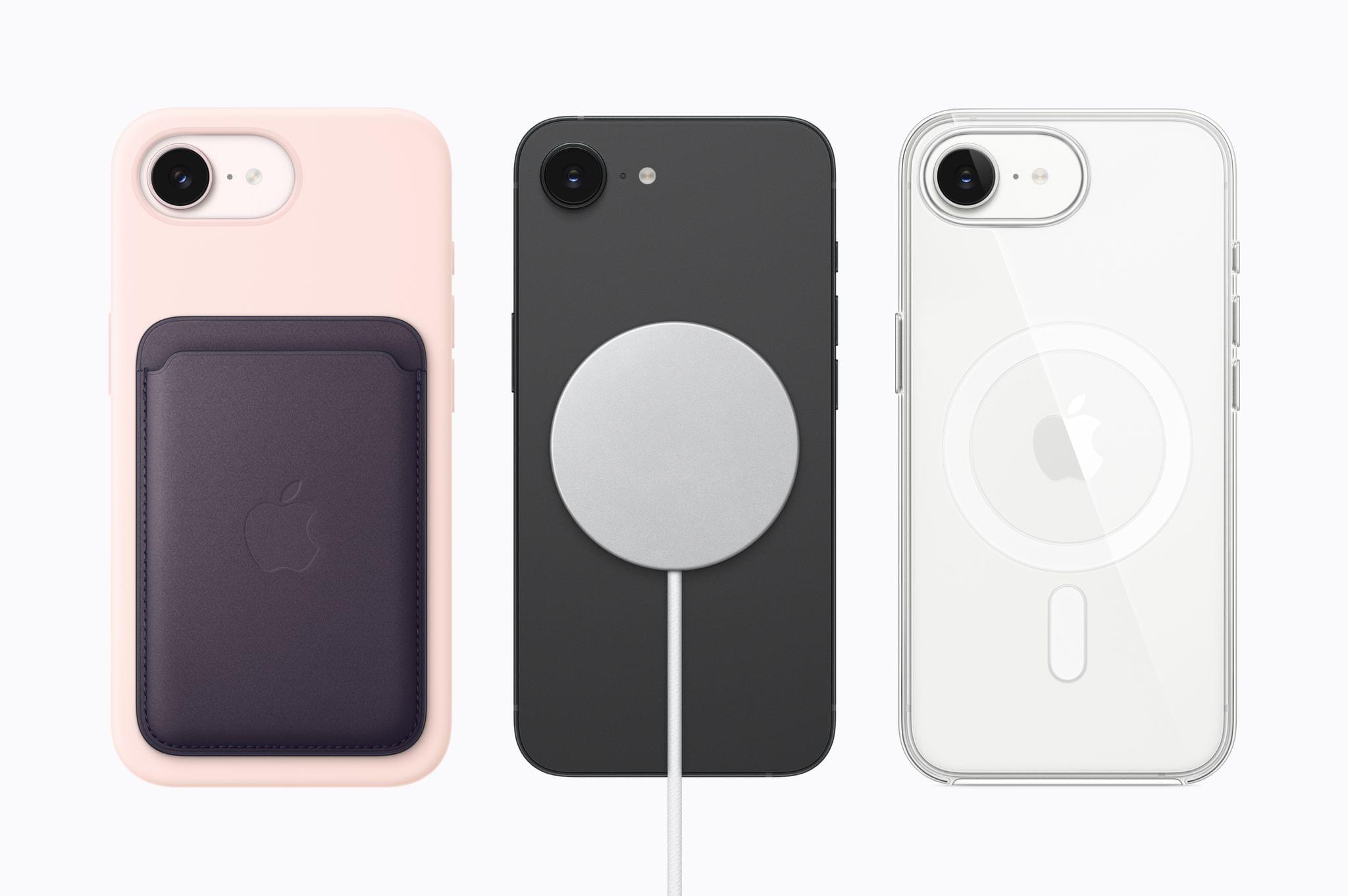
Like the exterior design, the price of the AirTag hasn’t changed. It still costs $29 for one or $99 for a four-pack of AirTags. Apple is also offering a FineWoven keychain for $35 that comes in five colors. The new AirTag can be ordered now and will be available in retail stores later this week.


Terminal Tips and Claude Code Workflows

This week, Federico and John share their workflows and tips on how they use Claud Code and Codex to build automations.

On AppStories+, John and Federico explore the Apple and Google Gemini deal and the end of Shortcuts as we know it.


We deliver AppStories+ to subscribers with bonus content, ad-free, and at a high bitrate early every week.

To learn more about an AppStories+ subscription, visit our Plans page, or read the AppStories+ FAQ.


AppStories+ Deeper into the world of apps

AppStories Episode 469 - Terminal Tips and Claude Code Workflows

0:00
43:26

AppStories+ Deeper into the world of apps

This episode is sponsored by:

  • HTTPBot: A powerful API client and debugger for Apple platforms. Get a 7-day trial and 25% off your subscription.

Read more


Podcast Rewind: Building Personalized Software, Steam Machine Pricing Rumors, Matt Podcasts Solo, and Ted Danson

Enjoy the latest episodes from MacStories’ family of podcasts:

AppStories

This week, Federico and John complete their tour of holiday projects with a look at the tools both of them built with the help of Claude Code, Codex, and other tools.

On AppStories+, John pushes Claude Code by building a Safari web extension that integrates with Notion.

NPC: Next Portable Console

This week, rumors swirl about the Steam Machine’s pricing, AYANEO pauses to collect itself, and GameSir’s Pocket Taco goes live – plus, the lack of foldable phone controllers and our first videogames.

On NPC XL, Federico, John, and Brendon share what they do when they’re not obsessing over handheld consoles.

Comfort Zone

Matt’s on his own for this one, as Chris and Niléane managed to both get sick at the same time. Fear not; we get to rant and rave about the latest “Xbox”!

On Cozy Zone, we roast each other’s backpacks. One’s all black, one’s full of color, and the other is just a mess.

MacStories Unwind

This week, John shrugs off a once-in-a-decade winter storm and watches a great movie, while Federico has a returning comedy series to share.

Read more