John Voorhees

5429 posts on MacStories since November 2015

John is MacStories' Managing Editor, has been writing about Apple and apps since joining the team in 2015, and today, runs the site alongside Federico. John also co-hosts four MacStories podcasts: AppStories, which covers the world of apps, MacStories Unwind, which explores the fun differences between American and Italian culture and recommends media to listeners, Ruminate, a show about the weird web and unusual snacks, and NPC: Next Portable Console, a show about the games we take with us.

Ivory for Mac Review: Tapbots’ Superb Mastodon Client Comes to Apple Desktops and Laptops

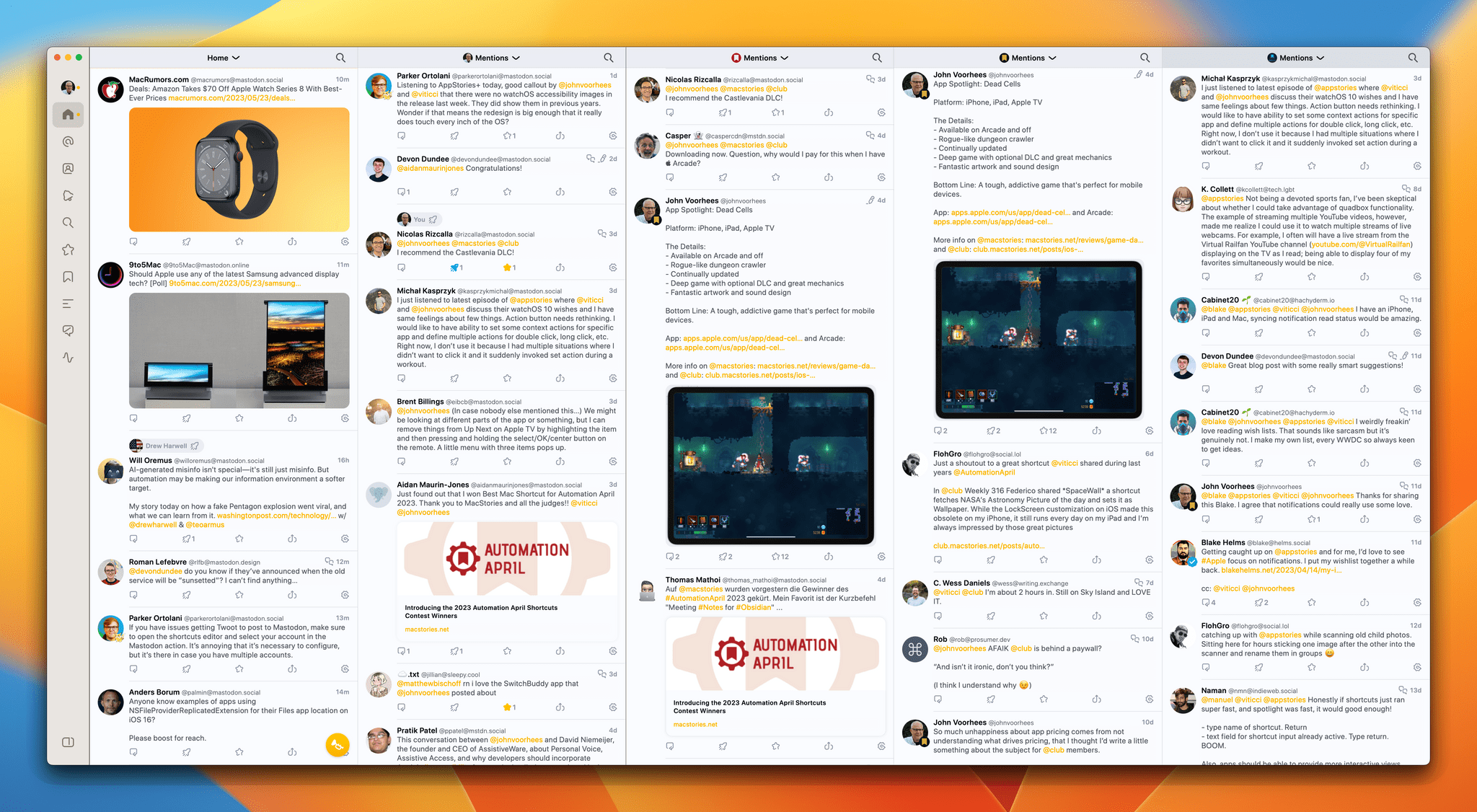
Ivory, Tapbots’ Mastodon client, is now available on the Mac, and like its iOS and iPadOS counterparts that Federico reviewed in January, Ivory for Mac is every bit as polished.

A lot has changed since Ivory was released on the iPhone and iPad. At the time, there were hardly any native Mastodon apps for the Mac, so I was using Elk in a pinned Safari tab. That’s changed. There are several excellent native apps now, including Mona, which I reviewed earlier this month. What Ivory brings to the growing field of native apps is what we saw with iOS and iPadOS: impeccable taste and snappy performance that few other apps can match.

By now, most MacStories readers are probably familiar with the table stakes features for Mastodon clients. Ivory ticks all of those boxes. Also, if you’ve already tried Ivory for iOS or iPadOS, you’ve got a big head start on the Mac app because they’re very similar. However, if you’re new to Ivory, I encourage you to check out Federico’s review of Ivory for the iPhone and iPad because I’m not going to cover that same ground again. Instead, I want to focus on the Mac version’s unique features and the details that make it such a compelling choice for Mac users.

Read more


Our macOS Wishes

AppStories+ Deeper into the world of apps

AppStories Episode 330 - Our macOS Wishes

0:00
41:00

AppStories+ Deeper into the world of apps

This week, Federico and John share their wishes for macOS 14.

Read more


MacStories Unwind: Coming to America and Roasting Koroks

AppStories+ Deeper into the world of apps
0:00
24:25

AppStories+ Deeper into the world of apps


This week on MacStories Unwind, I put Federico’s knowledge of American geography to the test, and we follow up on what sets The Legend of Zelda: Tears of the Kingdom apart from Breath of the Wild.

Unplugged

Coming to America

  • Coming to America is a recurring MacStories Unwind quiz where John tests Federico’s knowledge of American geography, history, culture, and more.
  • Geography
    • What States would you pass through driving from Chicago, Illinois to Charlotte, North Carolina?
    • Name three states that start with ‘W’
      • If you were in West Virginia, how would you get to East Virginia?

Weekly Picks

The Legend of Zelda: Tears of the Kingdom

MacStories Unwind+

We deliver MacStories Unwind+ to Club MacStories subscribers ad-free and early with high bitrate audio every week.

To learn more about the benefits of a Club MacStories subscription, visit our Plans page.


A Conversation with David Niemeijer of AssistiveWare About Personal Voice, Assistive Access, and Developing Apps for Accessibility

Source: Apple.

Source: Apple.

Earlier this week, Apple announced a series of new accessibility features coming to its OSes later this year. There was a lot announced, and it can sometimes be hard to understand how features translate into real-world benefits to users.

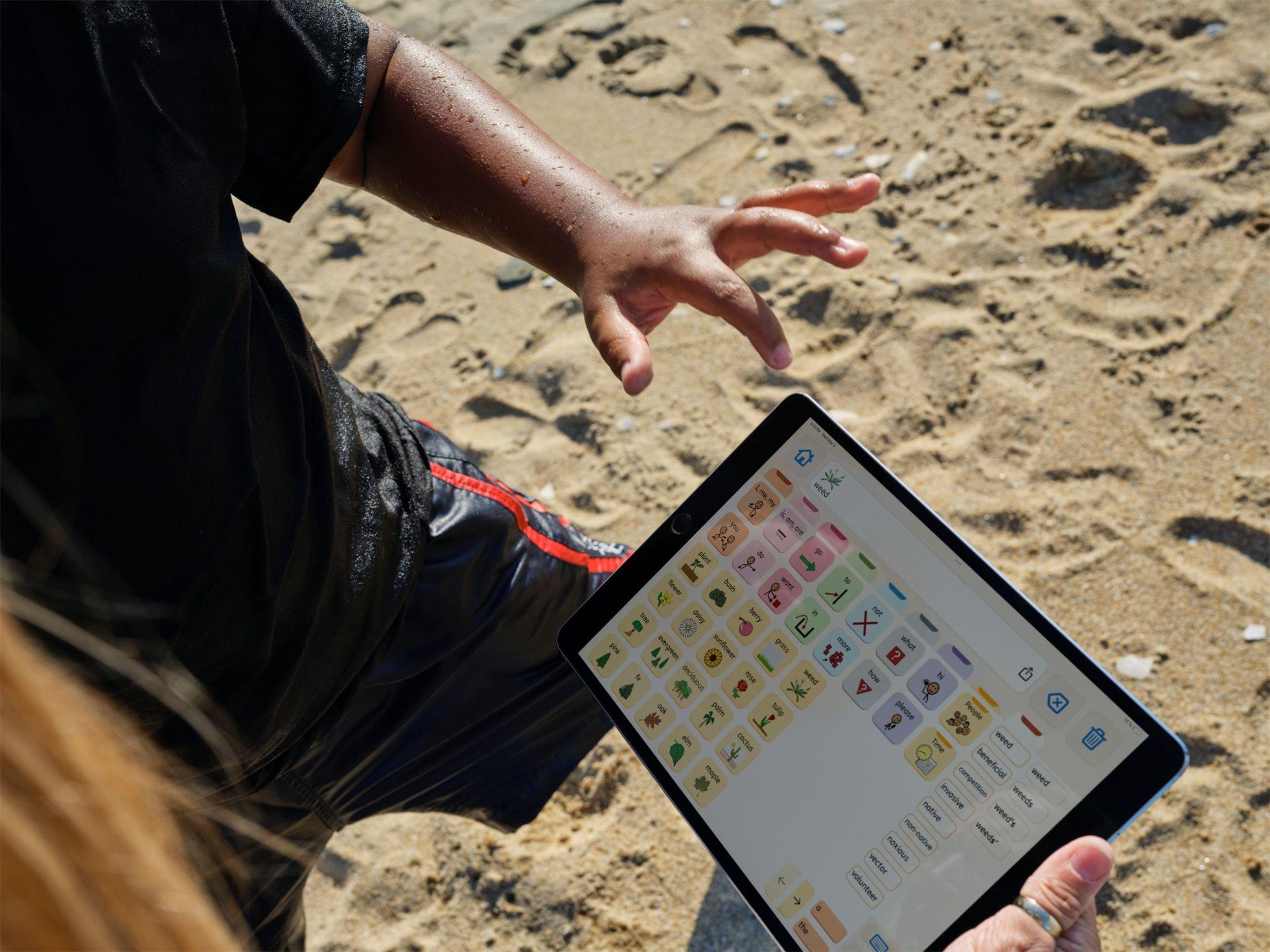
To get a better sense of what some of this week’s announcements mean, I spoke to David Niemeijer, the founder and CEO of AssistiveWare, an Amsterdam-based company that makes augmentative and alternative communication (AAC) apps for the iPhone and iPad, including Proloquo, Proloquo2Go, and Proloquo4Text. Each app addresses different needs, but what they all have in common is helping people who have difficulty expressing themselves verbally.

What follows is a lightly edited version of our conversation.

Let me start by asking you a little bit about AAC apps as a category because I’m sure we have readers who don’t know what they do and what augmented and alternative communication apps are.

David Niemeijer: So, AAC is really about all ways of communication that do not involve speech. It includes body gestures, it includes things like signing, it includes texting, but in the context of apps, we typically think more about the high-tech kind of solutions that use the technology, but all those other things are also what’s considered AAC because they augment or they are an alternative for speech. These technologies and these practices are used by people who either physically can’t speak or can’t speak in a way that people understand them or that have other reasons why speech is difficult for them.

For example, what we see is that a lot of autistic people is they find speech extremely exhausting. So in many cases, they can speak, but there are many situations where they’d rather not speak because it drains their energy or where, because of, let’s say, anxiety or stress, speech is one of the first functions that drops, and then they can use AAC.

Source: Apple.

Source: Apple.

We also see it used by people with cerebral palsy, where it’s actually the muscles that create a challenge. [AAC apps] are used by people who have had a stroke where the brain system that finds the right words and then sends the signals to the muscles is not functioning correctly. So there are many, many reasons. Roughly about 2% of the world population cannot make themselves understood with their own voice.

Read more