

[[unplugged_artwork]] In this episode, Federico and John talk about how Philips Hue’s app works in comparison to Apple’s Home app, John is frustrated with his link saving setup, and Federico is being crushed by spam. Show Notes Lights Philips Hue Links Matter Readwise Reader Reeder ReadKit GoodLinks Anybox Raindrop.io Email SaneBox Clean Email Missive [[include:...
 Interesting Links
 Federico
In addition to the features I covered earlier this week, iOS 16.4 has added support for the new PlayStation 5 DualSense Edge wireless controller. Now you can finally play Apple Arcade games with customizable pro-gamer triggers. (Link) I covered the highlights of what’s new in Shortcuts for iOS and iPadOS 16.4 already, but don’t...
Solving the Portability Puzzle
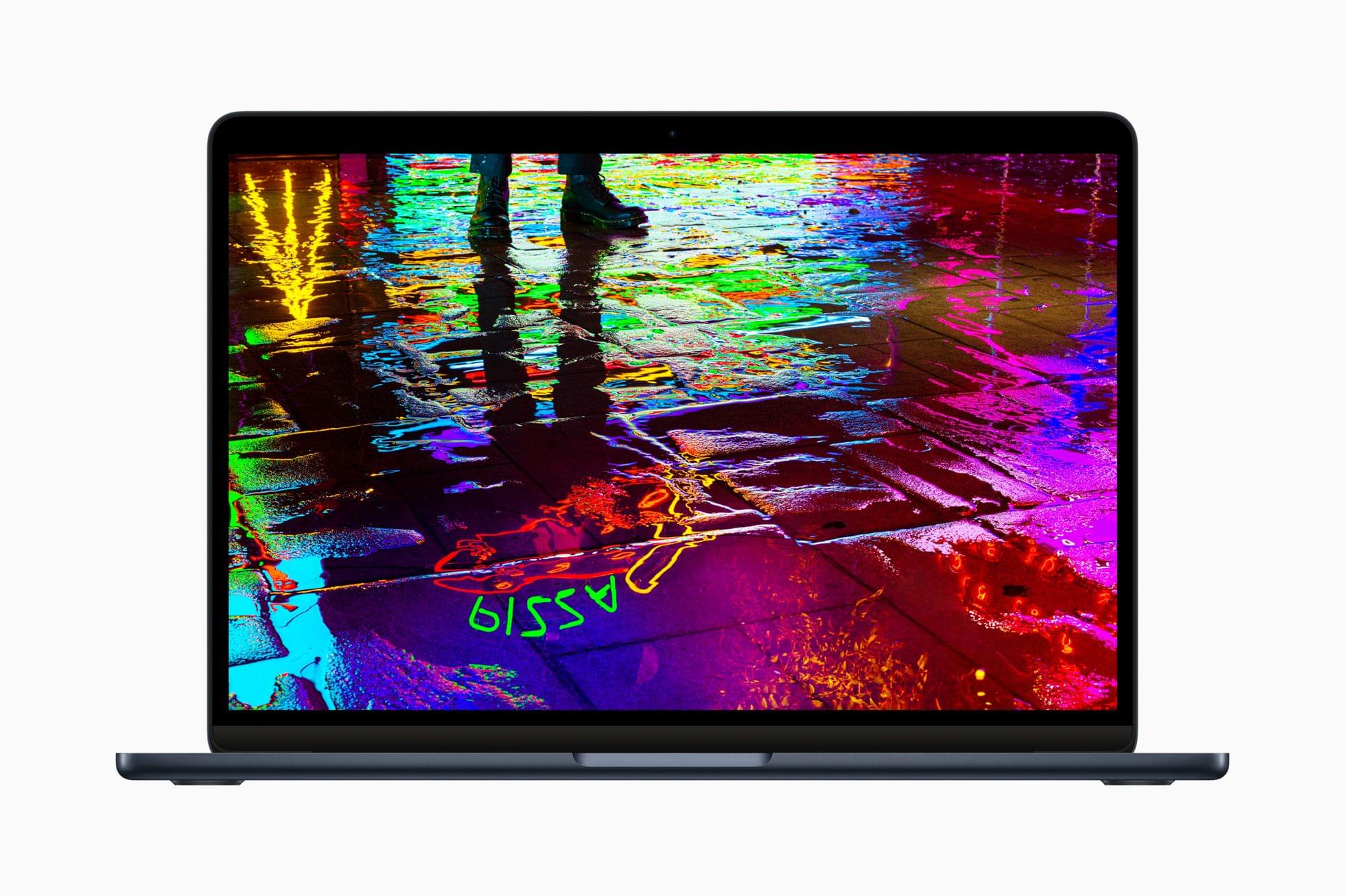
Most days, I work at my Mac Studio. It’s the perfect Mac for me. It runs quiet and cool, has a ton of storage and memory, and all the ports I need. Paired with my Studio Display, it’s the ultimate home base for the bulk of the work I do. However, I can only sit...
Over-The-Air TV, WWDC, and Email Inbox Management
Here are the highlights from the Club MacStories Discord this week:
I shared thoughts on my over-the-air TV setup with Tucker who asked about what I’m using these days. Zereta was first to spot Apple’s WWDC announcement, leading to speculation about what will be announced and conversations about who plans to attend this year....
App Debuts
Arc The Browser Company released their first take on Arc for iPhone this week and to say it is, well, opinionated would be an understatement. For starters, the app isn’t considered a full-blown browser but rather a “companion” utility to the Mac app, and it’s iPhone-only at the moment. Once you’re logged in with...
MacStories Unwind: Tracers in the Dark, 8BitDo’s Ultimate Controller, and the Microsoft Audio Dock







This week on MacStories Unwind, I recommend Tracers in the Dark: The Global Hunt for the Crime Lords of Cryptocurrency by Andy Greenberg, and Federico has two hardware picks: the 8BitDo Ultimate Controller and the Microsoft Audio Dock.
Links and Show Notes
John’s Pick:
Federico’s Picks:
- 8BitDo Ultimate Controller
- Microsoft Audio Dock
A 90-day Mastodon Check-In
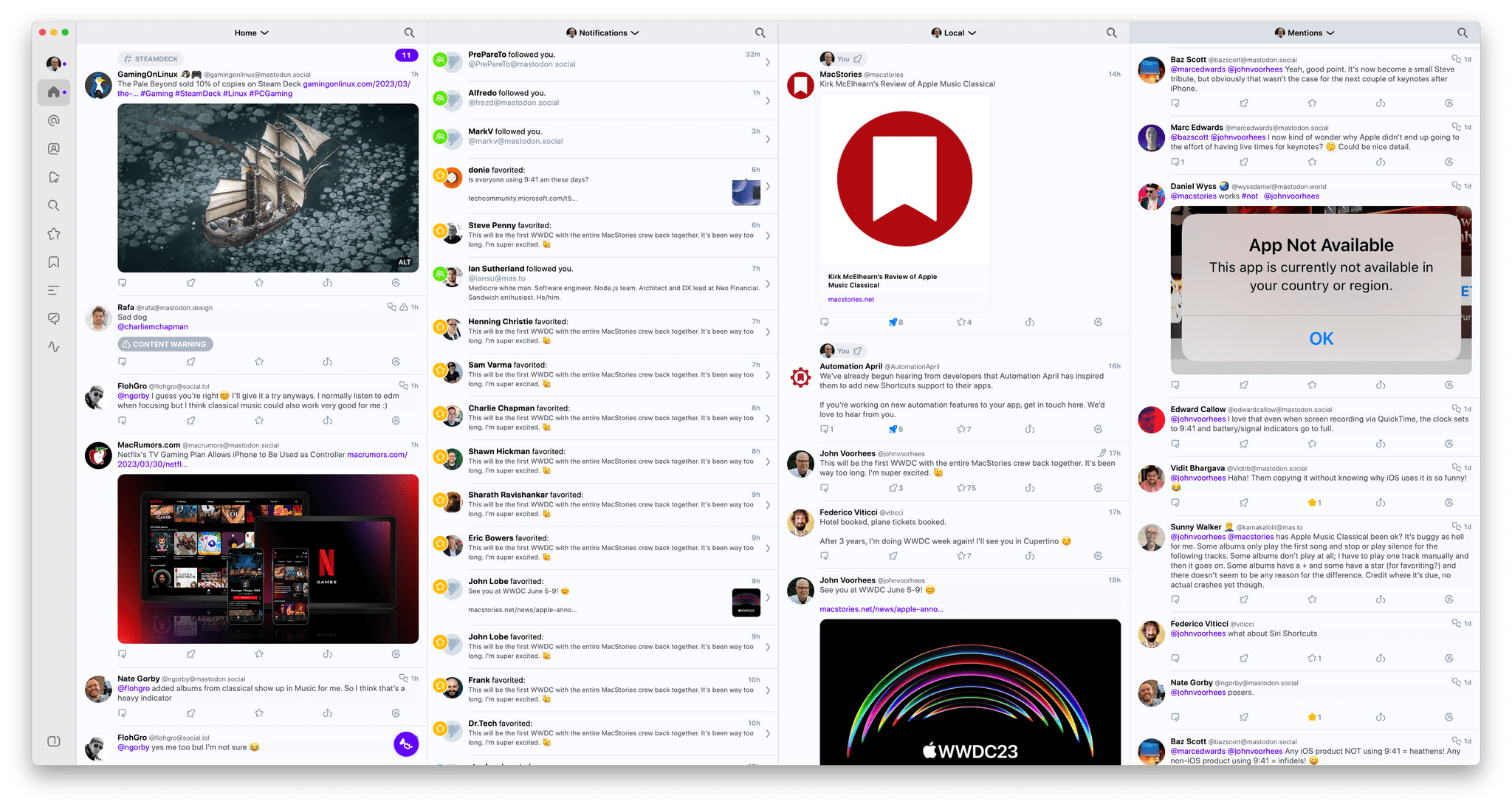
It’s been three months since the MacStories team moved from Twitter to Mastodon. Overall, the experience has been great, but it’s required some adjustments, so I wanted to share some of my longer-term impressions. Most People on Mastodon Are Nice, But It’s Not the Paradise Some People Paint To Be I’d argue that this was...
Sequel 2.0: An iPhone and iPad Media Tracker That Strikes an Elegant Balance Between Form and Function

Too often, media tracking apps feel like work. There’s too much effort involved in adding and browsing items, which makes them feel more like task managers than an inviting place that helps you decide how you want to spend your precious free time.
Apps in this category seem to take one of a couple of different approaches. Some apps specialize in one type of media, which can be great if you’re a huge book or videogame fan, for instance. As much as I like the media-specific approach of some apps, I’ve found that lately, I just want an app that’s easy to use, so ‘past me’ can recommend ‘tired and lazy me’ something to watch, play, read, or listen to. And, for the past couple of months, the app that has fit my needs the best has been Sequel 2.0 by Romain Lefebvre.
Kirk McElhearn’s Review of Apple Music Classical→
Kirk McElhearn has been writing about classical music on Apple platforms for nearly 20 years, which makes his Apple Music Classical review on TidBITS a must read for classical listeners.
As McElhearn explains, searching for classical works is more complex than pop music:
You may want to listen to a specific work by a given composer, but also by one of your favorite performers. And, as you can see with the example of the Schubert sonata, work names are not always as simple as Bach’s Goldberg Variations. Metadata is the key to managing classical music.
Although McElhearn discovered some metadata oddities when browsing the Apple Music tracks from his library that showed up in Apple Music Classical, the company seems to have done a good job overall with curating the metadata for its new app.
Also, although the UI and experience of using Apple Music Classical is similar to Apple Music, there are important differences, including:
One useful feature is the ability to search within search results. After you’ve searched for something, pull down on the screen to reveal a search field. You can enter keywords in this field to further narrow your search. You can also access this search field in other lists. For example, go to Browse, tap Instruments, then tap Violin. Tap one of the options—Latest Releases, Popular Artists, or Popular Works—and you’ll see a list of results. Pull down, and you can search within that list.
If you’re just starting out with Apple Music Classical, I recommend reading McElhearn’s entire story, which does a fantastic job covering what works well and what doesn’t. Like a lot of people, though, McElhearn is left wondering why the app is iPhone-only:
The most perplexing thing about the Apple Music Classical app is how completely it is siloed. It’s only available for the iPhone, though you can install it on an iPad and zoom it to 2x. Not only is it not available on the Mac—the iPhone app isn’t even available for M-series Macs—but the enhanced metadata, using work and movement tags, is not visible in Apple Music on the Mac nor in the Apple Music app on the iPhone and iPad. It seems Apple is using two separate databases, which makes no sense. If the metadata is available—and work and movement tags are available on many albums in Apple Music already—why not let the other apps access them?
All this makes the Apple Music Classical app seem like an experiment. It’s quite polished for a 1.0 release, and, despite the issues that I’ve mentioned above that will irritate classical music fans, it’s a generally successful attempt to provide a better way to access classical music. Apple should be praised for paying so much attention to a genre that represents only 2–3% of the overall music market.
The unique needs of classical music listeners have never been well-served by the biggest streaming services. I’m with McElhearn in wondering about the limited roll-out of Apple Music Classical, and there are rough edges that are noticeable even for people who aren’t classical music fans. However, that doesn’t change the fact that Apple Music Classical is a step in the right direction. I hope Apple listens to the feedback from McElhearn and other classical music lovers and continues to improve the app.