John Voorhees

5429 posts on MacStories since November 2015

John is MacStories' Managing Editor, has been writing about Apple and apps since joining the team in 2015, and today, runs the site alongside Federico. John also co-hosts four MacStories podcasts: AppStories, which covers the world of apps, MacStories Unwind, which explores the fun differences between American and Italian culture and recommends media to listeners, Ruminate, a show about the weird web and unusual snacks, and NPC: Next Portable Console, a show about the games we take with us.

Sebastiaan de With’s iPhone 14 Pro Max Camera Review

Sebastiaan de With, part of the team behind the excellent camera app Halide, has published his annual iPhone camera review, this year putting the iPhone 14 Pro Max through its paces in and around San Francisco, Bhutan, and Tokyo. de With’s review is packed with details about every lens and Apple’s computational photography pipeline, taking readers behind the scenes in ways that Apple simply doesn’t.

Regarding the front-facing camera de With says:

In our testing, the iPhone 14 Pro achieved far sharper shots with vastly — and we mean vastly — superior dynamic range and detail.

The ultra wide camera was substantially improved too:

…with iPhone 14 Pro’s ultra-wide camera comes a much larger sensor, a new lens design and higher ISO sensitivity. While the aperture took a small step back, the larger sensor handily offsets this.

However, it’s the 48MP main lens that impressed de With the most:

While arguably, a quad-bayer sensor should not give true 48-megapixel sensor resolution as one might get from, say, a comparable ‘proper’ digital camera, the results out of the iPhone 14 Pro gave me chills. I have simply never gotten image quality like this out of a phone. There’s more here than just resolution; the way the new 48 megapixel sensor renders the image is unique and simply tremendously different than what I’ve seen before.

Overall, the advances made to Apple’s Pro-line cameras are impressive this year. With new shooting modes and changes across all of the cameras, I’m looking forward to spending more time experimenting with what the iPhone 14 can now do.

Be sure to check out the full review for de With’s stunning photography and details on the iPhone 14 Pro Max’s other lenses, as well as what’s improved and what hasn’t when it comes to Apple’s Photonic Engine processing pipeline.

Permalink

Stage Manager: A Problem of Perspective

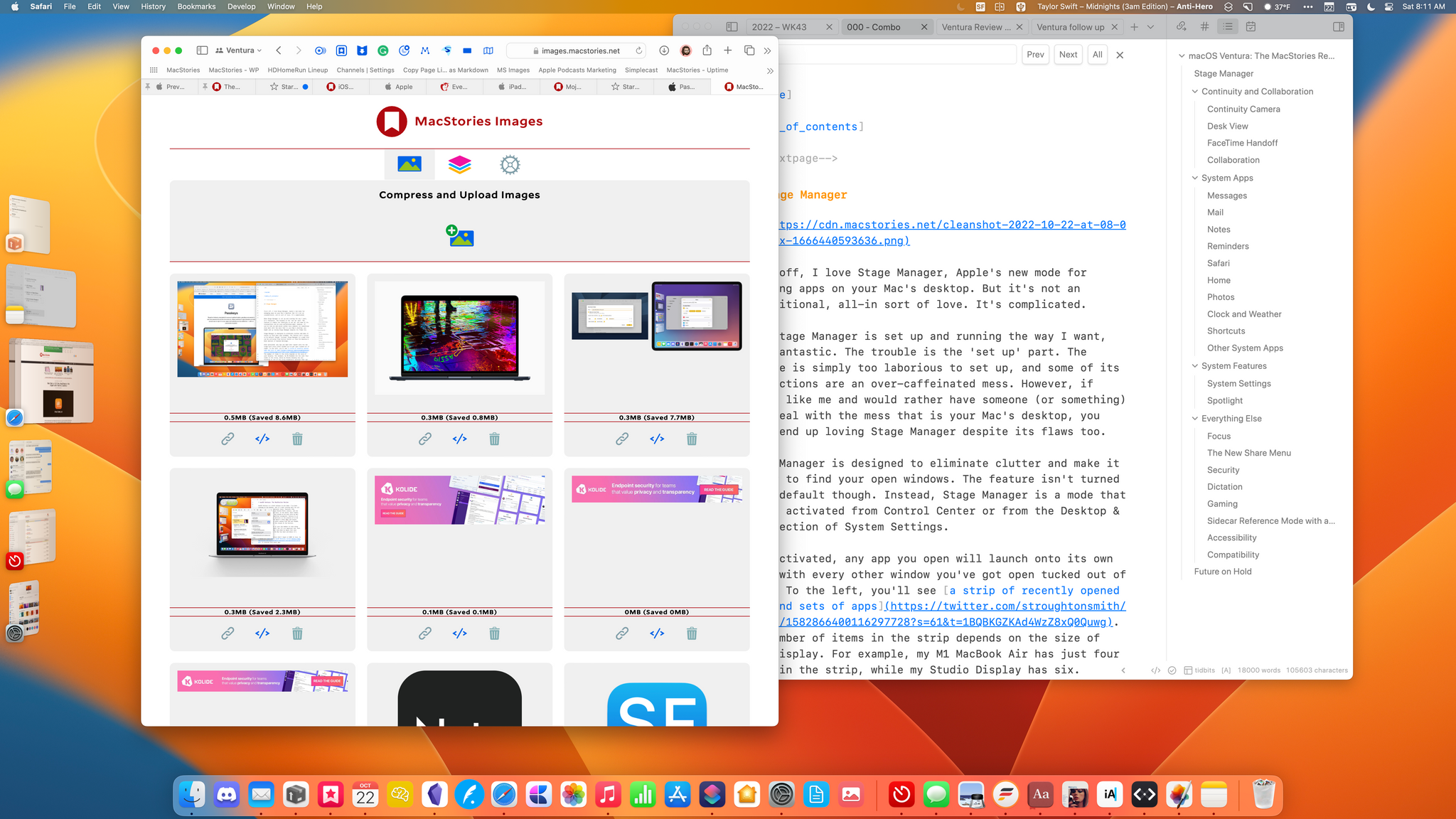
Federico and I have talked about Stage Manager a lot over the past couple of weeks, and after comparing our experiences, I’m convinced the problems with the feature on the iPad and Mac won’t be easy to fix, not because of technical issues but because from Apple’s perspective nothing is broken. Stage Manager works as...


Five macOS Ventura Tips and Tricks

In every macOS release, there are a lot of little tips buried in my long review. Instead of having to hunt for them yourself, I thought I’d share a few of my favorites and elaborate a little on how I’m using them. 1. Group Smart Lists in Reminders for Custom Task Views Reminders has more...


AppStories, Episode 303 – macOS Ventura: The MacStories Review

This week on AppStories, we cover Apple’s controversial App Store advertising moves before going in-depth on my macOS Ventura review to discuss Stage Manager, System Settings, and Shortcuts.

Sponsored by:

  • Memberful – Monetize your passion with membership.
  • Pillow – Sleeping better, made simple.

On AppStories+, I explain the unique challenges of finishing this year’s macOS review and some of the tools I used in the process.

We deliver AppStories+ to subscribers with bonus content, ad-free, and at a high bitrate early every week.

To learn more about the benefits included with an AppStories+ subscription, visit our Plans page, or read the AppStories+ FAQ.


macOS Ventura: The MacStories Review

AppStories+ Deeper into the world of apps

AppStories Episode 303 - macOS Ventura: The MacStories Review

0:00
45:44

AppStories+ Deeper into the world of apps

This week, Federico and John cover Apple’s controversial App Store advertising moves before going in-depth on John’s macOS Ventura review to discuss Stage Manager, System Settings, and Shortcuts.

Read more


Controlling Apple Devices with a Videogame Controller

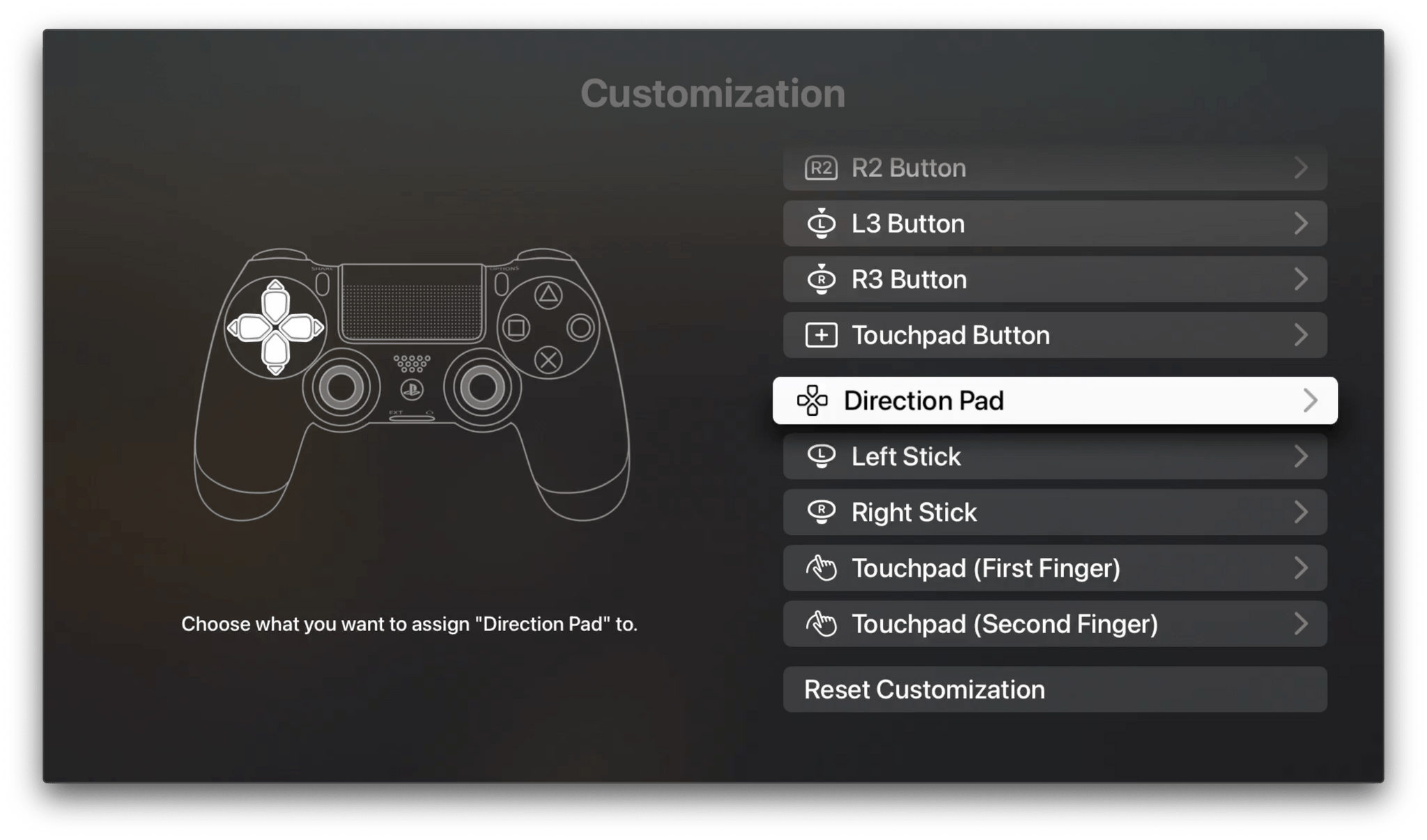
With iOS 16.1, Apple added support for Nintendo Online’s classic wireless controllers. When someone asked me on Twitter whether the Nintendo could be used to navigate Apple’s OSes, I said that, other than tvOS, they couldn’t. However, that’s not quite right as was pointed out to me by Nat Brown. You can’t navigate app UIs...


App Debuts

Sticker Drop Sticker Drop takes advantage of the ability to lift the subject from images in Apple’s OSes by turning them into stickers that work with iMessage. This week the app added a feature I’ve been looking forward to since Sticker Drop’s iPhone debut: iPad support. Now with Sticker Drop in Split View, with...


Interesting Links

Apple announced it was pausing the placement of gambling and other undesirable app ads on App Store product pages, following the outcry by developers. (Link) Swift Playgrounds has been updated on Apple’s platforms with UI updates and machine learning sessions. (Link) Apple’s Craig Federighi and Greg Joswiak were interviewed by The Wall Street Journal’s...


Why Time Track If You Don’t Bill Anyone?

As you probably know from our coverage of Timery, both Federico and I keep pretty close track of the time we spend working on MacStories projects. That’s something I did forever as a lawyer. Back then, I despised the time it took to time track and the crude tools I had available to me for...