

Steam’s iOS app has always been pretty awful, but Valve announced an update is coming, which is currently in beta and looks like a big improvement. (Link) Sony teased a new game controller this week called the DualSense Edge, a customizable, high-performance version of its standard PS5 controller that combines features found in other...
 Using Calendar Complications More Efficiently With Shortcuts
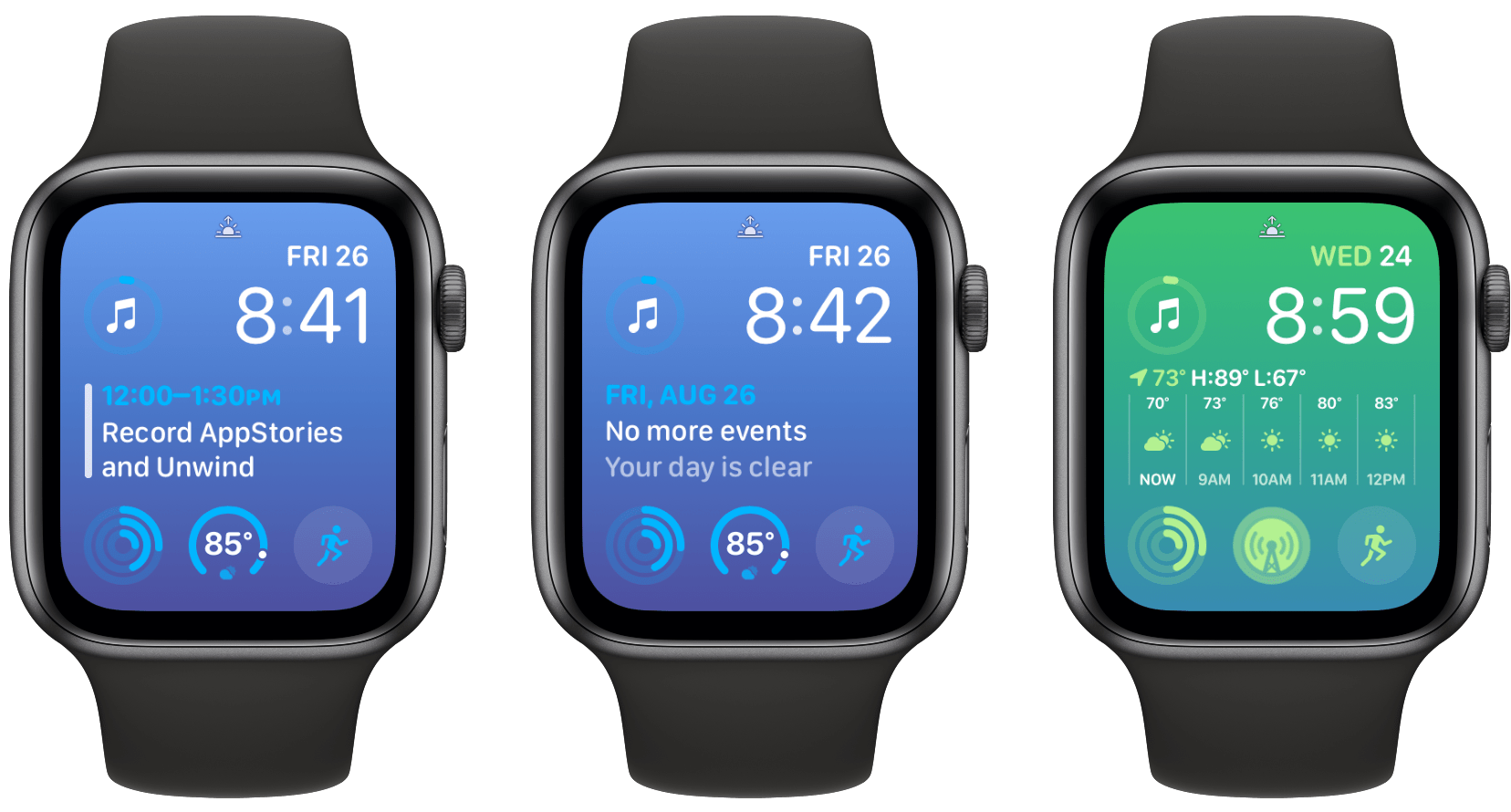
I like Apple’s large Calendar complication, which I use with a Modular watch face. I don’t have a packed schedule, though, so that means I see the No More Events Today message often. It’s a nice feeling to not have any more appointments for the day, but I’d rather not waste that prime screen space...
App Debuts

Pommie Pommie is a Pomodoro timer app from Geoff Hackworth that was just updated with some handy Shortcuts actions. On the Mac, Pommie sits in your menu bar. From there, you can manage timers and breaks from your work, and if you have the separate iOS, iPadOS, and watchOS app, hand off timers to those...
Footpath
Footpath is an iPhone, iPad, and Apple Watch app I imagined making during my short stint as a developer. It’s an app that anyone who has planned a running or walking route has probably longed for at one point or another because it answers the fundamental question: How far? In actuality, Footpath does far more...
Focus Modes, iPad Keyboard Shortcuts, iPhone Photography, and the Streaming Wars
Here are the highlights from the Club MacStories Discord this week: Mark and others started a great conversation about how they’re using Focus Modes in different circumstances. Greg shared an excellent keyboard shortcut for iPad users. The Movies and TV channel saw a lively discussion of streaming services and what the future holds for the...
MacStories Unwind: City Building and Parenthood







This week on MacStories Unwind, I recommend two building sims: Townscaper and Dorfromantik, and special guest Alex Guyot revisits the TV show Parenthood.
Links and Show Notes
John’s Pick:
Alex’s Pick:
Follow us on Twitter
Follow us on Instagram
Apple Schedules Media Event for September 7, 2022
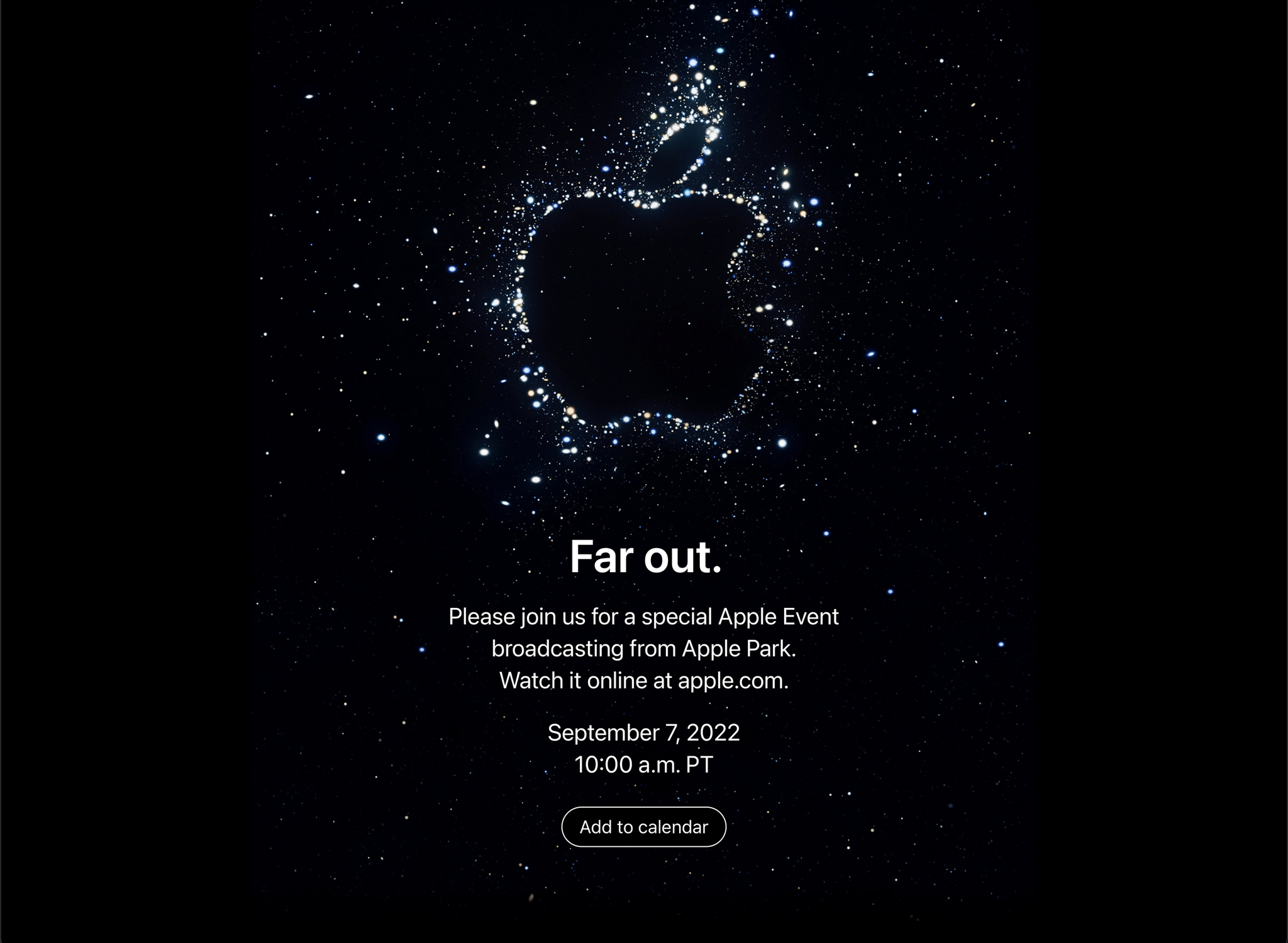
Apple has confirmed that its first fall event will be held on September 7th at 10:00 am Pacific US time. For the first time since the beginning of the pandemic, this fall’s event will include an in-person component.
Invitations to other members of the press invite them to tune into the video stream of the event.
It’s expected that Apple will unveil the latest crop of iPhone and Apple Watches on September 7th, and perhaps announce updates to products like the AirPods Pro.
Apple Confirms iPadOS Update Will Be Released After iOS 16
On the heels of a report earlier this month by Bloomberg’s Mark Gurman that Apple would delay the release of iPadOS until October, the company has confirmed that the OS will follow the release of iOS, although it hasn’t said exactly when. In a statement to TechCrunch today, Apple said:
This is an especially big year for iPadOS. As its own platform with features specifically designed for iPad, we have the flexibility to deliver iPadOS on its own schedule. This Fall, iPadOS will ship after iOS, as version 16.1 in a free software update.
That means version 16.1 will be the first public release of iPadOS, skipping version 16.0 entirely.
The issues with the iPadOS 16 betas, in particular Stage Manager, are well documented. The feature has a lot of promise, but as Federico covered in his iPadOS preview and as we’ve discussed on AppStories, there are still significant bugs and design inconsistencies. Hopefully, the extra development time will allow Apple to ship a more refined version of Stage Manager that delivers on the vision that the company clearly has for the feature.
Everything New Coming to the Home App in iOS 16 and macOS Ventura
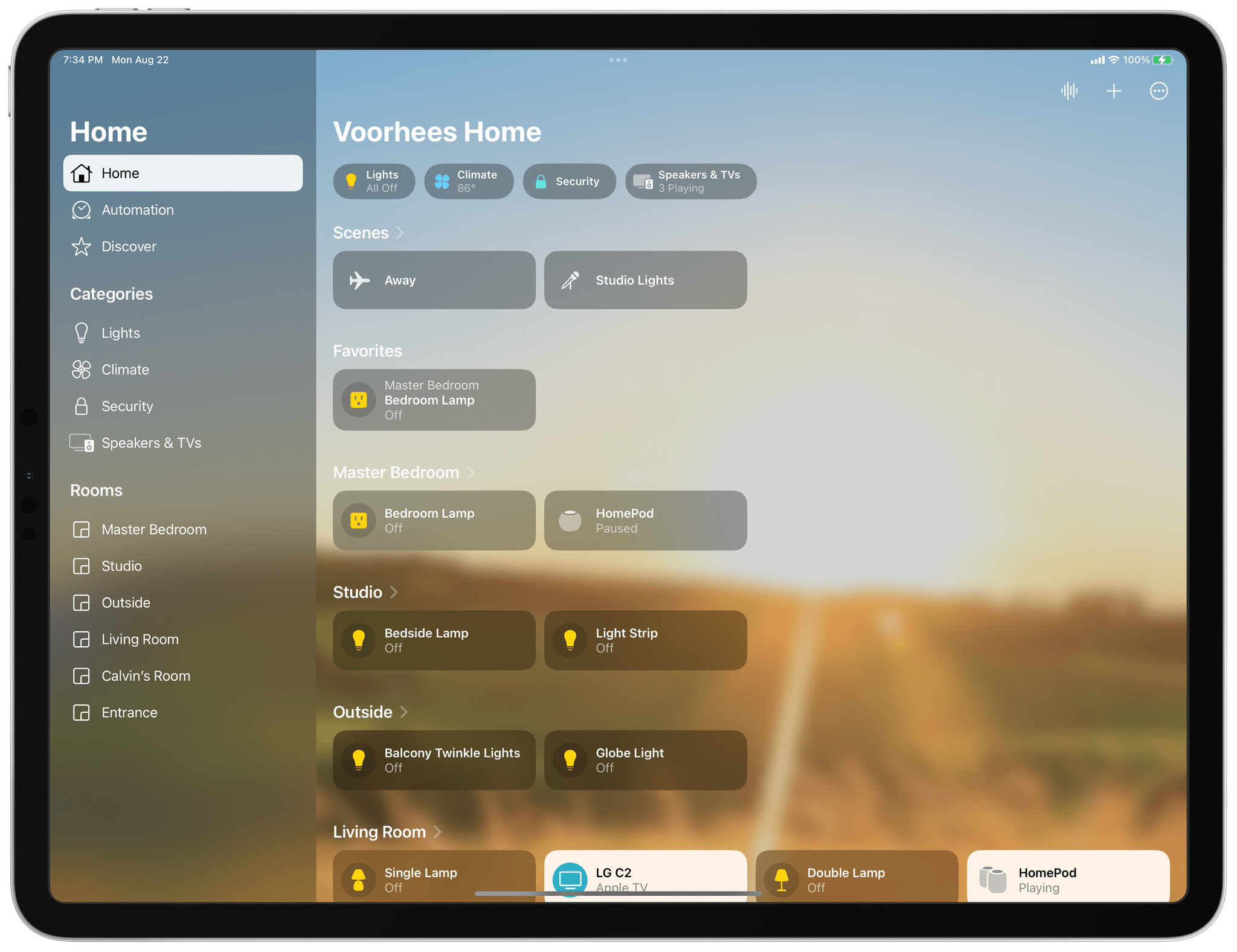
I’ve spent a lot of time in the Home app since moving to North Carolina. I moved right after WWDC, so I’ve disassembled, reassembled, and reconfigured my home automation setup, all in the midst of testing the latest iOS, iPadOS, macOS, and watchOS betas. What I’ve learned is that the Home app’s new design is much better for navigating a large collection of smart devices than before, but the app’s changes don’t go far enough. The app’s automation options are still too rudimentary, which limits what you can accomplish with them. Still, the update is an important one worth exploring because it promises to relieve a lot of the past frustration with the Home app.
One question that’s fair to ask about Home’s redesign is: Why now? The app’s big, chunky square tiles have been a feature of the app since the start and criticized just as long. The issues that I suspect have spurred the change are two-fold. First, the square tiles of the app’s previous design were too uniform, making it hard to distinguish one device from another. Second, they wasted space. That was less of a concern on a Mac or bigger iPad, but no matter which iPhone you used, Home could never display more than a handful of devices. Both issues have been problematic for a while, but with the Matter standard poised to bring more devices into the Home app, the issues were bound to get even worse without a redesign.
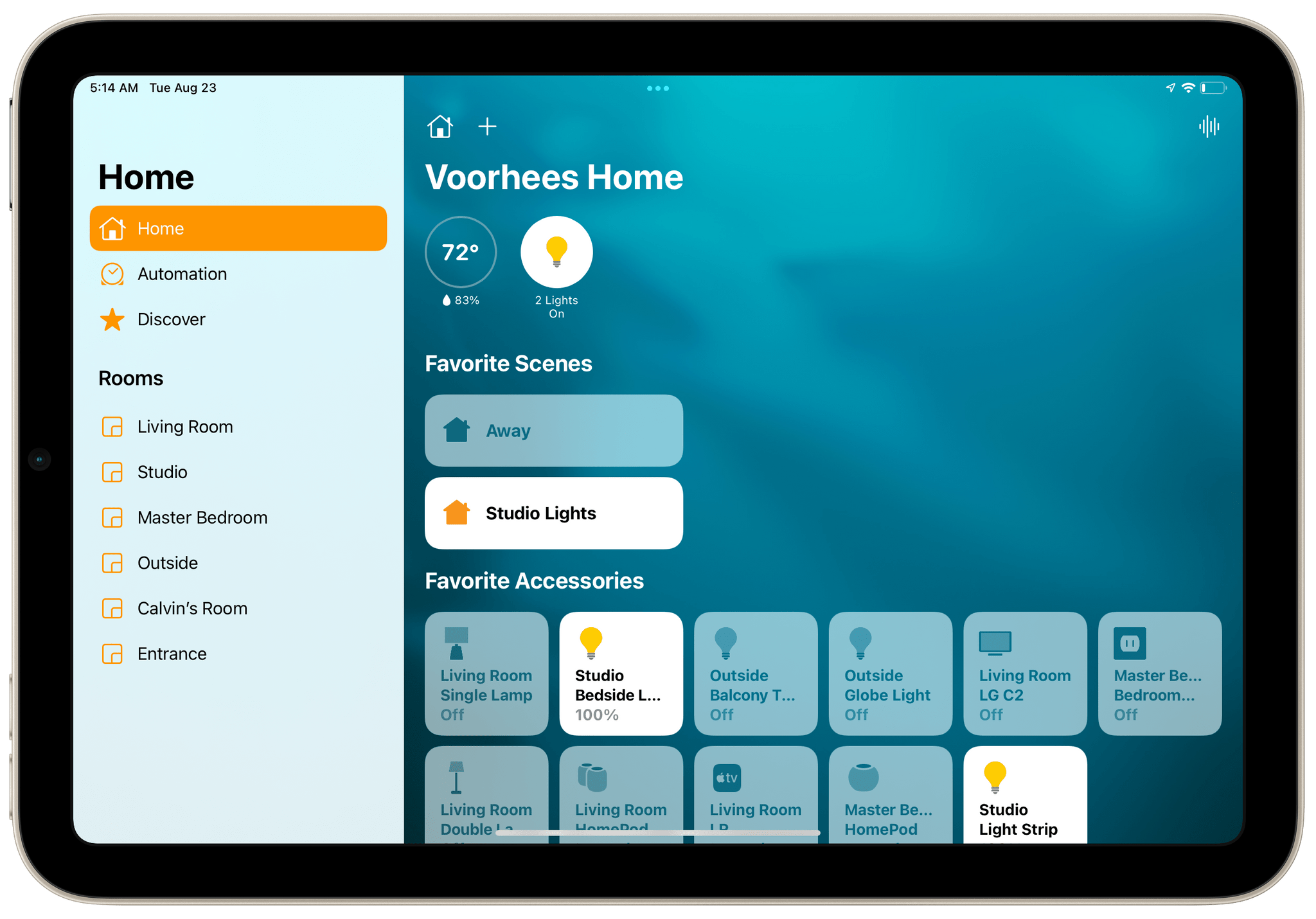
Since Home was first released, Apple has tweaked the iconography available in Home and added a row of status buttons along the top of the app, but the big space-wasting tiles endured. That led me to control my HomeKit devices with Siri most of the time. That’s not a bad way to control devices, but it’s not as reliable as tapping a button. Plus, the app is just more convenient than Siri in many situations, like when I’m already using my iPhone for something else or when it’s early in the morning, and my family is still asleep. That’s why I was so glad to see Apple rethink how Home uses valuable screen space and the way devices are organized.