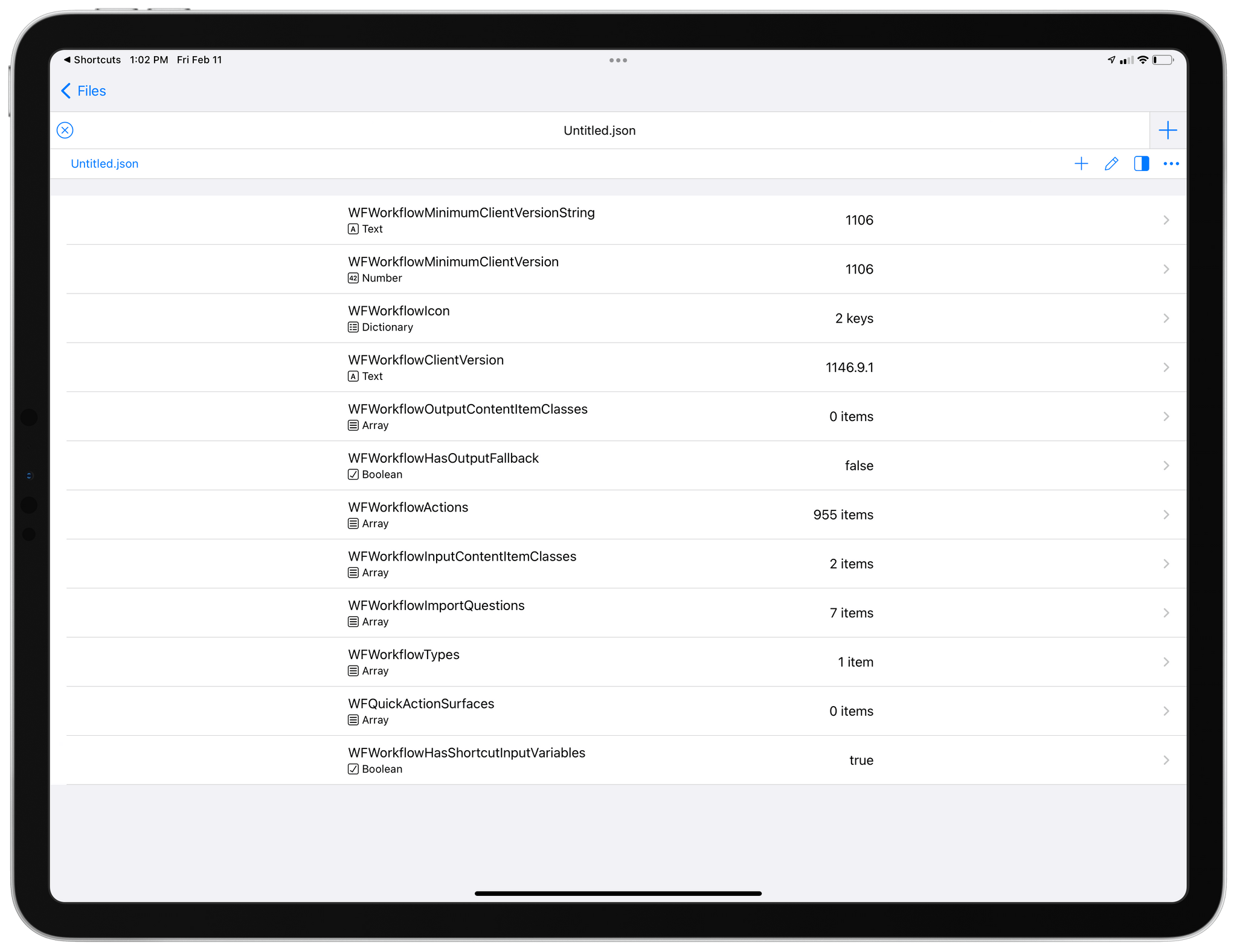
This week on AppStories, Federico and John revisit their 2021 Shortcuts wishes to see what came true and share a long list of additional ways they’d like to see the app evolve in 2022.
On AppStories+, John makes the case for a shelf for Universal Control and Federico explains how to update the firmware of an Xbox controller to take advantage of the latest macOS controller features.
Because Club MacStories now encompasses more than just newsletters, we’ve created a guide to the past week’s happenings along with a look ahead to what’s next:
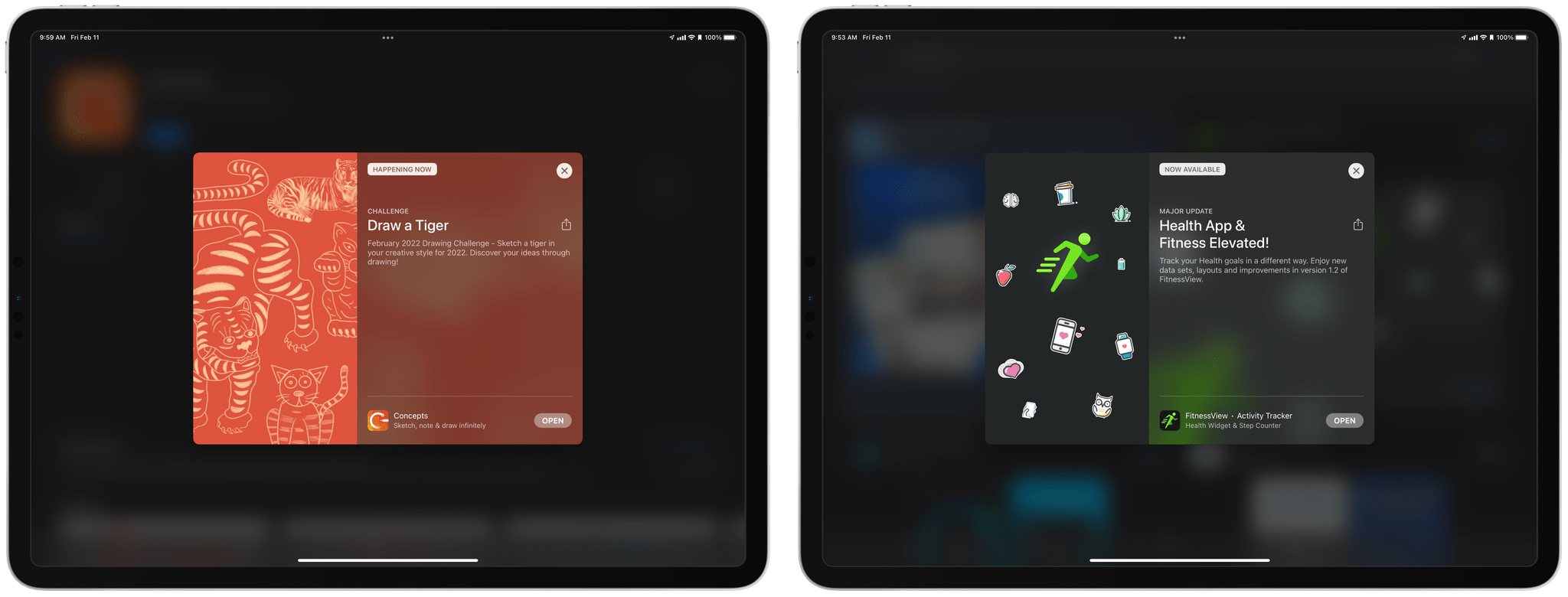
about App Store In-App Events to see how they’re being used and what developers’ experience with them has been.
Up Next
On Wednesday, February 16th, at 11:00 am Eastern US time, Federico, Alex, and I will be joined by Club members to discuss the Matrix movie series during a live audio Town Hall in our Discord community for Club MacStories+ and Club Premier members as part of the community’s A.V. Club channel.
This week, Federico and John revisit their 2021 Shortcuts wishes to see what came true and share a long list of additional ways they’d like to see the app evolve in 2022.
Read more
Oscar nominations came out this week, so I thought I’d take a cue from them with a collection of Best Supporting Apps today. These are all excellent apps that support system apps in one way or another, extending their functionality without replacing the apps themselves. Remind Me Faster Remind Me Faster is a quick entry...
Timery Timery, my favorite time-tracking app for Apple platforms, received a big update this week that has brought some additional flexibility for the Mac app and the Home Screen widgets on iOS and iPadOS. On the Mac, Timery’s menu bar item no longer needs a Timery window to be open in the background or...
Last week, I shared a collection of handy but somewhat obscure keyboard shortcuts for the Mac. This week, in the Club MacStories+ Discord, Lachlan, one of our moderators, shared a few more that I wanted share here in Weekly for those who haven’t joined our Discord community. Forward-Delete. Fn+delete does the opposite of the delete...
In-App Events were introduced alongside iOS and iPadOS 15 as a new way for developers to promote their apps on the App Store. Events can be run up to 31 days and are featured across the App Store by its editorial team in the Today tab, in search results, and in an app’s listing....
This week, John recommends the Video Game History Hour, a podcast from the Video Game History Foundation, and Federico takes us along on his videogame emulation journey from handeld Windows PCs to the Apple’s M1 Max MacBook Pro.
John’s Pick:
Federico’s Pick:
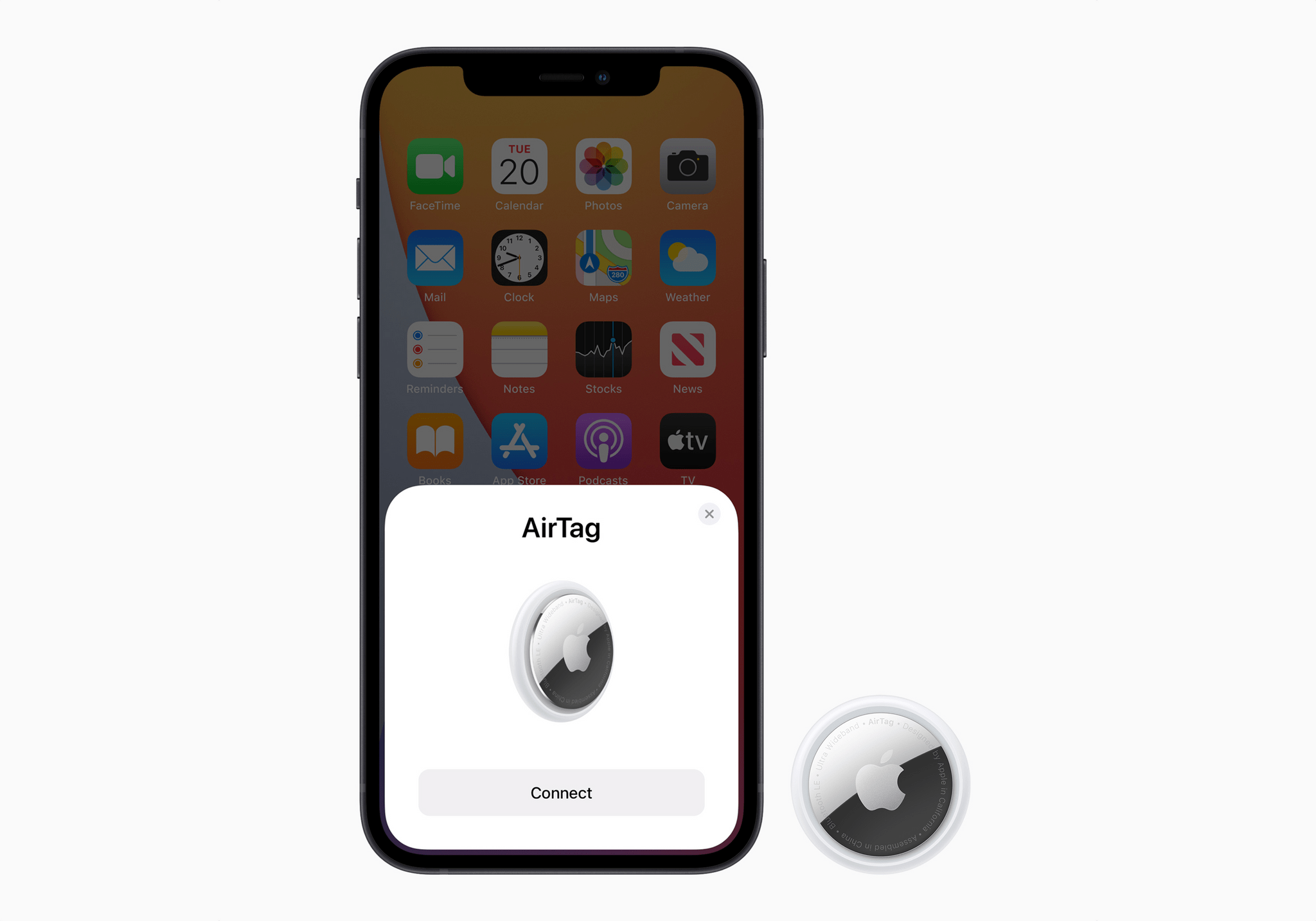
Apple has released a statement about its efforts to prevent unwanted tracking using AirTags. The company’s statement outlines its cooperation with law enforcement to apprehend people who have misused AirTags and details the steps it is taking to improve AirTags and the Find My network, including:
- New privacy warnings when AirTags are set up
- Making it clear when AirPods have caused a Find My network alert
- Expansion of AirTag and Find My network support documentation
- A new Precision Finding feature for the iPhone 11 and later that will make it easier to locate a nearby AirTag
- On-device alerts to accompany audible alerts that an AirTag is with you
- Refinements to the logic used to decide when to alert users of unwanted tracking
- Adjustments to the sounds played by an AirTag traveling with you
It’s good to see Apple open up about the steps it’s taking to address the misuse of AirTags. As I said last month:
This is also a topic where some added transparency about what Apple is doing to address concerns about stalking would help observers decide whether it’s enough instead of having only anecdotal news reports to go on.
Today’s statement is exactly the sort of increased transparency I was hoping we’d see from Apple. I’ll leave it to people with expertise in personal safety to comment on whether these steps go far enough. I’m just glad that those experts’ opinions can now be based on facts instead of speculation.









](https://cdn.macstories.net/banneras-1629219199428.png)

 Federico