

Jason Snell takes a look at how Apple’s new leather wallet for the iPhone that uses MagSafe and works with Find My. (Link) Demonstrating just how powerful Focus mode combined with Shortcuts and custom Home Screens can be, Jonathan Reed has set up an impressive TV mode on his iPhone on Small Bites that...
 A Day Planner Shortcut, Twitter and YouTube Obsidian Embeds, and a Wallpaper Switcher
There was a lot of activity in the Club MacStories+ Discord this week between the release of iOS and iPadOS 15, watchOS 8, and the new iPads. Here are a few things that caught our eye that you should check out if you missed them earlier this week: Day Planner is a shortcut that integrates...
App Debuts

Sorted Sorted is a popular calendar, notes, and task manager app that takes a hyper-scheduling approach to productivity. The app’s latest update added the iPad’s new XL widget size, the ability to add tasks with the iPhone or iPad’s camera, and shortcuts support. The first shortcut action is an ‘Add Task’ action that includes parameters...
MacStories Unwind: iOS and iPadOS 15, the iPad Mini, and iPhone Camera Reviews






Sponsored by: DetailsPro – A Design Tool Made for SwiftUI
This week on MacStories Unwind:
MacStories
- iOS and iPadOS 15: The MacStories Review
- iOS and iPadOS 15 Review Extras: eBooks, Shortcuts, Making Of, Obsidian Plugins, Safari Extension Beta, and AppStories Live
- iPad mini Review: Small Wonder
- Matthew Panzarino Tests the iPhone 13 Pro’s Cinematic Mode and Inteviews Apple Executives
- Austin Mann Puts the iPhone 13 Pro and iPhone 13 Pro Max Cameras Through Their Paces
- watchOS 8: The MacStories Review
Club MacStories
- MacStories Weekly
- Coming Saturday:
- The ‘Making Of’ Federico’s iOS and iPadOS 15 review
- Two Club-only advanced shortcuts
- Lots of app coverage
- Coming Saturday:
AppStories
Unwind
- John’s Pick:
AppStories, Episode 241 – iOS and iPadOS 15: The MacStories Review→
This week on AppStories, John interviews Federico about his iOS and iPadOS 15 review live in the Club MacStories+ Discord community, covering the challenges of writing this year’s review, Focus mode, Safari changes, Shortcuts, Live Text, the Shelf, listener questions, and more.
](https://cdn.macstories.net/banneras-1629219199428.png)
On AppStories+, Federico shares what review day is like and how he deals with negativity, John covers MacStories’ eBook production workflow, and Federico discovers an eBook reader that supports Quick Note and annotation.
We deliver AppStories+ to subscribers with bonus content, ad-free, and at a high bitrate early every week.
To learn more about the benefits included with an AppStories+ subscription, visit our Plans page, or read the AppStories+ FAQ.
Matthew Panzarino Tests the iPhone 13 Pro’s Cinematic Mode and Interviews Apple Executives→
Matthew Panzarino, TechCrunch’s Editor-in-Chief, put the iPhone 13 Pro camera’s new Cinematic mode through its paces at Disneyland in an excellent real-world test of the new feature. Panzarino also spoke to Kaiann Drance, Apple’s vice president of Worldwide iPhone Product Marketing and Johnnie Manzari, a designer on Apple’s Human Interface Team about how Cinematic mode works.
“In cinema, the role of gaze and body movement to direct that story is so fundamental. And as humans we naturally do this, if you look at something, I look at it too.”
So they knew they would need to build in gaze detection to help lead their focusing target around the frame, which in turn leads the viewer through the story. Being on set, Manzari says, allowed Apple to observe these highly skilled technicians and then build in that feel.
“We’re on set and we have all these amazing people and they’re really the best of the best. And one of the engineers noticed that the focus puller has this focus control wheel, and, and he’s just studying the way that this person does this. Just like when you look at like someone who’s really good at playing the piano, and it looks so easy, and yet you know it’s impossible. There’s no way you’re going to be able to do this,” says Manzari.
“This person is an artist, this person is so good at what they do and the craft they put into it. And so we spent a lot of time trying to model the analog feel of a focus wheel turning.”
To make it all come together into one, coherent feature, Apple’s engineers had to solve a long list of technical challenges:
Some of the individual components that make up Cinematic Mode include:
- Subject recognition and tracking
- Focus locking
- Rack focusing (moving focus from one subject to another in an organic-looking way)
- Image overscan and in camera stabilization
- Synthetic Bokeh (lens blur)
- A post-shot editing mode that lets you alter your focus points even after shooting
And all of those things are happening in real-time.
Despite everything that goes into Cinematic mode, Panzarino notes that the battery impact of using it throughout the day was surprisingly slight.
Cinematic mode isn’t without its flaws, which are covered in the story, but it’s worth watching the entire video that Panzarino shot during a Disneyland visit with his family to get a sense for it yourself. If you study the video closely, you’ll pick up on the places where Cinematic mode struggles. However, sitting back and casually watching the video like you would after a vacation or if a friend sent it to you, the flaws largely fade into the background. I’m eager to test Cinematic mode for myself, and I don’t mean to suggest that it’s necessarily fine as it is, but I also expect that it will be a net positive in a lot of circumstances.
Austin Mann Puts the iPhone 13 Pro and iPhone 13 Pro Max Cameras Through Their Paces→
](https://cdn.macstories.net/9ed8e26b-bf71-4369-922d-f161e8f4a3be-1632357204240.jpeg)
Source: austinmann.com
Specs only tell part of the story of new hardware. They’re important, but they only hint at what’s possible. Put that hardware in the hands of someone who can push it to its limits, and those hints of the possible become concrete examples of the actual. When Apple announced the iPhone 13 Pro, the stats suggested the device’s camera was poised to leap forward. Austin Mann’s review of the 13 Pro’s camera confirms it with a series of stunning photographs from Tanzania.
](https://cdn.macstories.net/14c54e72-ed75-40ea-987b-237b59ceacf7-1632357204430.jpeg)
Source: austinmann.com
One of the new Camera features I’m looking forward to most is the ability to take macro photos. Mann explains that:
Although the iPhone 13 Pro still only has three lenses, the addition of macro capability is like adding a new lens altogether, and for the serious photographer I think it’s perhaps the strongest advancement in this year’s camera system.
Macro is more than just improved focus distance. It offers a new way of seeing and opens up an entirely new world of photography and storytelling.
](https://cdn.macstories.net/b0689245-e6d4-4097-bb3c-a081b987b2d0-1632357765264.jpeg)
Taken using Photographic Styles. Source austinmann.com
Mann also covers Photographic Styles, which he says allow for a relatively subtle shift of the look of photos without feeling like a flat image-wide filter has been applied, explaining when he’d use them even as a pro photographer:
Of course, I’m usually shooting ProRAW on client projects, but there are times when I just want great looking images right now versus maximum processing control later. Photographic Styles will be perfect for that.
Finally, I thought this insight about Cinematic mode was interesting:
As I watched this piece, particularly the interview in Cinematic mode, it dawned on me that we’re moving beyond the world of just computational photography and into the realm of computational videography. The release of Cinematic mode marks another one of those fundamental shifts where software, unbounded by the limitations of hardware, has opened up entirely new possibilities in the creative process.
From the reviews I’ve seen, Cinematic mode feels like early Portrait mode in terms of how well it works. Although there’s obvious room for improvement, Portrait mode has come a long way in recent years, and it’s exciting to think Cinematic mode may do the same too.
As usual, Mann’s review is full of fantastic shots of the landscapes, people, and nature of Tanzania, which are beautifully shot and are excellent examples about what’s possible with the iPhone 13 Pro.
 iOS and iPadOS 15: The MacStories Review
 Federico
AppStories Episode 241 - iOS and iPadOS 15: The MacStories Review
0:00
01:01:22
01:01:22
This week, John interviews Federico about his iOS and iPadOS 15 review live in the Club MacStories+ Discord community, covering the challenges of writing this year’s review, Focus mode, Safari changes, Shortcuts, Live Text, the Shelf, listener questions, and more.
iOS and iPadOS 15 Review Extras: eBooks, Shortcuts, Making Of, Obsidian Plugins, Safari Extension Beta, and AppStories Live
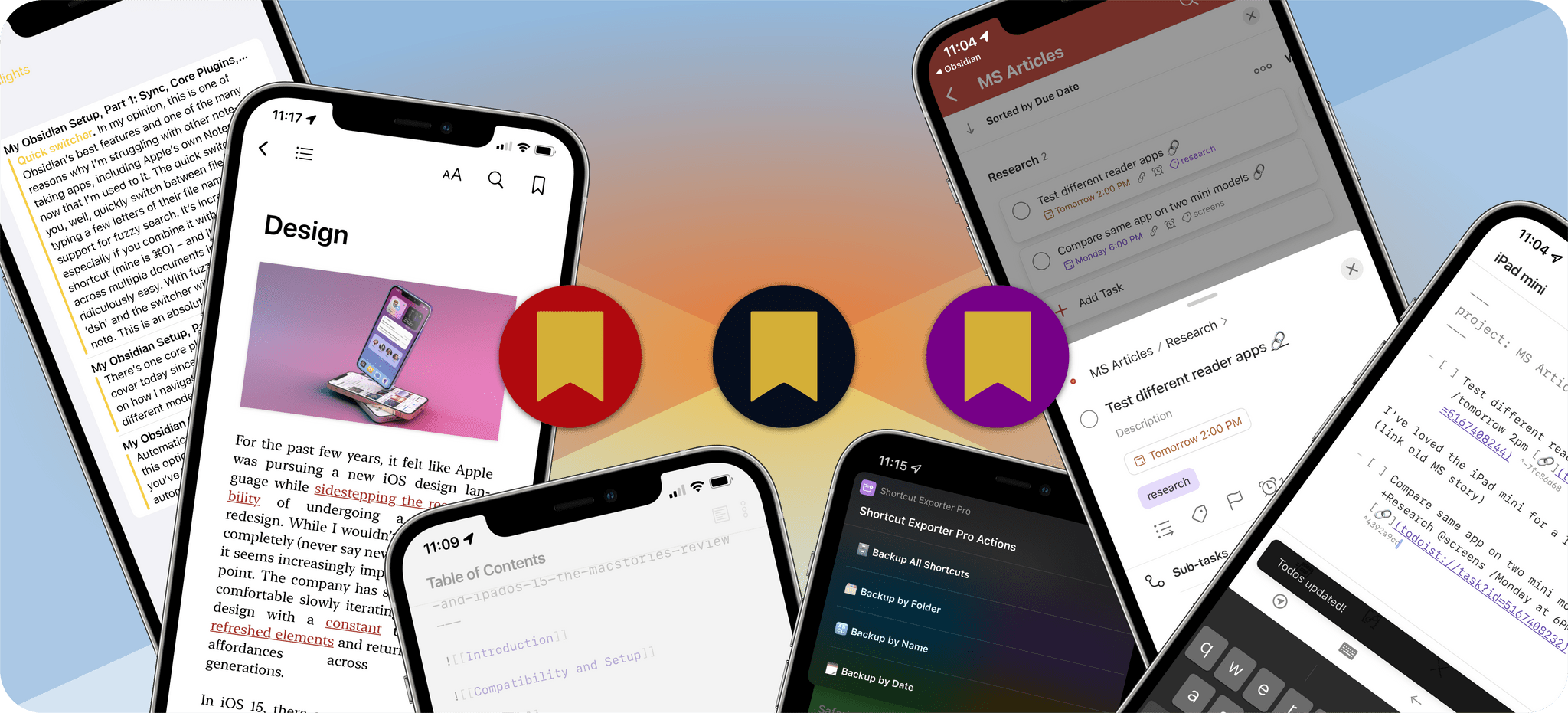
Today, Federico published his iOS and iPadOS 15 review. The review has become the centerpiece of what is always a busy fall season at MacStories. It has also become a tradition that we release a wide variety of perks exclusively for Club MacStories members alongside Federico’s review.